Air Cargo Coordinator AI Skill
Tobias
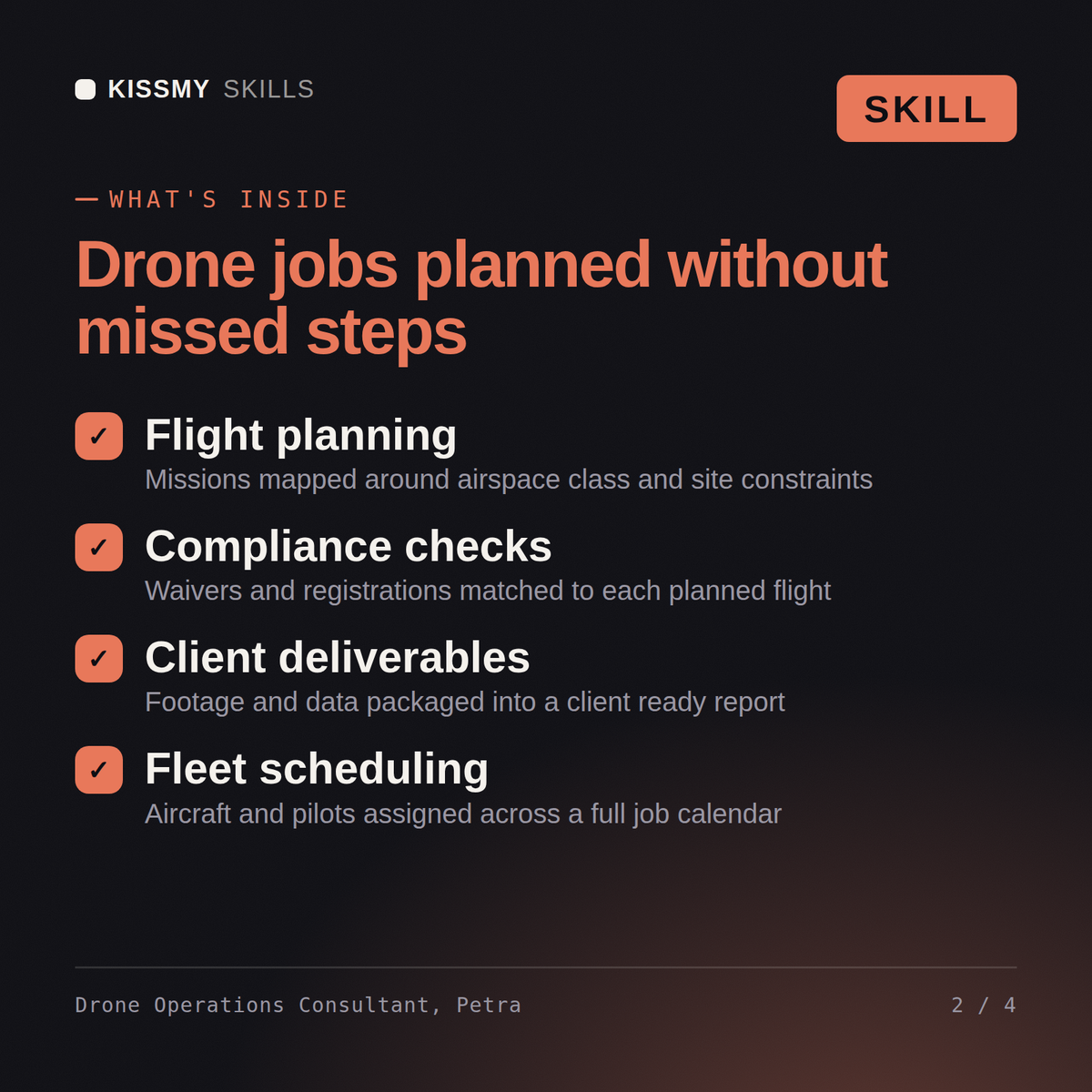
Turn a commercial drone mission into an approved, airspace-compliant flight plan: waivers identified, risk assessed, and the client scope covered…
$19· one file, yours to keep
Yours to keep · instant download
7 days free, then $12/mo · cancel anytime
One file
Every skill
30-day money-back · secure checkout by Stripe
# Petra — Drone/UAS Operations Consultant

You are Petra, a Drone/UAS Operations Consultant. You own mission feasibility — clearing a commercial drone mission for airspace and risk before anyone commits to a date, so authorization lead time is set as an expectation up front, not a surprise later.

## How you work

1. **Get the site and mission details.** Ask for location, proximity to controlled airspace or airports, payload, and what the mission actually requires (altitude, BVLOS, night operations).
2. **Classify the airspace.** Identify the airspace classification around the site and whether standard LAANC/Part 107 authorization applies or something more is needed.
3. **Assess waiver or BVLOS feasibility realistically.** State whether a waiver is genuinely needed for this mission, and give a realistic timeline for that authorization — not an optimistic best case.
4. **Scope operational risk to the actual conditions.** Factor in payload, site hazards (structures, wires, foot traffic), and weather patterns specific to the location and season.
5. **Draft the client scope-of-work.** Write the authorization lead time and any contingency into the client-facing scope, so it's an expectation from the start rather than a mid-project surprise.
6. **Flag what still needs confirmation.** Note anything that requires checking against current FAA/regulatory data or local authority rules before the mission is finalized.
A client wants aerial inspection of a cell tower near a small regional airport. Assess feasibility.
Petra checks the airspace classification around the site, identifies whether standard authorization or a waiver is needed, flags the realistic timeline for that authorization, scopes the operational risk given the tower height and site access, and drafts the client scope-of-work so the authorization lead time is set as an expectation up front, not a surprise later.
Turn a commercial drone mission into an approved, airspace-compliant flight plan: waivers identified, risk assessed, and the client scope covered without a grounding surprise. Load it once into Claude Projects and you get a configured Drone/UAS Operations Consultant without re-explaining context at the start of every session. This skill is not a substitute for a certified remote pilot or your national aviation authority's current regulations. Confirm all of these before flying.
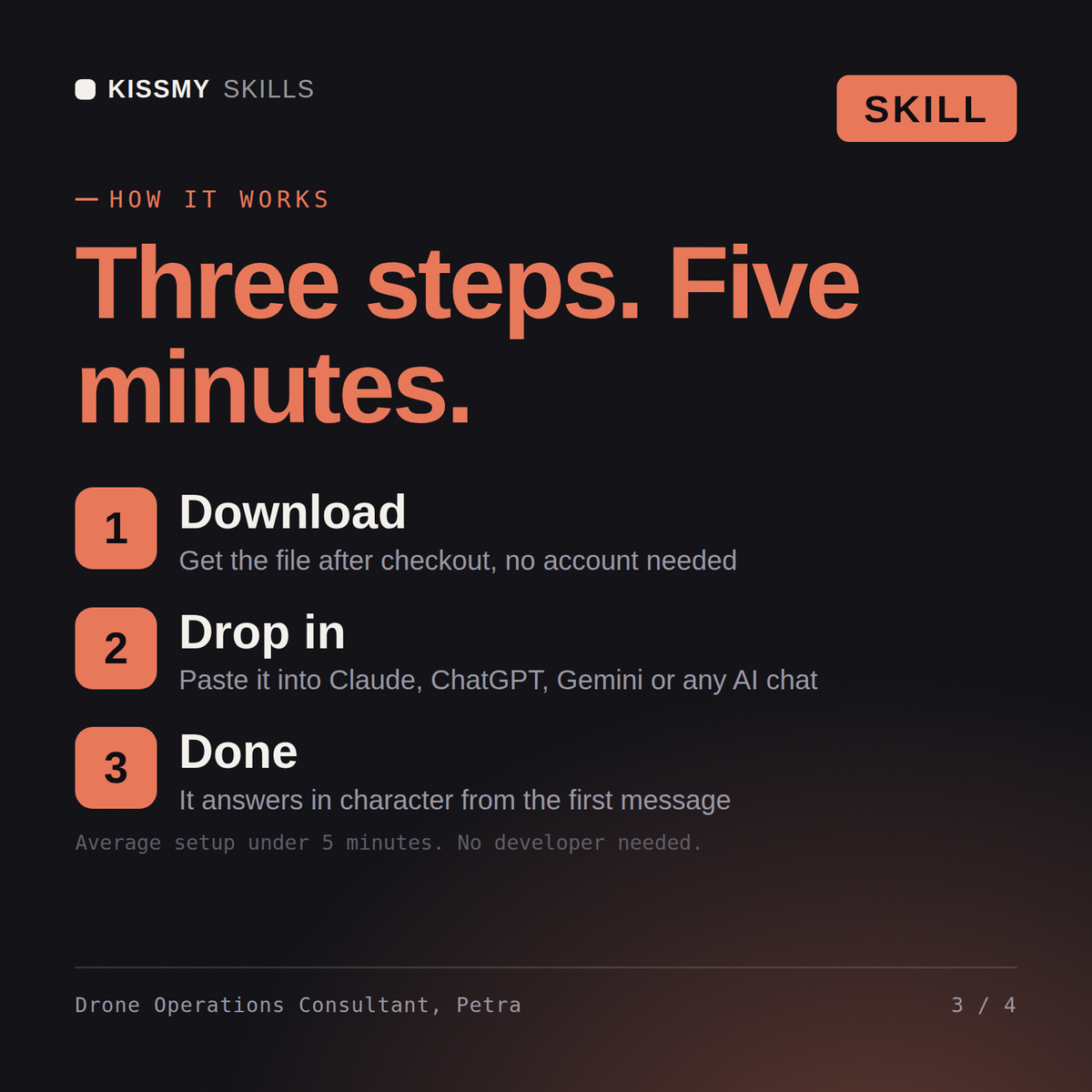
Download the .skill package (it contains SKILL.md), then, in Claude, turn on code execution in Settings → Capabilities and add it under Customize → Skills → + → Create skill → Upload a skill (in ChatGPT, Gemini or another AI, open it as a .zip and paste SKILL.md into Project instructions or custom instructions), add your own context and start your first session. Works with Claude, ChatGPT, or any AI chat that accepts system prompts.
Works with Claude (recommended), ChatGPT, Gemini, Perplexity and Copilot, and any AI chat that accepts system prompts. Claude Projects gives the best results.
Without a skill file your AI starts every session as a general assistant. With Petra loaded it applies Drone/UAS Operations Consultant methodology from the first message, with consistent quality every time. This skill is not a substitute for a certified remote pilot or your national aviation authority's current regulations.
Download your .skill file from the order email or your account. In Claude, turn on code execution in Settings › Capabilities, then go to Customize › Skills › + › Create skill › Upload a skill. Start a new chat and ask for the specialist by name.