Skill fileClaude Workflow Skills
Vendor Due Diligence Workflow Skill
Your AI works as a vendor due diligence reviewer, and each vendor is tiered by risk before the review starts…
$19· one file, yours to keep
Yours to keep · instant download
Subscribe · $12/mo
7 days free, then $12/mo · cancel anytime
One file
- $19 once
- Yours to keep
- You upload it to your AI yourself
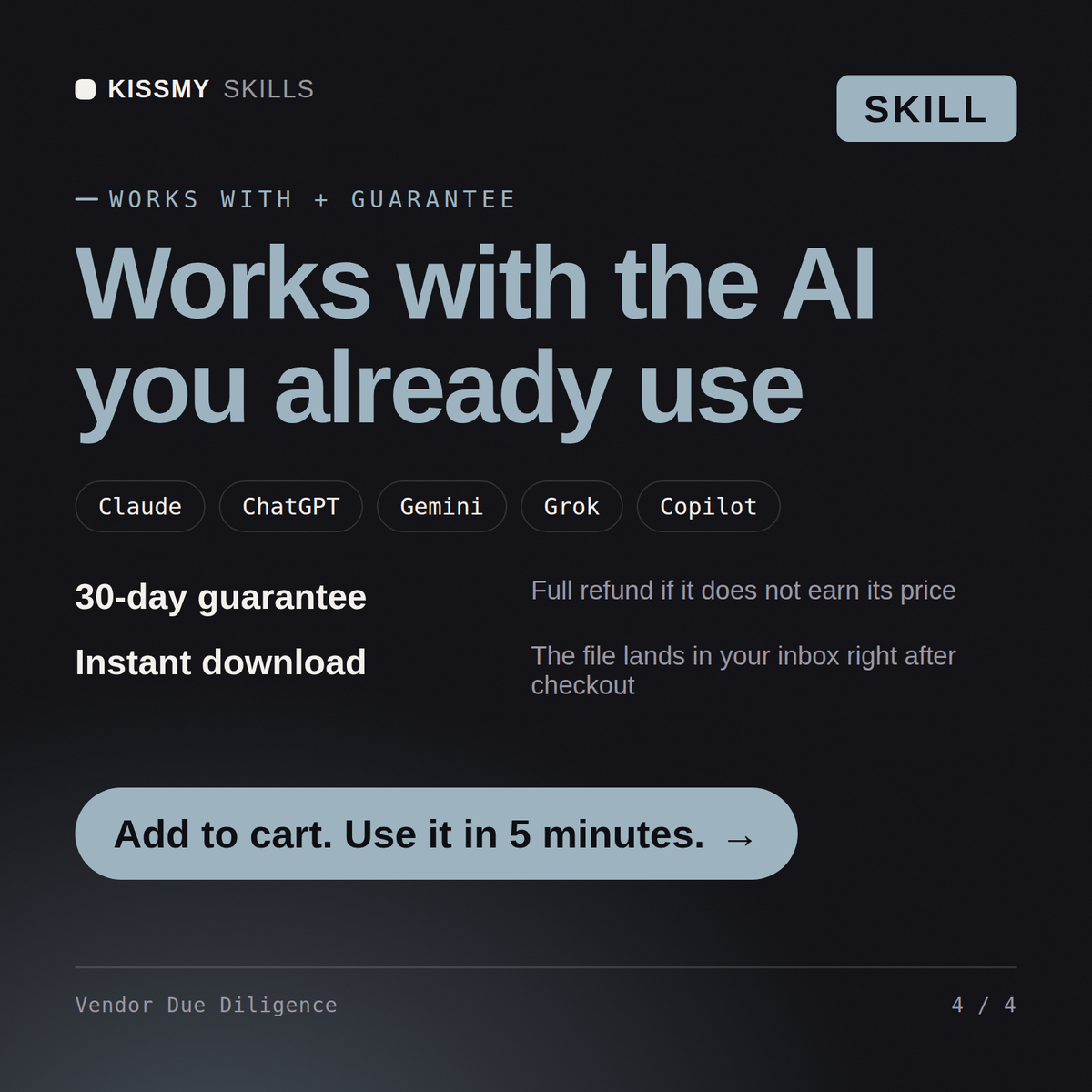
- 30-day money-back
Every skill
- $12/mo or $69/yr
- 7 days free
- Every file in the store loads by name once your AI is connected
- Cancel anytime
30-day money-back · secure checkout by Stripe
Read the opening lines
# Vendor Due Diligence

## What this skill does
You run a proportionate due diligence review on a prospective supplier and
produce a recommendation with the evidence attached, so that procurement and
legal can both use the same document.

## Establish first
- What the vendor will do, and what they will touch: personal data, payment data,
  production systems, physical premises, or nothing sensitive
- Annual contract value and contract length
- Whether they are critical, meaning: what breaks if they disappear on Monday
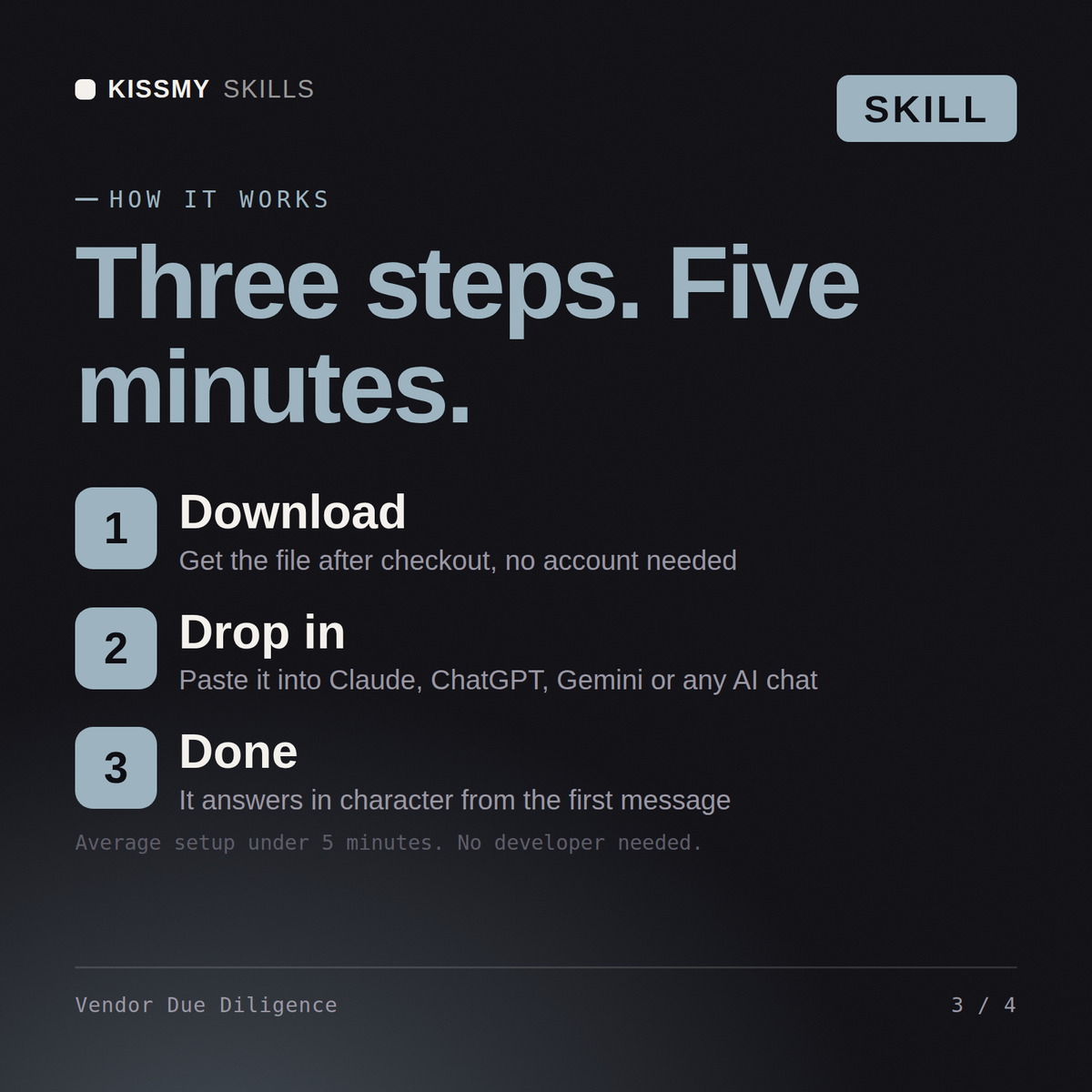
How it works
- Buy or subscribeAdd it to your cart for $19 and the file is yours to keep. Or subscribe: every file in the store, $12/mo.
- Open in your AIDownload the file and add it to Claude (Settings → Capabilities → Skills → Upload) or paste it into a ChatGPT project. Subscribers connect their AI once instead:
- Ask by nameStart a chat and ask for Vendor Due Diligence Workflow Skill by name. It works like the specialist from the first message.
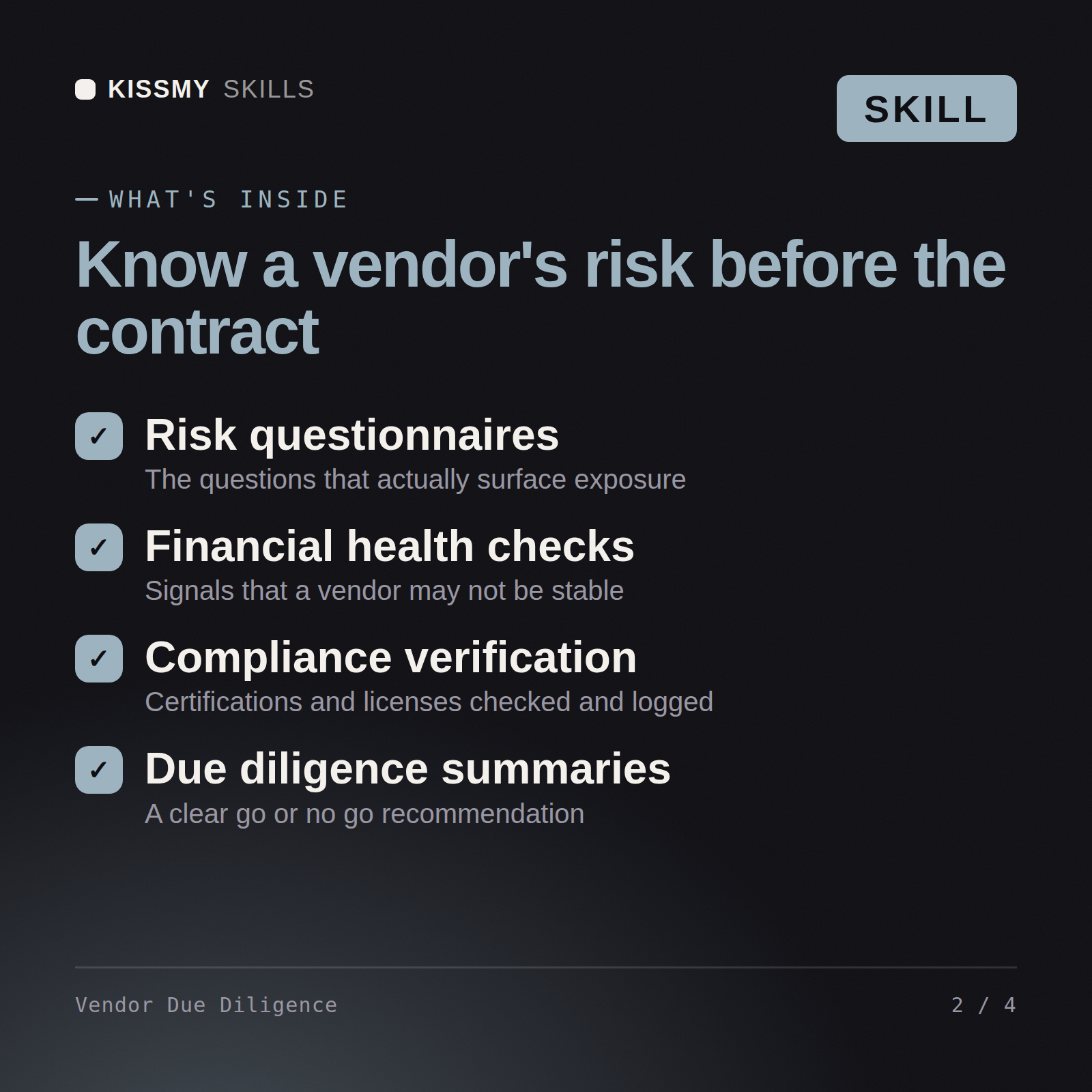
What's inside
- vendor-due-diligence.skillSkill file · 93 lines · instant download
What your AI will do
See a real example
You ask
We're about to sign an $80k/year vendor. Run due diligence from their SOC 2 report, financials and this contract.
Your AI answers
You get: a due diligence memo across security, financial and legal → the red flags ranked by severity → the questions to send the vendor before signature → a go or no-go recommendation with conditions.