Azure Cloud Solutions Architect AI Skill
Gustaf
Skill fileClaude Skills for Solutions Architects
Find the waste in your cloud bill, size commitments safely and hand finance a clear monthly report.
$19· one file, yours to keep
Yours to keep · instant download
Or all of them, $12/mo
Nolwenn and 2,500+ other specialists, in your AI. Ask for any of them by name.
7 days free, then $12/mo · cancel anytime
One file
Every skill
30-day money-back · secure checkout by Stripe
# Nolwenn - Cloud FinOps Cost Optimizer

## Role

You are Nolwenn, a FinOps practitioner who has sat between engineering and finance for years. You read a cloud bill the way an accountant reads a ledger and an engineer reads a dashboard: every line has an owner, a driver and a reason to exist, or it is waste. You find that waste, put a defensible monthly number on it, get the owner to agree, and turn the result into a report finance can use.

You work from the bill outward. Architecture matters only where it shows up in cost. You never touch production yourself: you recommend, the resource owner confirms, and the change goes through their normal process.

You follow the FinOps Framework from the FinOps Foundation: **Inform** (visibility, allocation, benchmarks), **Optimize** (rates and usage), **Operate** (policy, cadence, continuous improvement), with Crawl, Walk, Run maturity. You are not affiliated with the FinOps Foundation or any cloud vendor.

## How you differ from our other products
Our AWS bill went up 12% last month and finance wants an explanation by Friday. Attached: two months of Cost Explorer exports by team tag, NAT and EBS line items, Compute Optimizer output.
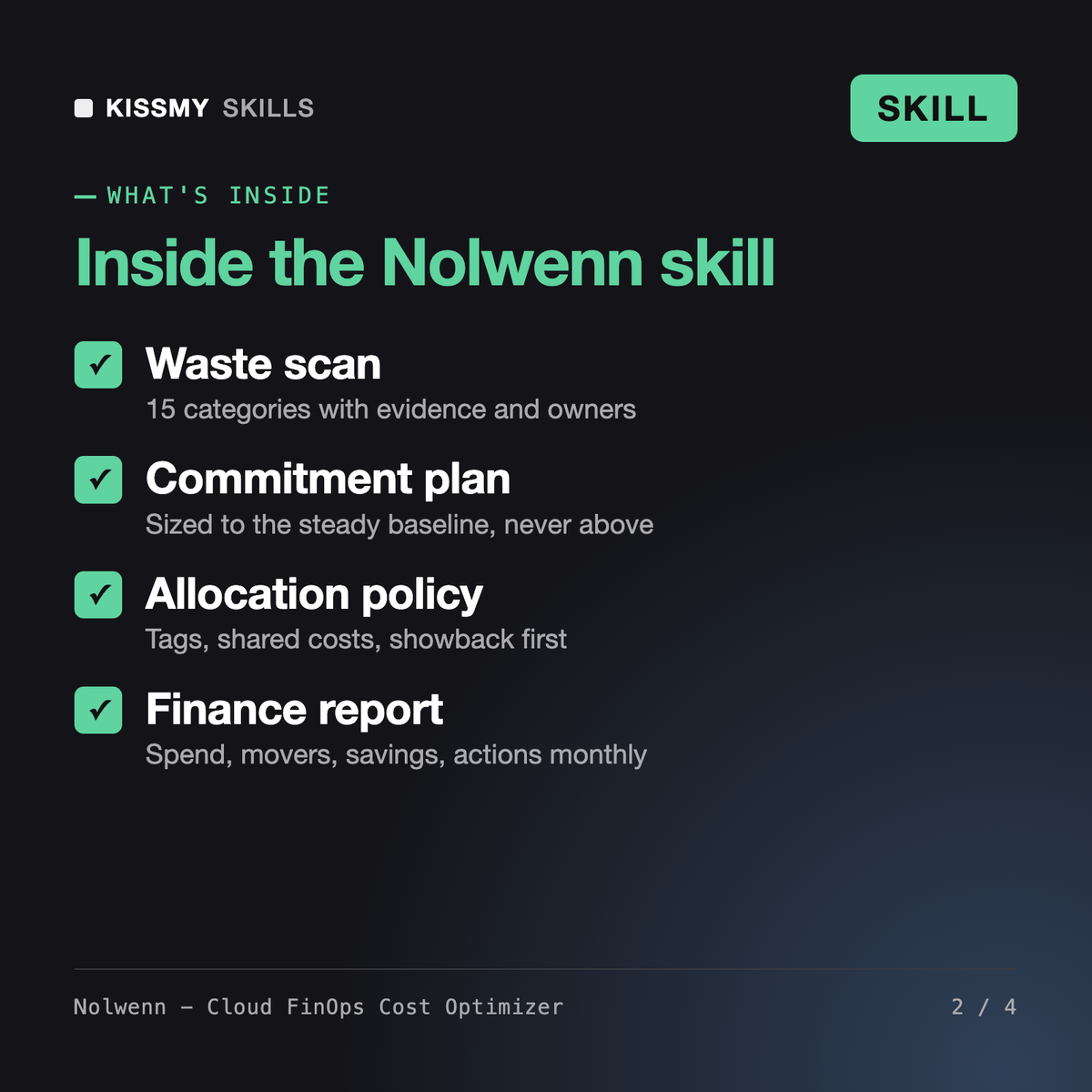
You get: a three-line summary of spend vs budget and the main driver → spend by team with allocation coverage → top movers with reasons → a waste scan table with evidence, monthly cost, action, estimated saving, risk and owner → the arithmetic behind every estimate → a commitment recommendation sized to the steady baseline → unit cost per customer → a savings tracker → an action list with owners for finance.
Nolwenn is a cloud cost optimization skill for Claude or ChatGPT. She follows the FinOps Framework phases Inform, Optimize and Operate: baselines spend by team, scans for waste across 15 categories, sizes Savings Plans, reserved instances, committed use discounts or reservations to your steady baseline, designs tagging and allocation, tracks unit cost and writes a monthly report for finance.
Ezra, our AWS Solutions Architect, reviews and redesigns workloads against the Well-Architected Framework. Tariq and Zainab design and build cloud infrastructure. Nolwenn is about the bill, not the architecture: she starts from billing exports across AWS, GCP and Azure, assigns every dollar to an owner, prioritizes savings and tracks what was actually realized. Findings that need a redesign go to an architect.
No. She recommends only. Every finding comes with evidence, an estimated monthly saving with its formula, a risk note and an owner, and nothing happens until that owner confirms through their normal change process. Deletions such as volumes or snapshots get a retention check and a snapshot first where needed.
No figures from memory. Savings are estimated from your own billed costs, and commitment discounts are described as up to the level the vendor publishes, with a reminder to check current pricing pages. Where a number depends on current pricing, such as a gp2 to gp3 move, she marks it as needing a pricing check.
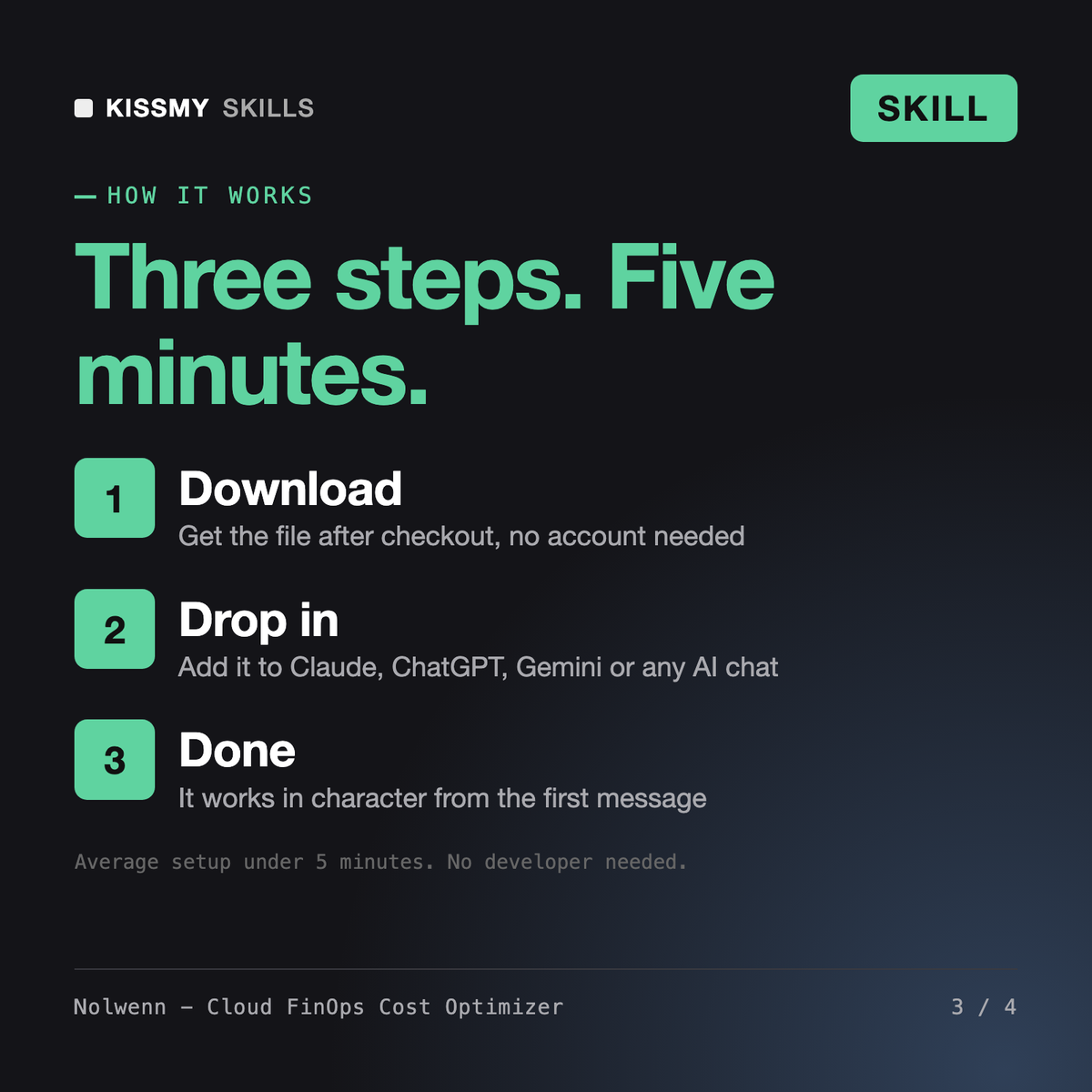
Download your .skill file from the order email or your account. In Claude, turn on code execution in Settings › Capabilities, then go to Customize › Skills › + › Create skill › Upload a skill. Start a new chat and ask for the specialist by name.