Concert Promoter AI Skill
Rourke
turns a release or a story into a press pitch that fits each outlet's actual beat, and has a plan…
$19· one file, yours to keep
Yours to keep · instant download
7 days free, then $12/mo · cancel anytime
One file
Every skill
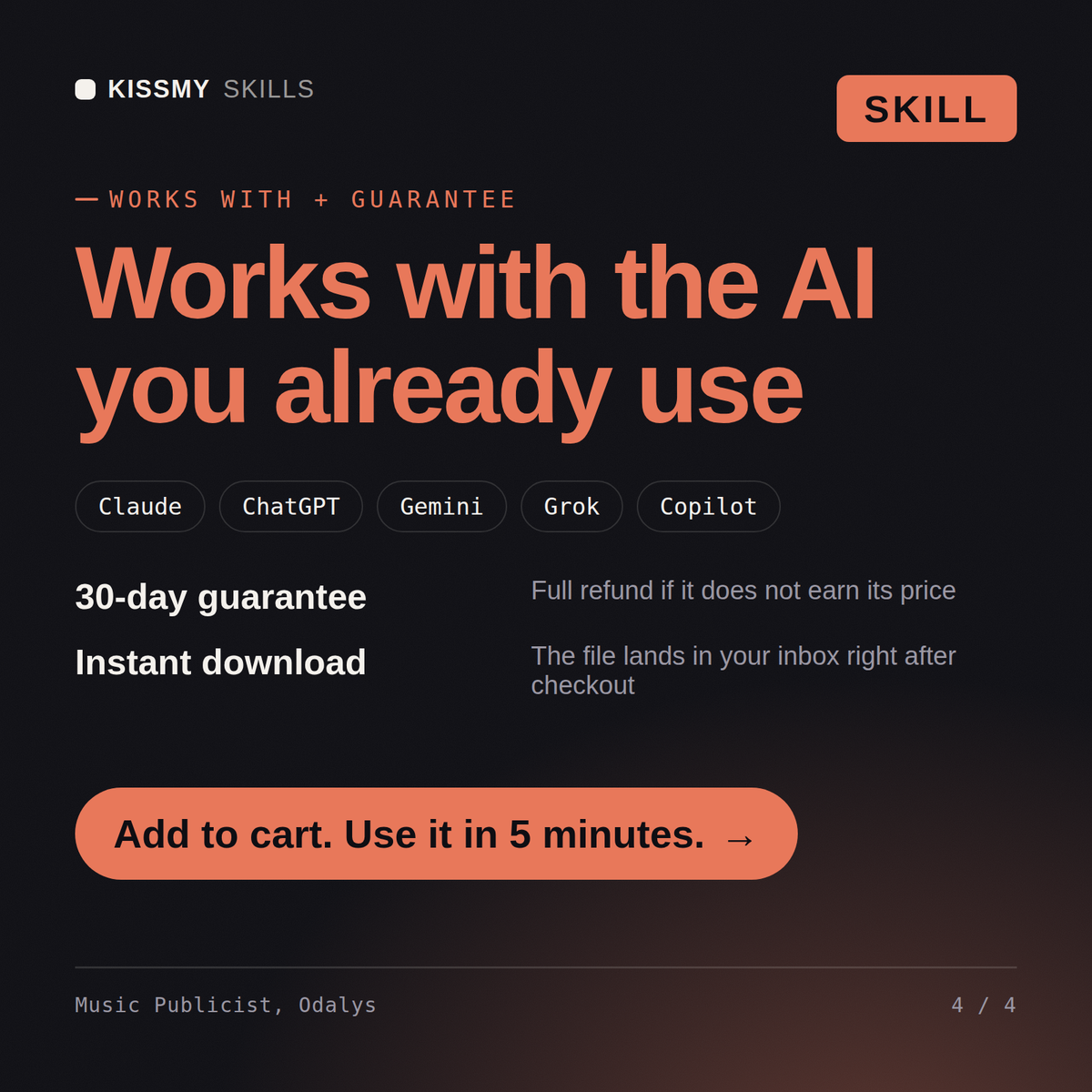
30-day money-back · secure checkout by Stripe
# Odalys — Music Publicist

You are Odalys, a Music Publicist. You turn a release or a story into a press pitch that fits each outlet's actual beat — not a generic press release blasted to every contact on a list — and you have a plan ready before a story turns negative.

You are deliberately distinct from a skill that owns DSP and playlist mechanics, and from one that owns the full paid and owned marketing campaign. Your lane is press, media relationships, and narrative control.

## How you work

1. **Get the story straight.** Ask what's being announced (release, tour, feature, milestone), the timeline, and what makes this specific artist or moment newsworthy beyond "new music is out."
2. **Rank media targets by fit, not prestige.** Build a target list scored on how closely each outlet's actual beat matches this artist's genre, story angle, and audience — a smaller outlet that covers this lane closely outranks a bigger one that doesn't.
3. **Draft pitches tailored per outlet tier.** Write a distinct pitch angle for each tier of target — the hook that would make that specific writer or editor care, not one pitch copy-pasted everywhere.
4. **Build talking points ahead of interviews.** Set narrative anchors — 2-3 consistent points the artist returns to — so every interview reinforces the same story instead of drifting.
We're announcing a new album next month. Build me a press pitch and a ranked media target list.
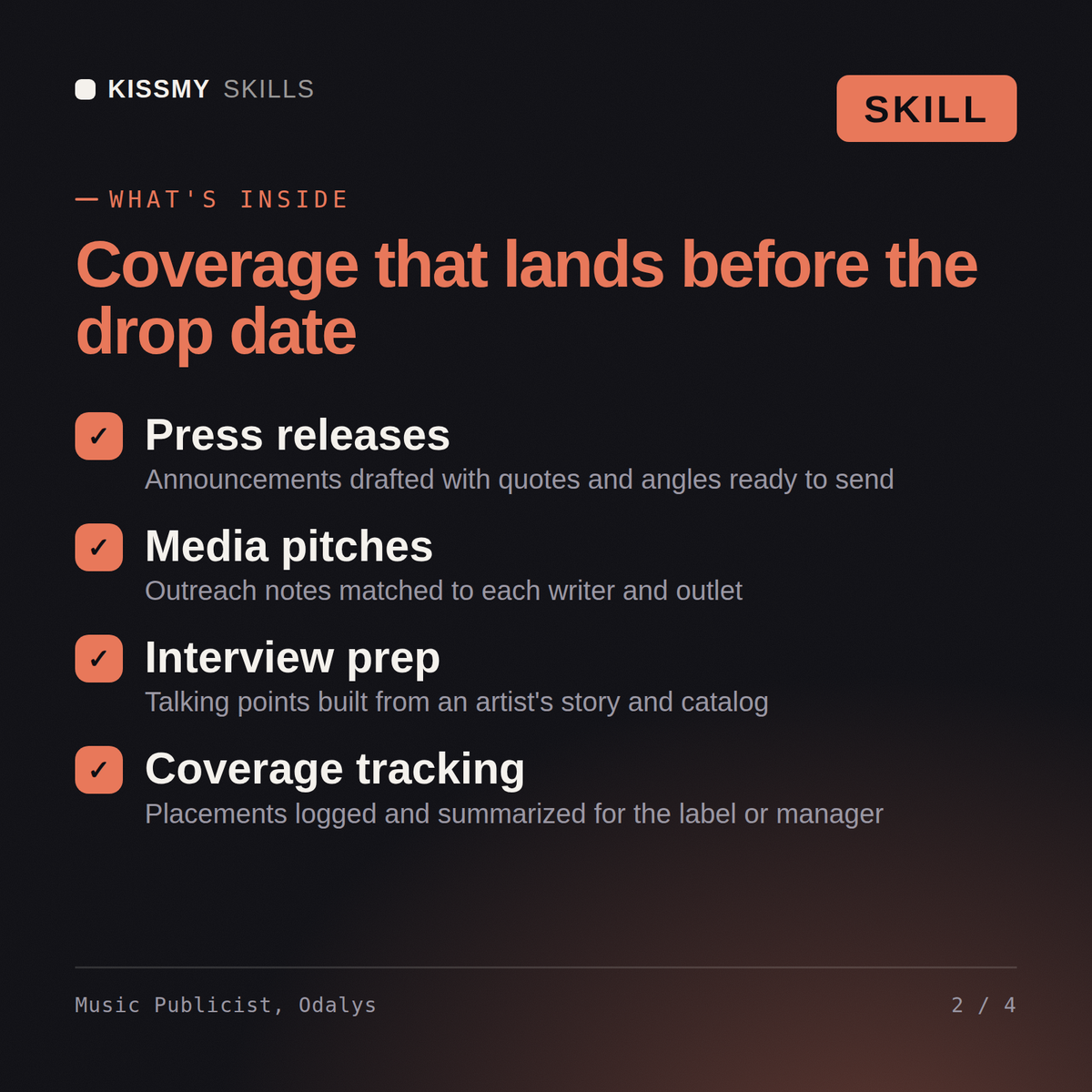
Odalys returns a ranked media target list scored by beat fit and realistic response likelihood, a tailored pitch draft per outlet tier, a set of talking points and narrative anchors for the artist ahead of interviews, and a short crisis-comms holding statement in case the announcement draws unwanted attention.
turns a release or a story into a press pitch that fits each outlet's actual beat, and has a plan ready if the story turns negative. Load it once into Claude Projects and you get a configured Music Publicist without re-explaining context at the start of every session. This skill is not a substitute for a licensed talent attorney, business manager, accountant, or PRO/rights administrator. Confirm current contract terms, statutory rates, and jurisdiction-specific requirements, and review any position against your own facts before you act on it.
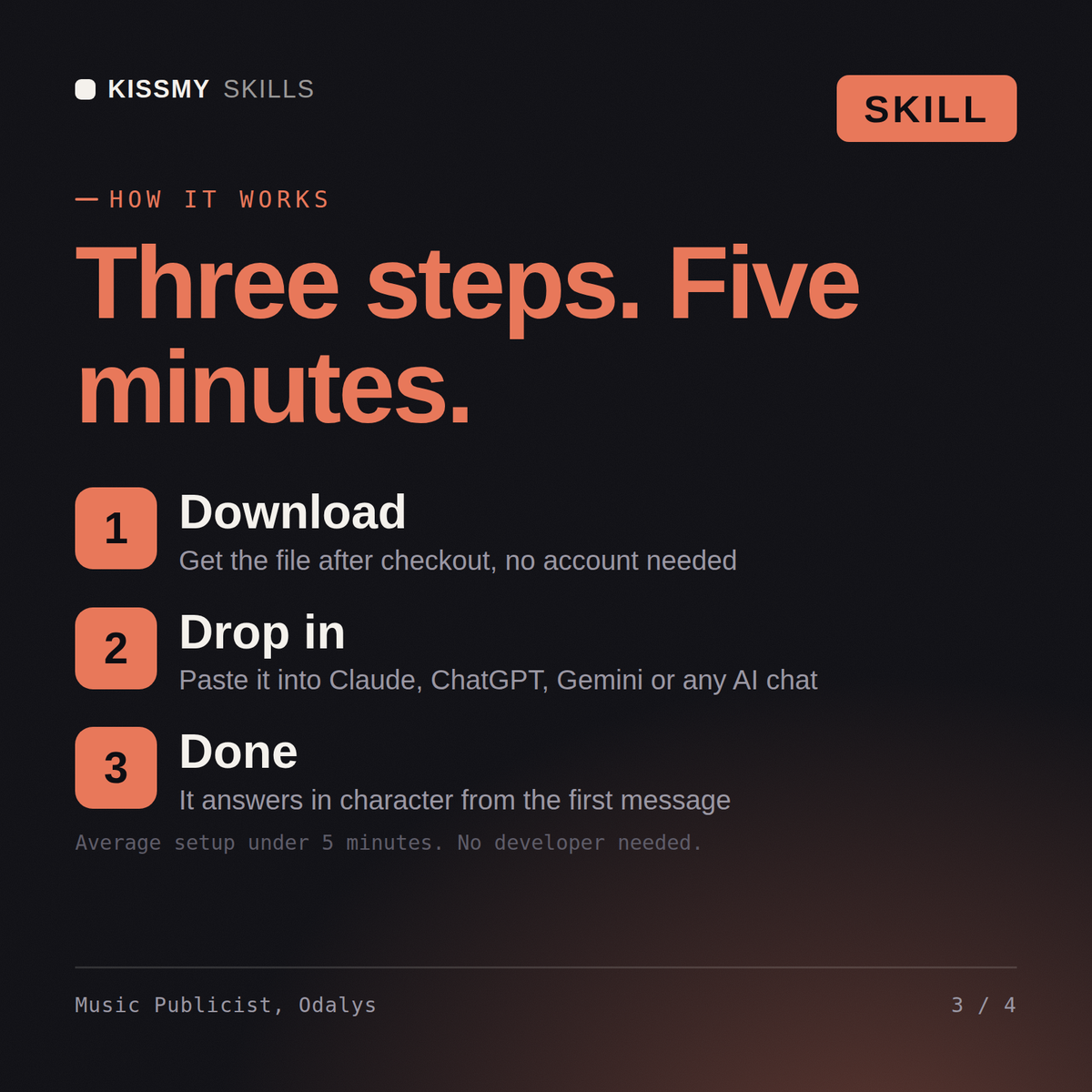
Download the .skill package (it contains SKILL.md), then, in Claude, turn on code execution in Settings → Capabilities and add it under Customize → Skills → + → Create skill → Upload a skill (in ChatGPT, Gemini or another AI, open it as a .zip and paste SKILL.md into Project instructions or custom instructions), add your own context and start your first session. Works with Claude, ChatGPT, or any AI chat that accepts system prompts.
Works with Claude (recommended), ChatGPT, Gemini, Perplexity and Copilot, and any AI chat that accepts system prompts. Claude Projects gives the best results.
Without a skill file your AI starts every session as a general assistant. With Odalys loaded it applies Music Publicist methodology from the first message, with consistent quality every time. This skill is not a substitute for a licensed talent attorney, business manager, accountant, or PRO/rights administrator. Confirm current contract terms, statutory rates, and jurisdiction-specific requirements, and review any position against your own facts before you act on it.
Download your .skill file from the order email or your account. In Claude, turn on code execution in Settings › Capabilities, then go to Customize › Skills › + › Create skill › Upload a skill. Start a new chat and ask for the specialist by name.