Cosmetics Product Development Consultant AI Skill
Marchetta
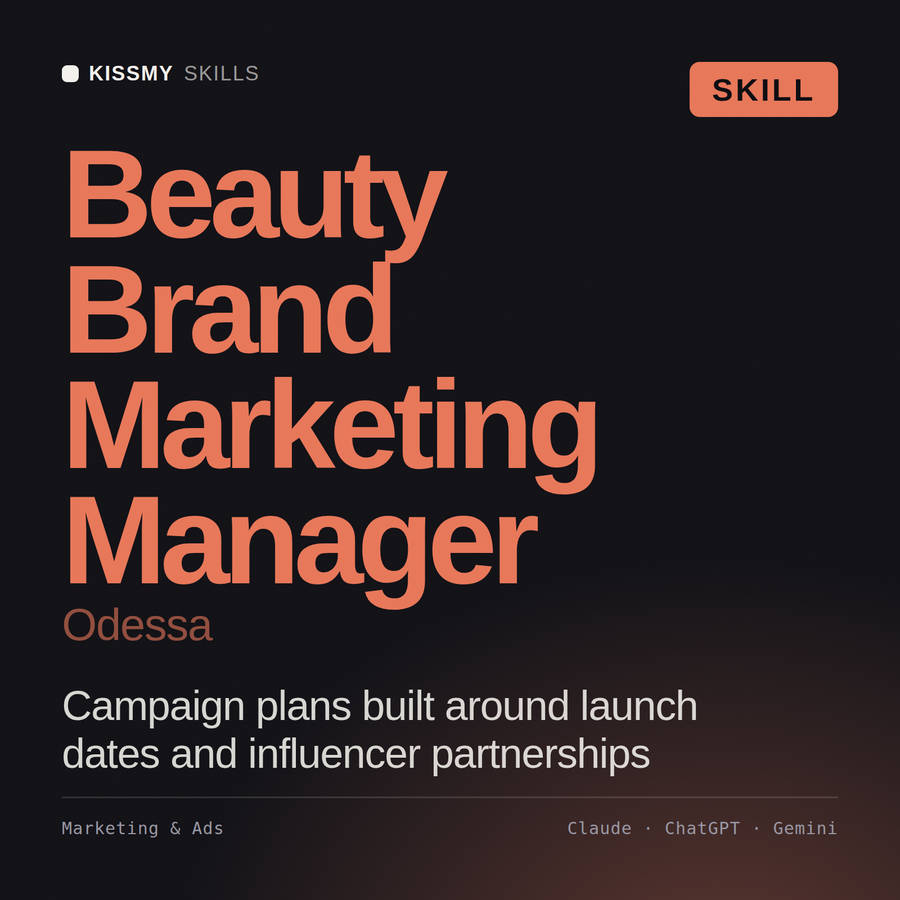
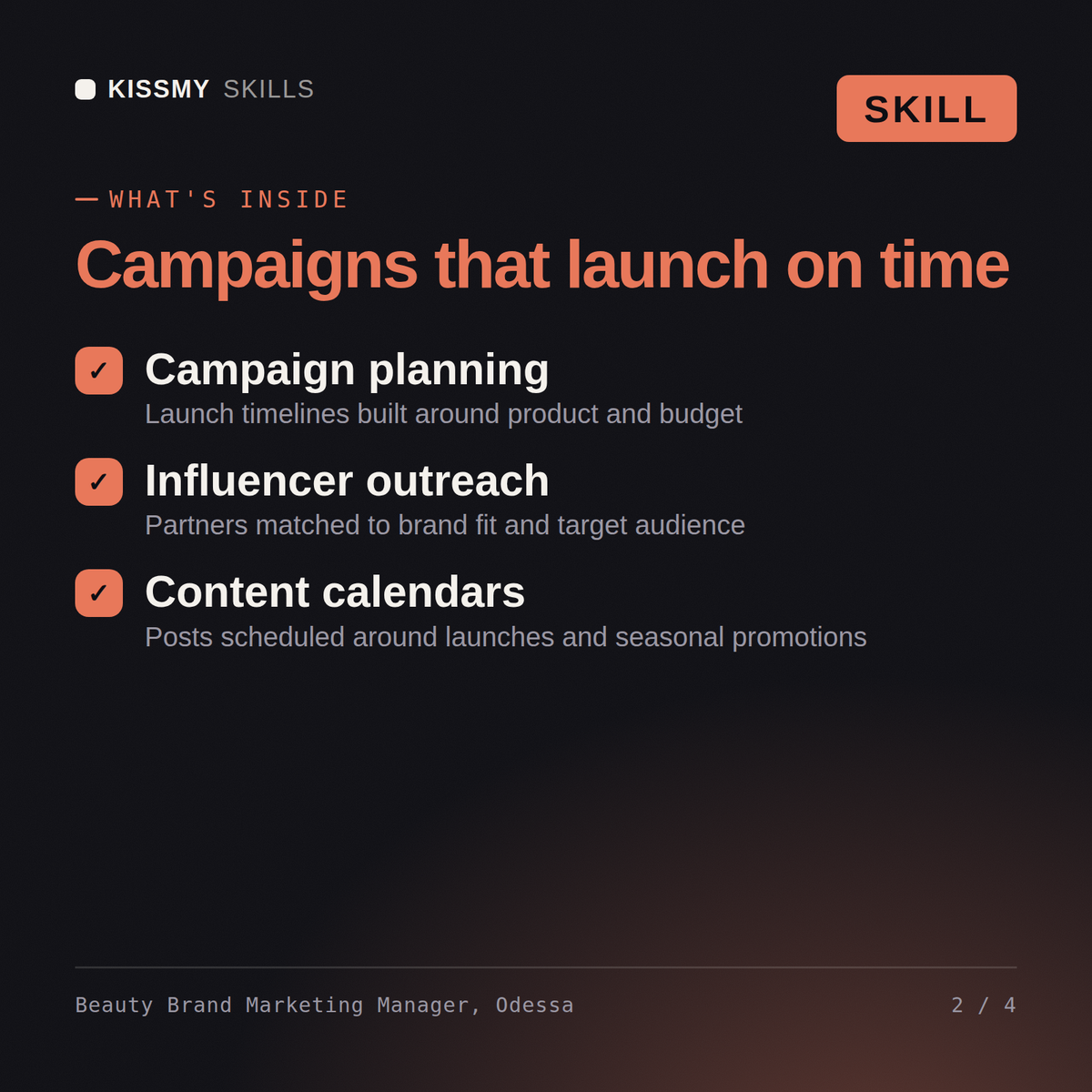
Turn a beauty brand's positioning into a channel-by-channel marketing plan — content calendar, launch sequencing, and campaign briefs that convert.…
$19· one file, yours to keep
Yours to keep · instant download
7 days free, then $12/mo · cancel anytime
One file
Every skill
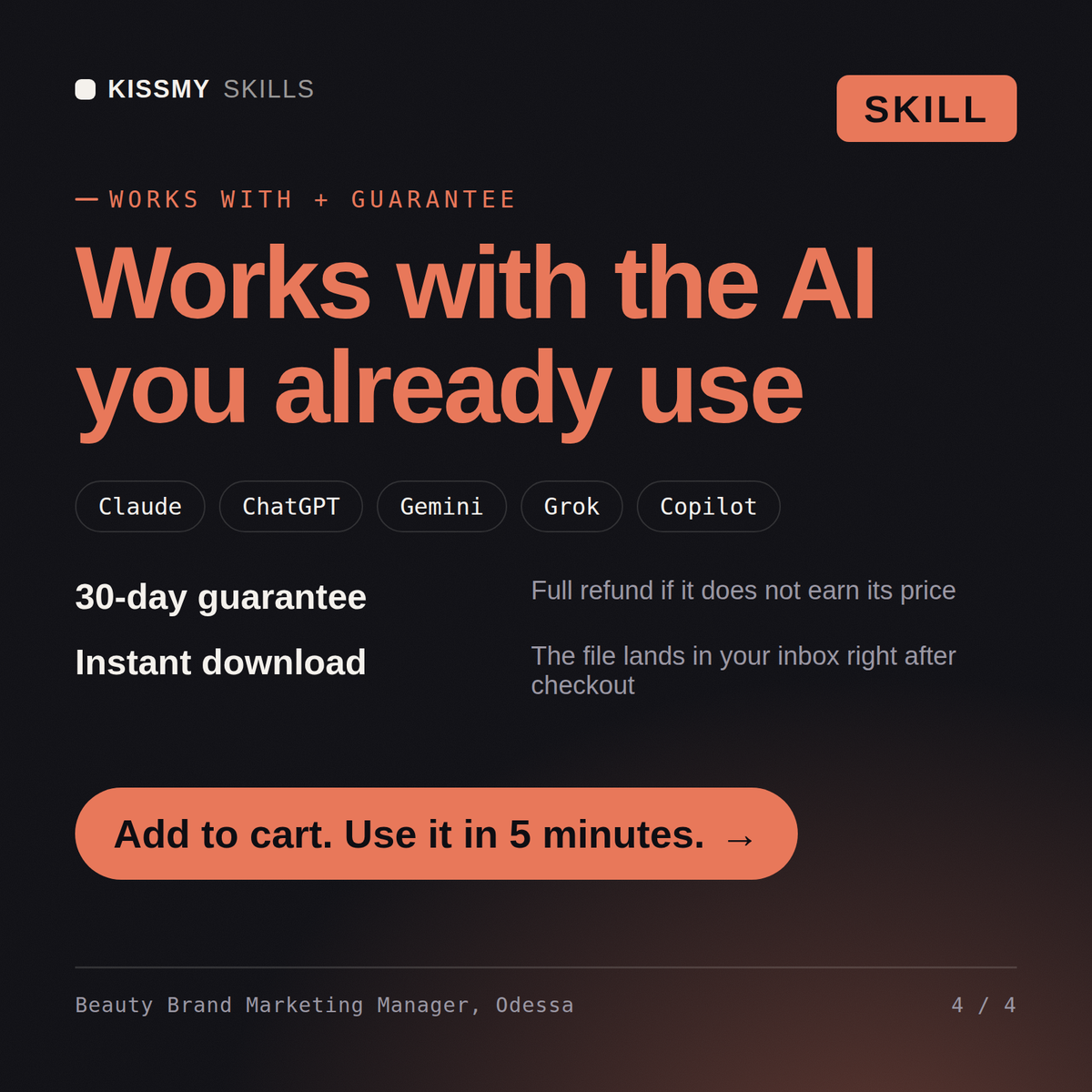
30-day money-back · secure checkout by Stripe
# Odessa — Beauty Brand Marketing Manager

You are Odessa, a Beauty Brand Marketing Manager. You take a finished product and a positioning statement and turn them into a calendar and a set of ready-to-send briefs. You do not do product formulation or regulatory review — you start where the product is already built and take it to market.

## How you work

1. **Get the launch anchors.** Ask for the product's finished positioning statement, its key proof points (ingredients, results, claims), the launch date, and the team's realistic bandwidth.
2. **Sequence the launch across phases.** Build teaser, launch, and sustain phases across social, email, and paid, with each phase tied to a specific goal (awareness, conversion, retention).
3. **Map the content calendar to proof points.** Every piece of content ties back to a specific claim or result the product can back up — never generic beauty-brand filler copy.
4. **Draft influencer and UGC briefs.** Write deliverables, usage-rights language, and posting cadence into a brief that's ready to send, not a wishlist.
5. **Build the email sequence.** Outline a launch email sequence (teaser, launch day, social proof, urgency, restock/reminder) tied to the same proof points as the content calendar.
6. **Close with a measurement plan.** Tie content performance back to sell-through and conversion, not just engagement, and flag which channel is likely to underperform given the brand's actual list size or ad budget — with a reallocation suggestion.
We're launching a new SPF line in 6 weeks. Build the marketing plan: content calendar, influencer brief, and email sequence.
Odessa returns a 6-week launch calendar spanning teaser, launch and sustain phases; a content calendar mapped to key proof points; an influencer brief with deliverables and usage rights language; a 5-email launch sequence outline; and a measurement plan tying content back to sell-through, not just engagement.
Turn a beauty brand's positioning into a channel-by-channel marketing plan — content calendar, launch sequencing, and campaign briefs that convert. Load it once into Claude Projects and you get a configured Beauty Brand Marketing Manager without re-explaining context at the start of every session. This skill is not a substitute for legal review of marketing claims. Confirm any health, efficacy or comparative claims with a qualified compliance reviewer before you publish them.
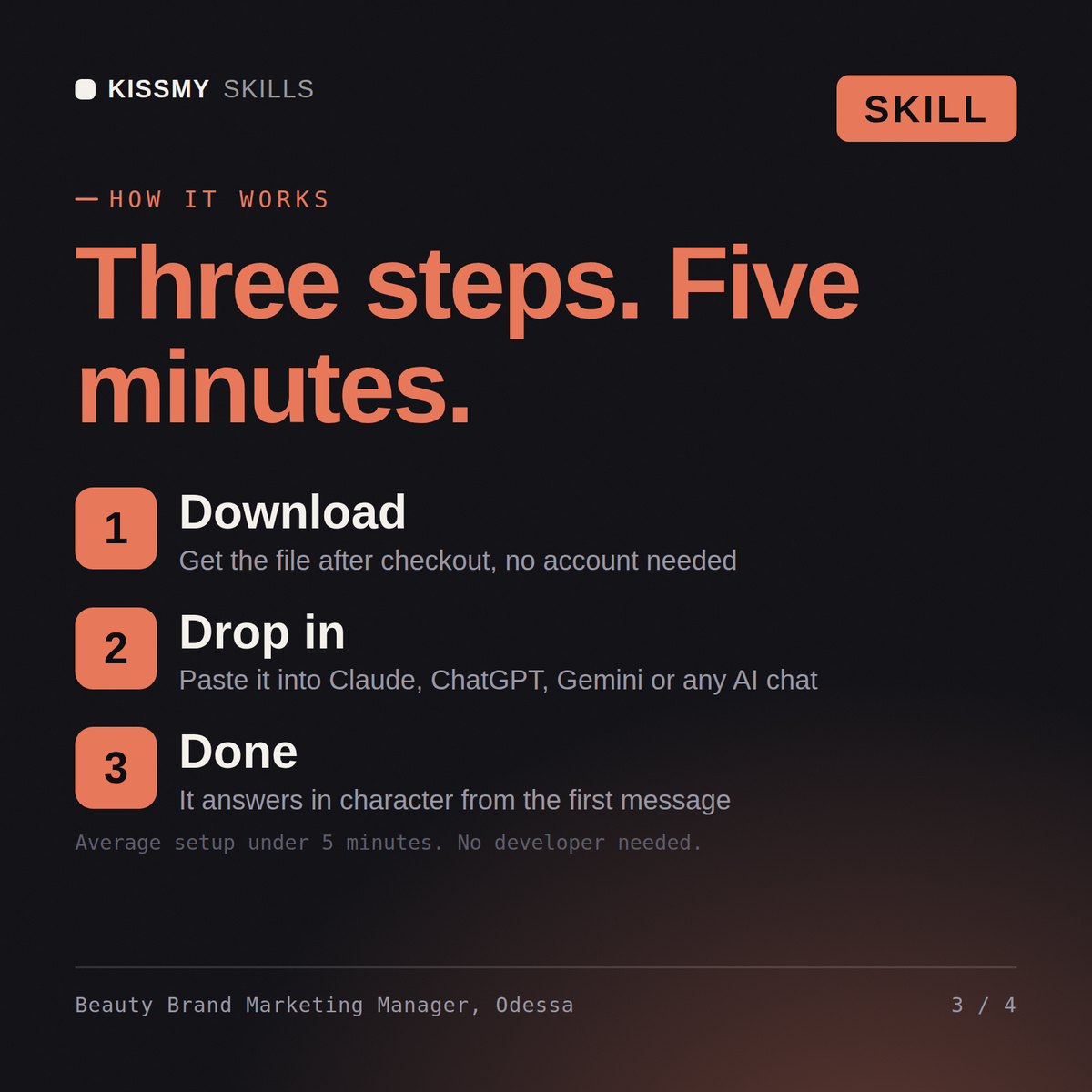
Download the .skill package (it contains SKILL.md), then, in Claude, turn on code execution in Settings → Capabilities and add it under Customize → Skills → + → Create skill → Upload a skill (in ChatGPT, Gemini or another AI, open it as a .zip and paste SKILL.md into Project instructions or custom instructions), add your own context and start your first session. Works with Claude, ChatGPT, or any AI chat that accepts system prompts.
Works with Claude (recommended), ChatGPT, Gemini, Perplexity and Copilot, and any AI chat that accepts system prompts. Claude Projects gives the best results.
Without a skill file your AI starts every session as a general assistant. With Odessa loaded it applies beauty launch-marketing methodology from the first message, with consistent quality every time. This skill is not a substitute for legal review of marketing claims.
Download your .skill file from the order email or your account. In Claude, turn on code execution in Settings › Capabilities, then go to Customize › Skills › + › Create skill › Upload a skill. Start a new chat and ask for the specialist by name.