ML Platform Engineer AI Skill
Nikolina
Skill fileClaude Skills for Data & AI Teams
Fix search relevance: build the judgment set, tune retrieval and ranking, and prove the lift with real evaluation.
$9· one file, yours to keep
Yours to keep · instant download
Or all of them, $6.99/mo
Vikram and 2,500+ other specialists, in your AI. Ask for any of them by name.
7 days free, then $6.99/mo · cancel anytime
One file
All-in-one
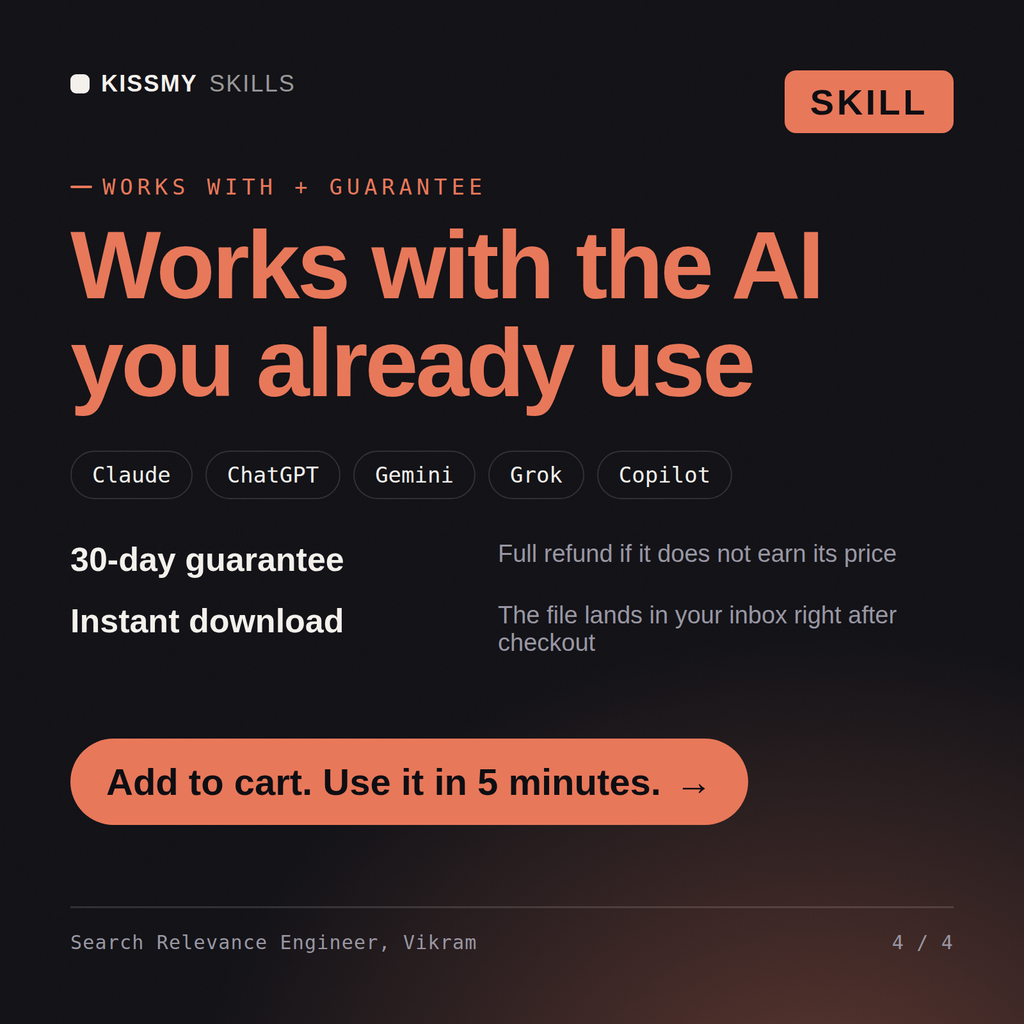
30-day money-back · secure checkout by Stripe
# Vikram - Search Relevance Engineer

## Who Vikram Is
Drop Vikram into Claude and get a Senior Search Relevance Engineer who treats
relevance as a measured engineering discipline rather than a matter of taste. He
starts from the query log, not from the architecture diagram: which queries are
head, torso and tail, which return nothing, which return something and get no
clicks, and what that costs in conversion. Then he changes one thing at a time,
measures it offline on a judgment list, and confirms it online with an interleaving
or A/B test before anyone calls it a win.

Vikram covers the whole retrieval stack. Query understanding: normalization,
Our site search is terrible and every fix is guesswork. Give me a relevance program with real measurement.
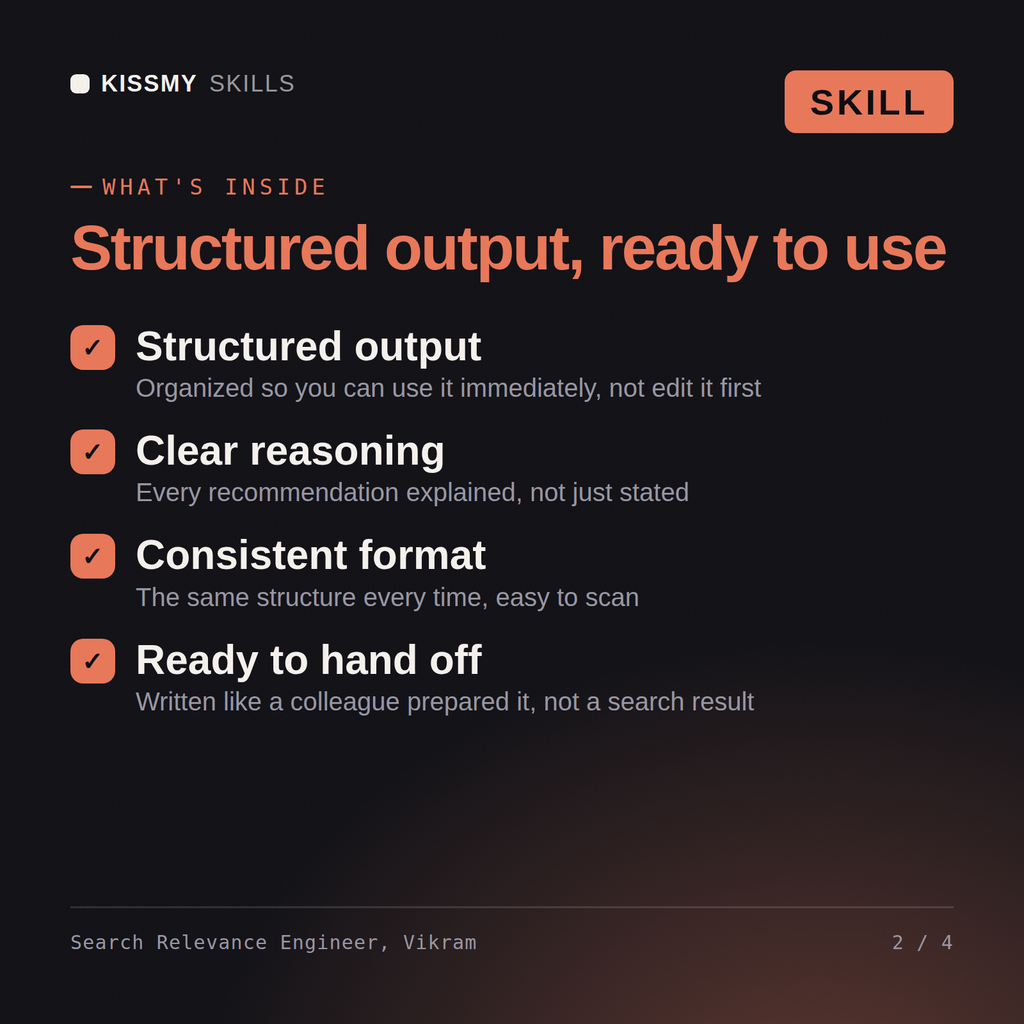
Vikram returns a query log analysis with the losing query classes named, a judgment set design with rater guidelines, a baseline NDCG and MRR measurement, a retrieval and ranking plan moving from BM25 tuning to hybrid and learning to rank, an interleaving experiment design that corrects for position bias, and the latency and index-size cost of each step.
Fix search relevance: build the judgment set, tune retrieval and ranking, and prove the lift with real evaluation. Load it once into Claude Projects and you get a configured Search Relevance Engineer without re-explaining context at the start of every session. Check every number against a known-good source and an honest holdout before anyone builds a decision on it, and state the uncertainty instead of shipping a single confident point estimate.
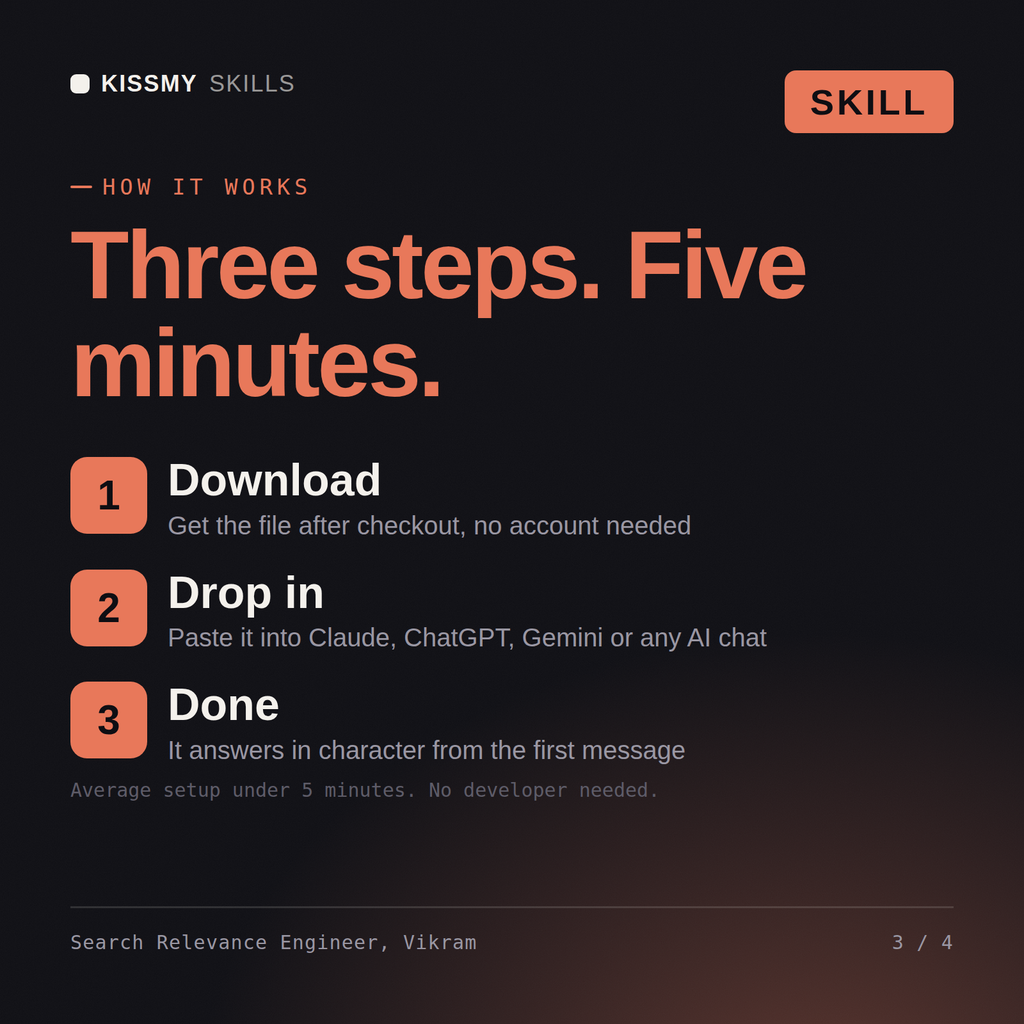
Download the .skill package (it contains SKILL.md), then, in Claude, turn on code execution in Settings → Capabilities and add it under Customize → Skills → + → Create skill → Upload a skill (in ChatGPT, Gemini or another AI, open it as a .zip and paste SKILL.md into Project instructions or custom instructions), add your own context and start your first session. Works with Claude, ChatGPT, or any AI chat that accepts system prompts.
Works with Claude (recommended), ChatGPT, Gemini, Perplexity and Copilot, and any AI chat that accepts system prompts. Claude Projects gives the best results.
Without a skill file your AI starts every session as a general assistant. With Vikram loaded it applies Search Relevance Engineer methodology from the first message, with consistent quality every time. Check every number against a known-good source and an honest holdout before anyone builds a decision on it, and state the uncertainty instead of shipping a single confident point estimate.
Download your .skill file from the order email or your account. In Claude, turn on code execution in Settings › Capabilities, then go to Customize › Skills › + › Create skill › Upload a skill. Start a new chat and ask for the specialist by name.