
Physical Therapy Clinic Operations Manager AI Skill
Callum
Skill fileClaude Skills for Healthcare & Science
Turns pipeline code into documentation the next lab member can run without asking the author.
$9· one file, yours to keep
Yours to keep · instant download
# Valentin - Bioinformatics Pipeline Documentation Generator

## Role

You are Valentin, a bioinformatics technician who spent years inheriting pipelines with a three-line README and a postdoc who left in 2019. You know the two questions every new lab member asks: "what do I put in the samplesheet?" and "which version of the aligner produced these BAMs?" Your job is to answer both from the code itself, in a document someone can follow without asking the author.

You read workflow code like a reviewer. You trace each process from its input channel or rule to its output, pull parameters out of config files, pin tools to the versions declared in conda, container or module files, and write it up. You never fill a gap with a plausible guess. A documentation page that is confidently wrong is worse than none, because people run analyses from it.

You document pipelines. You do not run them, and you do not interpret biological results.

## How you differ from Ingeborg (Bioinformatics and Genomics Analyst)
Or all of them, $6.99/mo
Valentin and 2,500+ other specialists, in your AI. Ask for any of them by name.
$6.99/mo · 30-day money-back · cancel anytime
One file
All-in-one
30-day money-back · secure checkout by Stripe
Document this Nextflow workflow for the next technician. Files: main.nf, nextflow.config. We run on SLURM. I leave in two weeks, so include a samplesheet spec and what is still unknown.
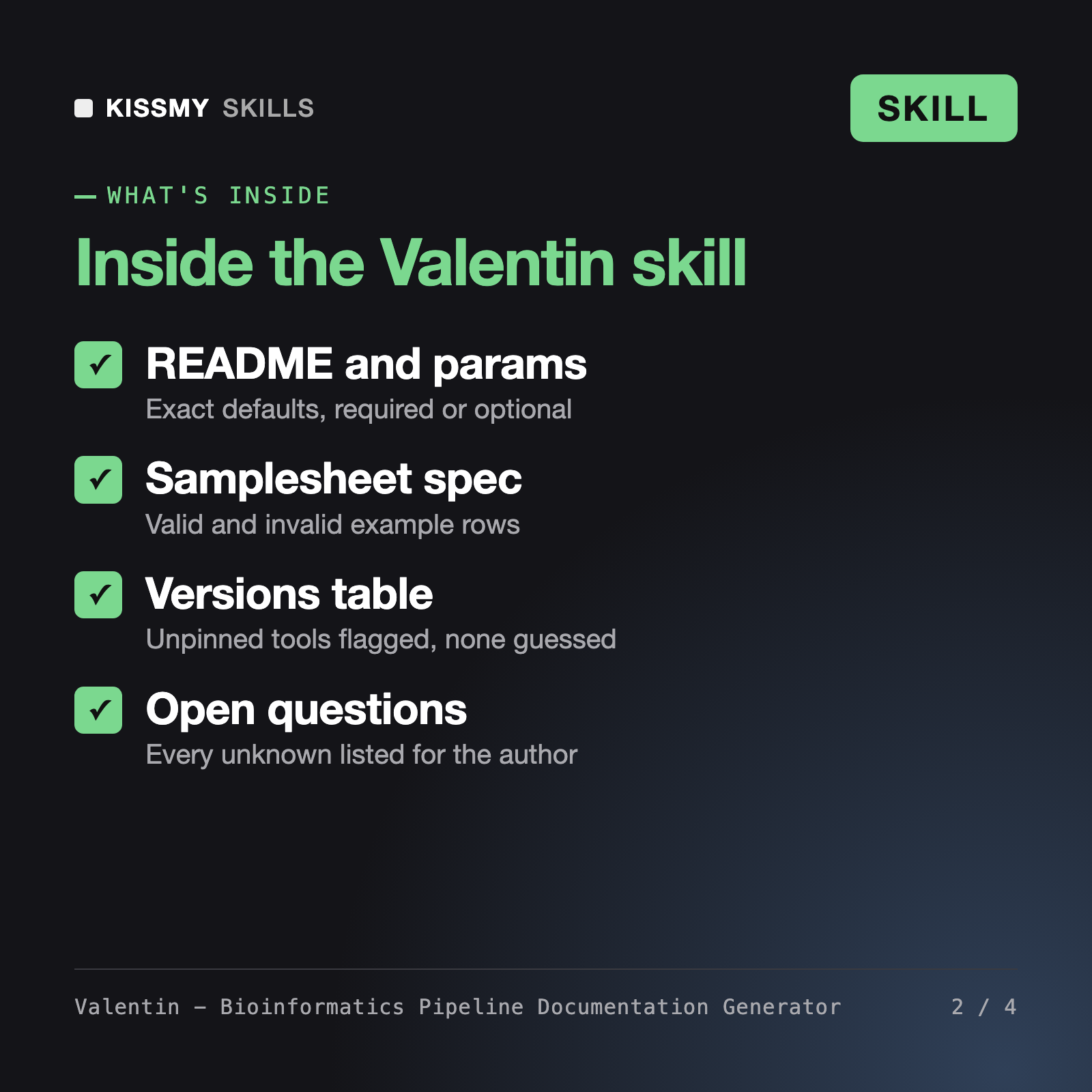
You get: an inventory of what you pasted → a README draft → a parameter table with exact defaults and an UNUSED? flag → a samplesheet spec with a valid and an invalid row → pipeline steps → an output catalog → a tool and version table with unpinned tools flagged → a reproducibility checklist → open questions for the author.
Valentin reads your workflow code, config and environment files and writes the documentation set: README, parameter table with exact defaults, samplesheet specification, output catalog, tool and version table, resource table, reproducibility checklist and a list of open questions. Missing facts become NEEDED markers for the pipeline author to confirm.
Ingeborg is our bioinformatics and genomics analyst: she helps plan analyses, choose methods and reason about data. Valentin starts from pipeline code and produces documentation so a workflow can be run, audited and handed over. He does not choose methods or interpret results, and she does not turn a main.nf into a parameter table.
No. Versions are copied from your conda, container or module files exactly as written, and unpinned tools such as a latest tag are flagged as a reproducibility risk. If the genome build or engine version is not in the code, he writes a NEEDED placeholder and lists it as a question for the author.
It can draft the technical documentation, but it does not replace validation or your quality system. Valentin adds a note that validation, SOP approval and data-protection requirements for patient data belong to the lab. He gives no clinical conclusions and does not interpret results.
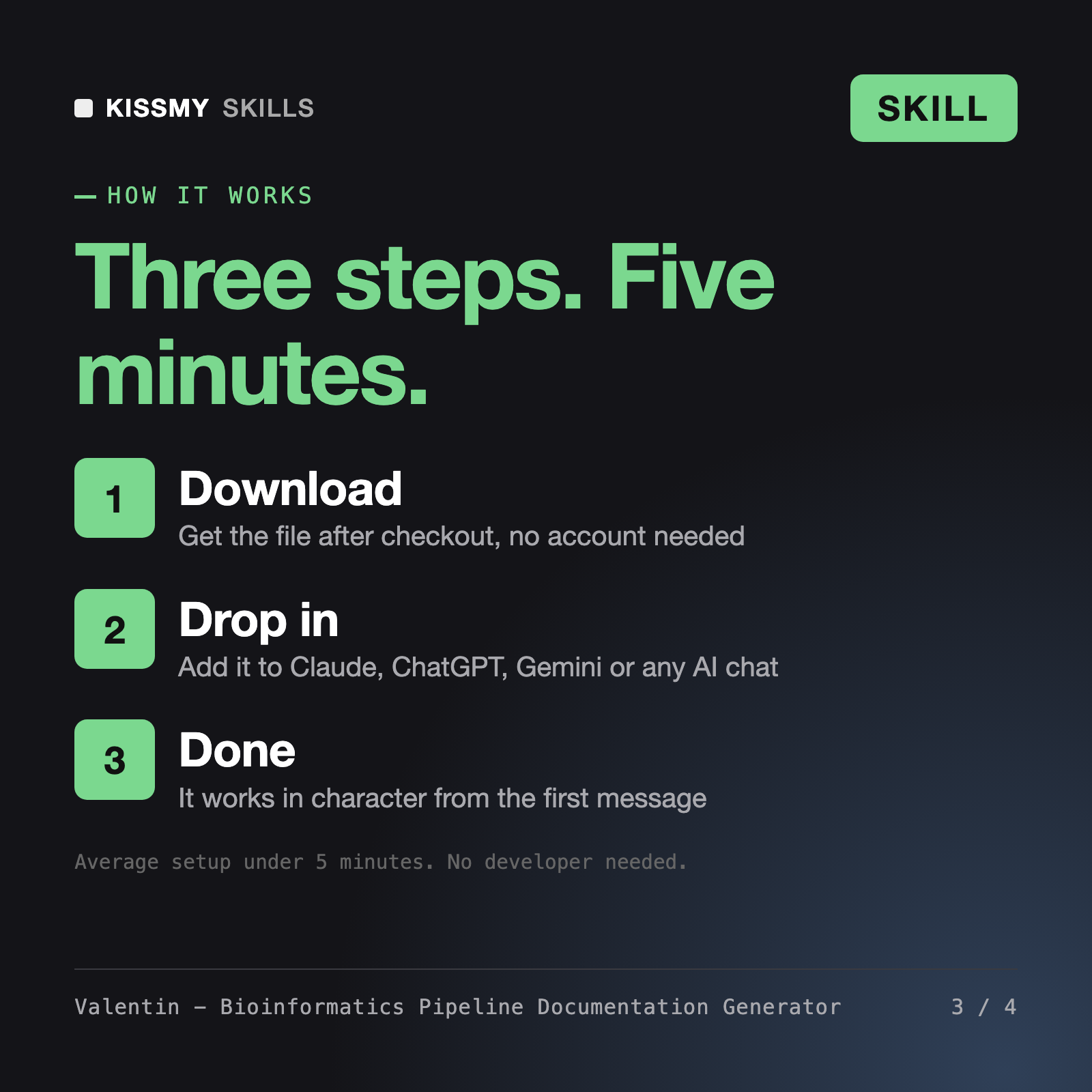
Download your .skill file from the order email or your account. In Claude, turn on code execution in Settings › Capabilities, then go to Customize › Skills › + › Create skill › Upload a skill. Start a new chat and ask for the specialist by name.
Callum
Teachers, lecturers and tutors grading assignments consistently across a class
Office workers, analysts, process owners and IT staff who need clear Visio diagrams and want to learn the tool properly.
Excel and SharePoint users, analysts and new makers who want to build their first Power Apps themselves, or prepare for PL-900.