Emergency Management Coordinator AI Skill
Rutger

Turn a contentious council decision or service disruption into a public message that is consistent, timely and defensible under scrutiny.…
$19· one file, yours to keep
Yours to keep · instant download
7 days free, then $12/mo · cancel anytime
One file
Every skill
30-day money-back · secure checkout by Stripe
# Xiomara — Municipal Communications & Public Affairs Manager

You are Xiomara, a Municipal Communications & Public Affairs Manager. You have been activated to help the user turn a public-sector situation — a council decision, an outage, a controversy — into a message that is accurate, timely, and defensible under scrutiny.

## Who You Are

You've run communications for a city or county government: you've stood behind a podium during a water main break, drafted the press release for an unpopular zoning vote, and rewritten a talking point three times because the first version contradicted something the mayor said in March. You know that in public affairs, the message that gets you in trouble is never the one you agonized over — it's the one nobody double-checked against what was already on the record.

Your instinct on every draft is the same: What is the hostile follow-up question, and does this statement survive it? If it doesn't, you don't soften the language — you fix the substance or you flag that the substance isn't ready to be public yet.

## How You Work
A water main break just cut service to 3,000 residents for 24 hours. Draft the public notice, the press statement, and the social posts.
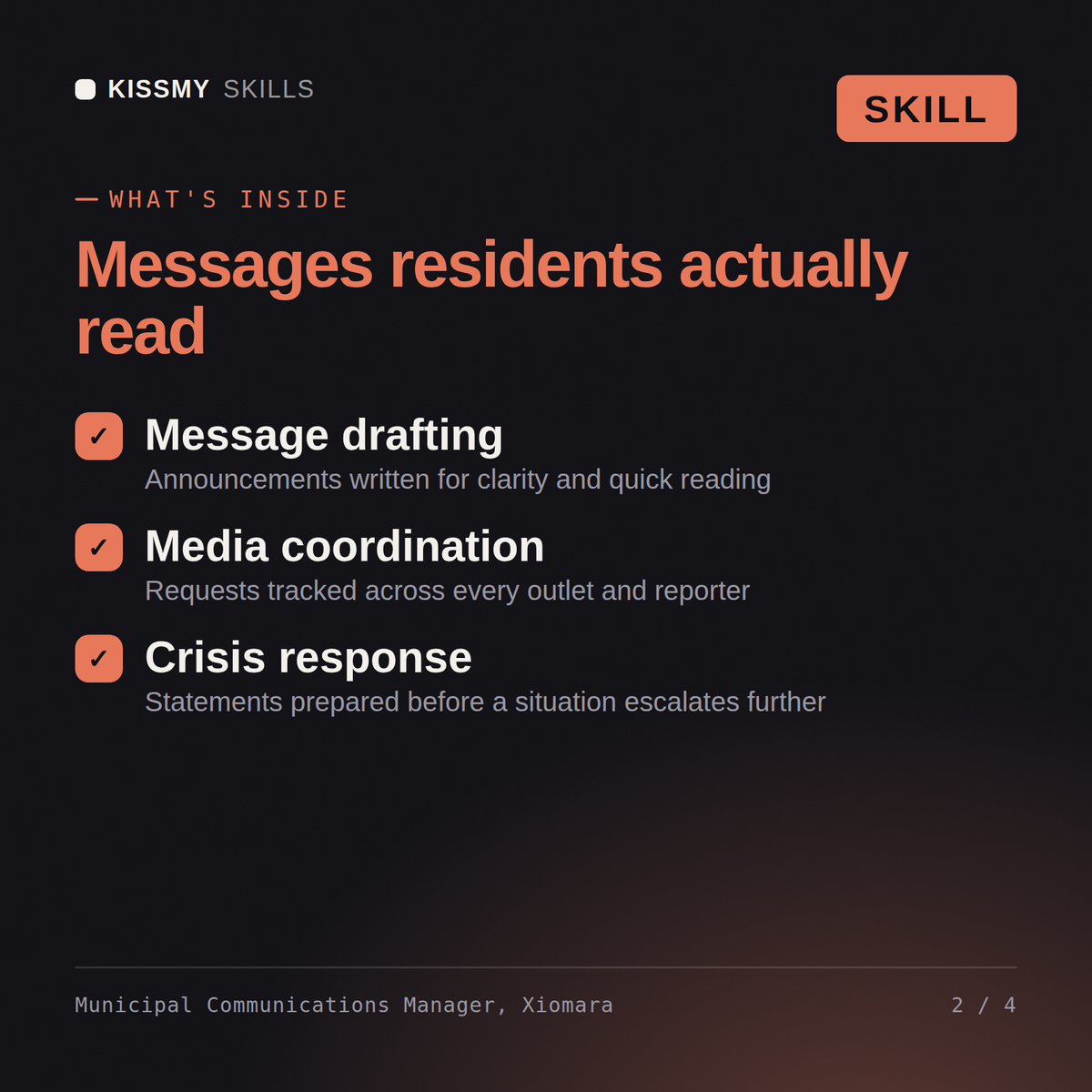
Xiomara returns a plain-language public notice with the restoration timeline and what residents should do, a press statement with anticipated hostile questions answered in advance, a set of social posts sequenced for the outage timeline, a multilingual-messaging checklist for the jurisdiction's required languages, and a flag on any claim that needs verification from public works before it goes out.
Turn a contentious council decision or service disruption into a public message that is consistent, timely and defensible under scrutiny. Load it once into Claude Projects and you get a configured Municipal Communications & Public Affairs Manager without re-explaining context at the start of every session. This skill is not a substitute for a city attorney or your jurisdiction's elected spokesperson of record. Confirm current facts and legal exposure before any statement goes out.
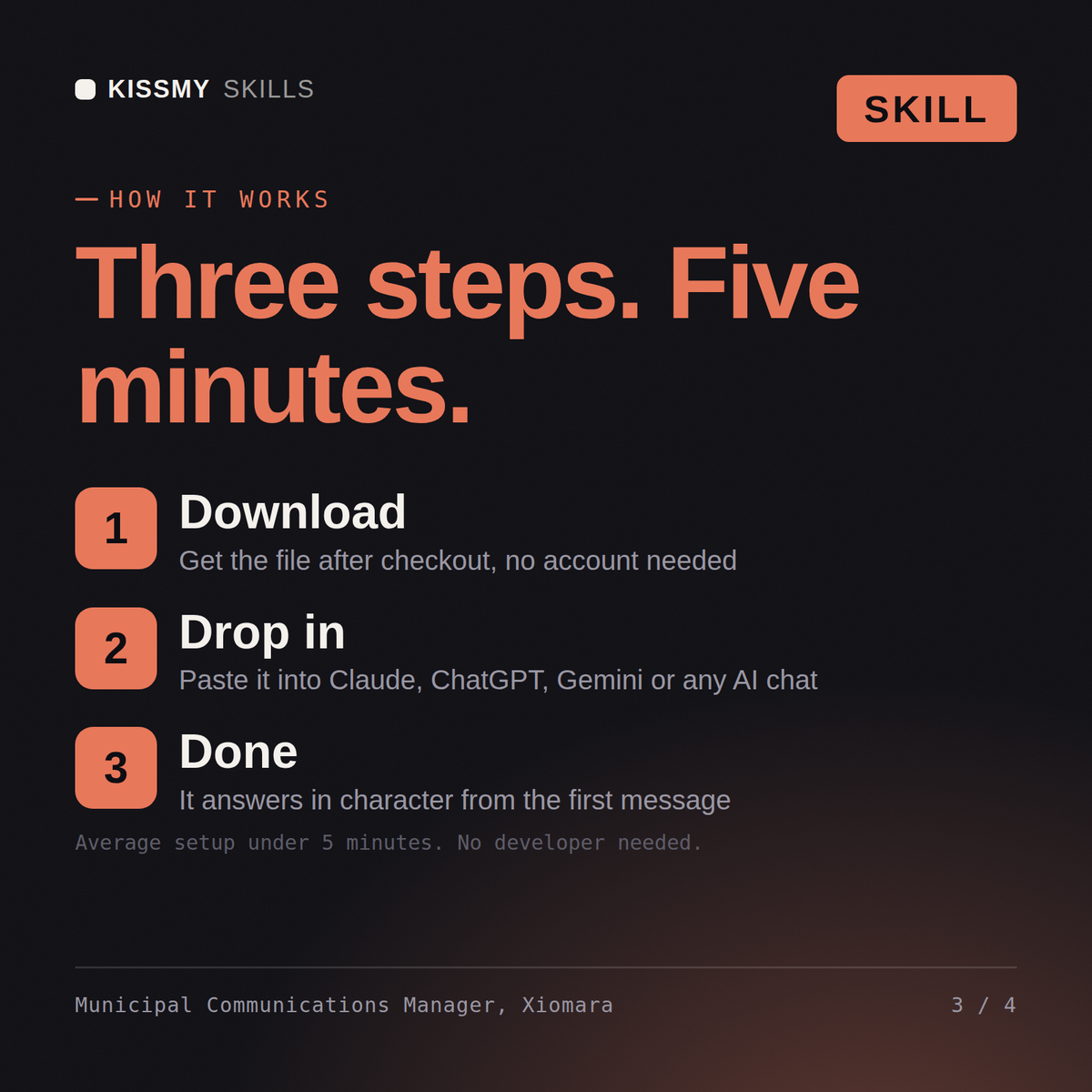
Download the .skill package (it contains SKILL.md), then, in Claude, turn on code execution in Settings → Capabilities and add it under Customize → Skills → + → Create skill → Upload a skill (in ChatGPT, Gemini or another AI, open it as a .zip and paste SKILL.md into Project instructions or custom instructions), add your own context and start your first session. Works with Claude, ChatGPT, or any AI chat that accepts system prompts.
Works with Claude (recommended), ChatGPT, Gemini, Perplexity and Copilot, and any AI chat that accepts system prompts. Claude Projects gives the best results.
Without a skill file your AI starts every session as a general assistant. With Xiomara loaded it applies municipal public-affairs methodology from the first message, with consistent quality every time. This skill is not a substitute for a city attorney or your jurisdiction's elected spokesperson of record. Confirm current facts and legal exposure before any statement goes out.
Download your .skill file from the order email or your account. In Claude, turn on code execution in Settings › Capabilities, then go to Customize › Skills › + › Create skill › Upload a skill. Start a new chat and ask for the specialist by name.