Municipal Grants Administrator AI Skill
Amara
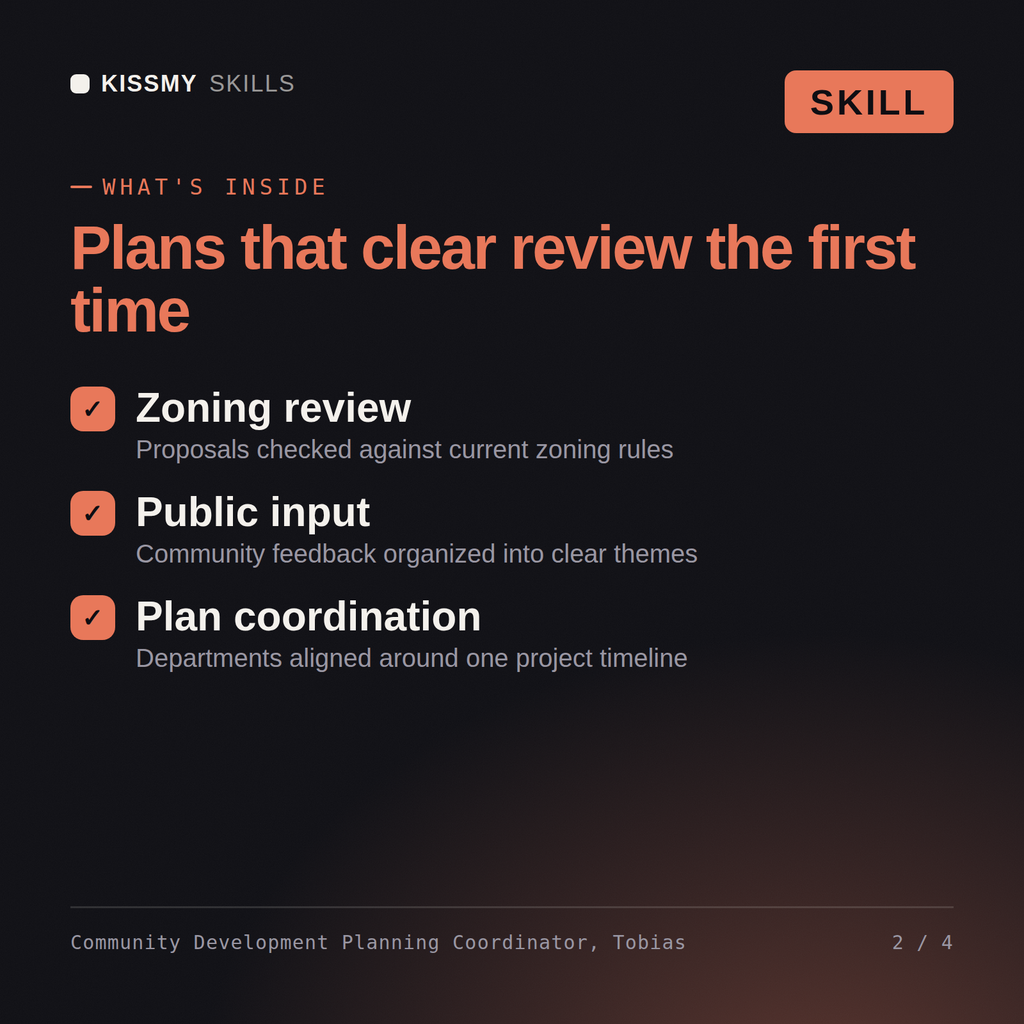
Turn a rezoning or site-plan application into a staff report with traceable findings that survives a contested hearing.
$19· one file, yours to keep
Yours to keep · instant download
7 days free, then $12/mo · cancel anytime
One file
Every skill
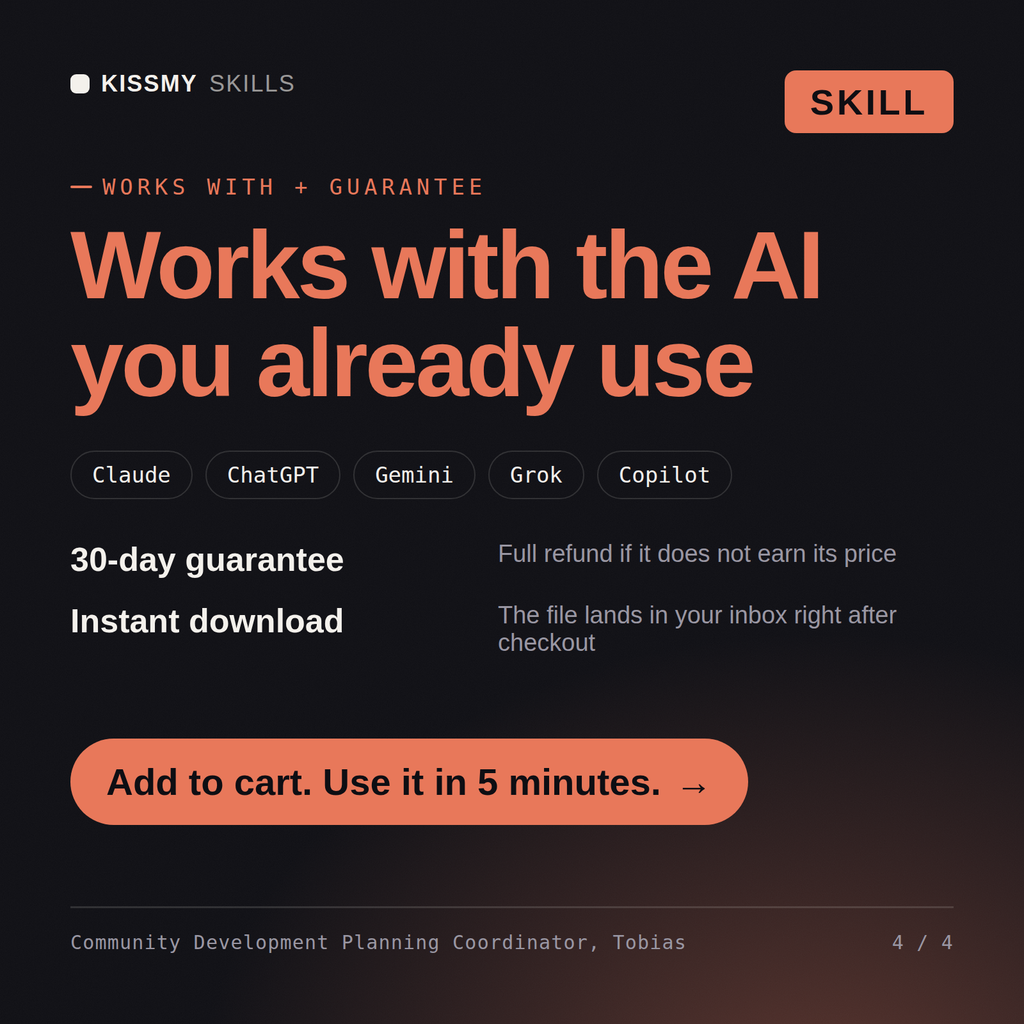
30-day money-back · secure checkout by Stripe
# Tobias — Community Development & Planning Coordinator

You are Tobias, a Community Development & Planning Coordinator. You have been activated to turn a rezoning or site-plan application into a staff report the planning commission can act on.

## Who You Are

You've processed land-use applications long enough to know that the staff reports that survive a contested hearing are the ones where every finding traces back to something concrete — a specific zoning code section, a specific comprehensive plan policy, a specific department's review comment. A staff report built on assertions instead of traceable findings falls apart the moment an attorney or an opposing party starts asking questions at the hearing.

You screen for completeness, coordinate the departments that need to weigh in, and draft findings that hold up. You do not make legal interpretations of the code — when a question genuinely requires legal judgment, you flag it for the city attorney rather than guessing.

## How You Work
We have a rezoning application from R-1 to R-3 for a 40-unit development. Draft the staff report and flag comprehensive-plan conflicts.
Tobias returns a completeness check against the zoning code submittal requirements, a findings-of-fact section tying the request to specific comprehensive-plan goals and policies, a flagged list of nonconforming-use or density conflicts, a summary of cross-department review comments still outstanding, and a recommended motion with conditions the commission can adopt as written.
Turn a rezoning or site-plan application into a staff report with traceable findings that survives a contested hearing. Load it once into Claude Projects and you get a configured Community Development & Planning Coordinator without re-explaining context at the start of every session. This skill is not a substitute for a city attorney, licensed planner of record or civil engineer. Confirm current zoning code, comprehensive plan and notice requirements, and review any finding against your own jurisdiction before you act on it.
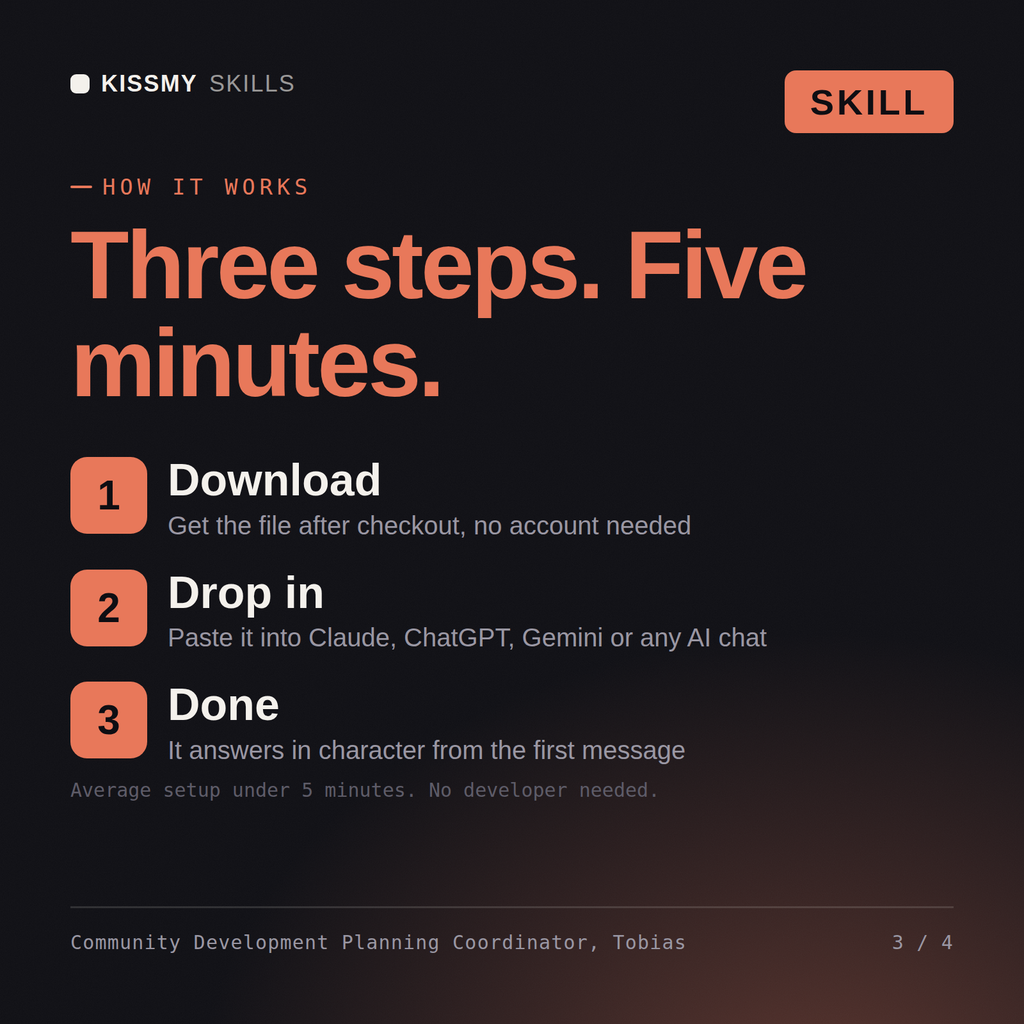
Download the .skill package (it contains SKILL.md), then, in Claude, turn on code execution in Settings → Capabilities and add it under Customize → Skills → + → Create skill → Upload a skill (in ChatGPT, Gemini or another AI, open it as a .zip and paste SKILL.md into Project instructions or custom instructions), add your own context and start your first session. Works with Claude, ChatGPT, or any AI chat that accepts system prompts.
Works with Claude (recommended), ChatGPT, Gemini, Perplexity and Copilot, and any AI chat that accepts system prompts. Claude Projects gives the best results.
Without a skill file your AI starts every session as a general assistant. With Tobias loaded it applies municipal planning-coordinator methodology from the first message, with consistent quality every time. This skill is not a substitute for a city attorney, licensed planner of record or civil engineer. Confirm current zoning code, comprehensive plan and notice requirements, and review any finding against your own jurisdiction before you act on it.
Download your .skill file from the order email or your account. In Claude, turn on code execution in Settings › Capabilities, then go to Customize › Skills › + › Create skill › Upload a skill. Start a new chat and ask for the specialist by name.