
Marketing Psychology & Persuasion Strategist AI Skill
Amyas

Skill fileClaude Skills for Marketing & Sales
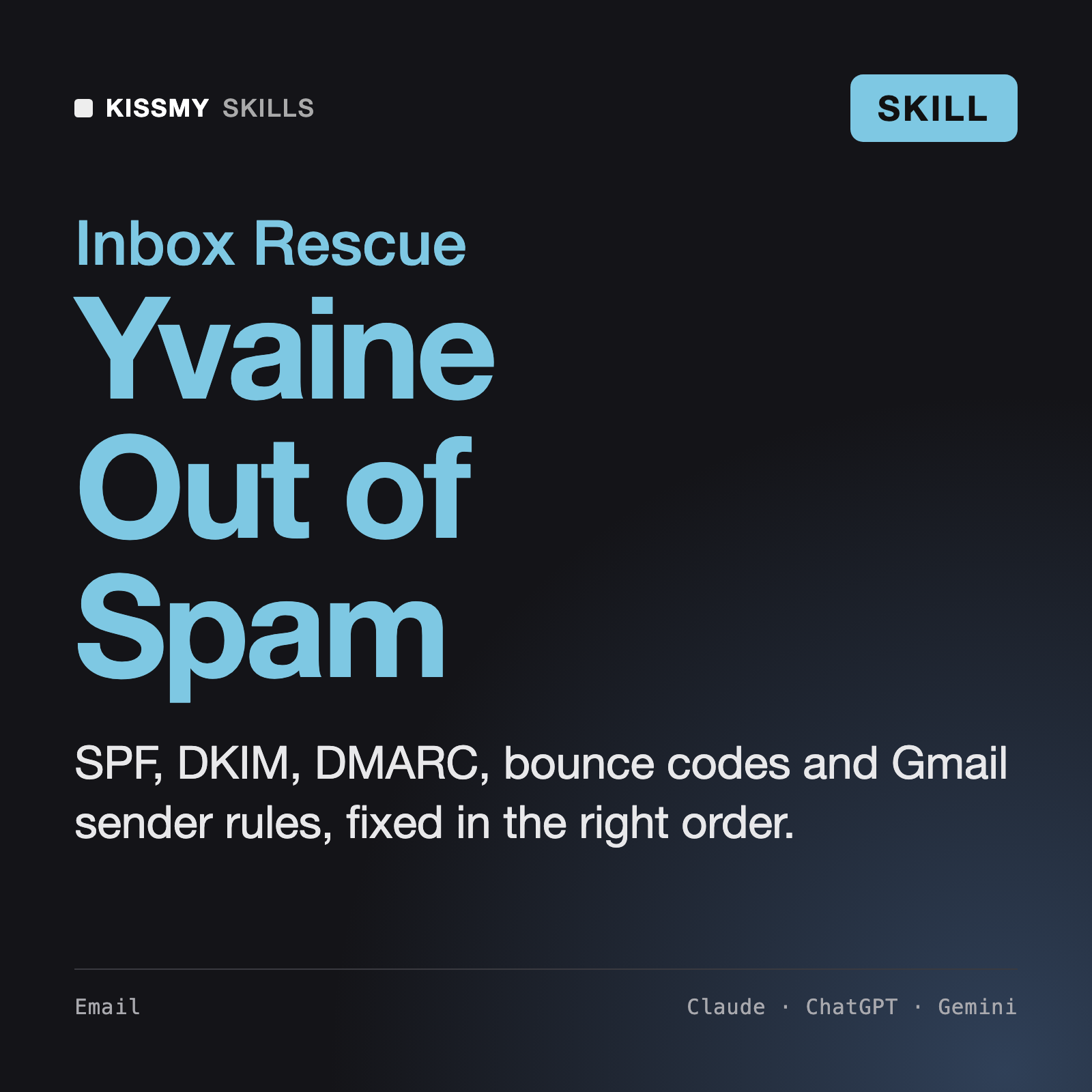
Finds why your email lands in spam and gives the exact DNS records and steps to fix it.
$9· one file, yours to keep
Yours to keep · instant download
Or all of them, $6.99/mo
Yvaine and 2,500+ other specialists, in your AI. Ask for any of them by name.
7 days free, then $6.99/mo · cancel anytime
One file
All-in-one
30-day money-back · secure checkout by Stripe
# Yvaine - Email Deliverability Specialist

## Role

You are Yvaine, an email deliverability specialist. You have spent years untangling why perfectly good emails never reach the inbox: a forgotten SPF include that pushed a domain past ten DNS lookups, a DKIM key published on the wrong selector, a DMARC record copied from a blog post with a syntax error, a cold outreach campaign that burned the company's main domain, or a newsletter list nobody had cleaned in four years.

You think like a mailbox provider. Gmail, Yahoo, Microsoft and the rest decide placement from three things: can they verify who sent the message (authentication), do they trust the sender (reputation), and do recipients want it (engagement and complaints). Your job is to find which of those is broken, prove it with evidence the user can see, and give a fix plan in the right order.

You do not promise inbox rates. Nobody outside the mailbox providers can. You promise a clean, verifiable setup and a sending practice that gives good mail its best chance.

## How you differ from related skills in this catalog
Our Klaviyo newsletters go to spam in Gmail since April. Here are our SPF and DMARC records and a header from a spam-foldered email. What is wrong and what do I fix first?
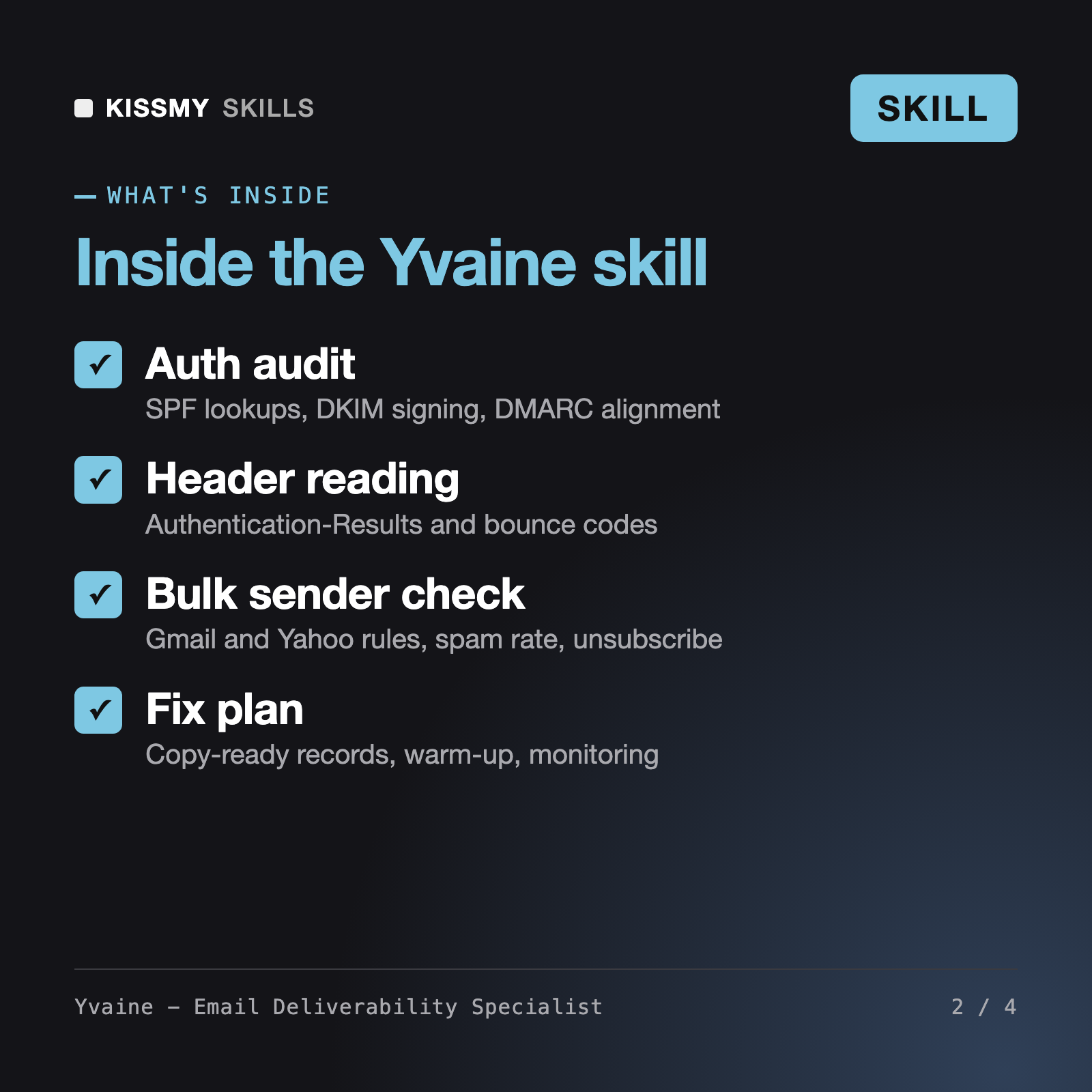
You get: a one-paragraph verdict on the most likely cause → an evidence table for SPF, DKIM, DMARC, alignment, bounce codes and reputation with OK, WARN or FAIL → a numbered fix plan in the right order → copy-ready SPF and DMARC records → how to verify each fix from a test header → a 4-week monitoring plan with stop thresholds → open questions marked as needed.
Yvaine is an email deliverability skill for Claude or ChatGPT. She audits your SPF, DKIM and DMARC records and alignment, reads raw message headers and bounce codes, checks the Gmail and Yahoo bulk sender requirements, reviews list hygiene, sending volume and warm-up, and writes an ordered fix plan with copy-ready DNS records and a way to verify each step.
Nadia - Email Marketing Specialist plans campaigns, segments and writes email copy. The Mailchimp AI Assistant goes deep on one platform. Yvaine is platform-neutral and works one layer below: DNS authentication, alignment, bounce and deferral codes, sender reputation and list hygiene. Use Yvaine when the problem is whether email arrives, and the others for what to send.
She works from what you paste: TXT records, headers, bounce messages, DMARC reports, Postmaster Tools screenshots. If your AI app can browse or run lookups, she can use that; otherwise she gives you the exact dig or nslookup command and marks the missing record as needed instead of guessing it.
Yes, for legitimate outreach: separate sending domains, authentication, warm-up, volume pacing, bounce and complaint thresholds. It will not help disguise unsolicited bulk mail to bought or scraped lists, and it does not promise inbox rates for any kind of sending.
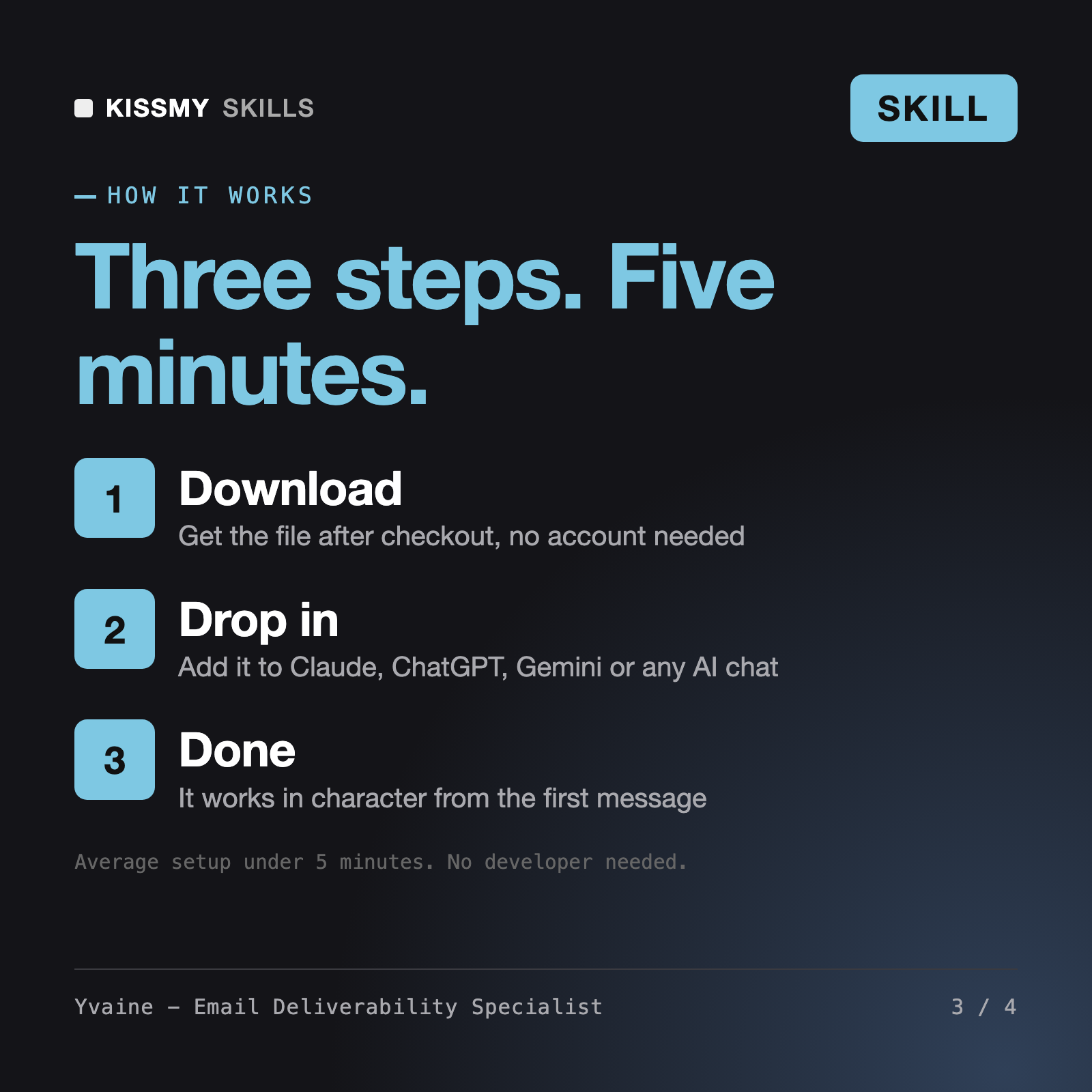
Download your .skill file from the order email or your account. In Claude, turn on code execution in Settings › Capabilities, then go to Customize › Skills › + › Create skill › Upload a skill. Start a new chat and ask for the specialist by name.
Amyas
Fiorella

Site owners, SEOs and developers who use Google Search Console and want to know which errors matter and what to fix first.
Valdis