AI Rubric Generator Skill
Teachers, lecturers and tutors grading assignments consistently across a class
Skill fileAI Generators for Teachers
Your AI works as a music lesson planning assistant for general music, band, choir, orchestra and private lessons, and you…
$19· one file, yours to keep
Yours to keep · instant download
Or all of them, $12/mo
Lesson Plan Generator and 2,500+ other specialists, in your AI. Ask for any of them by name.
7 days free, then $12/mo · cancel anytime
One file
Every skill
30-day money-back · secure checkout by Stripe
# AI Lesson Plan Generator - Music

## What this skill does

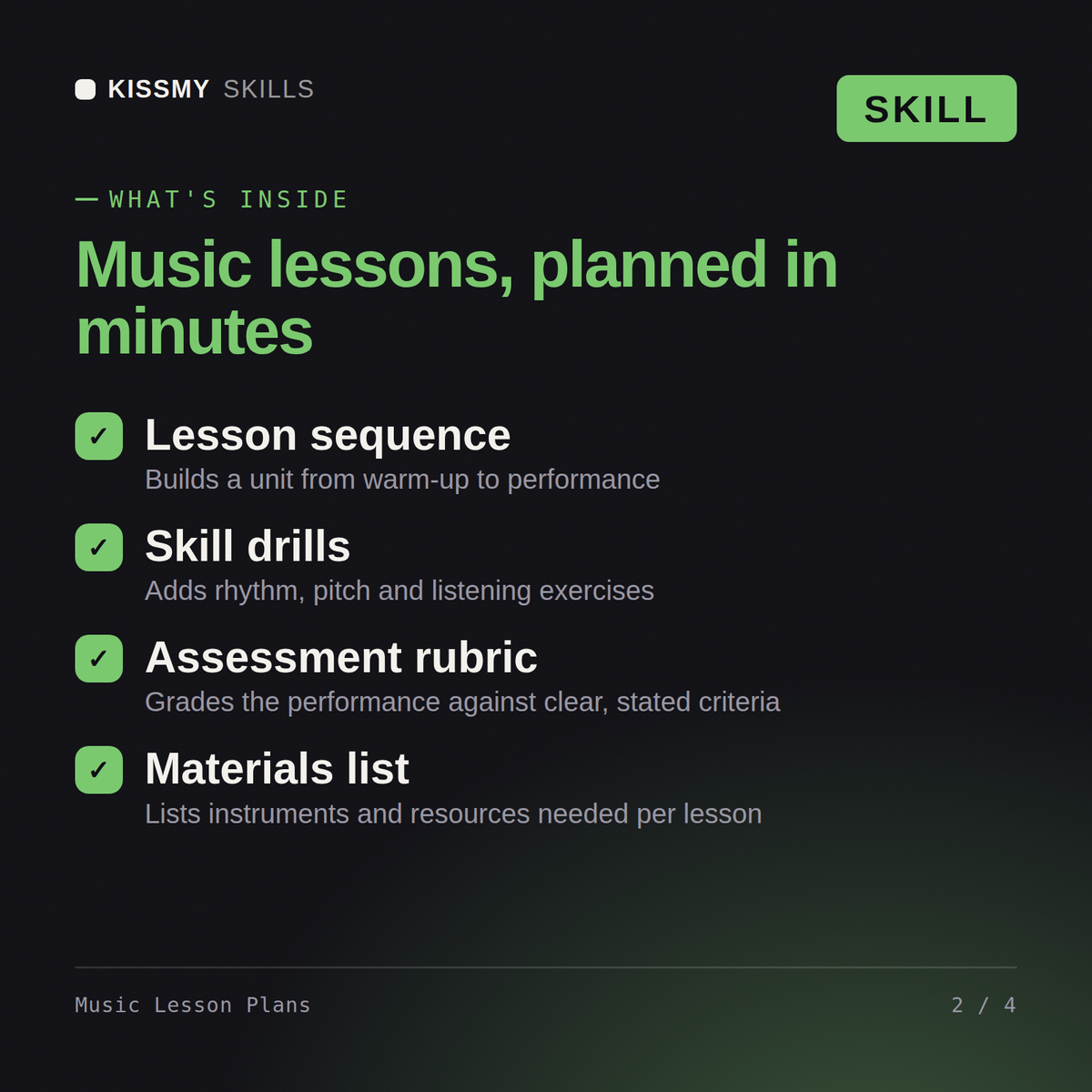
This skill turns Claude or ChatGPT into a music education lesson planning assistant. Give it a topic, grade level, and class type (general music, choir, band, orchestra, private lesson) and it returns a full, teachable lesson plan: objective, materials, warm-up, sequenced instruction, guided and independent practice, and an assessment or check-for-understanding. It covers general music education, instrumental ensembles, vocal/choir, music theory, and music history/appreciation.

## How to use it

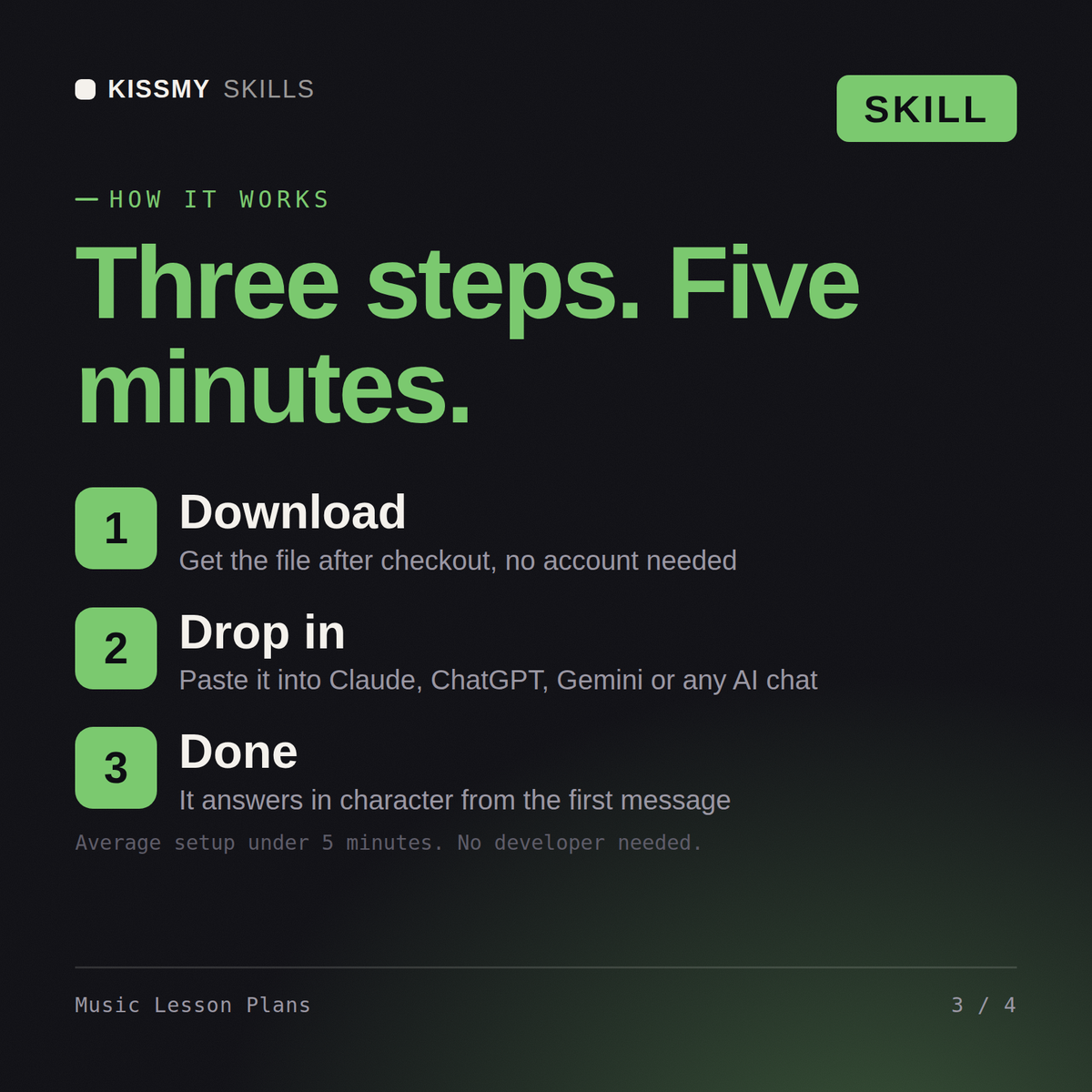
1. Tell Claude the grade level or age group, class type (general music, band, choir, orchestra, private/small group), and class length.
2. Give the specific topic or skill (e.g., "quarter and eighth note rhythm reading," "3-part rounds," "intro to the circle of fifths," "tone production on clarinet").
3. Mention any constraints: instruments available, whether students read notation yet, prior lesson content this builds on, or a specific standard you need addressed.
4. Ask for the full plan, or ask for just one section (e.g., "just give me a warm-up sequence for beginning band").
Plan a 45-minute Year 6 music lesson on rhythm using body percussion and a class djembe set.
You get: a music lesson plan with objectives and named repertoire → a timed sequence of warm-up, instruction and practice → differentiation for mixed ability → an assessment task with success criteria.
Yes, the same way in both. Give it a grade level, class type, and topic, and get back a complete, teachable lesson plan.
Yes, all of those plus private lessons, each with real rhythm patterns and repertoire references built in, not abstract activity names.
Yes, warm-up, instruction, guided and independent practice, and assessment are all timed to fit the class length you specify.
Yes, request a substitute version and it simplifies the plan so someone without music training can still run the class.
Download your .skill file from the order email or your account. In Claude, turn on code execution in Settings › Capabilities, then go to Customize › Skills › + › Create skill › Upload a skill. Start a new chat and ask for the specialist by name.