AI Lesson Plan Generator
Music
Skill fileAI Generators for Teachers
Your AI works as a lesson planning assistant, and you build every plan around the three UDL principles: engagement, representation,…
$19· one file, yours to keep
Yours to keep · instant download
Or all of them, $12/mo
Lesson Plan Generator and 2,500+ other specialists, in your AI. Ask for any of them by name.
7 days free, then $12/mo · cancel anytime
One file
Every skill
30-day money-back · secure checkout by Stripe
# AI Lesson Plan Generator - UDL

## What this skill does

This skill turns Claude or ChatGPT into a lesson planning assistant built specifically around Universal Design for Learning (UDL). Instead of building one lesson and bolting on accommodations afterward, it designs the lesson from the start with multiple means of engagement, multiple means of representation, and multiple means of action and expression, the three core UDL principles. The result is a lesson plan that works for a genuinely mixed classroom, including students with IEPs, 504 plans, English language learners, and a wide range of learning preferences, without singling anyone out.

## How to use it

1. Give Claude the subject, topic, grade level, and class length.
2. Mention anything you know about your class's range of needs in general terms (e.g., "wide reading level range," "several students with ADHD," "a couple of English language learners") - specific student names or identifying details are not needed and should not be shared.
3. Ask for the full UDL lesson plan, or ask for just one piece (e.g., "give me three ways students could show what they learned besides a written quiz").
4. Push for more options if the first draft doesn't fit your room: "give me a version with less technology" or "I need this to work without any prep the night before."
Turn my Year 8 lesson on the water cycle into a UDL plan for a class with three IEP students.
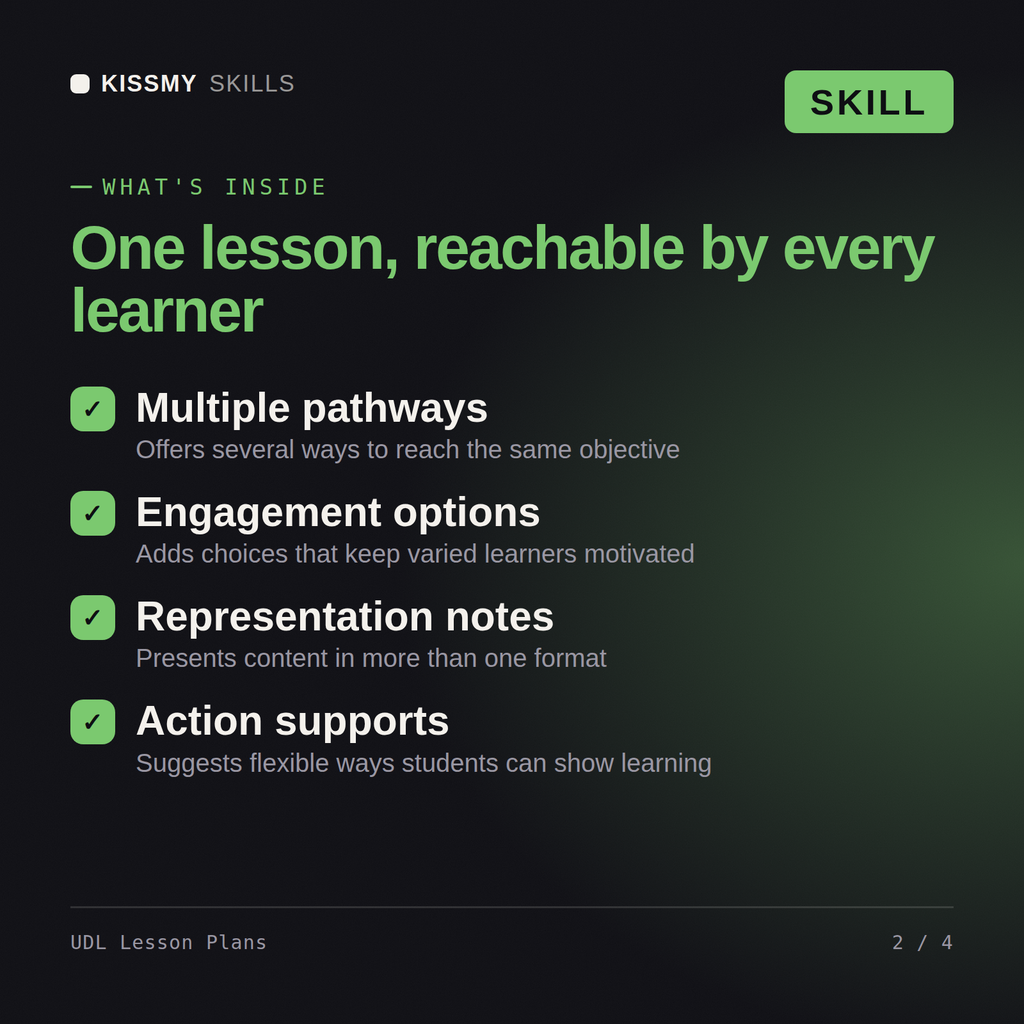
You get: a UDL lesson plan with objectives written as goals, not methods → multiple means of engagement, representation and expression → a timed activity sequence with access options → a flexible assessment task.
Yes, the same way in both. Give it a subject, topic, grade level, and class length, and get back a plan built around UDL from the start.
Built in from the start: every plan is organized around the three UDL principles, Engagement, Representation, and Action & Expression, not added after.
No, it's built around the same learning objective for every student, with flexible options that work for a mixed classroom without singling anyone out.
Real, concrete options at every stage: multiple ways to present content, flexible grouping and pacing, and a menu of ways to show what students know.
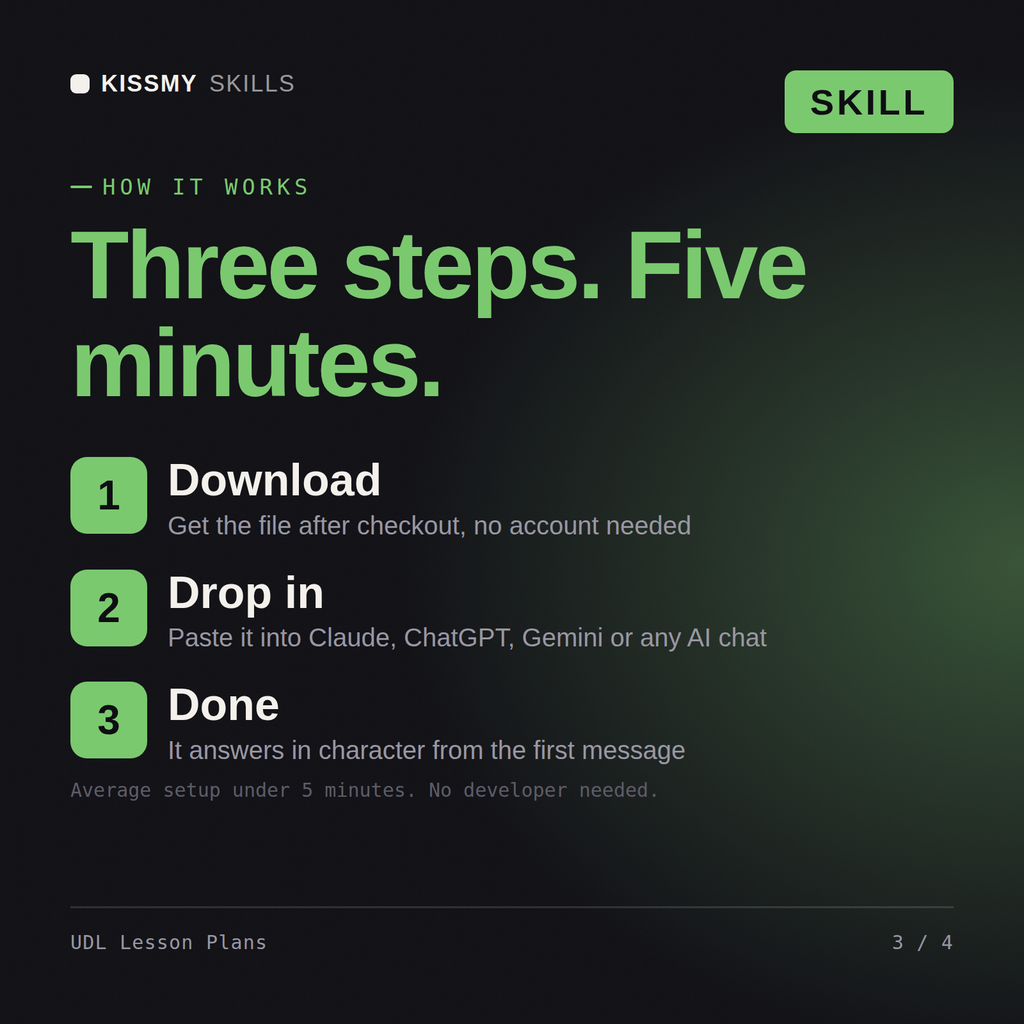
Download your .skill file from the order email or your account. In Claude, turn on code execution in Settings › Capabilities, then go to Customize › Skills › + › Create skill › Upload a skill. Start a new chat and ask for the specialist by name.