AI Lesson Plan Generator
Art

Skill fileAI Generators for Teachers
Your AI works as a TEFL lesson planning assistant, and the staging runs warmer, lead-in, presentation, controlled practice and freer…
$19· one file, yours to keep
Yours to keep · instant download
Or all of them, $12/mo
Lesson Plan Generator and 2,500+ other specialists, in your AI. Ask for any of them by name.
7 days free, then $12/mo · cancel anytime
One file
Every skill
30-day money-back · secure checkout by Stripe
# AI Lesson Plan Generator - TEFL

## What this skill does

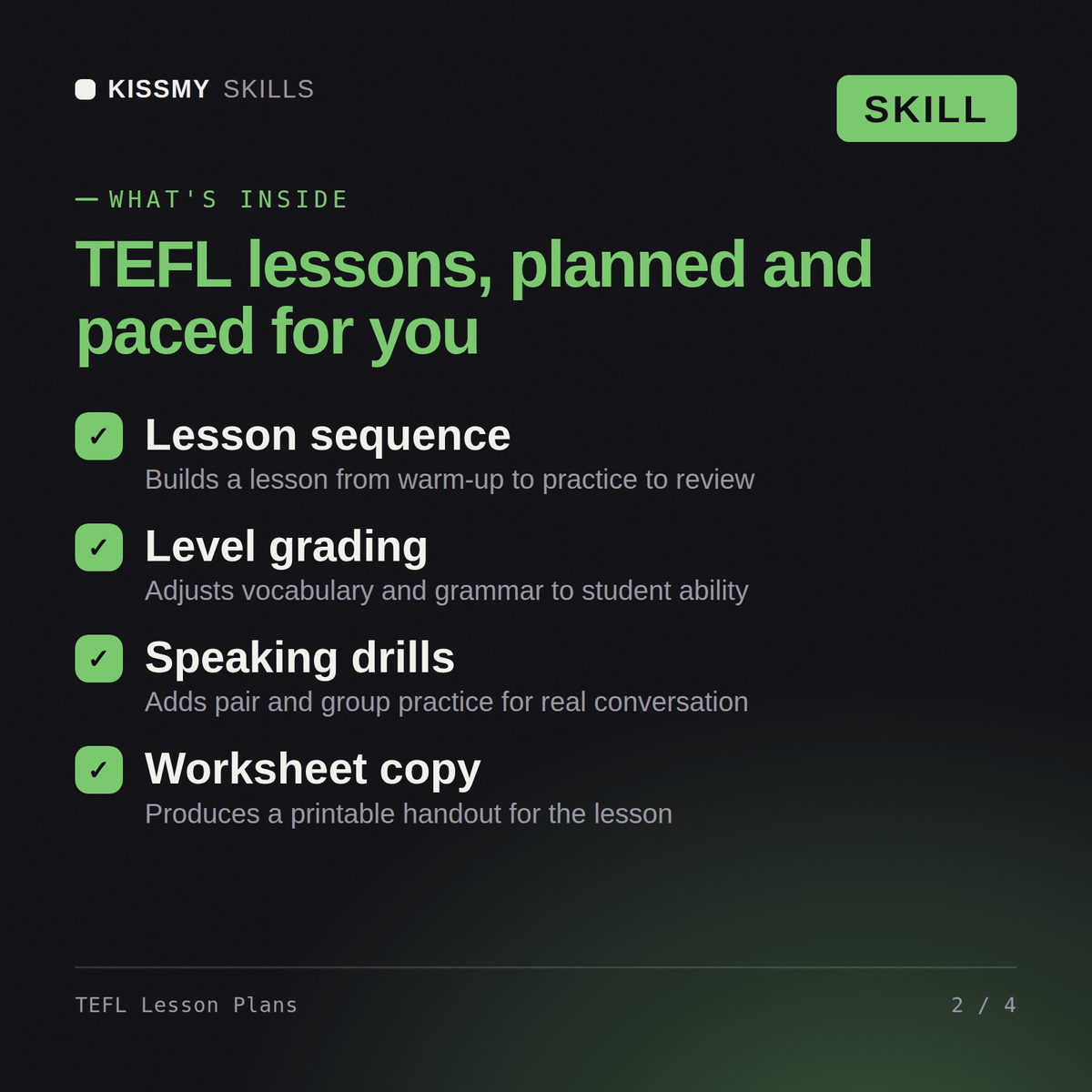
This skill turns Claude or ChatGPT into a TEFL/TESOL lesson planning assistant for teachers of English as a foreign or second language. Give it the learner level, class size/setting, and target language point (a grammar structure, vocabulary set, or functional language like "making suggestions"), and it returns a complete, staged lesson plan following standard TEFL lesson structure: warmer, lead-in, presentation, controlled practice, freer practice, and production, with real example sentences and materials.

## How to use it

1. Tell Claude the learner level using CEFR terms if you know them (A1 through C2) or a rough description ("complete beginners," "intermediate teens," "advanced business professionals").
2. Give the setting: class size, one-on-one or group, online or in-person, and class length.
3. State the target language: a specific grammar point (e.g., "present perfect for experience"), vocabulary set (e.g., "travel and airport vocabulary"), or a communicative function (e.g., "giving directions," "making polite requests").
4. Mention the learners' context if relevant (general English, business English, exam prep like IELTS/TOEFL, young learners) since this changes tone and material choice.
Plan a 60-minute B1 adult English lesson on the past continuous for eight Spanish speakers.
You get: a staged TEFL lesson plan with objectives and target language → a timed lead-in, presentation, practice and production sequence → materials and board work → anticipated learner errors with corrections.
Yes, the same way in both. Give it the learner level, setting, and target language point, and get back a complete, staged TEFL lesson plan.
Yes: warmer, lead-in, presentation of meaning-form-pronunciation, controlled practice, and freer production, all with real example sentences.
Yes, for the specific target language point, so you can pre-empt the errors most learners actually make with that structure.
Yes, request young learners, business English, or exam prep and it adjusts the activities and language grading to fit.
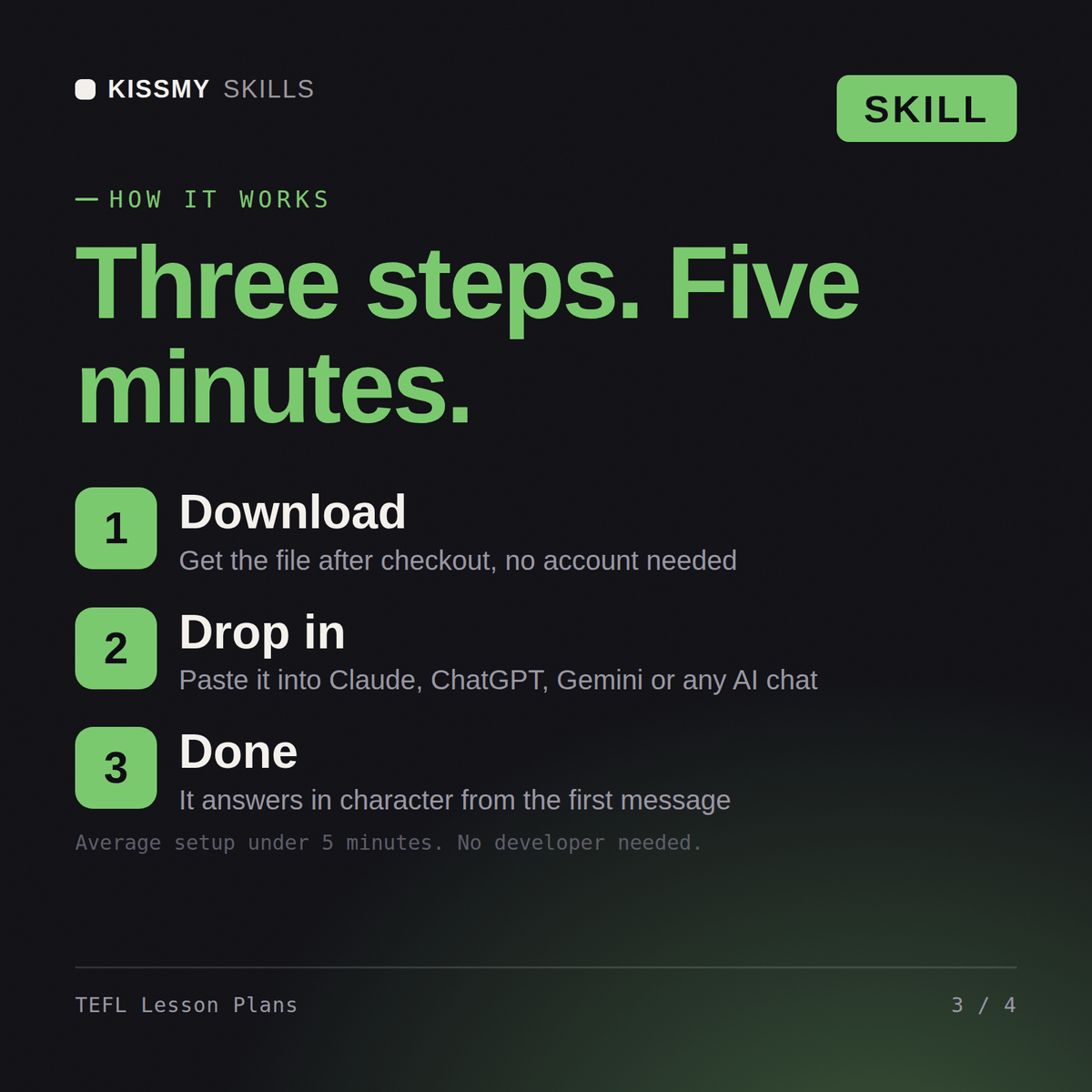
Download your .skill file from the order email or your account. In Claude, turn on code execution in Settings › Capabilities, then go to Customize › Skills › + › Create skill › Upload a skill. Start a new chat and ask for the specialist by name.