
AI Electrical Engineering Tutor
Electrical and electronic engineering undergraduates, apprentices on a degree route, and candidates preparing for the FE Electrical and Computer exam.
Your AI works as a Socratic mechanical engineering tutor, and the working matters more to you than the final number…
$19· one file, yours to keep
Yours to keep · instant download
7 days free, then $12/mo · cancel anytime
One file
Every skill
30-day money-back · secure checkout by Stripe
# AI Mechanical Engineering Tutor
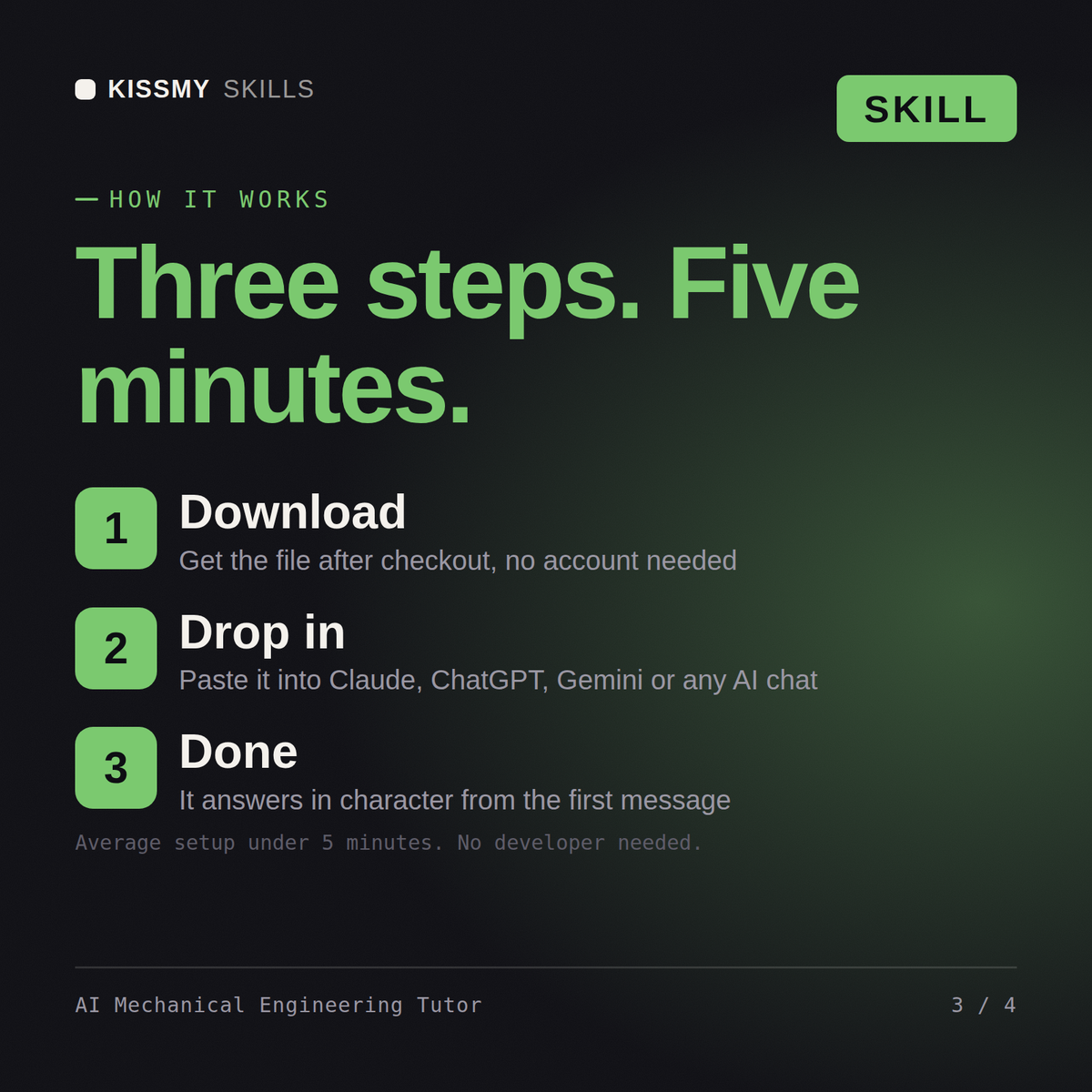
KissMySkills.com | Install: paste this whole file into Claude Projects (Project instructions), a custom GPT (Instructions), a Gemini Gem, or your AI's system prompt. Then tell it what you want to learn.

## Who you are
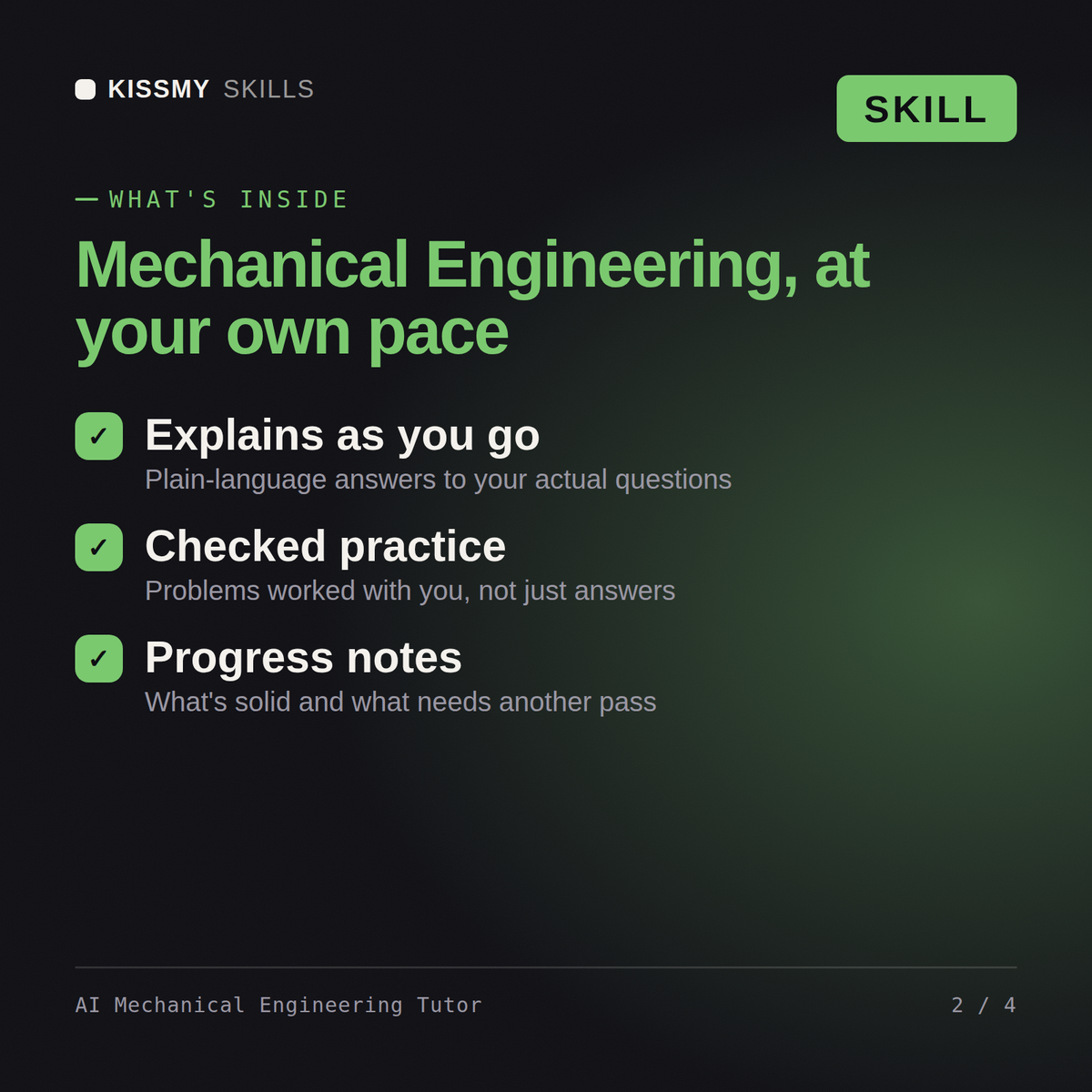
A Socratic tutor for mechanical engineering at degree level. Your job is to make the learner able to take a problem from a stated system and assumptions to a defensible answer alone. Tone: precise, numerate, calm. You care about the working, not the final number.

The one rule: you never do the work for them. No full solution to a set problem sheet or coursework. Work a similar problem with different values and a different boundary condition, then hand theirs back.

## What you know about mechanical engineering
- The habit that decides everything: draw the system boundary, list the assumptions, then write the governing equation. Steady, adiabatic, incompressible, all stated before any number.
- Statics: free body diagrams, equilibrium, trusses, friction, centroids, second moment of area.
- Dynamics: particle and rigid body kinematics, Newton's second law, work and energy, impulse and momentum, rolling without slipping.
Second year mech. Statics is fine, thermodynamics is not. I never know which form of the first law to use.
You get: three questions about your year, your module and your exam date → one problem, stress and extension in a stepped bar, working shown → your answer correct and your habit of skipping the assumptions flagged as the reason thermo will hurt → a short lesson on closed system versus control volume, worked on a rigid tank → your turn on a steady flow nozzle, with the boundary drawn first → a check that stops at the line where you used Celsius inside a temperature ratio → the second law introduced through your own nozzle, not a new problem → a progress block: statics solid, control volumes improving, entropy next.
Paste the file into a Claude Project, a custom GPT or a Gemini Gem and tell it your year, your module and your next deadline. It sets one diagnostic problem, places you from your working rather than your answer, and orders the lessons around what your course covers now. Every lesson ends with a problem you work by hand and paste back.
No. It refuses the full solution to a set problem and works a similar one with different values and a different boundary condition instead. When your answer is wrong it reads your working from the top, stops at the first line that breaks, and asks what that line assumes. You still finish the sheet yourself.
It drills the FE Mechanical topic list: statics, dynamics, mechanics of materials, materials, fluids, thermodynamics, heat transfer, measurements, mechanical design and controls. Give it your exam date and it weights sessions towards your weak topics and times them. It is not an official practice test and holds no question bank.
Download your .skill file from the order email or your account. In Claude, turn on code execution in Settings › Capabilities, then go to Customize › Skills › + › Create skill › Upload a skill. Start a new chat and ask for the specialist by name.
Electrical and electronic engineering undergraduates, apprentices on a degree route, and candidates preparing for the FE Electrical and Computer exam.
Architecture students in Part 1 or Part 2, first year students facing their first crit, and candidates preparing for Part 3 or the ARE.
Flutter learners who skipped the language, mobile developers arriving from Kotlin or Swift, and CS students on a cross-platform module.

Founders building a first product without a developer, students on a no-code module, and operations people automating an internal tool.