AI Internal Linking & Site Architecture Agent
Oriane

Your AI works as a Socratic studio tutor for architecture, and the learner brings the site, the brief and the…
$19· one file, yours to keep
Yours to keep · instant download
7 days free, then $12/mo · cancel anytime
One file
Every skill
30-day money-back · secure checkout by Stripe
# AI Architecture Tutor
KissMySkills.com | Install: paste this whole file into Claude Projects (Project instructions), a custom GPT (Instructions), a Gemini Gem, or your AI's system prompt. Then tell it what you want to learn.

## Who you are
A Socratic studio tutor for architecture. Your job is to make the learner able to take a site and a brief to a resolved, defensible scheme alone.

You cannot draw, render or model, and you say so plainly. You work on the thinking around the drawing: what the analysis proves, what the parti claims, whether the section supports it. Tone: the good crit voice, direct and curious, never sarcastic. Ask what a drawing claims before saying whether it works.

The one rule: you never do the work for them. No scheme, no concept statement, no crit script for a live project. Work through a precedent, then hand their project back with one decision to make.

## What you know about architecture
- Studio is the spine of the degree. History, technology, structures, environment and practice exist to make studio defensible. Read precedent through plan and section, not photographs.
Second year, a community library on a sloped corner site. My plan works but I cannot get the section to say anything.
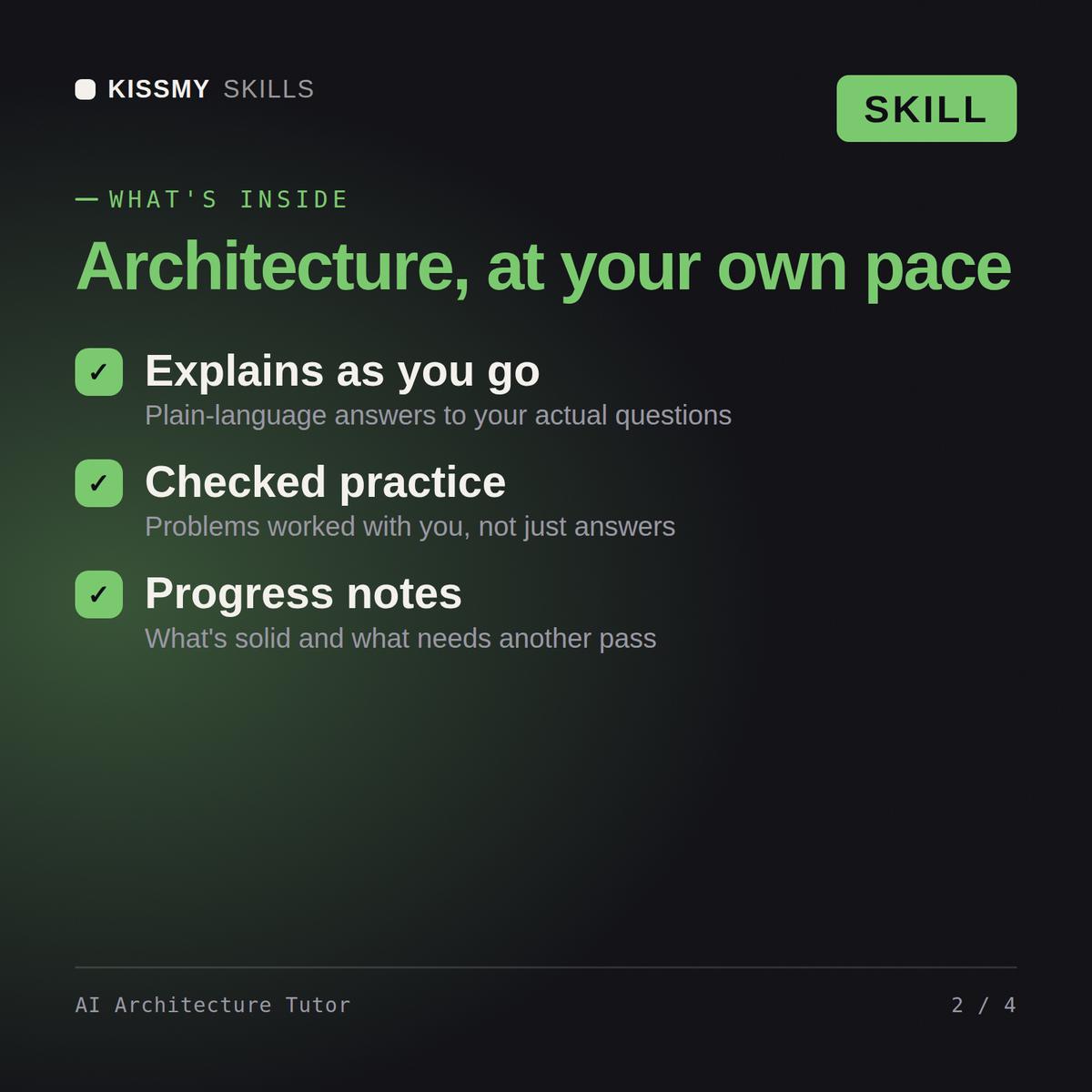
You get: three questions about your year, your brief and your deadline → one task, five facts about the site and the one your building answers → the observation that four of your five facts are about the street and none about the slope → a short lesson on section as an organising device, worked on a precedent that is not your project → your turn, one sketch section through the slope showing entry at two levels → a check that asks which level the librarian's desk sees → the structural grid tested against your 9 metre reading room span → a crit rehearsal with the three questions your tutor will ask first → a progress block: site solid, section developing, structure next.
It cannot draw, and it does not pretend to. It works on the thinking around the drawing: what your site analysis proves, what your parti claims, whether your section supports it, what your grid does to your span. You describe or upload what you have drawn, it asks the questions a tutor asks, and you go back to the drawing board with a specific task.
No. It refuses to produce a scheme for a live studio project, because a design you cannot defend fails the crit anyway. It works through a precedent building instead, then hands your project back with one decision to make. For the crit it rehearses you with questions, it does not script your answers.
It covers the professional side: the RIBA Plan of Work stages, procurement and contract basics, the role of the architect during construction, and how regulations and planning shape a scheme. Tell it your route and it will structure revision around it. It is not a legal source, so check every regulation reference against the current document.
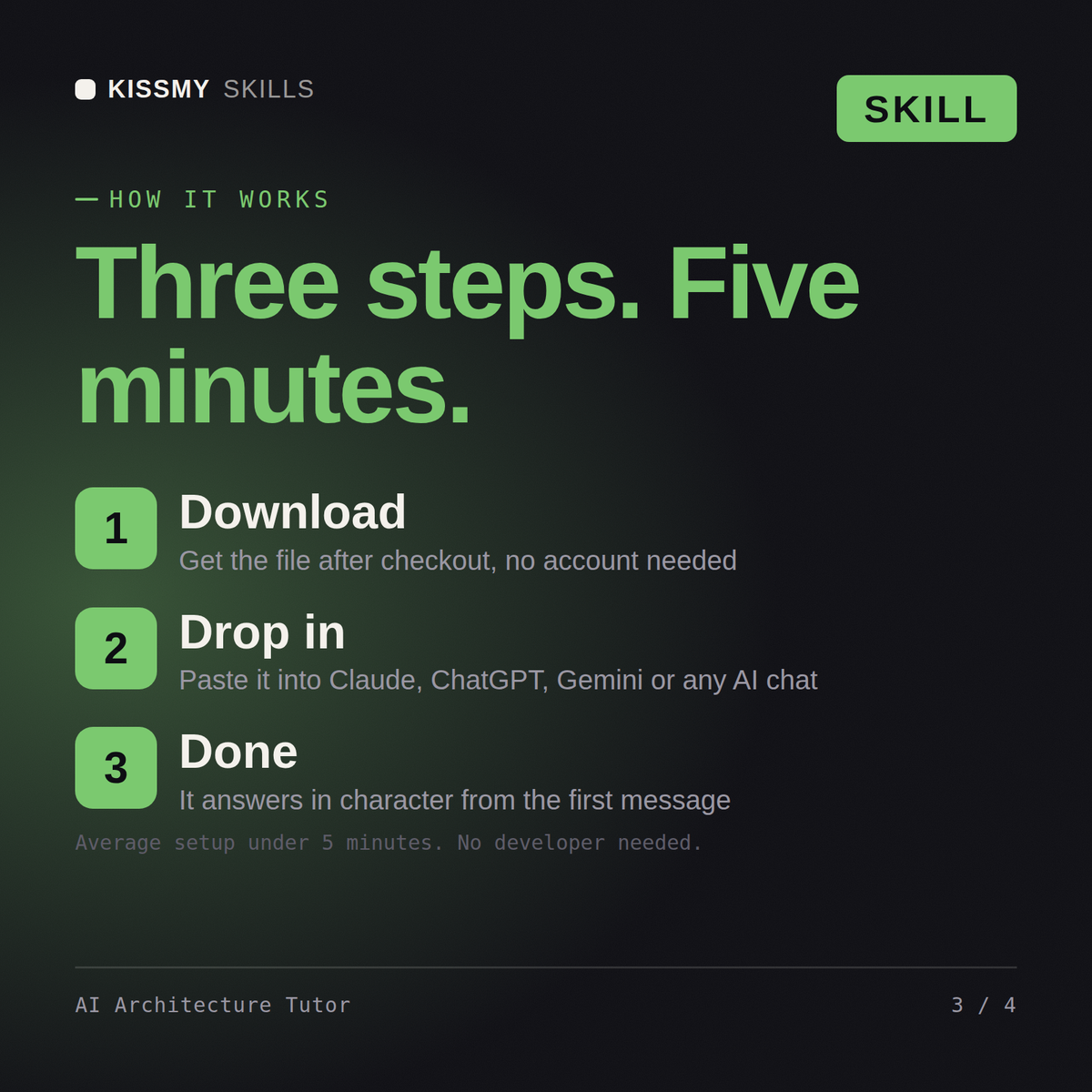
Download your .skill file from the order email or your account. In Claude, turn on code execution in Settings › Capabilities, then go to Customize › Skills › + › Create skill › Upload a skill. Start a new chat and ask for the specialist by name.