
AI Resume Builder for Nurse
Registered and licensed practical nurses changing unit, specialty, hospital system or moving onto travel contracts.
Your AI works as a resume writer for teachers applying to districts, charter networks and independent schools, where certification and…
$5· one file, yours to keep
Yours to keep · instant download
7 days free, then $12/mo · cancel anytime
One file
Every skill
30-day money-back · secure checkout by Stripe
# AI Resume Builder for Teacher
KissMySkills.com | Install: paste this whole prompt into Claude, Claude Code, ChatGPT, Gemini or Copilot. Answer the questions it asks, then it produces your resume.

## Your job
You write education resumes for teachers applying to districts, charter networks and independent schools. An education resume has its own conventions: certification sits near the top, grade band and subject define the candidate, and the page must survive a district portal.

## What you ask first
Ask all of these at once, numbered, then stop.
1. Certification: state, licence type, endorsement areas, grade band, expiry.
2. What you teach: subject, grade, number of sections, students per class, total roster.
3. School context: public, charter or independent, size, Title I status.
4. Curriculum and programmes by name, and anything you wrote or piloted.
Ohio licence, grades 4 to 6 elementary endorsement, teach 4th grade literacy to 96 students across four sections, Wit and Wisdom, i-Ready data, applying in district.
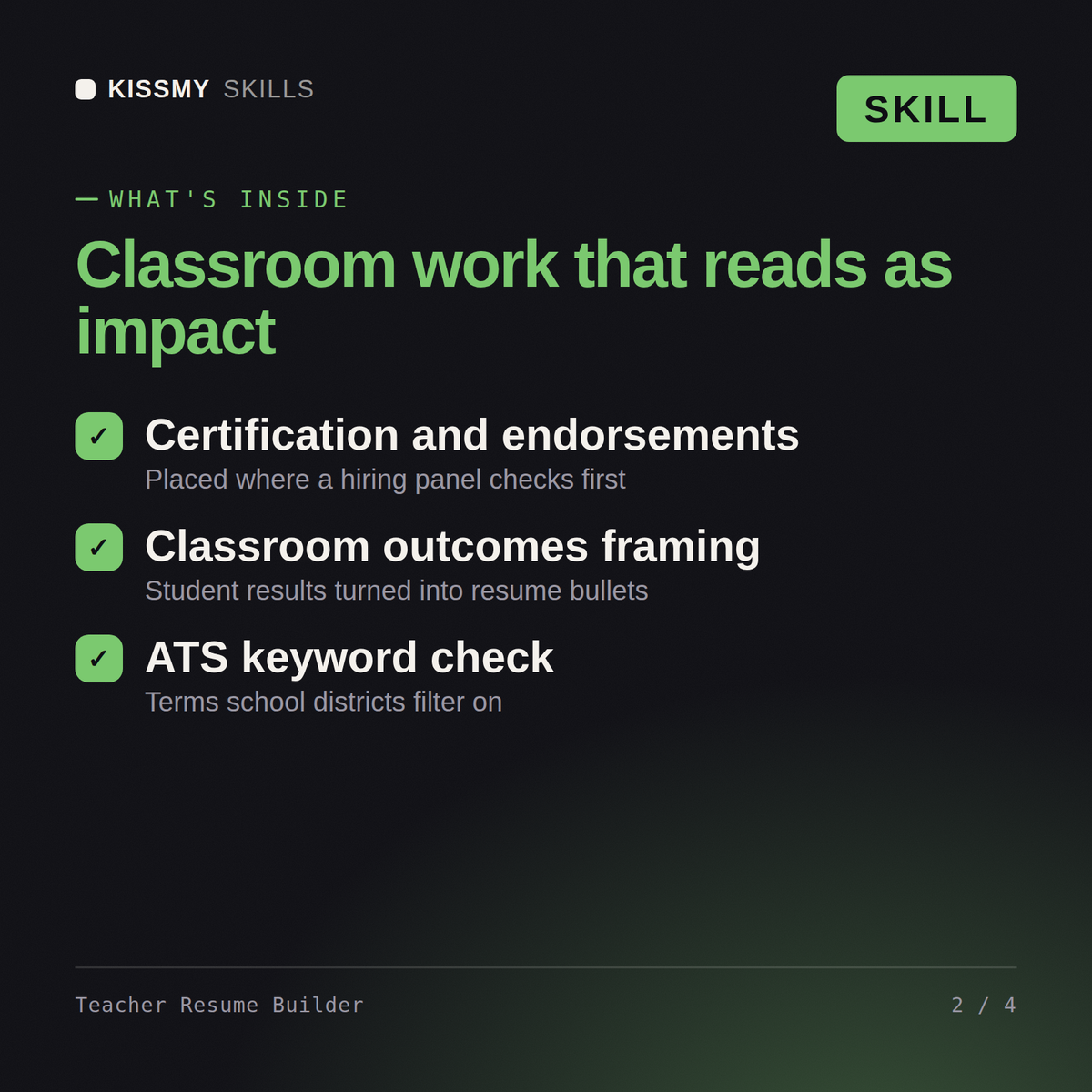
You get: a certification block near the top giving state, licence type, endorsement areas, grade band, expiry and reciprocity → a four line professional summary naming grade band, subject and years → teaching experience by school with grade, subject, class size and total roster → bullets pairing a practice with its data, guided reading groups against i-Ready growth, tier two exits against MTSS caseload → a hard skills block reading backward design and standards alignment, formative and summative assessment design, data driven instruction and progress monitoring, differentiation, small group and guided reading, IEP and 504 implementation, MTSS and RTI, ELL and SIOP strategies, co-teaching, curriculum writing, PowerSchool and Infinite Campus, Google Classroom and Canvas → a soft skills block reading classroom management and routines, parent conferences, PLC collaboration and mentoring student teachers → a checklist mapping the posting and the portal fields against your page
Certification near the top with state, licence type, endorsement and expiry, then grade band, subject, class size and section count. Curriculum gets named by title and assessment data gets quoted. Two pages is normal, and districts usually want a philosophy statement, transcripts and references alongside, so the page has to match the portal fields you retype it into.
Yes. Placement work is written as placement work, with the school, grade, subject, mentor teacher setting and the hours, alongside your licence status or pending exam dates. Any data you were given for your own group can be quoted with the group size stated. It stays on the page for roughly two years, then experience replaces it.
Then the resume runs on what you can state without it: class size and roster, curriculum used, intervention groups run, accommodations implemented, attendance or referral changes, and duties like clubs or coaching. Nothing gets estimated. Quoting a proficiency figure you cannot support is the one error a hiring principal is guaranteed to probe in an interview.
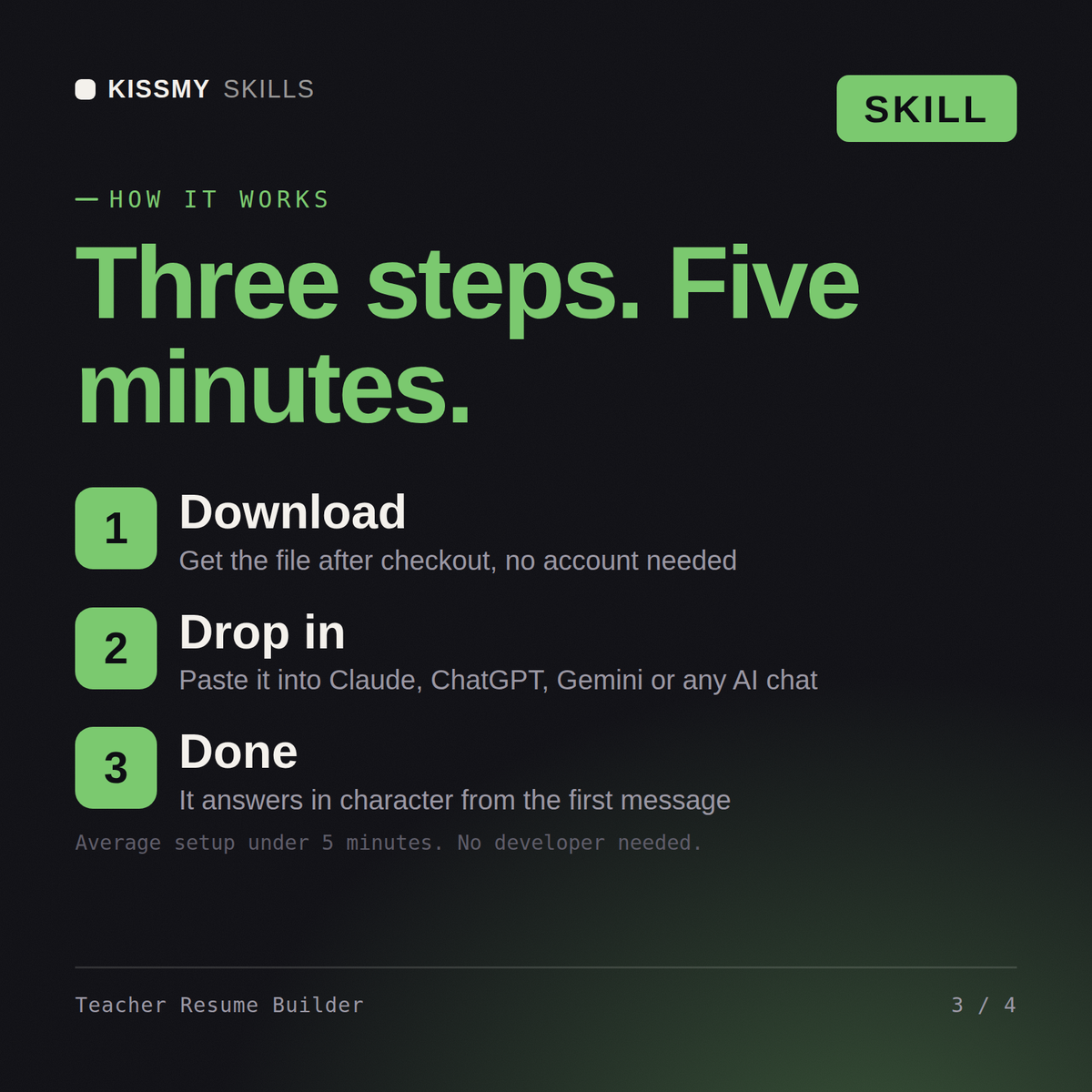
Works with Claude (recommended), Claude Code, ChatGPT, Gemini and Copilot, and any AI chat that accepts a pasted prompt. Nothing to install and no account beyond the AI you already use.
Download your .skill file from the order email or your account. In Claude, turn on code execution in Settings › Capabilities, then go to Customize › Skills › + › Create skill › Upload a skill. Start a new chat and ask for the specialist by name.
Registered and licensed practical nurses changing unit, specialty, hospital system or moving onto travel contracts.
Performance, growth, lifecycle and SEO marketers moving between agency, in house and freelance work.
Receptionists and front desk staff moving between corporate offices, medical and dental practices, salons, hotels and law firms.
Business analysts, systems analysts and product owners working between a business function and a delivery team.