
AI Resume Builder for Business Analyst
Business analysts, systems analysts and product owners working between a business function and a delivery team.
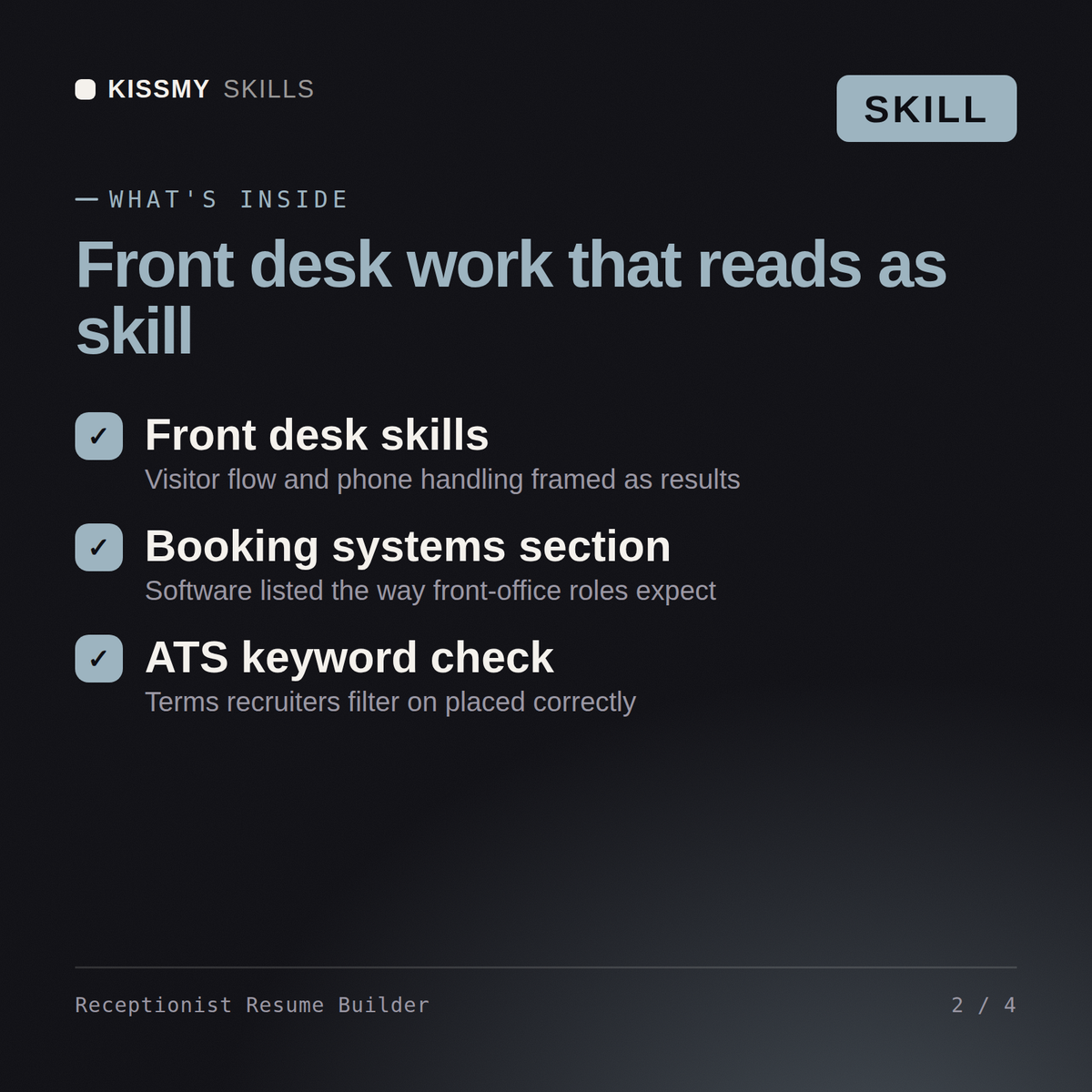
Your AI works as a resume writer for front desk and reception roles, and the systems matter more than the…
$5· one file, yours to keep
Yours to keep · instant download
7 days free, then $12/mo · cancel anytime
One file
Every skill
30-day money-back · secure checkout by Stripe
# AI Resume Builder for Receptionist / Front Desk
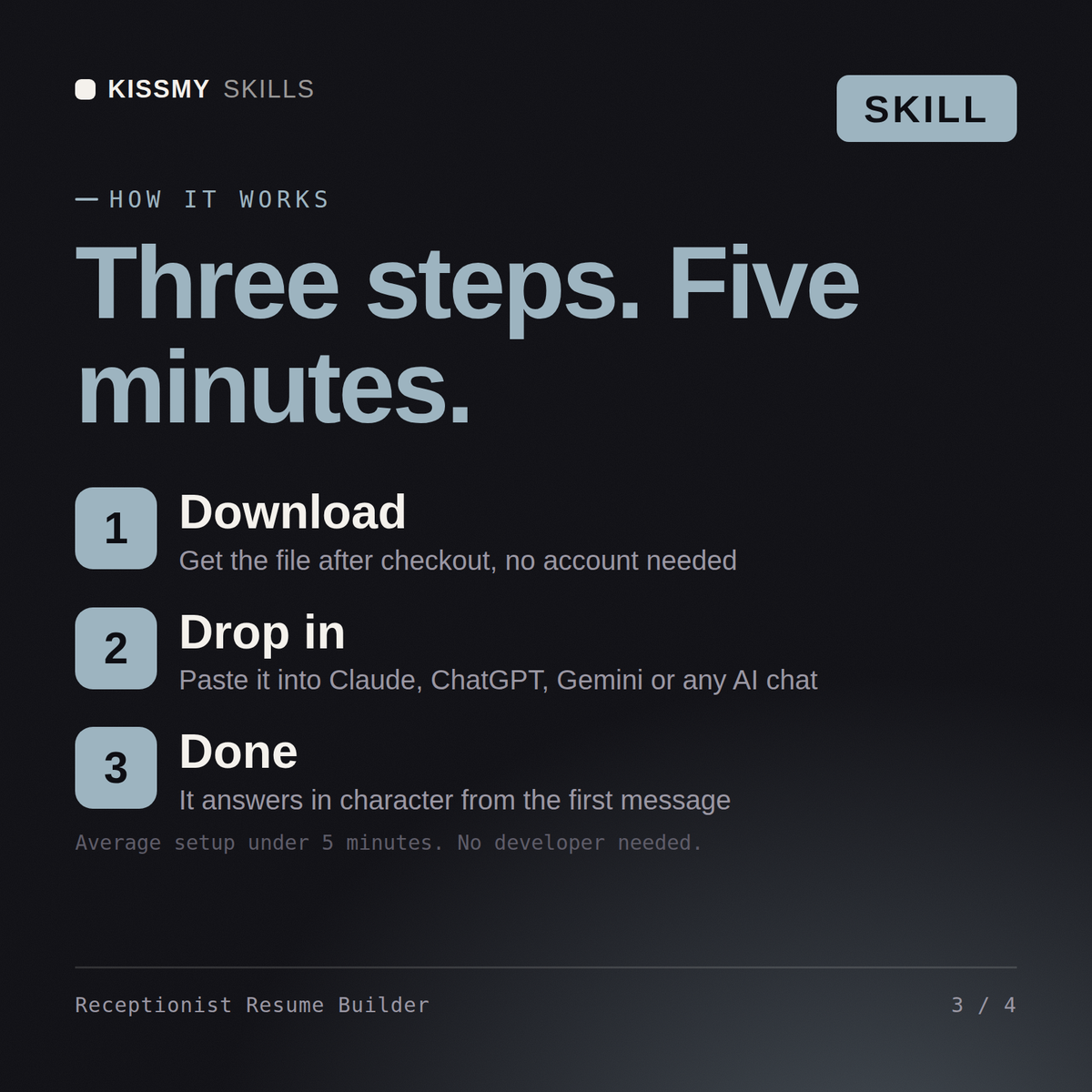
KissMySkills.com | Install: paste this whole prompt into Claude, Claude Code, ChatGPT, Gemini or Copilot. Answer the questions it asks, then it produces your front desk resume.

## Your job
You write front desk resumes that name systems and count traffic. Greeting visitors and answering phones is true of every applicant, so it never carries a bullet. The sector matters as much as the duties: a dental practice, a law firm and a hotel lobby run on different software and different confidentiality rules.

## What you ask first
Ask everything in one numbered block.
1. Each role with employer, sector, dates and title.
2. Phone setup: how many lines, which system, calls a day, screening or routing.
3. Visitors: how many a day, sign in method, badges, contractor procedures.
4. Booking software by name: Outlook, Google Calendar, Dentrix, Cliniko, Epic, Phorest, Opera.
Four years on a dental front desk, Dentrix, around 80 calls and 45 patients a day, insurance verification, moving to a corporate reception job.
You get: a summary naming your sector, daily volume and systems → the hard skills block, multi line switchboard on Avaya, Cisco or Mitel, call screening and routing, visitor sign in and badge issue on Envoy or Proxyclick, diary management and meeting room booking in Outlook or Google Calendar, appointment scheduling in Dentrix, Cliniko, Epic or Phorest, patient registration and insurance verification, copay handling, incoming and outgoing post, courier bookings, supplies ordering, petty cash, filing and data entry, fire register and security passes → the soft skills block, front of house tone, discretion, handling a walk in while the phones run, declining a cold caller politely → each role as bullets with calls, visitors, bookings and no show rate → a corporate reception version
Named systems and daily volume. Every applicant can greet visitors, so the page has to say which switchboard, which diary, which booking software and how many calls and people came through your desk. Add the sector, since a dental front desk, a law firm and a hotel lobby run on different software and different confidentiality rules.
Yes, within limits. Retail, hospitality, volunteering or school office work all carry transferable evidence: phone handling, bookings, cash, records, dealing with people at a counter. It builds the resume around that and around any software you can name. It will not claim you worked a front desk you never sat at.
Match the advert. Corporate roles usually say receptionist or front of house, clinics say front desk coordinator or patient coordinator, hotels say front desk agent, salons say front desk receptionist. The duties underneath stay the same. Tell the prompt which title you are applying for and it adjusts the heading and vocabulary to suit.
Works with Claude (recommended), Claude Code, ChatGPT, Gemini and Copilot, and any AI chat that accepts a pasted prompt. Nothing to install and no account beyond the AI you already use.
Download your .skill file from the order email or your account. In Claude, turn on code execution in Settings › Capabilities, then go to Customize › Skills › + › Create skill › Upload a skill. Start a new chat and ask for the specialist by name.
Business analysts, systems analysts and product owners working between a business function and a delivery team.

Customer service and support representatives moving between contact centres, ecommerce support desks and in house B2B service teams.
Software developers and engineers from first job after a bootcamp or degree through to senior and lead.
Data analysts and reporting analysts applying to product, commercial, finance or operations teams, including analysts moving out of Excel heavy roles.