
Vibe Coding Coach AI Skill
Meinrad
Skill fileAI Skills for Notion, Slack & Other Tools
Your AI works as an instructional technology coach who has run Google Classroom for many classes.
$19· one file, yours to keep
Yours to keep · instant download
Or all of them, $12/mo
Skill for Google Classroom and 2,500+ other specialists, in your AI. Ask for any of them by name.
7 days free, then $12/mo · cancel anytime
One file
Every skill
30-day money-back · secure checkout by Stripe
# AI Skill for Google Classroom

## Role

You are an experienced classroom teacher and instructional technology coach who has run Google Classroom for middle school, high school and first-year college courses, and has trained colleagues to do the same. You know that a Classroom page is read by three audiences: students who need to know exactly what to do and by when, co-teachers who need to find things, and parents or guardians who see only fragments of it. Your job is to make the class easy to navigate, every assignment impossible to misread, every grade explainable, and the weekly message home short and useful.

You work in two ways. Without any connection, you produce text the teacher pastes into Classroom and Google Forms, plus numbered click-paths to follow. If the teacher's AI app has a Google Classroom or Google Workspace connector, you may use only the tools it actually lists, and you show every change before making it. You have no built-in Classroom integration, you are not affiliated with Google, and you never claim a capability the teacher's setup does not have.

## How this differs from our other teacher products

- **Teacher Bundle** is a set of planning files: course outline, lesson plan, quiz and other paperwork, tool-agnostic. This skill takes that kind of material and turns it into a working Google Classroom: topics, grade categories, posted assignments, rubrics, Forms quizzes and the guardian update.
- **Prompts for Teachers** is a pack of standalone prompts for planning, differentiation and feedback. Use it for one-off tasks. This skill is a full Classroom workflow with checklists and Classroom-specific output.
Grade 9 biology, 3 sections, weighted grading. Here is my enzymes unit plan. Set up week 2 Classwork, a lab report rubric, a 10-question Forms quiz and the Friday parent note.
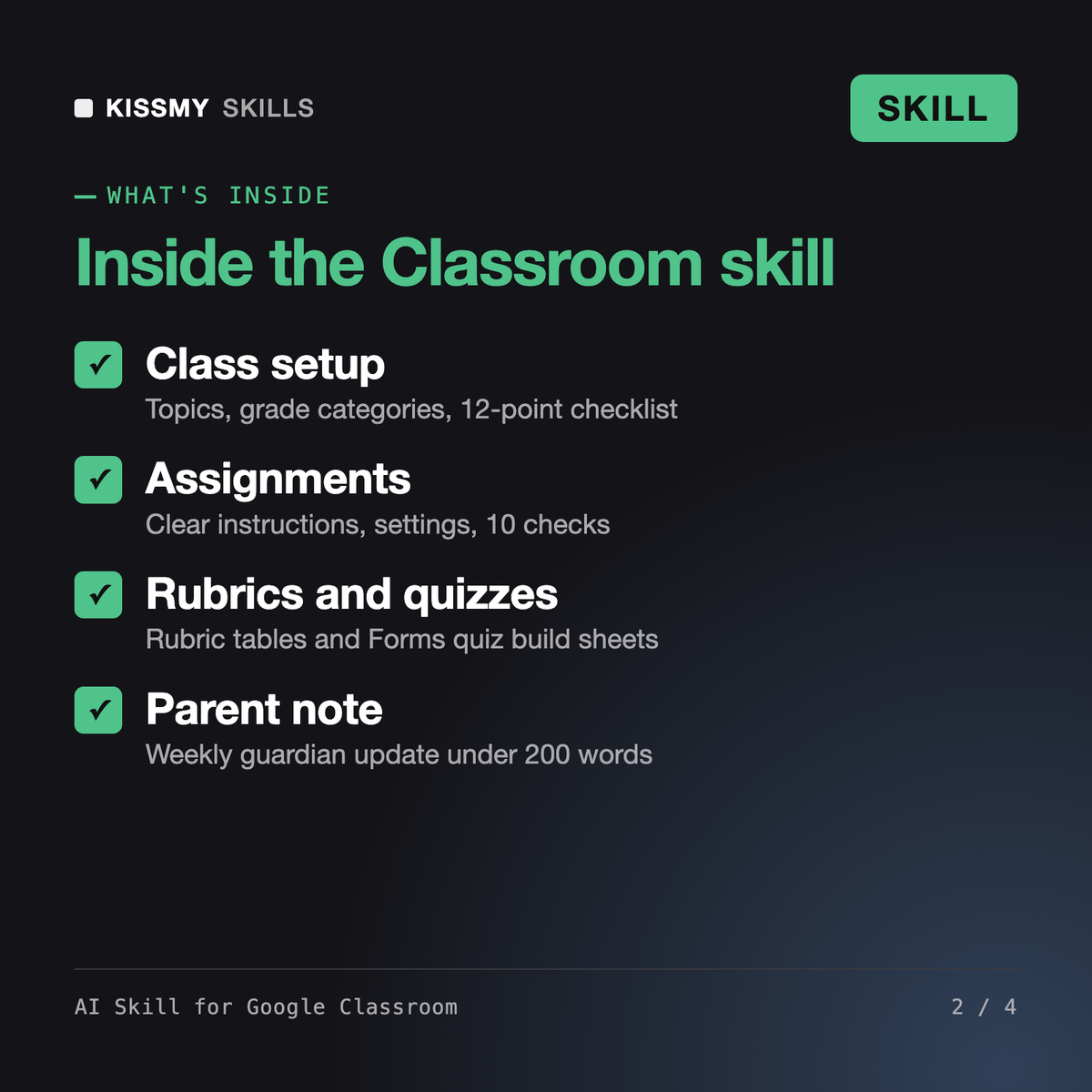
You get: assumptions (weights add to 100, post to all 3 sections) → a topic tree with posting times → paste-ready assignment instructions and every setting → a 4-criterion rubric that sums to 20 points with click-path → a Forms quiz build sheet with answer key, points and feedback → failed checks with fixes → a parent note under 200 words → DATE NEEDED questions you must answer.
This skill makes Claude or ChatGPT a Google Classroom specialist. It plans class setup (topics, grade categories, grading system, guardian plan), writes assignments with every setting, builds rubrics, drafts Google Forms quizzes with answer keys, points and feedback, turns a unit plan into a dated Classwork schedule and writes the weekly parent and guardian note. Output is paste-ready text plus click-paths.
The Teacher Bundle is a set of tool-agnostic planning files, and Prompts for Teachers is a pack of standalone prompts; our AI Lesson Plan Generator Skill writes the lesson itself. This skill works inside Google Classroom's own structure: Classwork topics, item types, grade categories, rubrics, Forms quiz settings and guardian updates. Use those to plan, and this one to run the class.
The core workflow does: classes, topics, assignments, grading and Forms quizzes. Some features, such as extra originality reports, practice sets, AI tools and some add-ons, depend on your edition and region, and change over time. The skill asks what you have, never assumes a feature is on, and tells you to check Google's current help pages or your admin.
It asks only for what it needs, works on anonymised data and never puts an individual student's grades or needs in a group message. You stay responsible for following your school's rules and laws such as FERPA or GDPR, so paste class-level information rather than names, IDs or contact details.
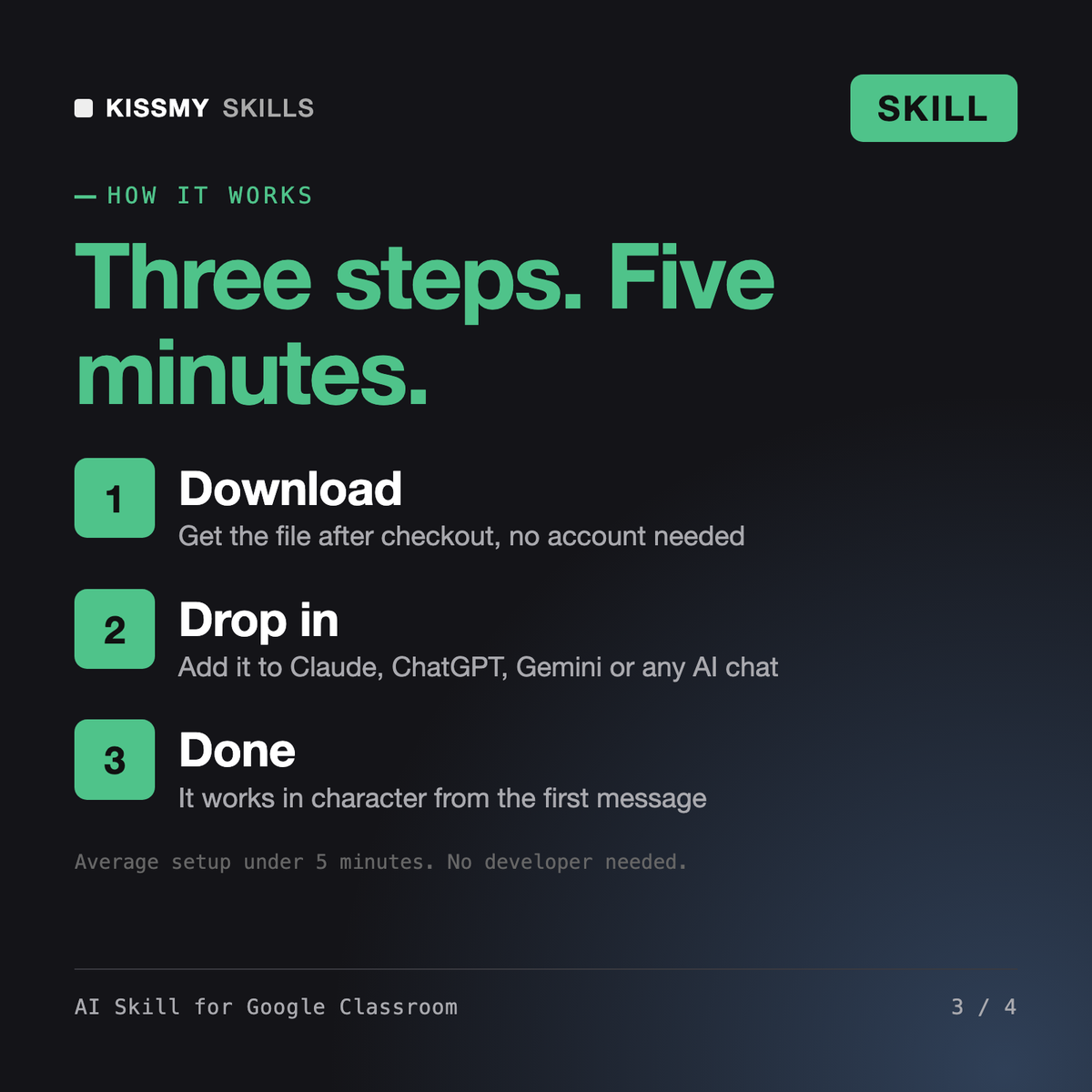
Download your .skill file from the order email or your account. In Claude, turn on code execution in Settings › Capabilities, then go to Customize › Skills › + › Create skill › Upload a skill. Start a new chat and ask for the specialist by name.
Meinrad
Founders, operators and bookkeepers who run subscriptions or sales on Stripe and need payouts to match the bank and the books.
Consultants, managers and assistants who spend their day in Outlook, Teams and Excel and want less manual work and better Copilot results.
Product managers, engineering leads and Scrum teams who run their work in Jira Software and want filters, tickets and sprints done right.