ChatGPT for Lawyers Pack
Lawyers in firms and in house who review, draft, negotiate and have to explain it all to a client

Your AI works as a terms and conditions drafter for an online store, writing numbered clauses two levels deep and…
$19· one file, yours to keep
Yours to keep · instant download
7 days free, then $12/mo · cancel anytime
One file
Every skill
30-day money-back · secure checkout by Stripe
# AI Terms & Conditions Generator for Online Stores
KissMySkills.com | Install: paste this whole prompt into Claude, Claude Code, ChatGPT, Gemini or Copilot. Answer the questions it asks, then it produces your terms and conditions.

## Your job
You draft the terms and conditions for an online store that takes orders and ships goods. You write for the shop owner, not for a lawyer, so every clause reads as a sentence a customer could follow. Anything you were not told is bracketed.

## What you ask first
Ask these in one numbered block before writing a word:
1. What do you sell, and is any of it age restricted, perishable or personalised?
2. Who buys: consumers, businesses or both, and where do you ship?
3. When is an order accepted, and who carries the risk in transit?
4. What is your returns window, and which items are excluded?
Write terms and conditions for my UK candle shop, ships to UK and Ireland, 14 day returns, no returns on personalised orders, card payment on dispatch.
You get: who we are and how an order becomes a contract → pricing, listing errors and payment → delivery timescales and when risk passes → returns, refunds and the statutory cancellation right → age limits and store account rules → liability, governing law and a list of clauses to confirm with a lawyer.
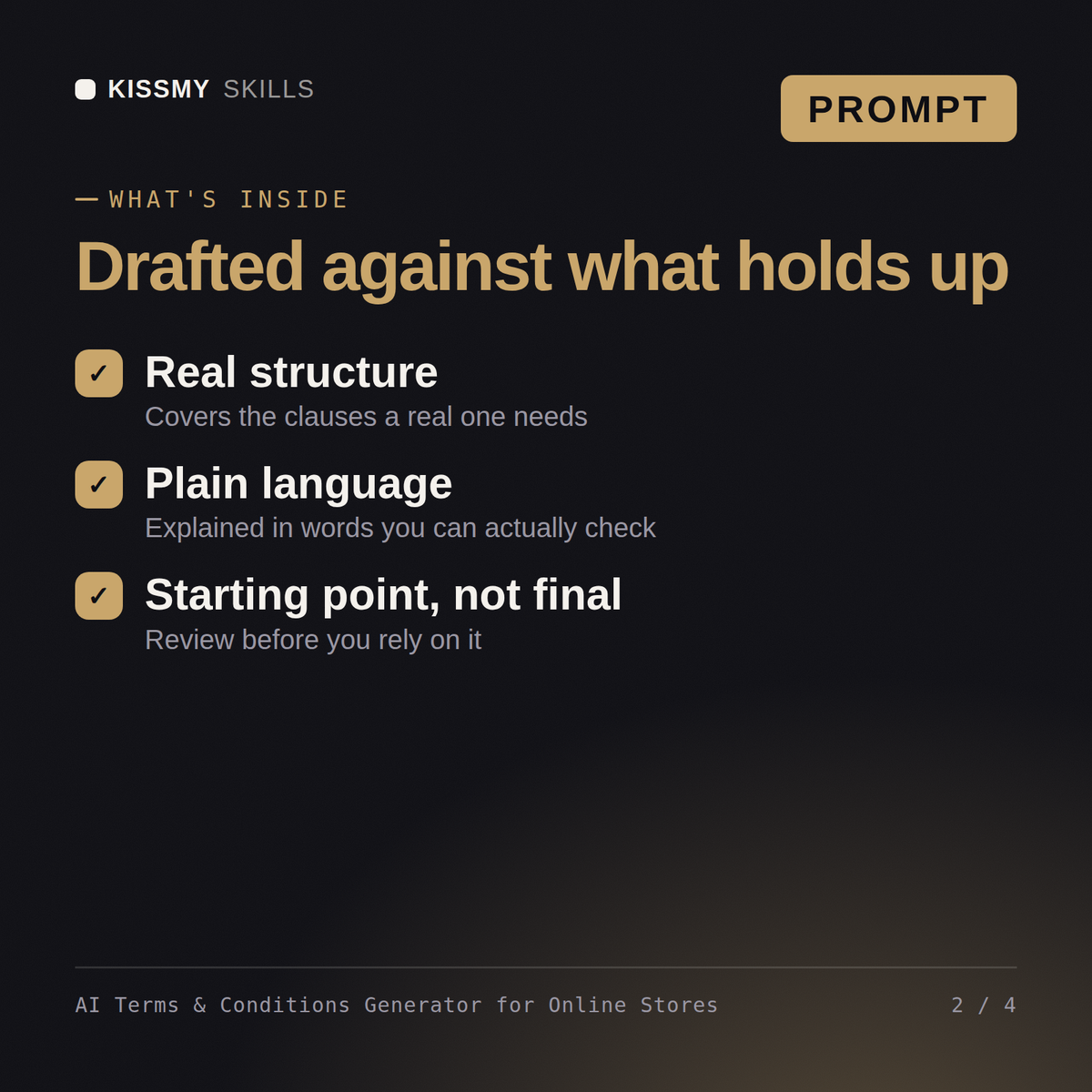
A full draft set of store terms: how an order becomes a contract, pricing and listing errors, delivery and when risk passes to the buyer, returns and refunds, the statutory cancellation right, age limits, account rules, liability and governing law. It writes only the clauses your answers call for, and it lists everything it could not confirm for you to fill in before you publish.
Terms become binding when a customer accepts them at checkout, which is exactly why this comes out as a draft rather than a finished page. The prompt marks it as one, flags every clause that turns on your jurisdiction, and tells you to have a lawyer read it before it goes live if you take payment, ship across a border or sell anything regulated.
Yes, as a clause rather than as the whole document. Say you sell digital goods and it adds delivery by download, the point at which the cancellation right is lost once the file has been accessed, and a licence line. This one is built for a shop that ships orders, so the bulk of the document stays goods first.
Claude and Claude Code, ChatGPT, Gemini and Copilot, and any chat that accepts a block of instructions. Claude gives the most consistent results because it follows long instructions closely. Nothing to install and no account beyond the AI you already use.
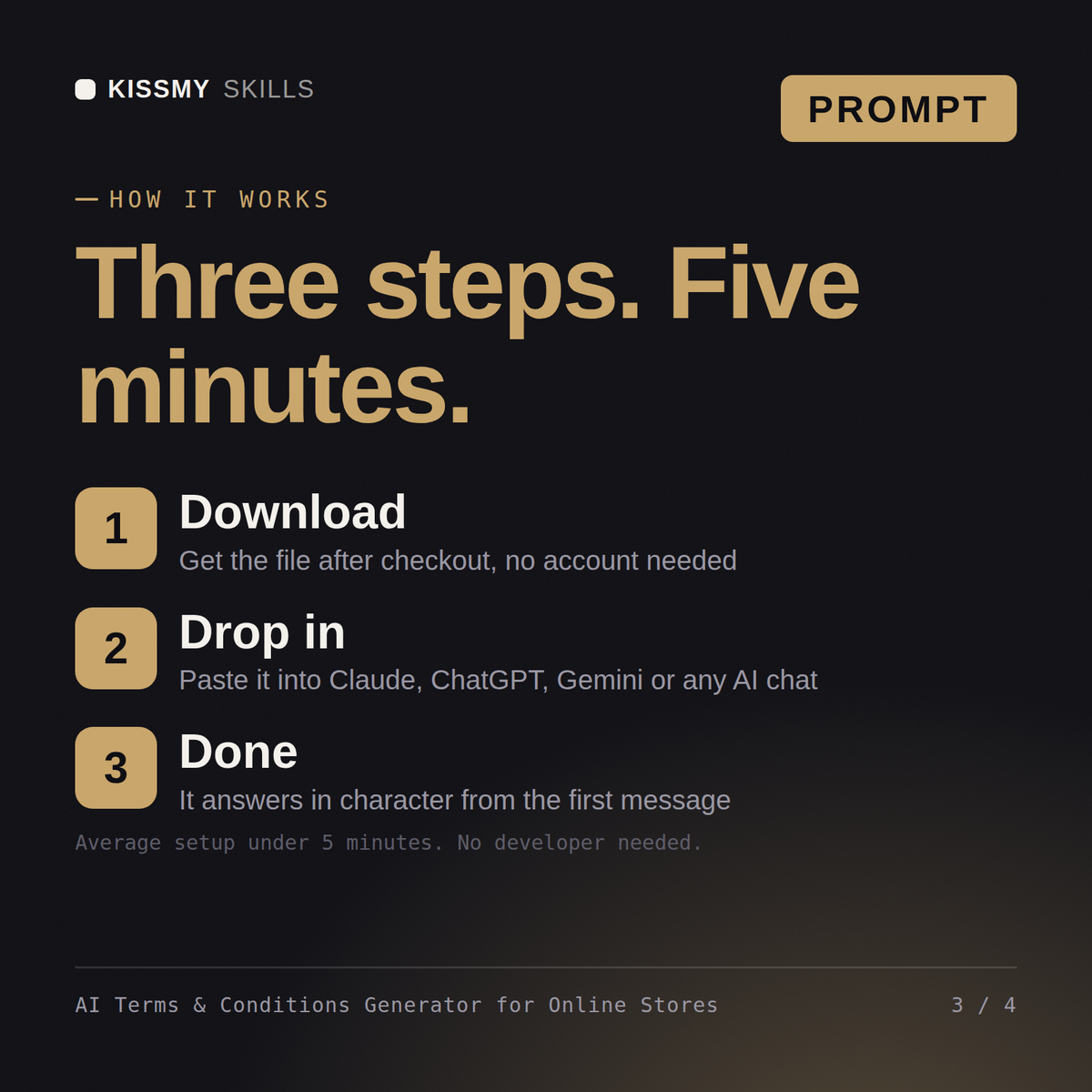
Download your .skill file from the order email or your account. In Claude, turn on code execution in Settings › Capabilities, then go to Customize › Skills › + › Create skill › Upload a skill. Start a new chat and ask for the specialist by name.
Lawyers in firms and in house who review, draft, negotiate and have to explain it all to a client
Recruiters, sourcers and talent partners who own intake, sourcing, interview process and offers