
Prompt setClaude Skills for Content Writers
AI Writer
$5· one file, yours to keep
Yours to keep · instant download
Subscribe · $12/mo
7 days free, then $12/mo · cancel anytime
One file
- $5 once
- Yours to keep
- You upload it to your AI yourself
- 30-day money-back
Every skill
- $12/mo or $69/yr
- 7 days free
- Every file in the store loads by name once your AI is connected
- Cancel anytime
30-day money-back · secure checkout by Stripe
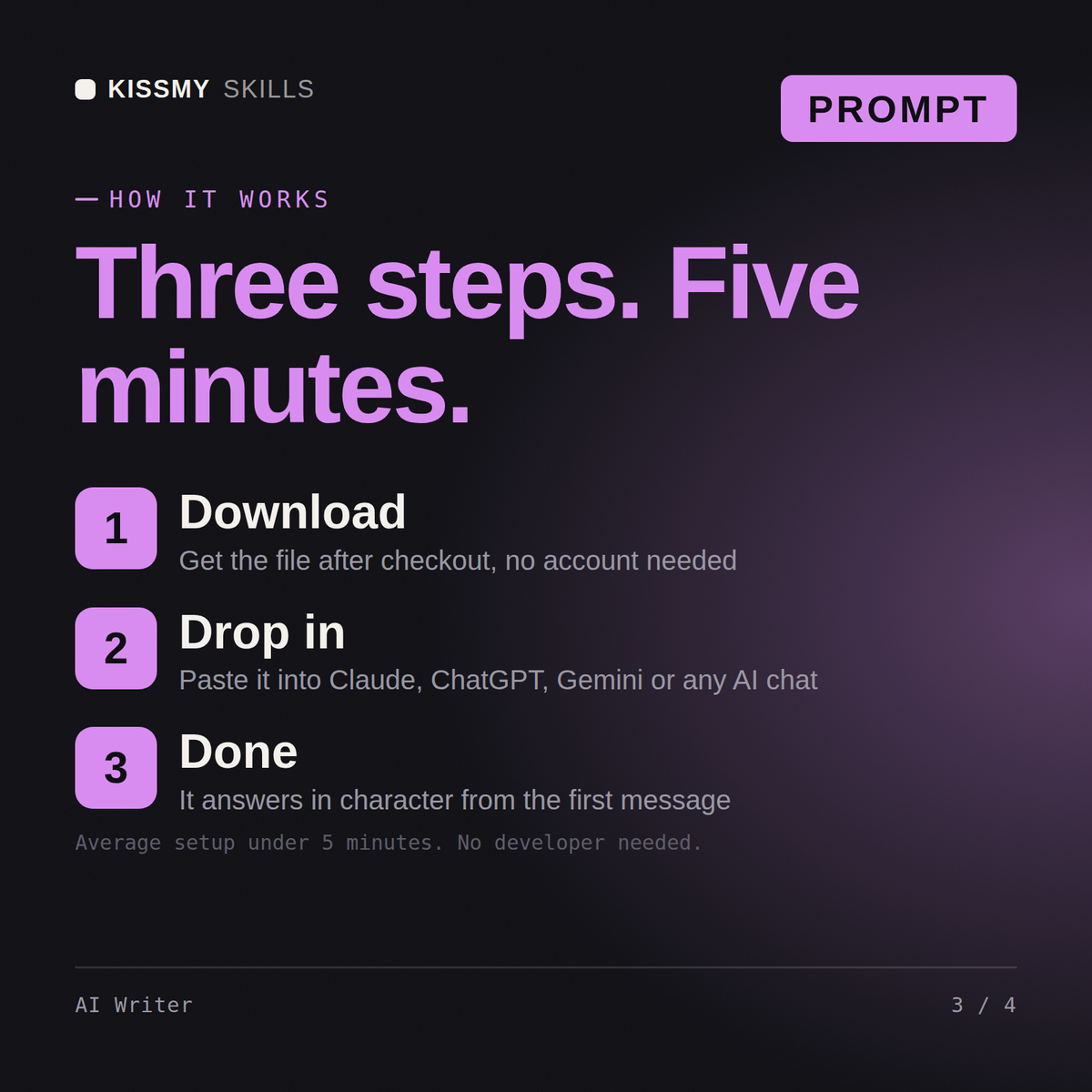
How it works
- Buy or subscribeAdd it to your cart for $5 and the file is yours to keep. Or subscribe: every file in the store, $12/mo.
- Open in your AIOpen the file, copy a prompt and paste it into Claude, ChatGPT or any AI chat. Subscribers connect their AI once instead:
- Ask by nameAsk your AI for AI Writer by name, or fill in the parts in brackets and send.
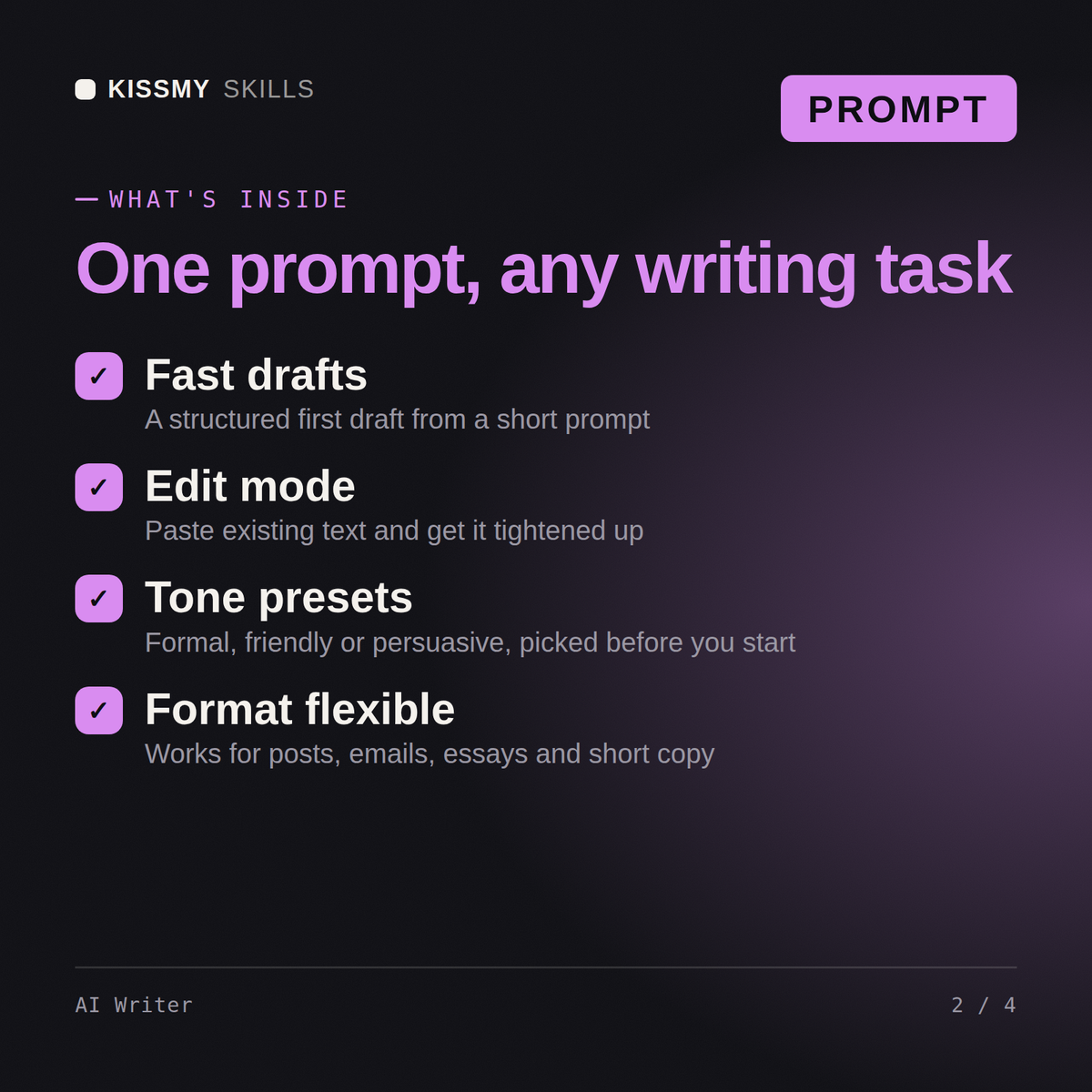
What's inside
- ai-writer-prompt.txtPrompt set · instant download
// faq
Questions before you buy
What kinds of text can this writer ai produce?+
Twelve common types, email, letter, blog post, social post, product description, script, speech, report section, review, announcement, bio, and FAQ, each shaped to its own convention.
Does it check its own work before giving it to me?+
Yes, a pre-delivery checklist covers type fit, length, filler, and whether it actually accomplishes the brief before it's handed back.
How much detail do I need to give it?+
Just the text type, audience, and rough length or tone. It asks one or two clarifying questions at most before drafting.
Which AI tools does this work with?+
Works with Claude (recommended), ChatGPT, Gemini, Copilot and any AI chat. No install, paste it in and give it a brief.
How do I open it?+
Download your .skill file from the order email or your account. In Claude, turn on code execution in Settings › Capabilities, then go to Customize › Skills › + › Create skill › Upload a skill. Start a new chat and ask for the specialist by name.
More in Claude Skills for Content Writers
See all
Become a Better Writer (AI Coach)
AI Letter Writer: Formal and Personal
For anyone writing one letter that has to land: a tenant, a parent, a claimant, a customer.
AI Professional Email Writer: 24 Situation Templates
Anyone who owns client and colleague email without a comms team behind them: freelancers, founders, account managers, team leads.