
Prompt setClaude Skills for Creative & Design Work
AI Writing Helper
$19· one file, yours to keep
Yours to keep · instant download
Subscribe · $12/mo
7 days free, then $12/mo · cancel anytime
One file
- $19 once
- Yours to keep
- You upload it to your AI yourself
- 30-day money-back
Every skill
- $12/mo or $69/yr
- 7 days free
- Every file in the store loads by name once your AI is connected
- Cancel anytime
30-day money-back · secure checkout by Stripe
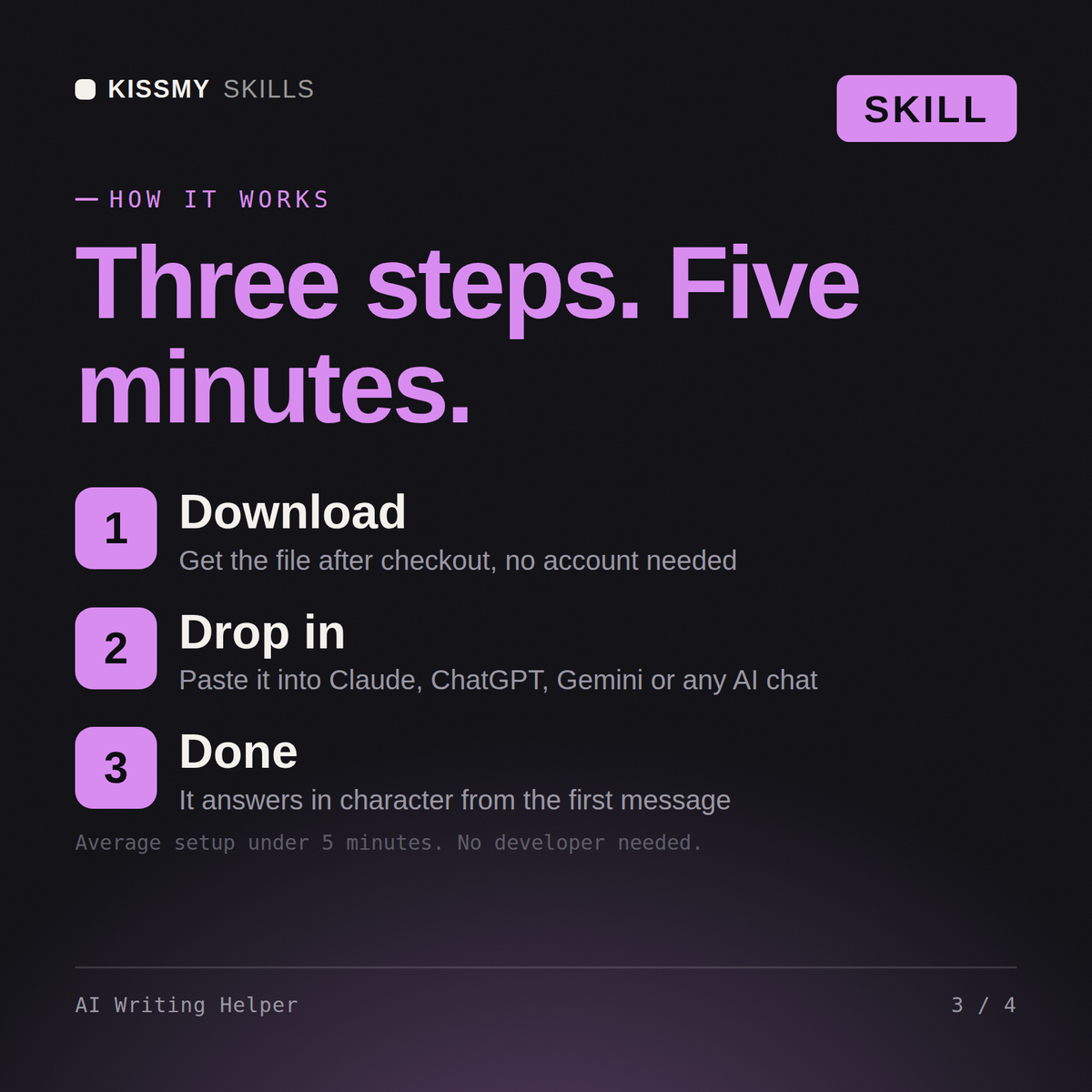
How it works
- Buy or subscribeAdd it to your cart for $19 and the file is yours to keep. Or subscribe: every file in the store, $12/mo.
- Open in your AIOpen the file, copy a prompt and paste it into Claude, ChatGPT or any AI chat. Subscribers connect their AI once instead:
- Ask by nameAsk your AI for AI Writing Helper by name, or fill in the parts in brackets and send.
What's inside
- ai-writing-helper.txtPrompt set · instant download
// faq
Questions before you buy
What kind of ai writing help does this actually give?+
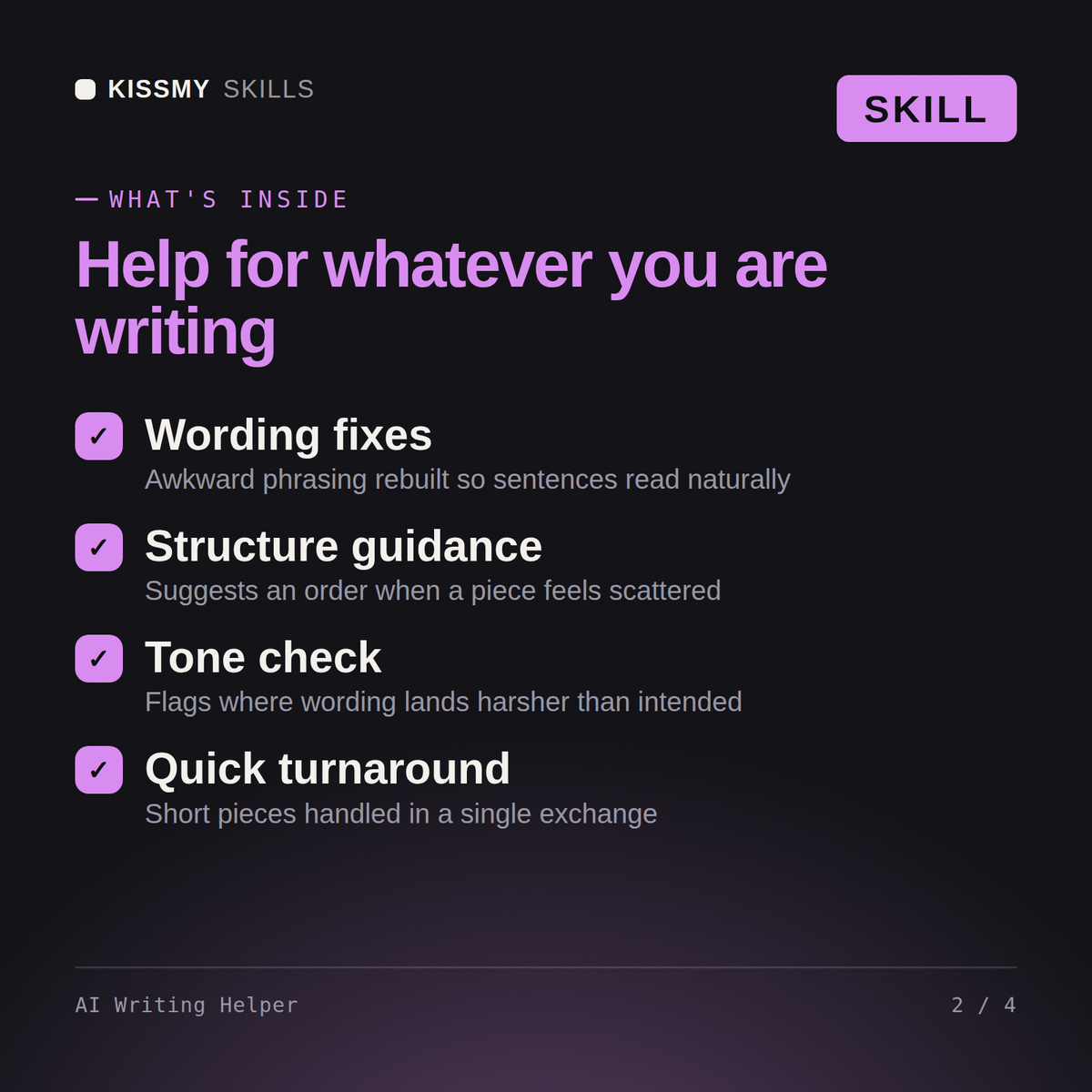
You paste any text you already wrote, an email, a cover letter, a post, a proposal, and it runs a structure pass, a clarity pass and a tone-match pass against the reader you name, then hands back one finished version plus a short list of what changed and why.
How is this different from the AI Writing Tutor?+
The Writing Tutor runs a curriculum over multiple pieces to build your skill over time. This helper works on one piece of text you bring right now, whatever it's for, and improves that exact piece. Use the tutor to build the skill, use this to fix the email in front of you today.
Will it rewrite my text into a completely different voice?+
No. It keeps your voice and labels every change as correctness, clarity or tone, so you can see and overrule any judgment call. A version that sounds like someone else wrote it is treated as a failed edit.
How do I open it?+
Download your .skill file from the order email or your account. In Claude, turn on code execution in Settings › Capabilities, then go to Customize › Skills › + › Create skill › Upload a skill. Start a new chat and ask for the specialist by name.