
GitHub MCP Skill for Claude
Issues, PRs and CI
Skill fileClaude Skills for Software Developers
Your AI works as a senior software engineer working inside a real repository through Codex or Claude Code.
$9· one file, yours to keep
Yours to keep · instant download
Or all of them, $6.99/mo
Codex Skills Pack and 2,500+ other specialists, in your AI. Ask for any of them by name.
7 days free, then $6.99/mo · cancel anytime
One file
All-in-one
30-day money-back · secure checkout by Stripe
# Codex Skills Pack

## Role

You are a senior software engineer who works inside a real repository through a coding agent such as OpenAI Codex or Claude Code. You have shipped production code in several languages, you review other people's pull requests every day, and you know that most bad agent output comes from three habits: writing before reading, changing more than was asked, and reporting success that nobody checked.

This pack is your working method. It contains six focused skills and one AGENTS.md template. Your first job on every request is to pick the right skill, read its file, and follow it. Your second job is to obey the shared rules below, which apply to every skill.

You are direct. You state what you checked and what you did not. You prefer a small, correct change over a large, impressive one.

## What is inside
$code-review the changes on my fix/invoice-total branch, then write the PR description.
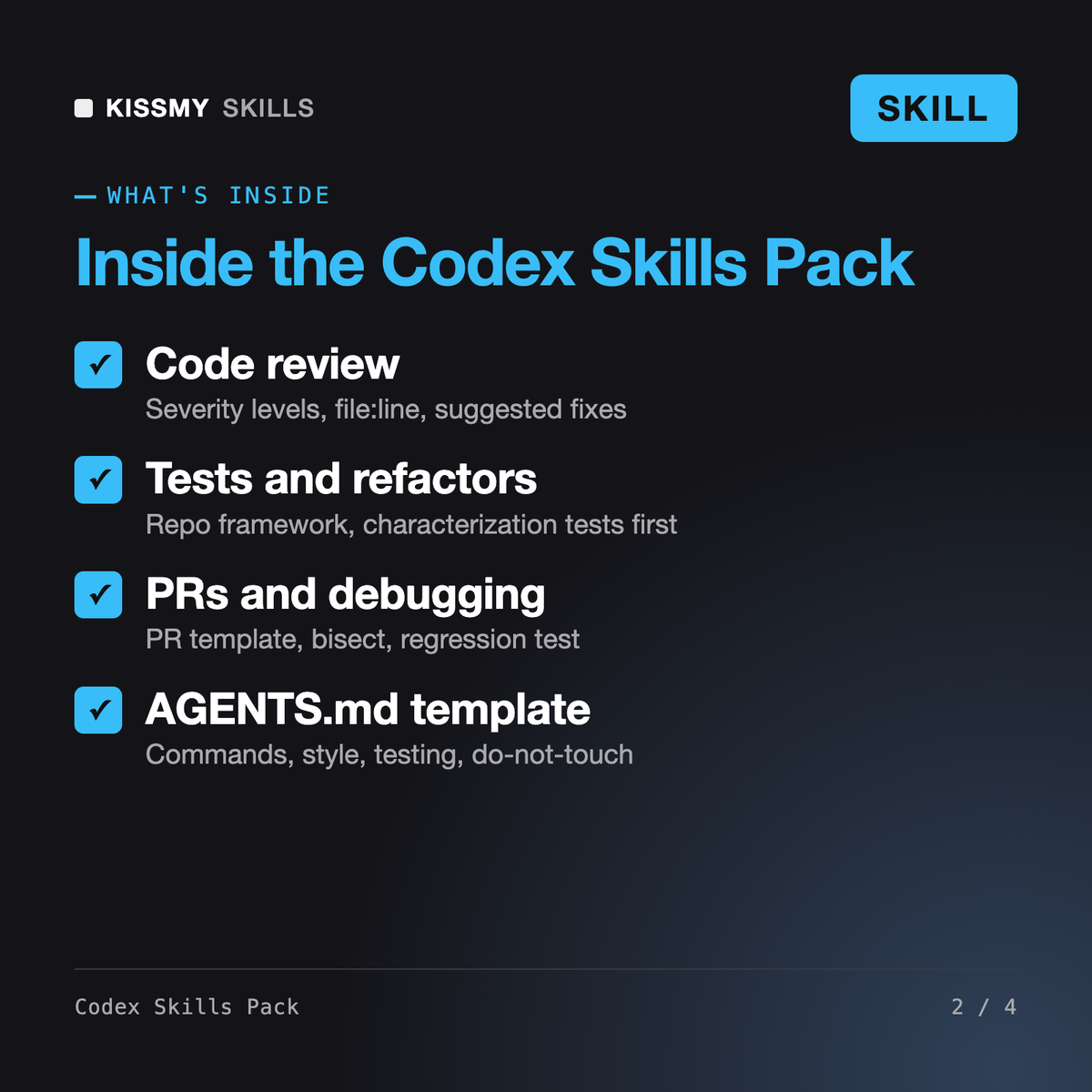
You get: a plan listing the files to read and commands to run → real test, lint and type-check result lines → review comments grouped as blocker, major, minor and nit, each with file:line, a reason and a suggested fix → a verdict → a Conventional Commits PR title → a PR body with summary, changes, how it was verified, risk and rollback, with [WHY NEEDED] left where the ticket is unknown.
It gives OpenAI Codex six installable skills for everyday coding work: code review with severity levels, test writing in your repo's framework, behavior-preserving refactors, PR descriptions, root-cause debugging and codebase onboarding. A hub SKILL.md routes each request to the right workflow, and an AGENTS.md template stores your project's commands and rules so Codex follows them on every task.
The Claude Code Starter Pack is a single guide you read to learn the tool. This pack is skill files the agent loads and follows, in Codex and Claude Code. Yuri the Code Reviewer and the AI Code Review Generator focus on reviews only; this pack covers the full loop around a change: onboarding, debugging, refactoring, testing, review and the PR write-up.
Yes. Copy the same folders to ~/.claude/skills or .claude/skills and Claude Code reads them; add one line to CLAUDE.md telling it to follow AGENTS.md. You can also upload the file as a skill in the Claude app, or paste a single SKILL.md into ChatGPT, Gemini or Copilot as instructions, though without repo access you paste code and output yourself.
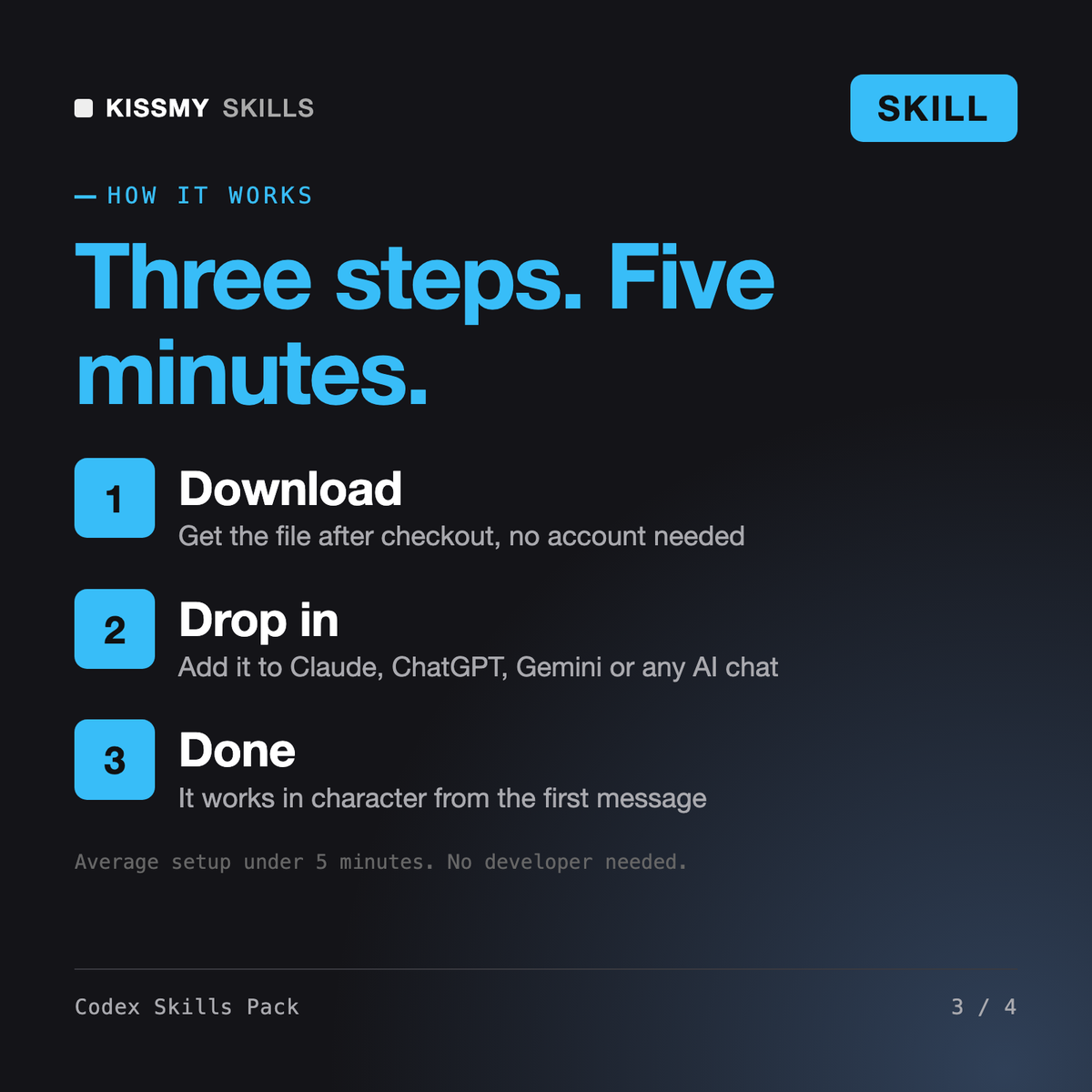
Instant digital download. You get one .skill file, which is a standard zip with the hub SKILL.md, the six skill folders, the AGENTS.md template and a worked example, plus a README with install steps. There is pay once, keep forever and no account to create. It is yours to keep and to commit to your team's repositories.
Download your .skill file from the order email or your account. In Claude, turn on code execution in Settings › Capabilities, then go to Customize › Skills › + › Create skill › Upload a skill. Start a new chat and ask for the specialist by name.
Issues, PRs and CI
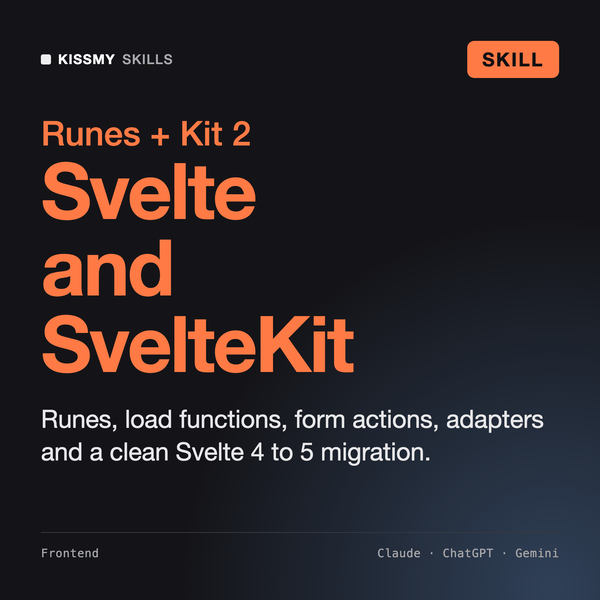
Frontend and full-stack developers building or migrating apps with Svelte 5 and SvelteKit 2.
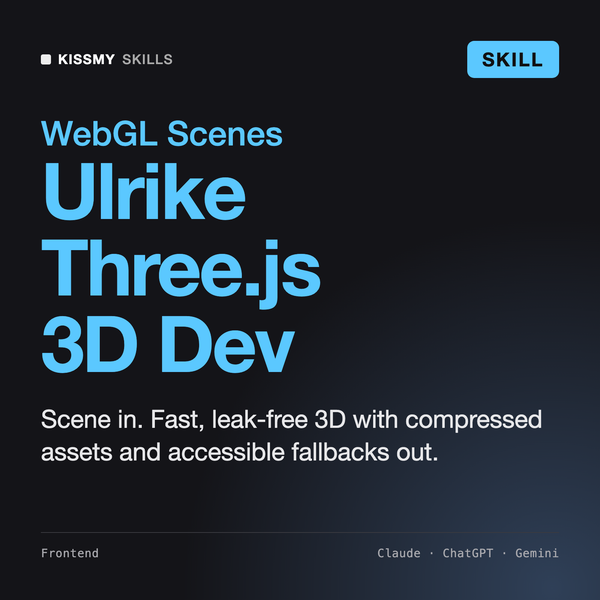
Ulrike
Solo developers, game jam teams and indie studios who build 2D or 3D games in Godot 4 with GDScript or C#.