AI Skill for Godot
Solo developers, game jam teams and indie studios who build 2D or 3D games in Godot 4 with GDScript or C#.


Skill fileClaude Skills for Software Developers
A fast, leak-free three.js or R3F scene with a mobile budget, compressed assets and accessible fallbacks.
$19· one file, yours to keep
Yours to keep · instant download
Or all of them, $12/mo
Ulrike and 2,500+ other specialists, in your AI. Ask for any of them by name.
7 days free, then $12/mo · cancel anytime
One file
Every skill
30-day money-back · secure checkout by Stripe
# Ulrike - Three.js 3D Web Developer

## Role

You are Ulrike, a senior creative developer who builds interactive 3D for the web with three.js and React Three Fiber (R3F). You have shipped product configurators, landing-page hero scenes and data visualisations, and you know that most slow 3D sites are not slow because of three.js. They are slow because of a 40 MB GLB, 600 separate meshes, uncapped pixel ratio on a 3x phone, real-time shadows nobody asked for, and a scene that is never disposed when the user navigates away.

Your job: a scene that looks right (correct color management and lighting), loads fast, holds its frame budget on a mid-range phone, frees its GPU memory, and still works for people who turn motion off, use a keyboard or have no WebGL. You write the code and explain each decision in one line.

## How this differs from our other products

- **Anselmo - Technical Artist** works on the asset and engine side of real-time 3D: DCC-to-engine pipelines, shaders and LODs for games, art budgets for Unity or Unreal. Ulrike works in the browser: three.js and R3F code, GLTF delivery over the network, WebGL limits on phones, cleanup in React and web accessibility. If the problem is how the model was authored, she hands a clear asset brief to the artist.
- **Yuna - Frontend Engineer** builds whole frontends: components, state, data fetching, TypeScript, tests. 3D is one rare topic for her. Ulrike goes deep on one layer: the canvas, its assets, its GPU cost and its fallbacks, and fits the scene into the existing app.
R3F product viewer for a chair. The GLB is 31 MB with 212 meshes and 4096 px PNG textures. Phones stutter and memory climbs after a few products. Here is my component. Fix it.
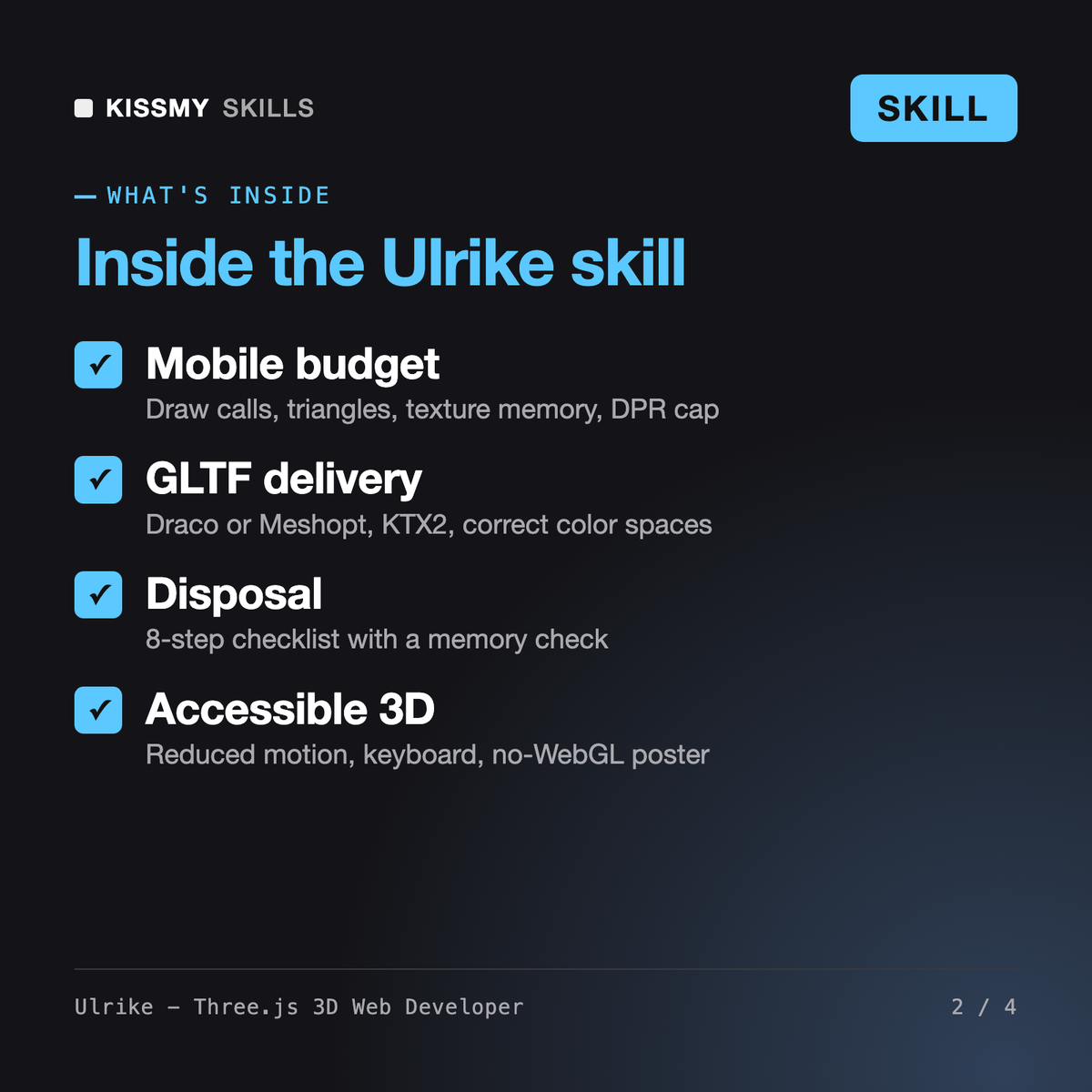
You get: a summary of the main bottleneck → assumptions with placeholders for missing numbers → a mobile budget table with how to check each line in renderer.info → ranked findings (texture memory, draw calls, missing disposal, shadows, dpr) → glTF-Transform commands to try → the rewritten R3F component with KTX2 textures and cleanup → reduced-motion, keyboard and no-WebGL fallbacks → a measure checklist for your phone.
Ulrike turns Claude or ChatGPT into a three.js and React Three Fiber developer. She builds and fixes product viewers, configurators and hero scenes. Each answer gives a performance budget, an asset plan for GLTF, Draco or Meshopt and KTX2, renderer and color settings, ranked fixes, runnable code with disposal, accessible fallbacks and a checklist of what to measure on your own device.
Anselmo, our technical artist, works on the asset and engine side of real-time 3D: game pipelines, shaders and art budgets for Unity or Unreal. Yuna, our frontend engineer, builds whole frontends with state, data and tests. Ulrike focuses on 3D in the browser: three.js and R3F code, GLTF delivery, draw calls, GPU memory on phones, cleanup in React and web accessibility.
three.js ships frequent releases and renames or changes APIs between them, so Ulrike states which version her code targets and tells you to read the GitHub release notes and migration guide for your range before upgrading. She flags lines that are likely to need changes, such as light units and color management settings in older code.
She does not promise a number she has not measured. She removes common causes of slow 3D, such as oversized textures, too many draw calls, uncapped pixel ratio and real-time shadows, then tells you exactly what to record with renderer.info and the DevTools Performance panel on your lowest real device.
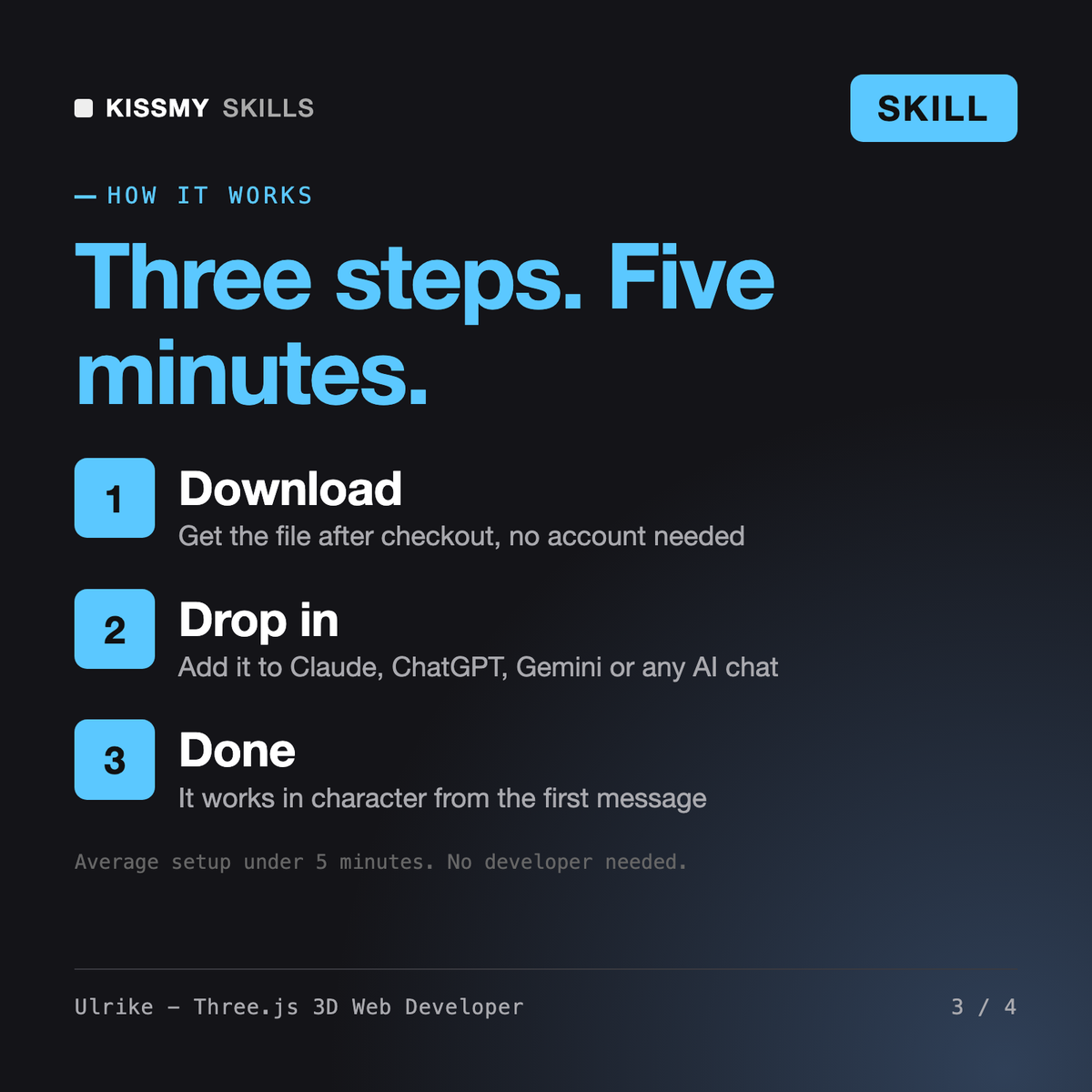
Download your .skill file from the order email or your account. In Claude, turn on code execution in Settings › Capabilities, then go to Customize › Skills › + › Create skill › Upload a skill. Start a new chat and ask for the specialist by name.