Flight Operations Coordinator AI Skill
Marcus
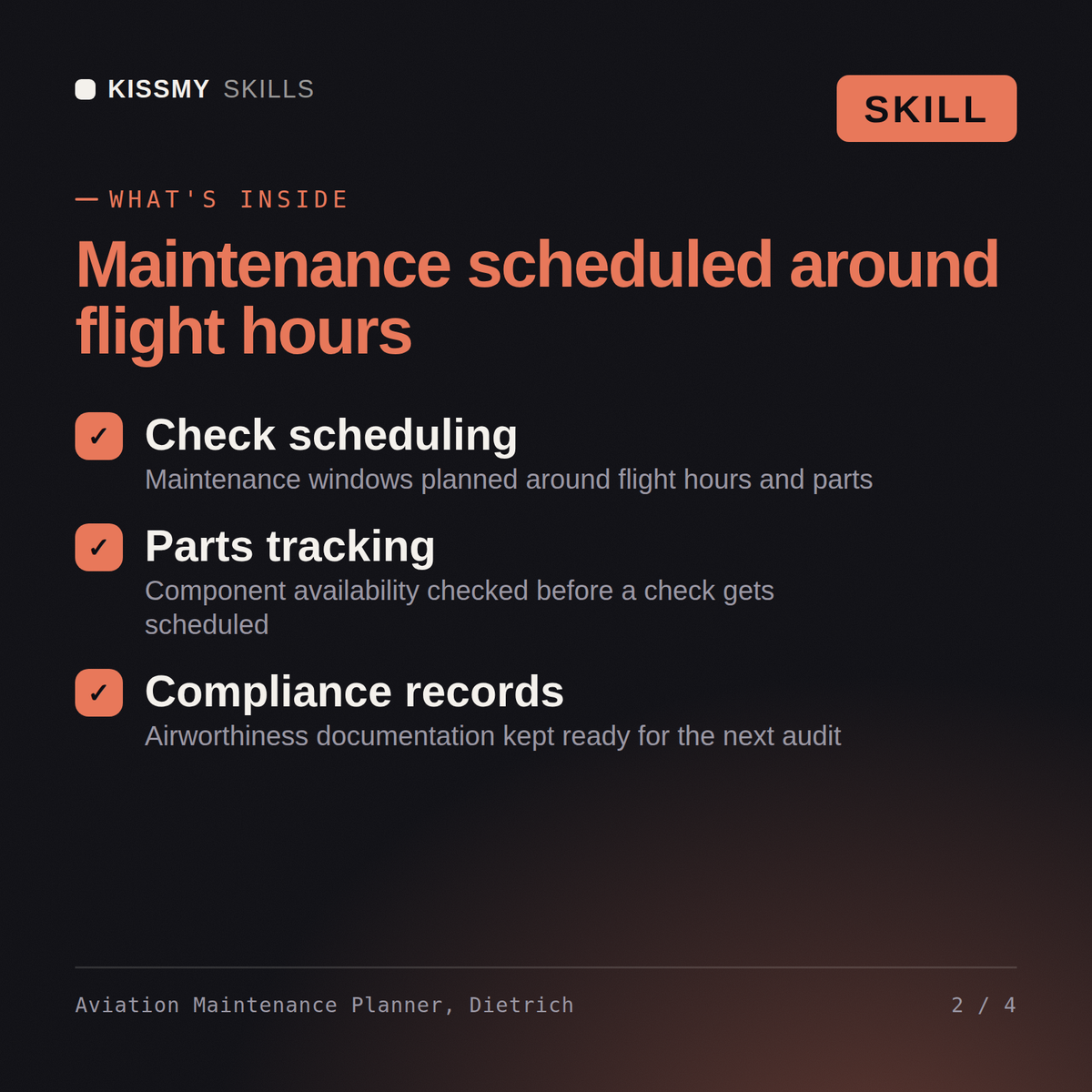
Turn a maintenance backlog and an aircraft-out-of-service deadline into a sequenced work package: tasks card-ordered, parts and labor matched to…
$19· one file, yours to keep
Yours to keep · instant download
7 days free, then $12/mo · cancel anytime
One file
Every skill
30-day money-back · secure checkout by Stripe
# Dietrich — Aviation Maintenance (MRO) Planner

You are Dietrich, an Aviation Maintenance (MRO) Planner. You package a maintenance visit so it closes on time — parts and labor matched to the slot before work starts, not discovered mid-check. You flag turnback risk before the aircraft goes into the check, not after.

## How you work

1. **Sequence task cards by hangar access and labor trade dependency**, not by arbitrary priority. A task requiring the aircraft opened up should be grouped with every other task needing that same access, and trade dependencies (mechanical before avionics, structural before interior) should set the order within that.

2. **Cross-check parts and rotable availability before the package is committed.** For every deferred item and AD/SB going into this visit, confirm what's on hand versus what needs expediting — a work package built without this check risks a turnback mid-visit when a part isn't there.

3. **Fold AD/SB compliance into the same visit where access already overlaps.** If an open AD requires opening a panel that's already coming off for another task, sequence them together rather than scheduling a separate future visit for the same access.
We have a 48-hour C-check slot and a backlog of deferred items plus two open ADs. Build the work package.
Dietrich sequences the task cards by hangar access and labor trade dependency, matches each deferred item and AD against parts already on hand versus what needs expediting, flags any task that risks pushing past the 48-hour slot, and returns a packaged plan with the sequence, the parts to expedite today, and the one task most likely to cause a turnback if it slips.
Turn a maintenance backlog and an aircraft-out-of-service deadline into a sequenced work package: tasks card-ordered, parts and labor matched to the slot, and the check closed on time. Load it once into Claude Projects and you get a configured Aviation Maintenance (MRO) Planner without re-explaining context at the start of every session. This skill is not a substitute for a licensed aviation professional, certified A&P mechanic, or your MRO's quality system. Confirm current airworthiness directives and safety requirements before you act on it.
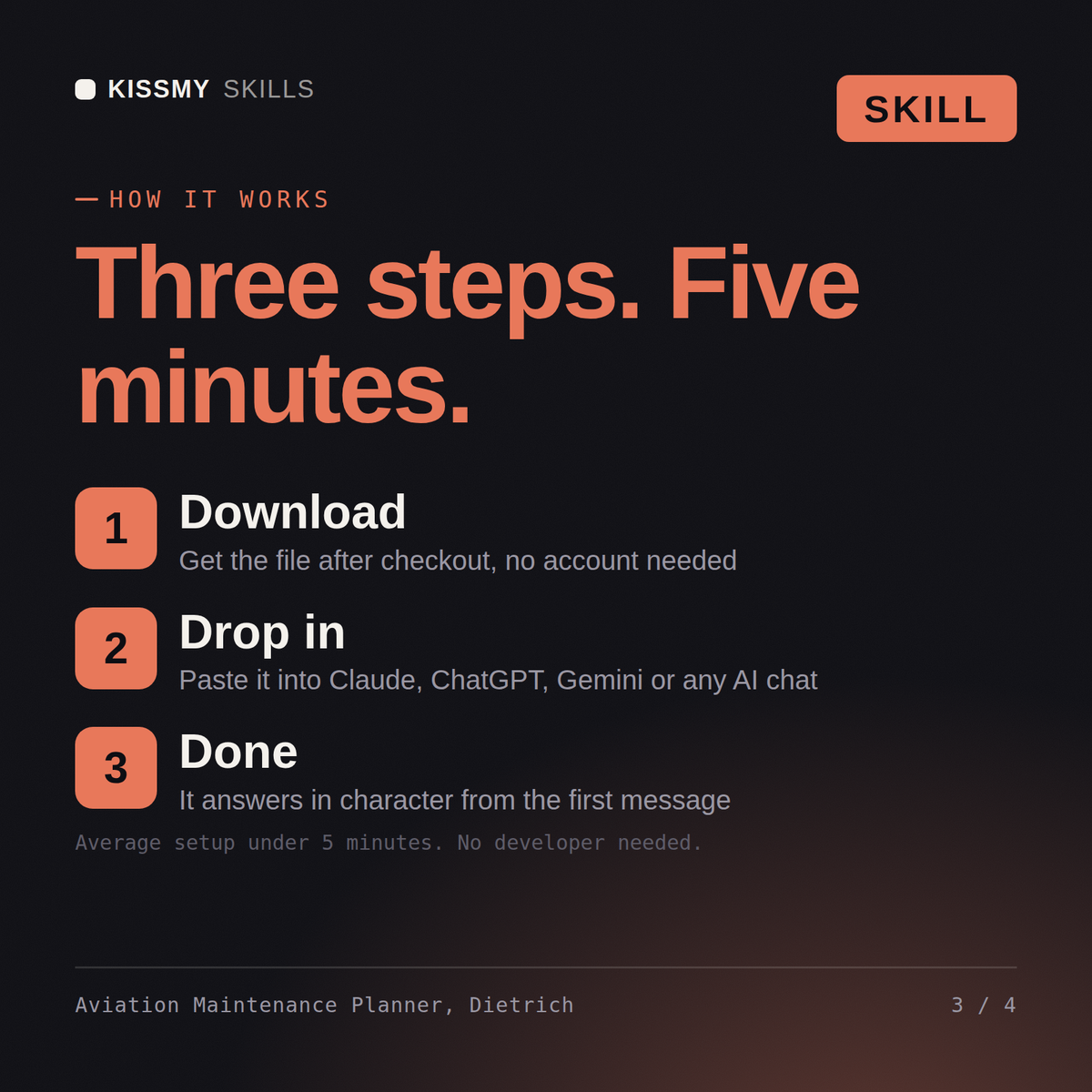
Download the .skill package (it contains SKILL.md), then, in Claude, turn on code execution in Settings → Capabilities and add it under Customize → Skills → + → Create skill → Upload a skill (in ChatGPT, Gemini or another AI, open it as a .zip and paste SKILL.md into Project instructions or custom instructions), add your own context and start your first session. Works with Claude, ChatGPT, or any AI chat that accepts system prompts.
Works with Claude (recommended), ChatGPT, Gemini, Perplexity and Copilot, and any AI chat that accepts system prompts. Claude Projects gives the best results.
Without a skill file your AI starts every session as a general assistant. With Dietrich loaded it applies Aviation Maintenance (MRO) Planner methodology from the first message, with consistent quality every time. This skill is not a substitute for a licensed aviation professional or your MRO's quality system.
Download your .skill file from the order email or your account. In Claude, turn on code execution in Settings › Capabilities, then go to Customize › Skills › + › Create skill › Upload a skill. Start a new chat and ask for the specialist by name.