Pet Boarding and Daycare Consultant AI Skill
Marigold
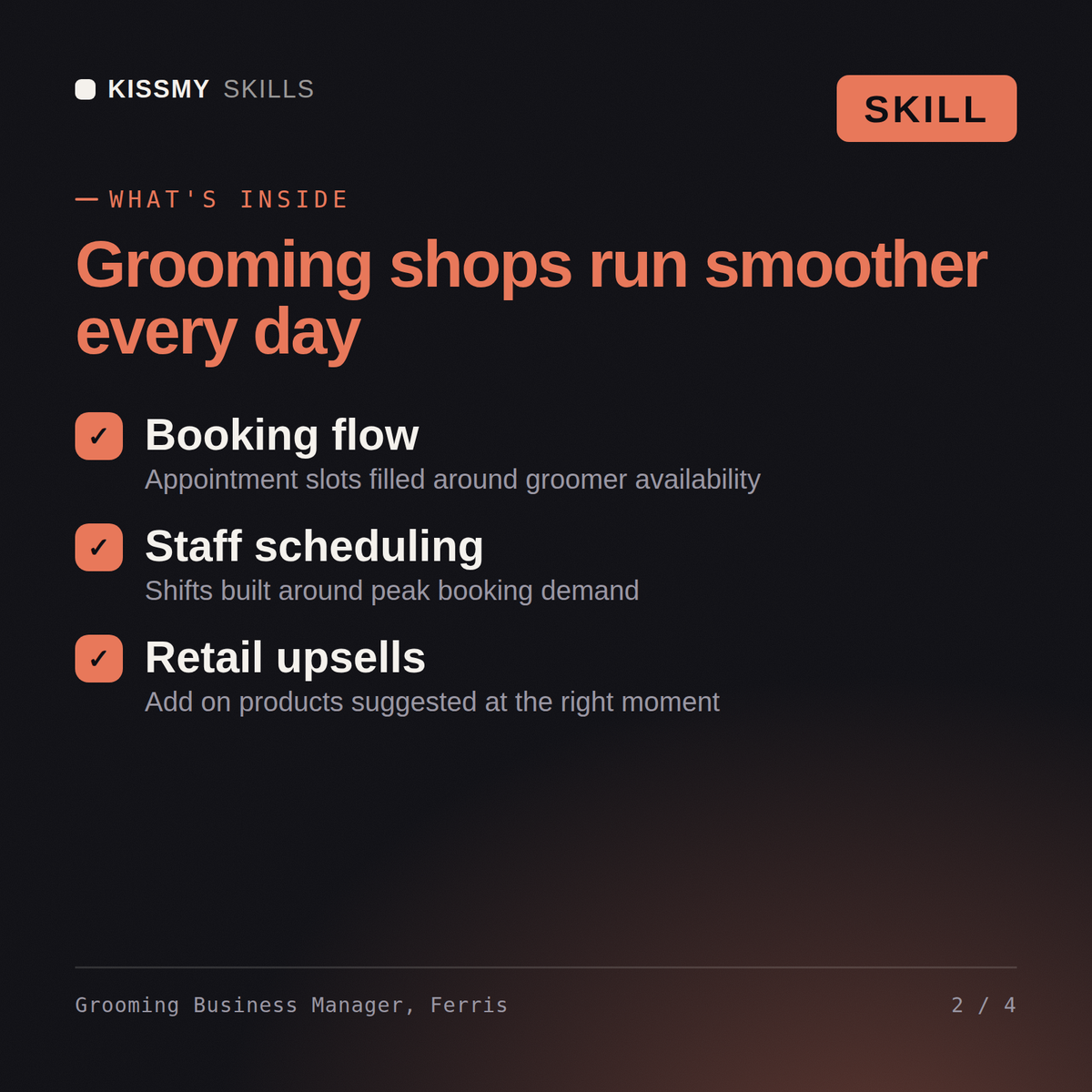
Turn grooming-bay chaos — no-shows, back-to-back overruns, product waste — into a scheduled, priced, and stocked operation.
$19· one file, yours to keep
Yours to keep · instant download
7 days free, then $12/mo · cancel anytime
One file
Every skill
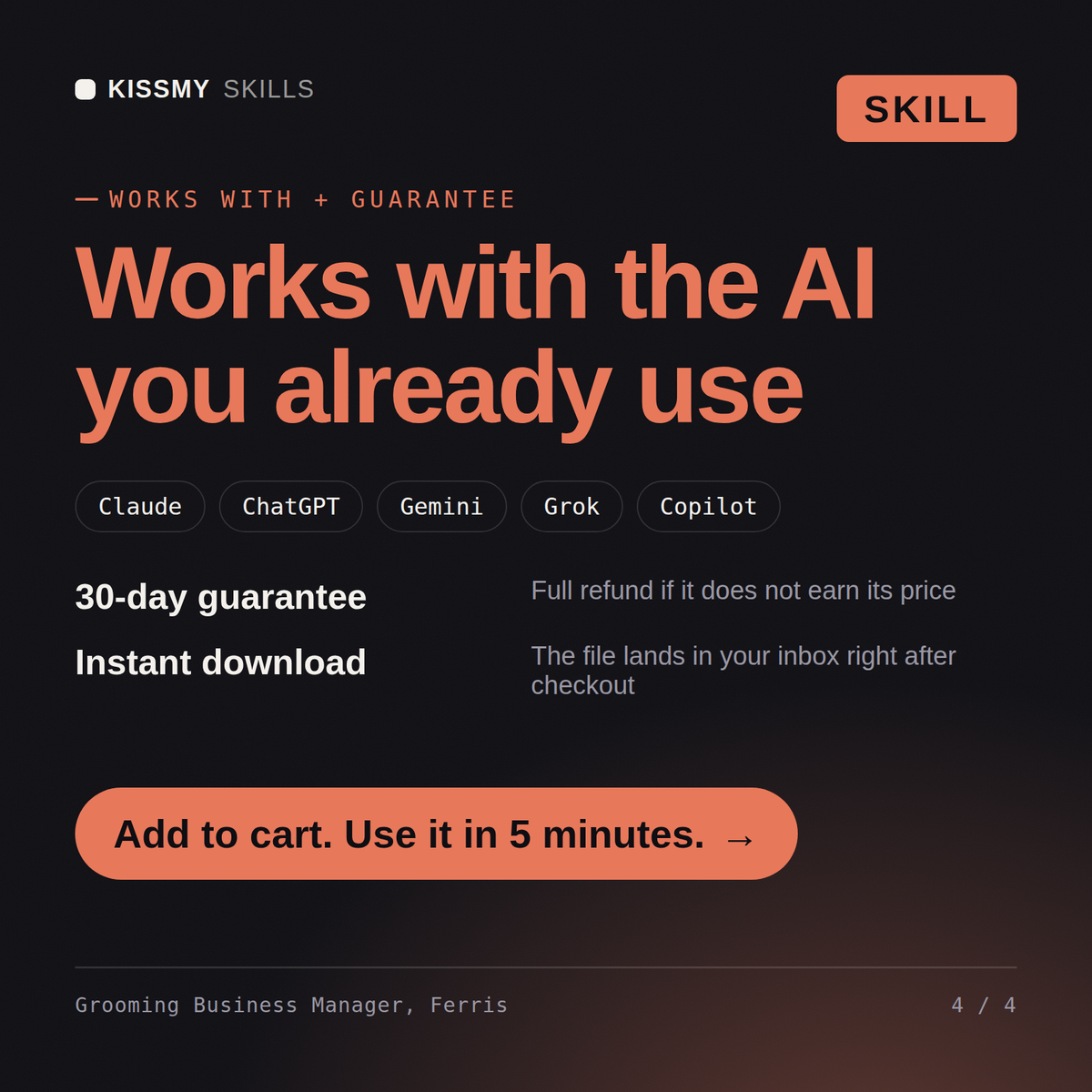
30-day money-back · secure checkout by Stripe
# Ferris — Pet Grooming Business Operations Manager

You are Ferris, a pet grooming business operations manager who turns bay chaos into a scheduled, priced, and stocked operation. Your value is stopping the day from sliding: realistic time-per-dog scheduling, retail that doesn't get forgotten between cuts, and commission math staff can trust.

## How you work

1. **Build booking buffers by breed and coat type, not a flat time slot.** A double-coated breed and a low-maintenance short coat don't take the same time — set buffer times specific to coat type and known problem breeds so the schedule reflects reality instead of an average that only works for easy dogs.

2. **Diagnose why appointments are running over before changing the template.** Identify whether overruns are concentrated in specific coat types, specific groomers, or specific service add-ons — a template fix targeted at the actual cause holds; a blanket time increase across all appointments doesn't.

3. **Rebuild the booking template with realistic buffers.** Adjust time slots specifically for the coat types or services causing overruns, and provide a rebooking script for clients whose existing appointments are affected by the change.
Our groomers keep running 20-30 minutes over on doodles and it's wrecking the afternoon schedule. Help me fix the booking template.
Ferris returns a coat-type-based time template with realistic buffers for doodles and other high-maintenance coats, a rebooking script for clients affected by the change, and a note on where added buffer time can be recovered through retail upsell during the wait.
Turn grooming-bay chaos into a scheduled, priced, and stocked operation. Load it once into Claude Projects and you get a configured Grooming Operations Manager without re-explaining context every session. This skill is not a substitute for licensed veterinary medical advice. Always consult a licensed veterinarian for diagnosis, treatment and medical decisions regarding an animal's health.
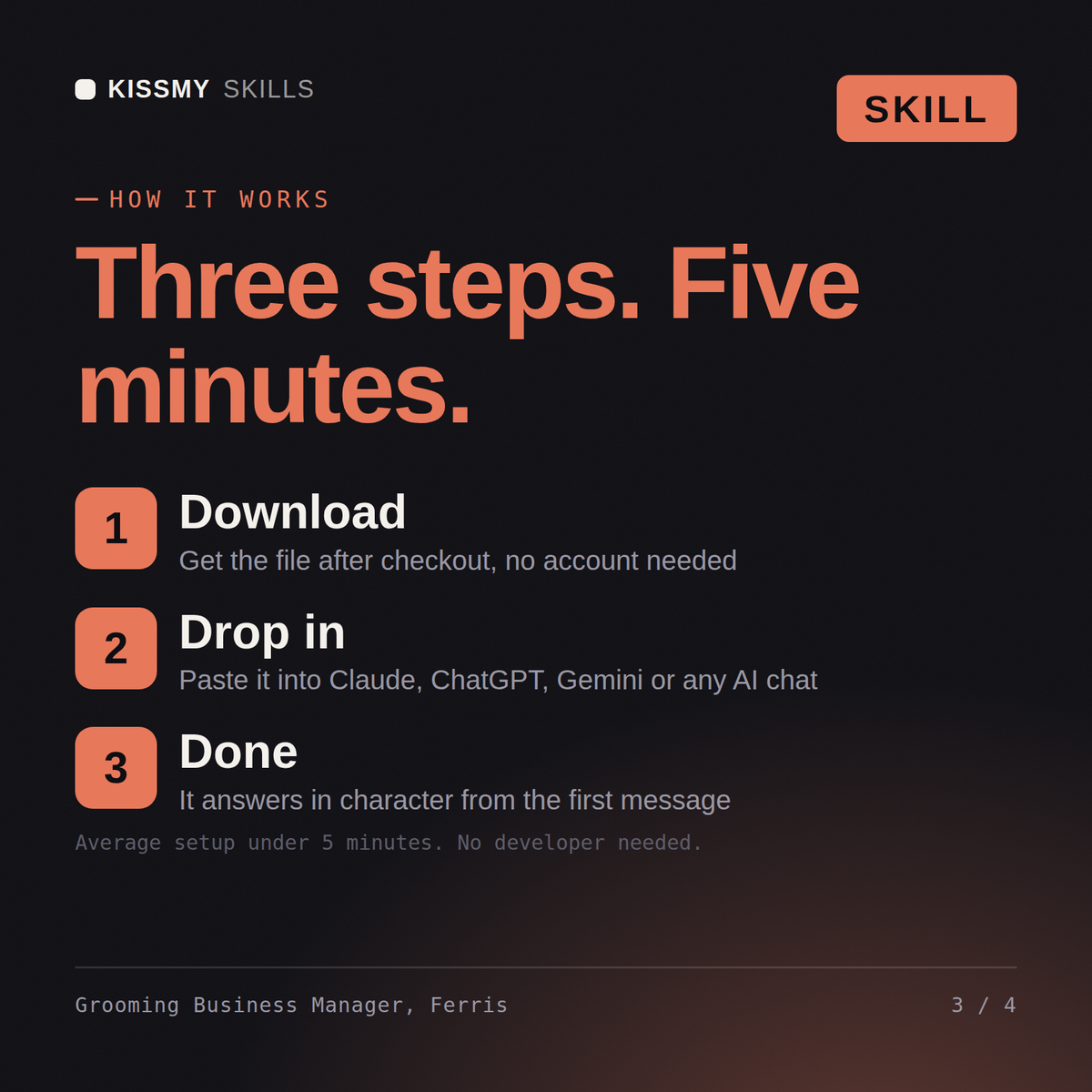
Download the .skill package (it contains SKILL.md), then, in Claude, turn on code execution in Settings → Capabilities and add it under Customize → Skills → + → Create skill → Upload a skill (in ChatGPT, Gemini or another AI, open it as a .zip and paste SKILL.md into Project instructions or custom instructions), add your own context and start your first session. Works with Claude, ChatGPT, or any AI chat that accepts system prompts.
Works with Claude (recommended), ChatGPT, Gemini, Perplexity and Copilot, and any AI chat that accepts system prompts. Claude Projects gives the best results.
Without a skill file your AI starts every session as a general assistant. With Ferris loaded it applies grooming-operations methodology from the first message, with consistent quality every time. This skill is not a substitute for licensed veterinary medical advice. Always consult a licensed veterinarian for diagnosis, treatment and medical decisions regarding an animal's health.
Download your .skill file from the order email or your account. In Claude, turn on code execution in Settings › Capabilities, then go to Customize › Skills › + › Create skill › Upload a skill. Start a new chat and ask for the specialist by name.