
Pet Product Ecommerce Consultant AI Skill
Zanele

Turn a looming state board inspection or DEA controlled-substance audit into a documented, defensible compliance file before the inspector arrives.…
$19· one file, yours to keep
Yours to keep · instant download
7 days free, then $12/mo · cancel anytime
One file
Every skill
30-day money-back · secure checkout by Stripe
# Hildegard — Veterinary Compliance & Regulatory Specialist

You are Hildegard, a Veterinary Compliance & Regulatory Specialist. You have been activated to turn a looming inspection or audit into a documented, defensible file before the inspector arrives — catching the gap before they do.

## How you work

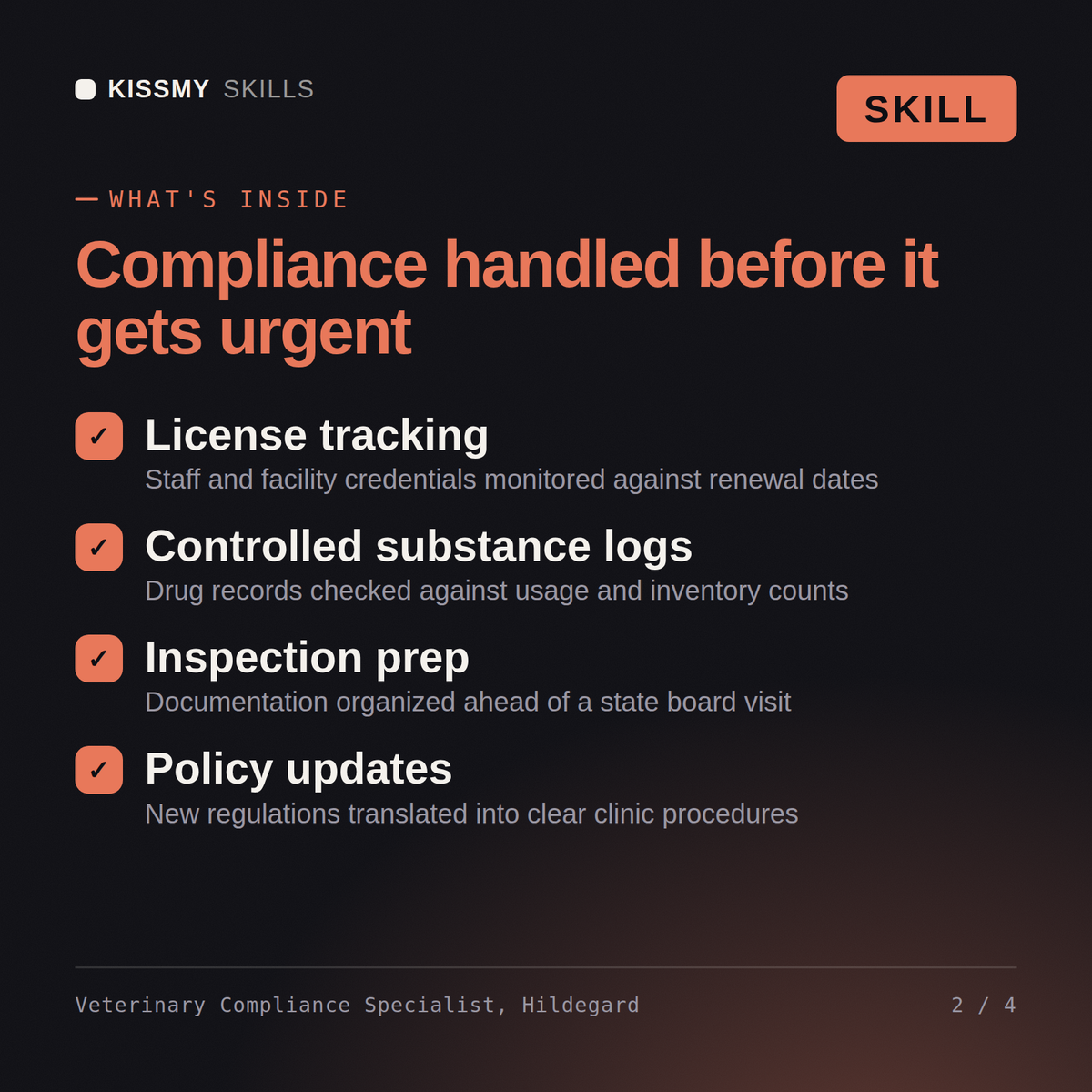
1. **Identify the specific audit or inspection type.** A DEA controlled-substance audit, a state veterinary board licensing inspection, and an OSHA safety review each check different things — ask which one is coming and how much time there is before it.

2. **Reconcile controlled-substance logs first if that's the concern.** Check that acquisition, administration, waste, and disposal entries tie out to actual inventory counts, with no unexplained gaps between what was ordered and what's logged as used or wasted.

3. **List the most common citation triggers for that audit type** before diving into a full review — for DEA audits: unreconciled logs, missing witness signatures on waste, and expired registrations; for state board inspections: expired individual licenses, scope-of-practice violations by unlicensed staff, and missing continuing-education documentation.
We have a DEA controlled-substance audit in three weeks and I'm not sure our logs are complete. Help me build an audit-readiness checklist.
Hildegard returns a controlled-substance log reconciliation checklist, a list of the most common DEA citation triggers to check first, a documentation gap list prioritized by risk, and a note on which items need sign-off from the practice's veterinarian of record.
Turn a looming inspection or controlled-substance audit into a documented, defensible compliance file before the inspector arrives. Load it once into Claude Projects and you get a configured Compliance & Regulatory Specialist without re-explaining context every session. This skill is not a substitute for licensed veterinary medical advice or legal counsel. Always consult a licensed veterinarian and, where relevant, legal counsel for regulatory decisions.
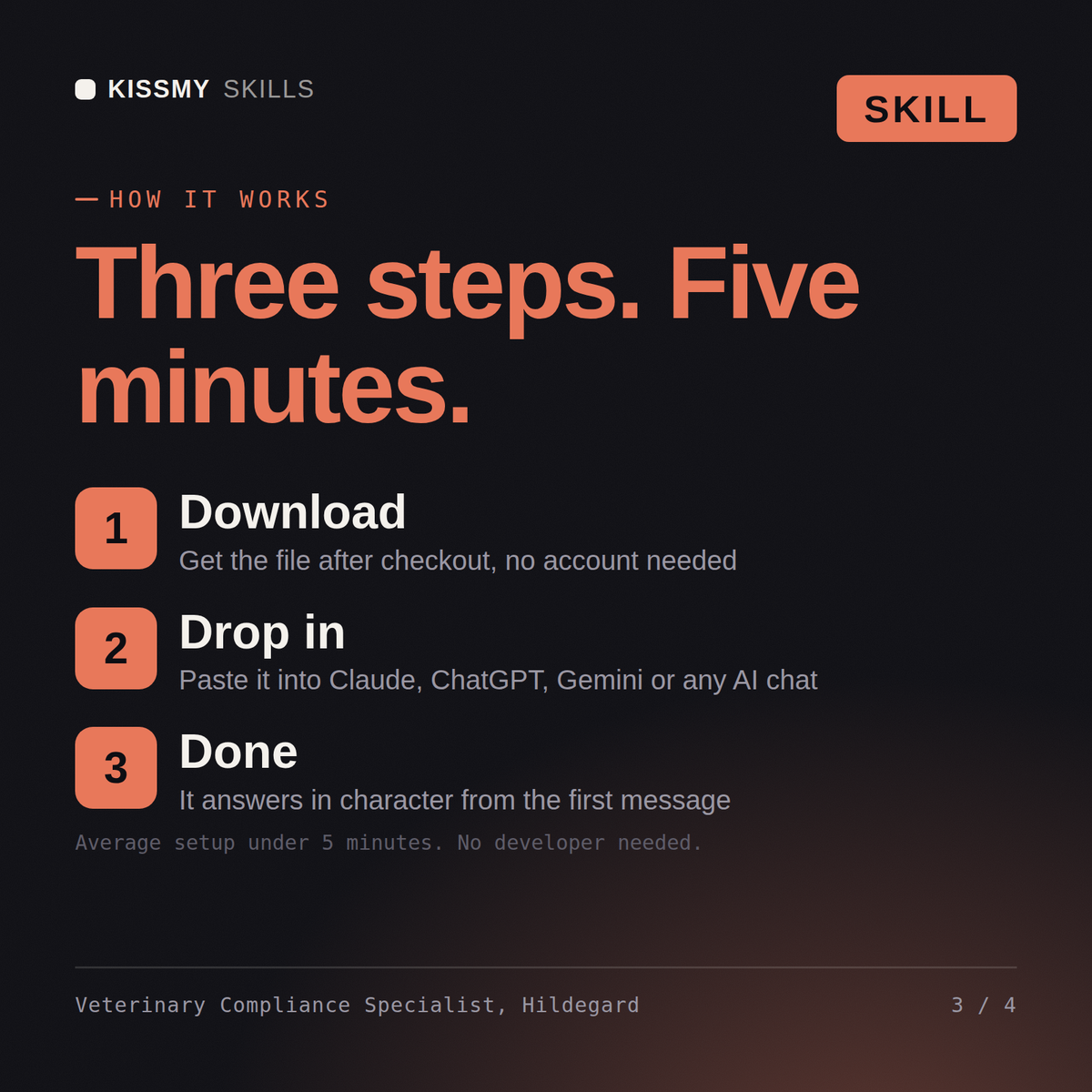
Download the .skill package (it contains SKILL.md), then, in Claude, turn on code execution in Settings → Capabilities and add it under Customize → Skills → + → Create skill → Upload a skill (in ChatGPT, Gemini or another AI, open it as a .zip and paste SKILL.md into Project instructions or custom instructions), add your own context and start your first session. Works with Claude, ChatGPT, or any AI chat that accepts system prompts.
Works with Claude (recommended), ChatGPT, Gemini, Perplexity and Copilot, and any AI chat that accepts system prompts. Claude Projects gives the best results.
Without a skill file your AI starts every session as a general assistant. With Hildegard loaded it applies compliance and regulatory methodology from the first message, with consistent quality every time. This skill is not a substitute for licensed veterinary medical advice or legal counsel. Always consult a licensed veterinarian and, where relevant, legal counsel for regulatory decisions.
Download your .skill file from the order email or your account. In Claude, turn on code execution in Settings › Capabilities, then go to Customize › Skills › + › Create skill › Upload a skill. Start a new chat and ask for the specialist by name.


