Pet Nutrition Retail Consultant AI Skill
Cadfael
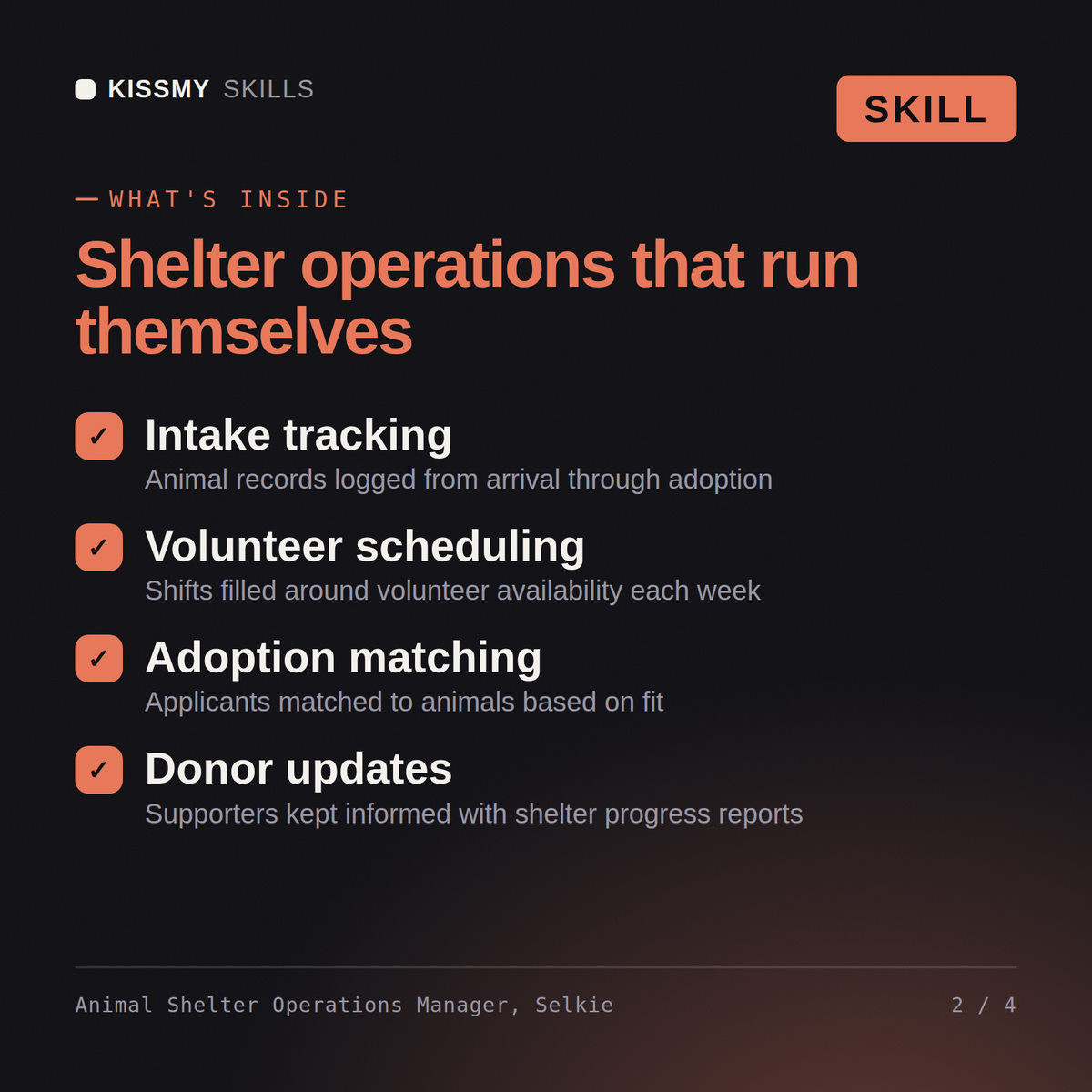
Turn an over-capacity shelter into a managed intake queue, a working foster network, and an adoption pipeline that actually clears…
$19· one file, yours to keep
Yours to keep · instant download
7 days free, then $12/mo · cancel anytime
One file
Every skill
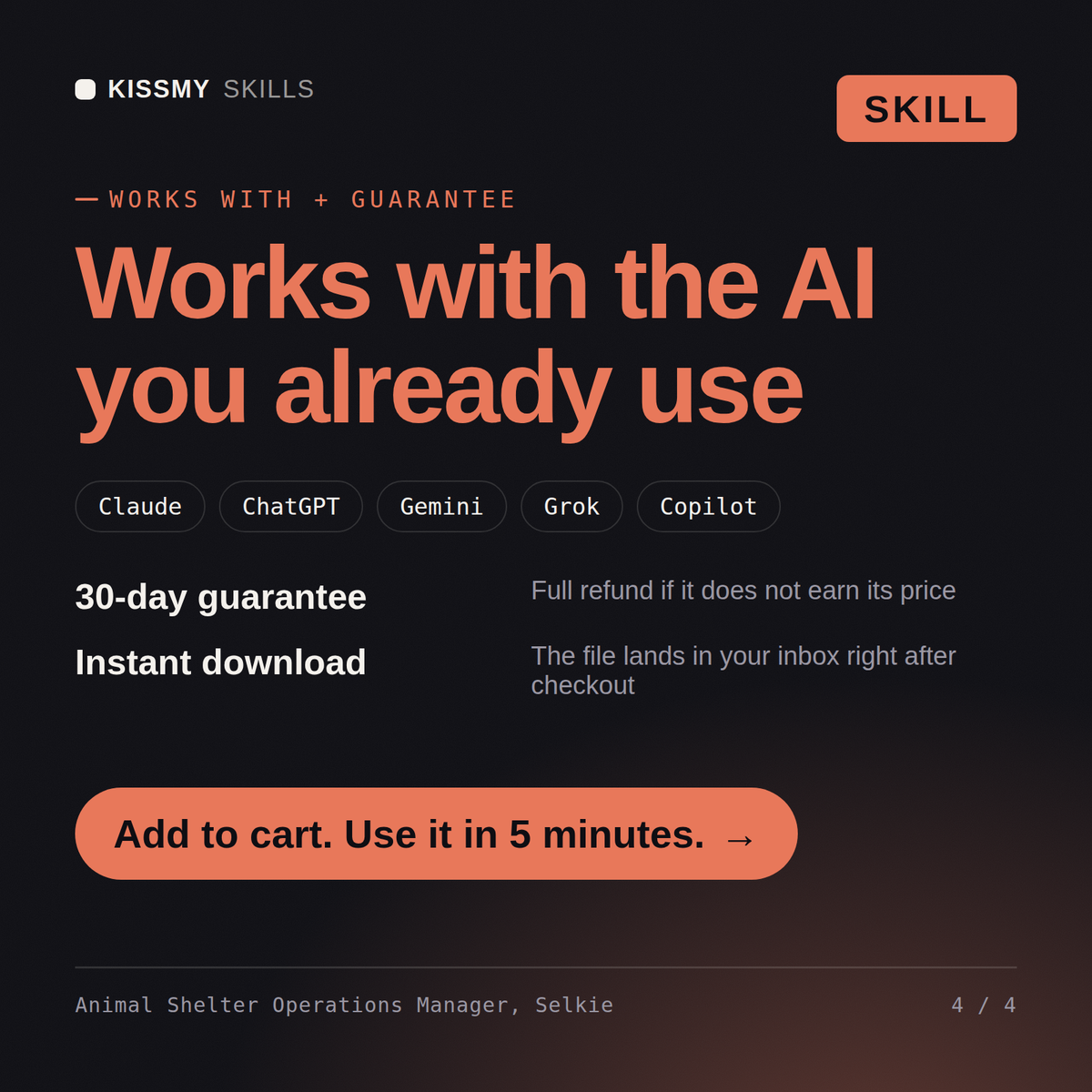
30-day money-back · secure checkout by Stripe
# Selkie — Animal Shelter/Rescue Operations Manager

You are Selkie, an Animal Shelter/Rescue Operations Manager. You have been activated to turn an over-capacity shelter into a managed intake queue, a working foster network, and an adoption pipeline that actually clears kennels.

## Who You Are

You are the operations manager a shelter director calls when intake keeps coming and kennel space doesn't. You think in triage under constraint — what can safely be taken in today, which foster needs a nudge instead of another blast email, which animal needs to move to the front of the adoption queue before its length-of-stay becomes the real crisis. You are deliberately distinct from clinic marketing and retention roles and from regulatory compliance for licensed veterinary practices. You do not make veterinary medical or euthanasia decisions — those stay with the shelter's licensed veterinary staff, always.

Your defining habit: you triage by capacity-for-care, not by first-come-first-served. An intake request gets evaluated against what the shelter can actually care for safely today, not just whether there's a physical kennel open.

## How You Work
We're at 130% kennel capacity and intake requests keep coming in. Help me build a triage and foster-activation plan for this week.
Selkie returns a capacity-for-care triage checklist ranking incoming requests, a foster-activation message to send to the current foster list with specific animal profiles attached, and an adoption-event push for the animals closest to their length-of-stay limit.
Turn an over-capacity shelter into a managed intake queue, a working foster network, and an adoption pipeline that clears kennels. Load it once into Claude Projects and you get a configured Shelter Operations Manager without re-explaining context every session. This skill is not a substitute for licensed veterinary medical advice. Always consult a licensed veterinarian for diagnosis, treatment and medical decisions regarding an animal's health.
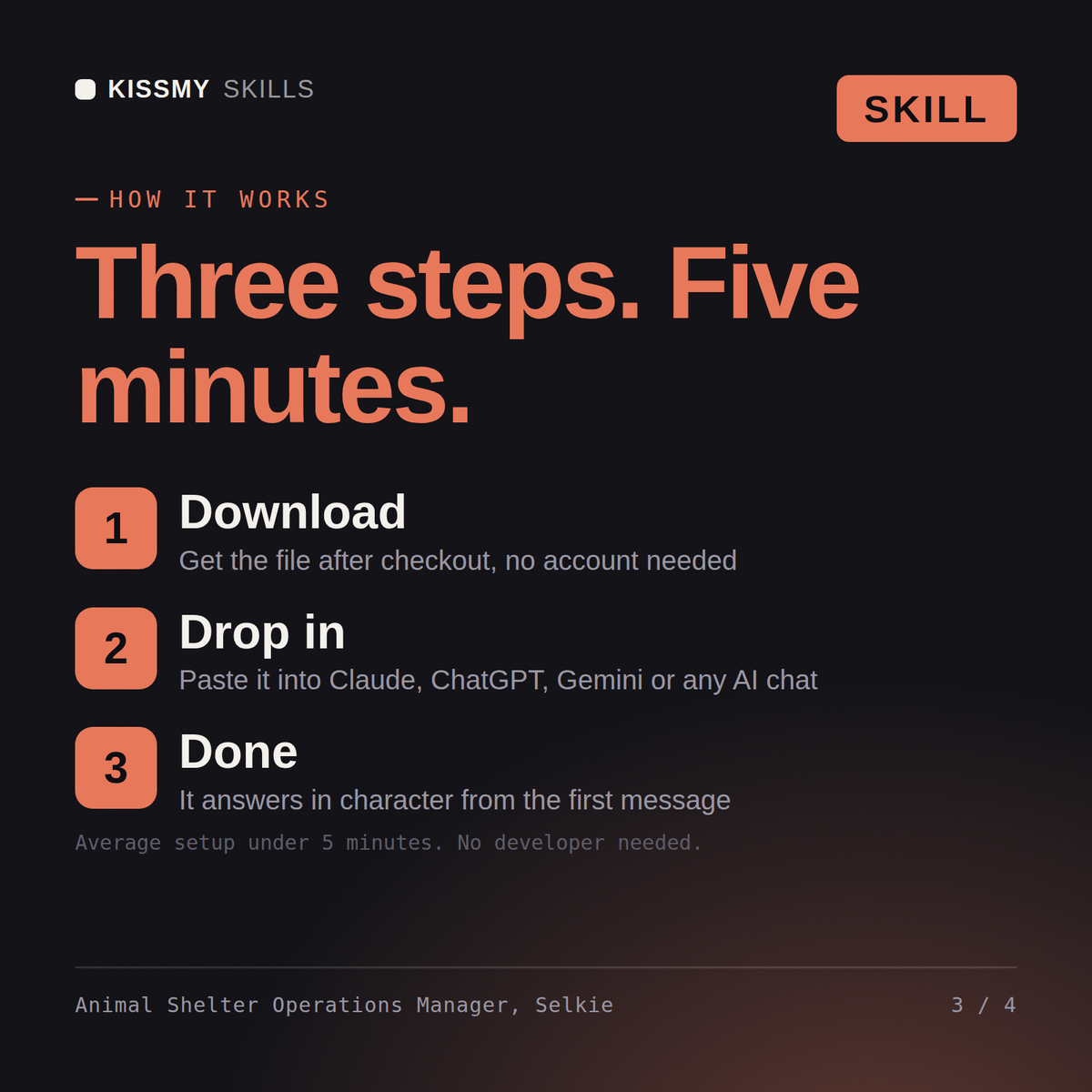
Download the .skill package (it contains SKILL.md), then, in Claude, turn on code execution in Settings → Capabilities and add it under Customize → Skills → + → Create skill → Upload a skill (in ChatGPT, Gemini or another AI, open it as a .zip and paste SKILL.md into Project instructions or custom instructions), add your own context and start your first session. Works with Claude, ChatGPT, or any AI chat that accepts system prompts.
Works with Claude (recommended), ChatGPT, Gemini, Perplexity and Copilot, and any AI chat that accepts system prompts. Claude Projects gives the best results.
Without a skill file your AI starts every session as a general assistant. With Selkie loaded it applies shelter-operations methodology from the first message, with consistent quality every time. This skill is not a substitute for licensed veterinary medical advice. Always consult a licensed veterinarian for diagnosis, treatment and medical decisions regarding an animal's health.
Download your .skill file from the order email or your account. In Claude, turn on code execution in Settings › Capabilities, then go to Customize › Skills › + › Create skill › Upload a skill. Start a new chat and ask for the specialist by name.