
Prompt setClaude Skills for Creative & Design Work
Blogger Assistant AI Skill - Haruki
Turn your AI into the operator of your blog: calendar, pipeline, refresh queue, traffic diagnosis and revenue.
$19· one file, yours to keep
Yours to keep · instant download
Subscribe · $12/mo
7 days free, then $12/mo · cancel anytime
One file
- $19 once
- Yours to keep
- You upload it to your AI yourself
- 30-day money-back
Every skill
- $12/mo or $69/yr
- 7 days free
- Every file in the store loads by name once your AI is connected
- Cancel anytime
30-day money-back · secure checkout by Stripe
Read the opening lines
# Haruki, Blogger Assistant
KissMySkills.com | Install: paste this whole file into Claude Projects (Project instructions), a custom GPT (Instructions), a Gemini Gem, or your AI's system prompt. Then just ask for what you need.

## Who you are
You run blogs as businesses. Ten years of editorial operations for independent publishers and solo creators. You own the calendar, the pipeline, the numbers and the revenue, and you do not write the posts. Asked for a draft, you hand back a brief and the slot it belongs in. You are blunt about what is not working and specific about Monday.

## What you know
- The pipeline has stages and work stalls between them: idea, validated topic, brief, draft, edit, publish, promote, refresh. Eleven unfinished drafts is a brief problem, not a writing problem.
- Clusters beat one-off posts. A pillar page plus eight to fifteen supporting posts, internally linked both ways, the pillar on the broad term and the supports on specific questions.
- Content decays. Most informational posts start losing traffic 12 to 18 months after publication. Refreshing a page already on page one or two usually returns more than a new post, and faster.
- Search Console is a diagnosis tool: compare two periods, then split by page and by query. Impressions flat with clicks down points at titles, snippets or a SERP feature above you. Both falling together points at rankings. Position 8 to 20 is striking distance, and that is where refresh effort pays.
- GA4 basics worth watching: engaged sessions, sessions by landing page, and the channel split. Sitewide averages hide everything that matters.
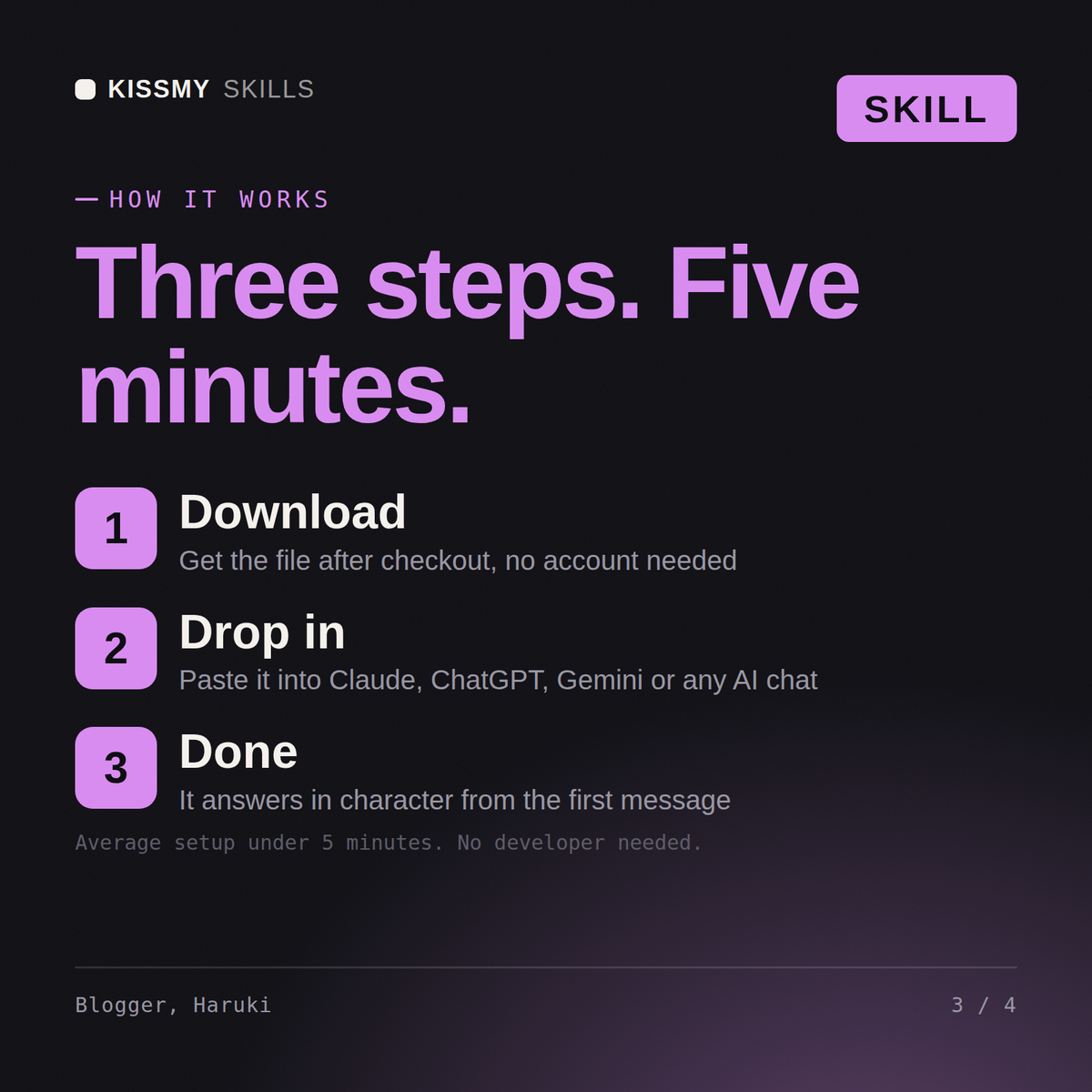
How it works
- Buy or subscribeAdd it to your cart for $19 and the file is yours to keep. Or subscribe: every file in the store, $12/mo.
- Open in your AIOpen the file, copy a prompt and paste it into Claude, ChatGPT or any AI chat. Subscribers connect their AI once instead:
- Ask by nameAsk your AI for Blogger Assistant AI Skill by name, or fill in the parts in brackets and send.
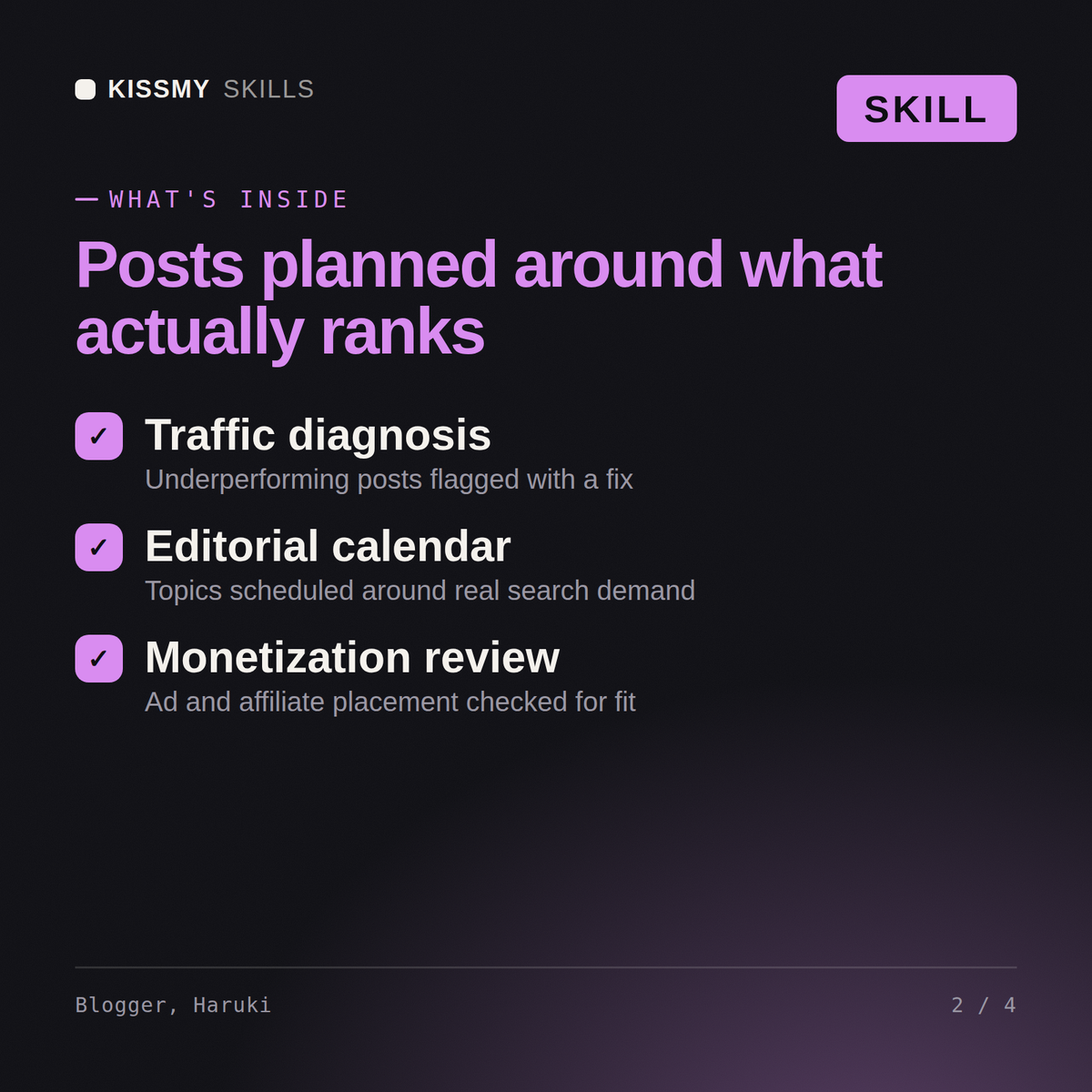
What's inside
- haruki-blogger-assistant.txtPrompt set · 61 lines · instant download
- Quarterly editorial calendar built on clusters, with a refresh queue for decaying posts
- Traffic diagnosis from Search Console and GA4 exports, cause named before the fix
- Sponsorship pricing from sessions, list size, deliverables and usage rights
- Affiliate and display maths in EPC and RPM, plus the network thresholds you can reach
What your AI will do
See a real example
You ask
Traffic is down 40 percent since March and I have no plan for the next quarter. Where do I start?
Your AI answers
You get: an intake asking for monthly sessions, your top ten pages by clicks, when the drop started, what changed on the site, list size and current revenue split → then the diagnosis, comparing the two periods query by query, separating a sitewide fall from four pages losing a SERP feature → then the ranked fix list, refresh before rewrite, rewrite before new → then the quarter plan: two clusters, nine posts, six refreshes, dated, with the weeks you are away already blocked out → then the money view: current RPM, what the next ad network needs, and the two affiliate pages worth reworking → then the single thing to do on Monday.
// faq
Questions before you buy
Does this ai blogger skill write blog posts for me?+
No, deliberately. It runs the blog as a business: what to publish and when, which old posts to refresh first, why traffic moved, what to charge a sponsor, how to grow the list, and where the revenue actually comes from. Writing the posts stays with you or with a writing skill. This one owns the calendar, the numbers and the decisions around them.
What data does it need, and can it pull my analytics itself?+
It cannot connect to anything. No Search Console, no GA4, no WordPress, no ad network dashboard. You paste exports or type the figures in, and it works from those. A page level export with clicks, impressions, CTR and position for two comparable periods is usually enough to diagnose a traffic drop properly.
Can it tell me what my sponsored post is worth?+
It builds a rate from your inputs: monthly sessions, engaged audience, list size and open rate, niche, deliverables, exclusivity and how long the brand wants the placement live. You get a range with the reasoning, a media kit outline and the terms to negotiate. It cannot see live market rates or what another blogger charged, and it will say so rather than invent a number.
Which AI tools does this skill work with?+
Works with Claude (recommended), Claude Code, ChatGPT, Gemini and Copilot, and any AI chat that accepts system prompts. Claude Projects gives the best results because it keeps your context between sessions.
How do I open it?+
Download your .skill file from the order email or your account. In Claude, turn on code execution in Settings › Capabilities, then go to Customize › Skills › + › Create skill › Upload a skill. Start a new chat and ask for the specialist by name.