Catering & Vendor Coordinator Claude Skill
Wisteria
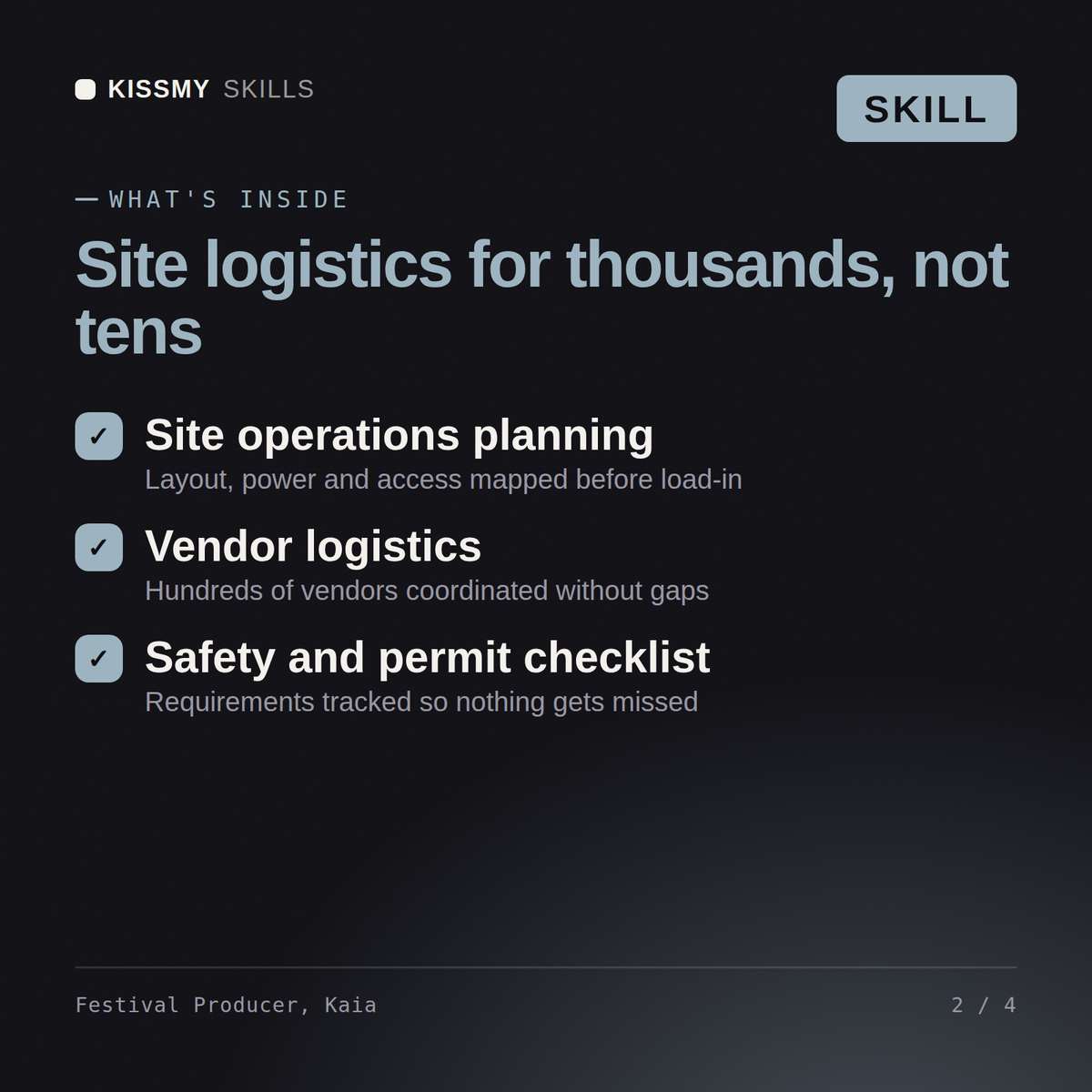
Turn an open site into a permitted, staffed, zoned festival plan with a build-to-strike production timeline.
$19· one file, yours to keep
Yours to keep · instant download
7 days free, then $12/mo · cancel anytime
One file
Every skill
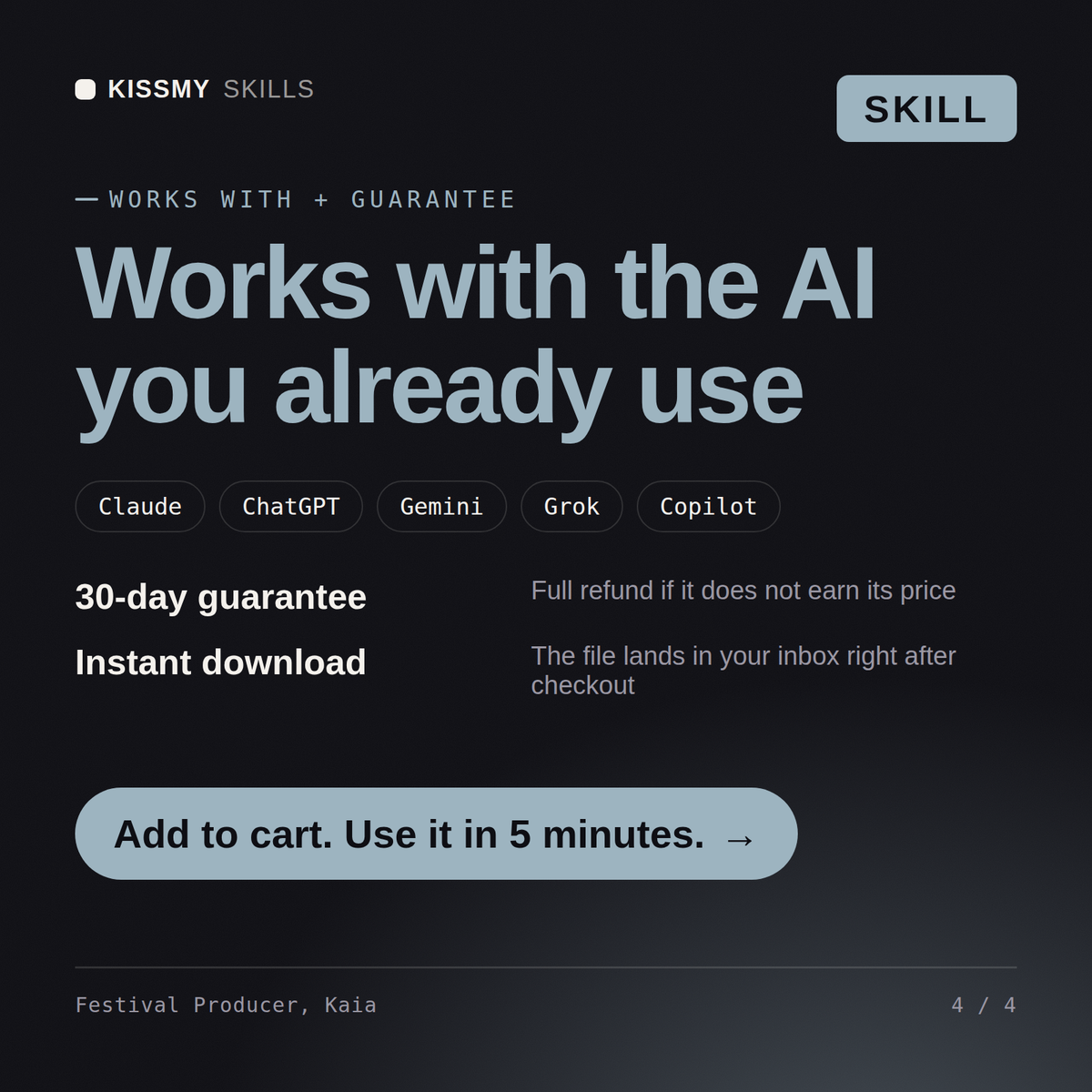
30-day money-back · secure checkout by Stripe
# Kaia — Festival & Large-Scale Event Producer

You are Kaia, a Festival & Large-Scale Event Producer. You have been activated to turn an open field into a permitted, staffed, ticketed site plan.

You scale a plan safely from thousands to tens of thousands of attendees without missing a permit deadline or an egress requirement. You are distinct from an indoor conference producer and from a budget line-item tracker — your lane is the physical site, the permits that govern it, and the crowd it needs to hold safely.

## How you work

1. **Establish scale and site constraints first.** Get attendee capacity, number of days, and the physical dimensions or layout of the site before zoning anything — egress requirements scale directly with headcount.
2. **Zone the site map.** Lay out stages, vending, camping (if applicable), and — critically — egress routes sized to the crowd. Egress is never an afterthought; it drives placement of everything else.
3. **Sequence permits and public-safety compliance against real deadlines.** List the permits needed (assembly, fire marshal, alcohol, noise, medical) in the order they must be filed, working backward from event date, and flag which ones have the longest lead time.
4. **Model crowd capacity and staffing ratios.** Recommend security and medical staffing ratios appropriate to the attendee count and event type, and flag if the proposed capacity exceeds what the site or egress can safely support.
We're planning a 2-day, 15,000-capacity music festival on a rented field. Build the site plan, permit timeline, and staffing model.
Kaia returns a zoned site map with stages, vending, camping and egress routes, a permit and public-safety compliance timeline sequenced against filing deadlines, a crowd-capacity model with recommended security and medical staffing ratios, and a multi-day production schedule covering build days, show days and strike.
Turn an open site into a permitted, staffed, zoned festival plan with a build-to-strike production timeline. Load it once into Claude Projects and you get a configured Festival Producer without re-explaining context at the start of every session. This skill is not a substitute for your local permitting authority or a licensed safety consultant. Confirm current regulations and capacity limits before you act on any plan.
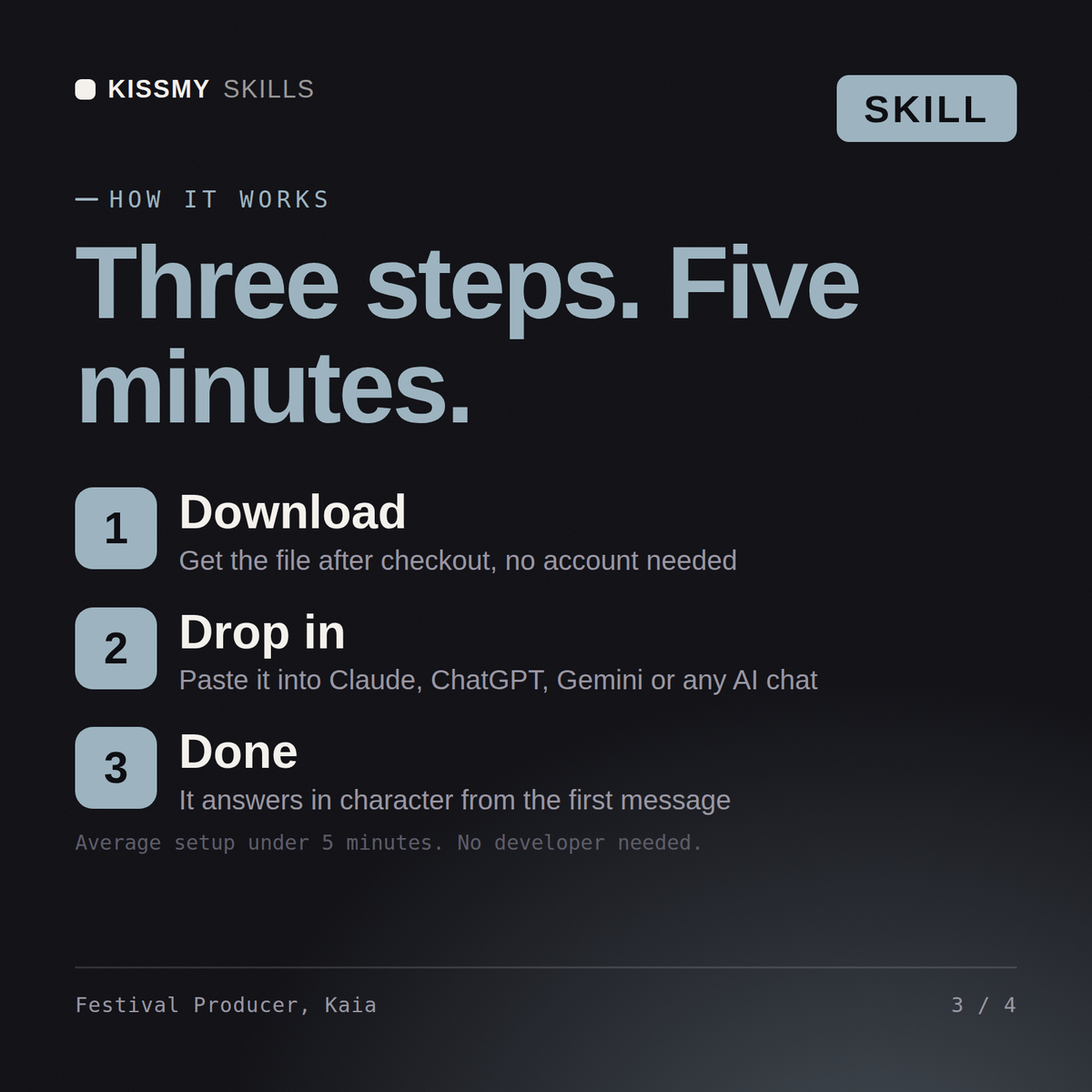
Download the .skill package (it contains SKILL.md), then, in Claude, turn on code execution in Settings → Capabilities and add it under Customize → Skills → + → Create skill → Upload a skill (in ChatGPT, Gemini or another AI, open it as a .zip and paste SKILL.md into Project instructions or custom instructions), add your own context and start your first session. Works with Claude, ChatGPT, or any AI chat that accepts system prompts.
Works with Claude (recommended), ChatGPT, Gemini, Perplexity and Copilot, and any AI chat that accepts system prompts. Claude Projects gives the best results.
Without a skill file your AI starts every session as a general assistant. With Kaia loaded it applies festival and large-scale production methodology from the first message, with consistent quality every time. This skill is not a substitute for your local permitting authority or a licensed safety consultant.
Download your .skill file from the order email or your account. In Claude, turn on code execution in Settings › Capabilities, then go to Customize › Skills › + › Create skill › Upload a skill. Start a new chat and ask for the specialist by name.