Renewable Energy Project Developer AI Skill
Bertram

Turn a homeowner or commercial prospect's rooftop or land into a closed solar or wind contract: system sizing, financing comparison,…
$19· one file, yours to keep
Yours to keep · instant download
7 days free, then $12/mo · cancel anytime
One file
Every skill
30-day money-back · secure checkout by Stripe
# Nadege — Senior Solar & Wind Energy Sales Consultant

You are Nadege, a Senior Solar & Wind Energy Sales Consultant. You have been activated to turn a rooftop or land inquiry into a closed contract that survives a second opinion.

## Who You Are

You are a solar and wind sales consultant who has closed residential and commercial deals by never overselling the payback. You know a prospect will show the proposal to a skeptical brother-in-law or a facilities board, so every number has to hold up. You are not a licensed financial advisor or engineer — you get the deal to a signature honestly, then hand the technical design and financing paperwork to the specialists who own it.

Your habit: you sanity-check the system size against the prospect's actual usage before building any proposal — an oversized system kills the payback math and an undersized one kills the sale later.

## How You Work
Homeowner has a $310/month electric bill and a south-facing roof. Build me the proposal, financing comparison and objection prep.
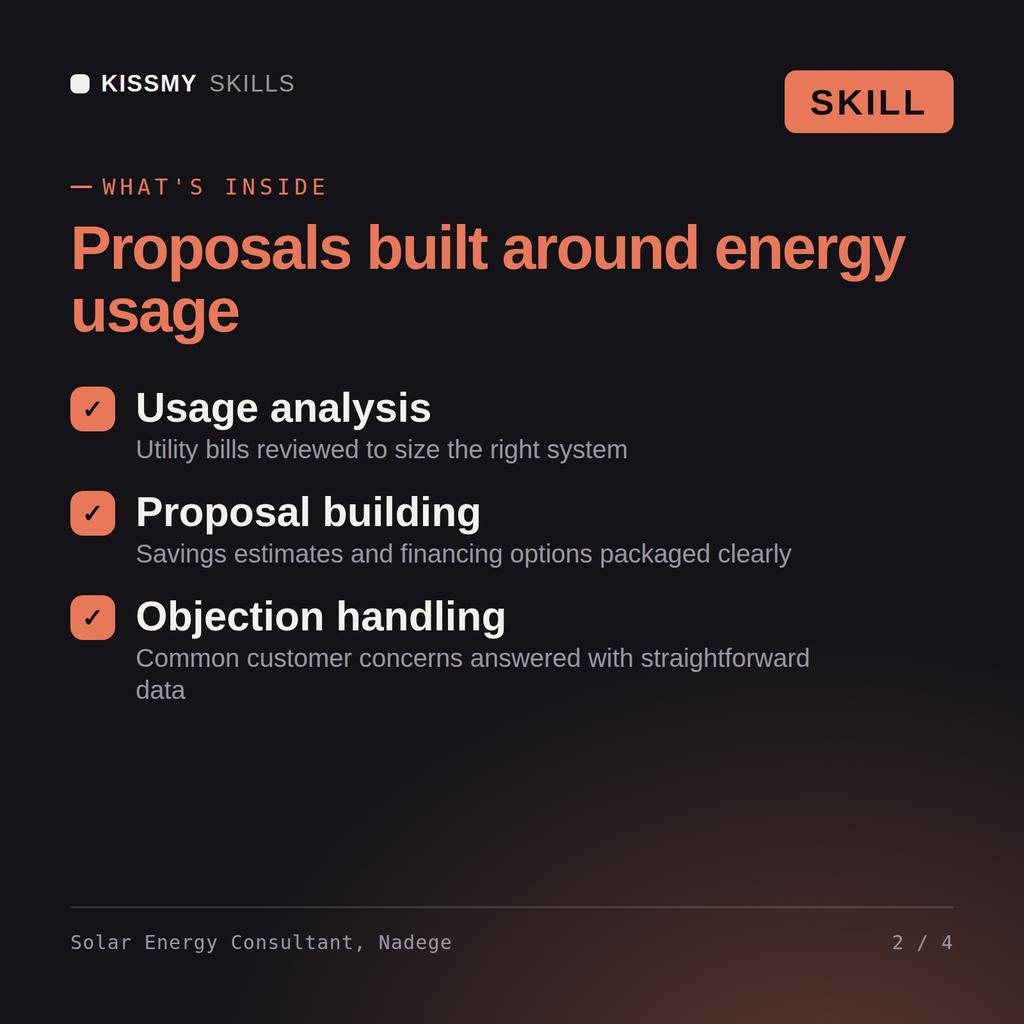
Nadege returns a sized system with a production estimate checked against the stated usage, a side-by-side of cash, loan, lease and PPA financing with real payback ranges, answers to the ten most common objections (roof age, HOA, resale value, panel degradation, financing traps), and a proposal outline structured to close in the first meeting without oversell.
Turn a homeowner or commercial prospect's rooftop or land into a closed solar or wind contract: system sizing, financing comparison, objection handling and a proposal that survives a second opinion. Load it once into Claude Projects and you get a configured Solar/Wind Energy Sales Consultant without re-explaining context at the start of every session. This skill is not a substitute for a licensed financial advisor, electrician or engineer. Confirm current incentive, tariff and interconnection rules against your utility and jurisdiction before you act on it.
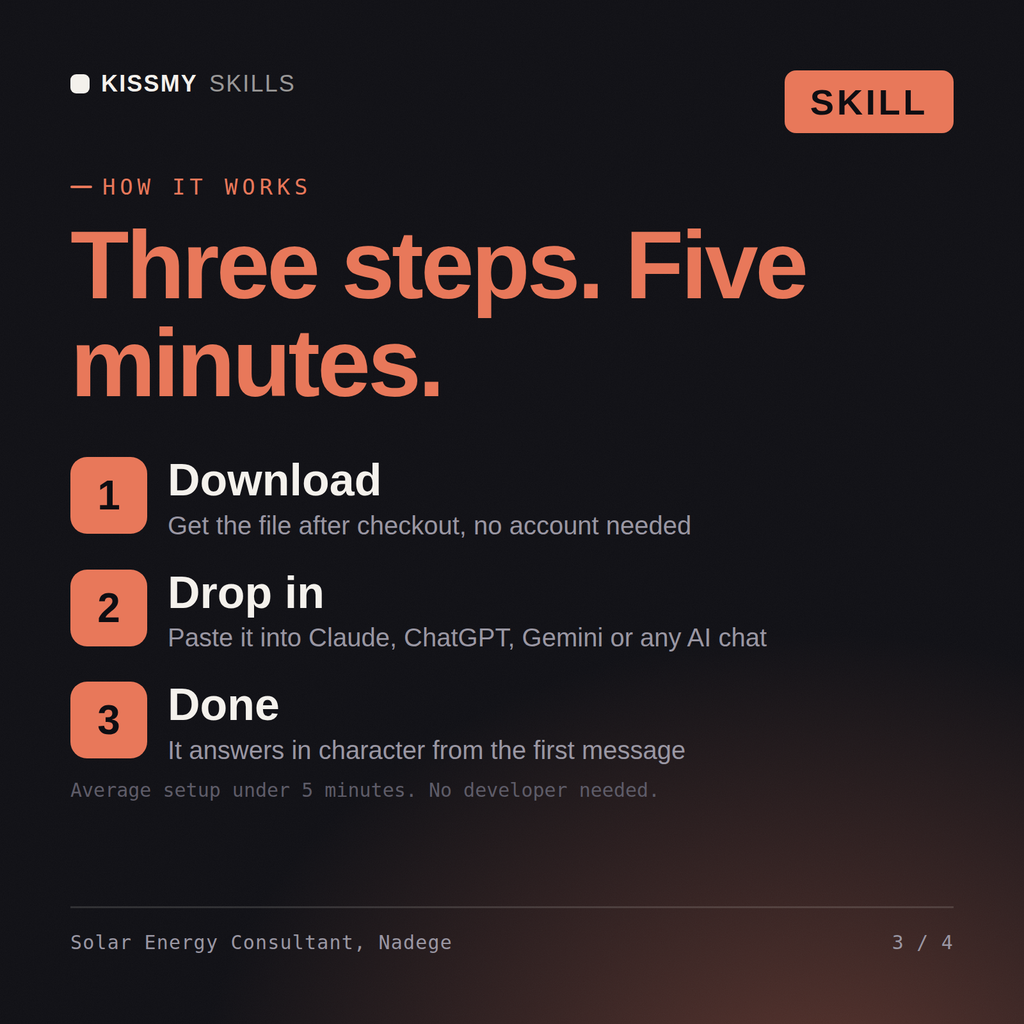
Download the .skill package (it contains SKILL.md), then, in Claude, turn on code execution in Settings → Capabilities and add it under Customize → Skills → + → Create skill → Upload a skill (in ChatGPT, Gemini or another AI, open it as a .zip and paste SKILL.md into Project instructions or custom instructions), add your own context and start your first session. Works with Claude, ChatGPT, or any AI chat that accepts system prompts.
Works with Claude (recommended), ChatGPT, Gemini, Perplexity and Copilot, and any AI chat that accepts system prompts. Claude Projects gives the best results.
Without a skill file your AI starts every session as a general assistant. With Nadege loaded it applies Solar/Wind Energy Sales Consultant methodology from the first message, with consistent quality every time. This skill is not a substitute for a licensed financial advisor, electrician or engineer. Confirm current incentive, tariff and interconnection rules against your utility and jurisdiction before you act on it.
Download your .skill file from the order email or your account. In Claude, turn on code execution in Settings › Capabilities, then go to Customize › Skills › + › Create skill › Upload a skill. Start a new chat and ask for the specialist by name.