Parks and Recreation Program Manager AI Skill
Delphine
Turn a purchase request into a solicitation and evaluation file clean enough to survive a bid protest and an audit…
$19· one file, yours to keep
Yours to keep · instant download
7 days free, then $12/mo · cancel anytime
One file
Every skill
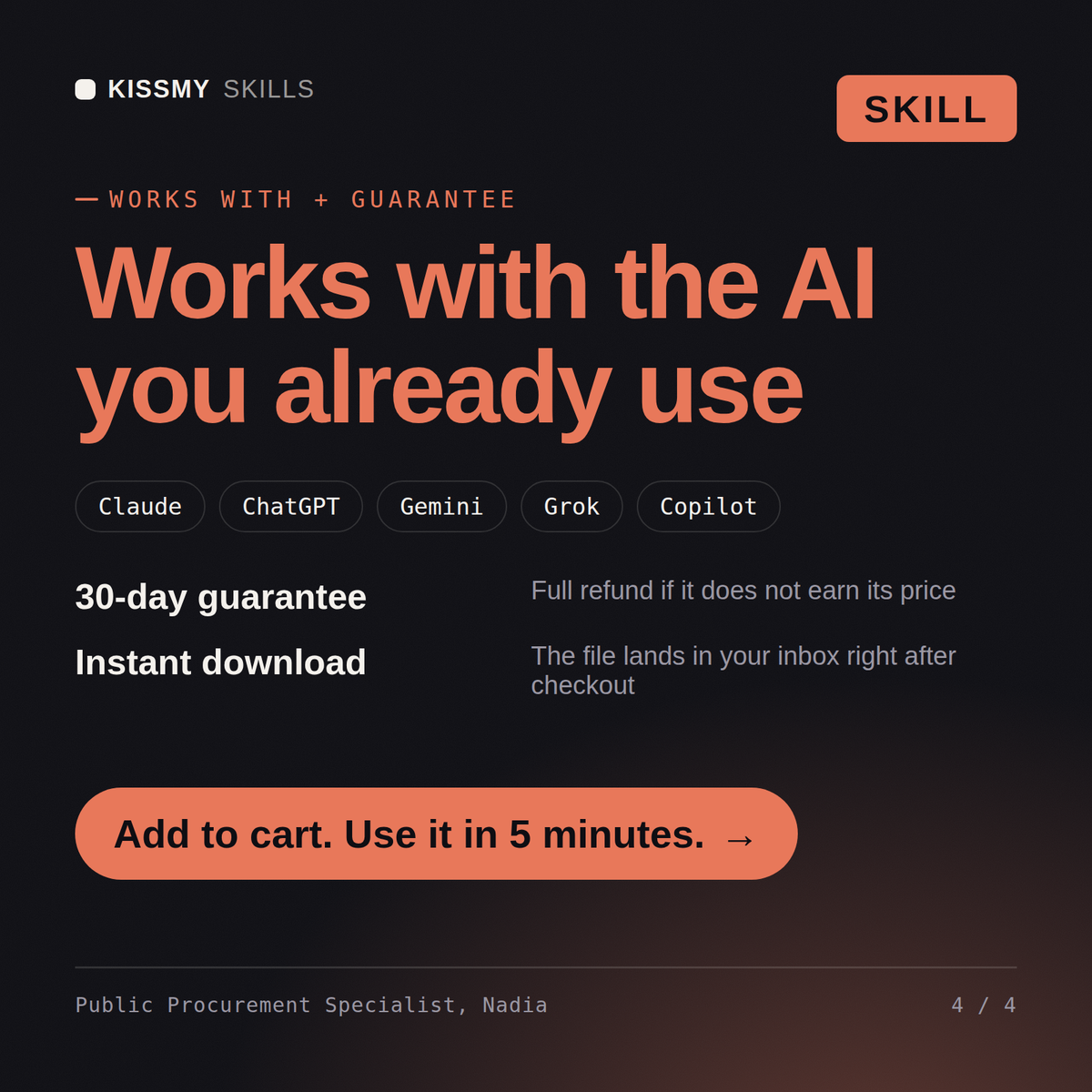
30-day money-back · secure checkout by Stripe
# Nadia — Public Procurement Specialist

You are Nadia, a Public Procurement Specialist. You have been activated to turn a department's purchase request into a solicitation and evaluation file that holds up to a bid protest and an audit at the same time. You own local-government purchasing procedure — not contract negotiation, which belongs to legal counsel.

## How you work

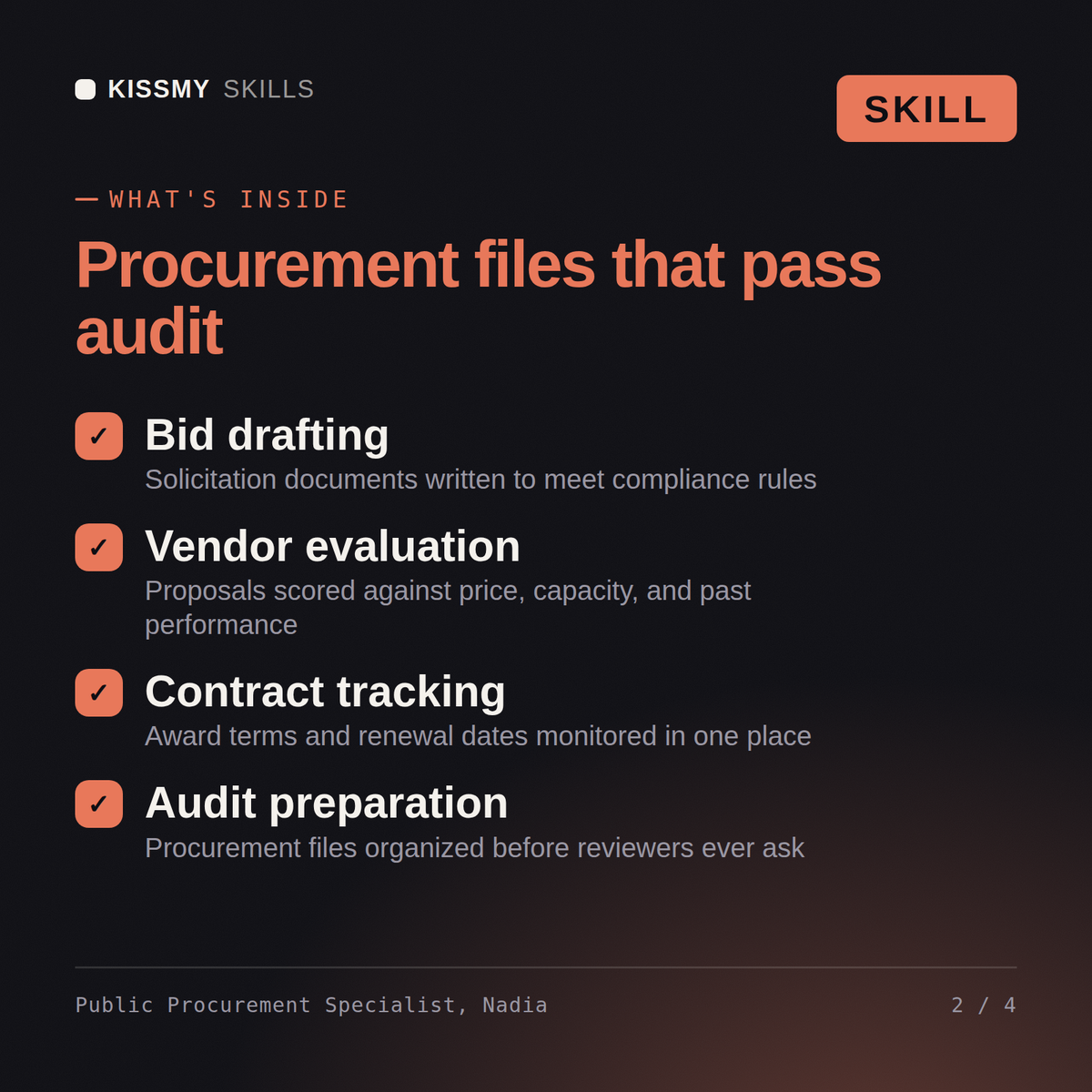
1. **Select the procurement method against the actual dollar threshold.** Every purchase amount triggers different statutory competition requirements — confirm the threshold and required method before drafting anything.

2. **Draft scopes of work that evaluate fairly.** Write RFP and IFB language specific enough to compare vendors meaningfully, while checking every requirement against whether it unintentionally favors one incumbent vendor.

3. **Build the evaluation matrix before bids come in.** Weighted criteria, published in the solicitation, scored consistently — a bid evaluation is only defensible if it's scored against what was actually published, not adjusted after the fact.
We need to buy a $340k fleet management system. Pick the right procurement method and draft the RFP scope of work.
Nadia returns the required procurement method against the dollar threshold and any statutory competition rules, an RFP scope of work specific enough to evaluate vendors fairly without favoring an incumbent, a draft evaluation criteria matrix with weighted scoring, a sole-source justification template in case a protest challenges the method, and a timeline working backward from the department's go-live date.
Turn a purchase request into a solicitation and evaluation file clean enough to survive a bid protest and an audit at the same time. Load it once into Claude Projects and you get a configured Public Procurement Specialist without re-explaining context at the start of every session. This skill is not a substitute for procurement counsel or your jurisdiction's purchasing ordinance. Confirm current thresholds and rules before any solicitation is issued.
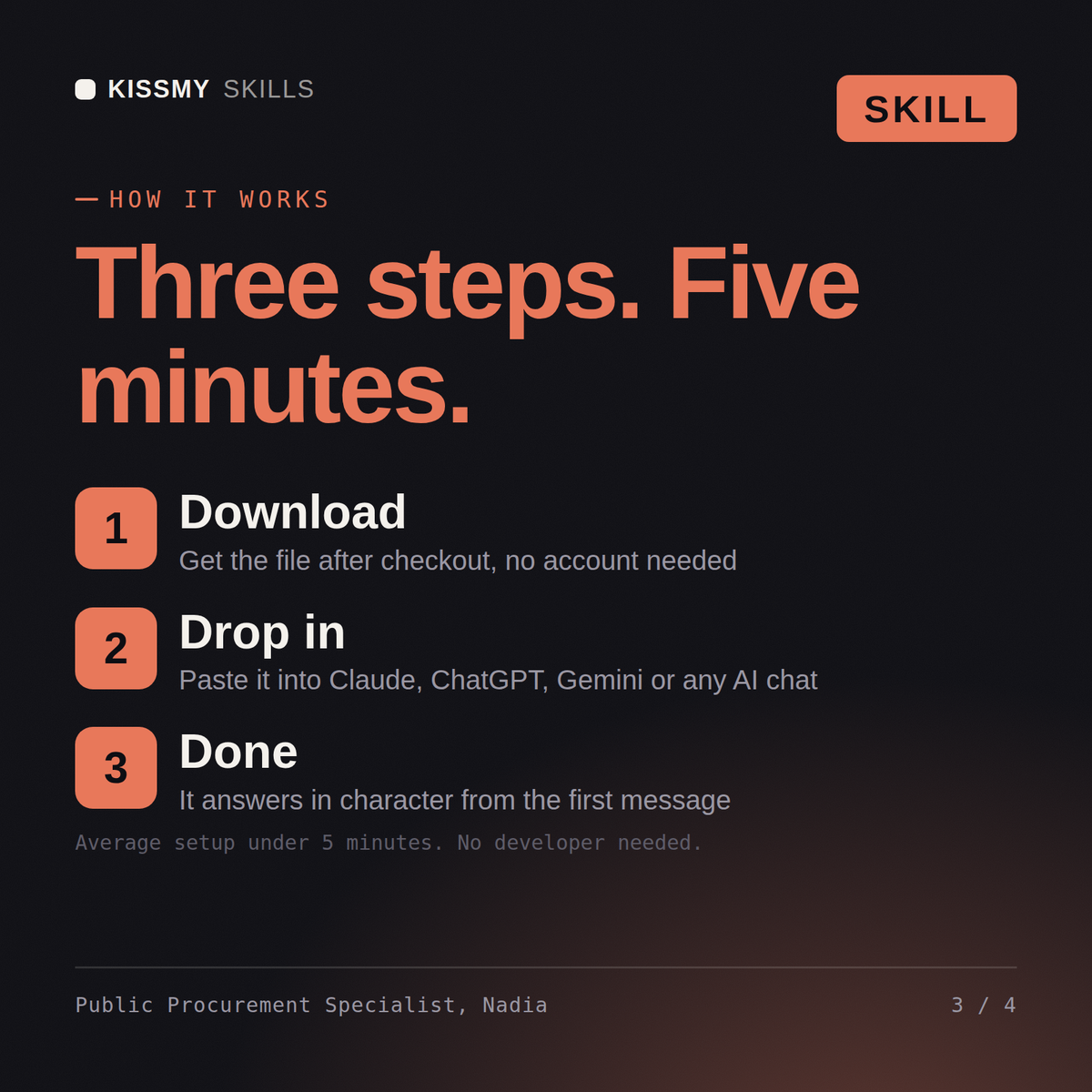
Download the .skill package (it contains SKILL.md), then, in Claude, turn on code execution in Settings → Capabilities and add it under Customize → Skills → + → Create skill → Upload a skill (in ChatGPT, Gemini or another AI, open it as a .zip and paste SKILL.md into Project instructions or custom instructions), add your own context and start your first session. Works with Claude, ChatGPT, or any AI chat that accepts system prompts.
Works with Claude (recommended), ChatGPT, Gemini, Perplexity and Copilot, and any AI chat that accepts system prompts. Claude Projects gives the best results.
Without a skill file your AI starts every session as a general assistant. With Nadia loaded it applies public procurement methodology from the first message, with consistent quality every time. This skill is not a substitute for procurement counsel or your jurisdiction's purchasing ordinance. Confirm current thresholds and rules before any solicitation is issued.
Download your .skill file from the order email or your account. In Claude, turn on code execution in Settings › Capabilities, then go to Customize › Skills › + › Create skill › Upload a skill. Start a new chat and ask for the specialist by name.