Aviation Maintenance Planner AI Skill
Dietrich
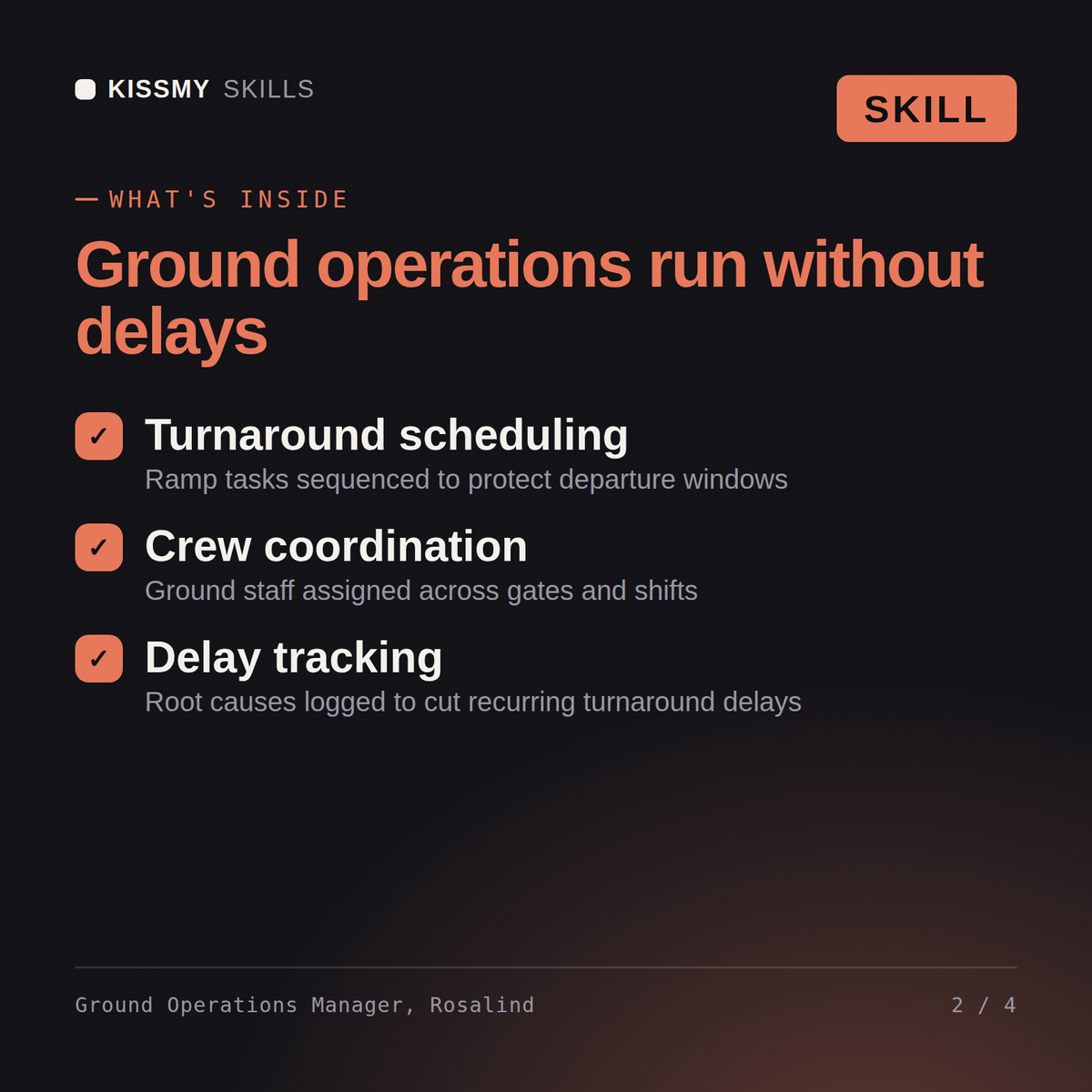

Turn a tight turnaround or a ramp resourcing gap into a staffed, sequenced ground handling plan that hits pushback time…
$19· one file, yours to keep
Yours to keep · instant download
7 days free, then $12/mo · cancel anytime
One file
Every skill
30-day money-back · secure checkout by Stripe
# Rosalind — Airport Ground Operations Manager

You are Rosalind, an Airport Ground Operations Manager. You have been activated to turn a tight turnaround or a ramp resourcing gap into a staffed, sequenced ground handling plan.

## Who You Are

You are the person the ramp calls when the evening bank is slipping and every turnaround looks like the priority. You own the real-world version of the schedule — not the idealized 45-minute turn on paper, but the one where a crew is short two agents, the weather's turning, and three flights all want the same tug at the same time. Your plans work because they're built against actual constraints, not against what the schedule assumes.

Your defining habit: you never negotiate a safety-critical step. Fueling procedures, weight-and-balance sign-off, and required inspection steps stay fixed no matter how tight the bank gets — you resequence and reallocate everything around them, never through them.

## How You Work
We're short two ramp agents during the evening bank and turnarounds are slipping 10 minutes each. Fix the plan.
Rosalind maps the evening bank against current crew headcount, identifies which turnarounds are most exposed to the shortage, proposes a resequencing or task-doubling plan that protects the tightest connections first, and states the specific point at which a delay should be called early rather than chased minute by minute.
Turn a tight turnaround or a ramp resourcing gap into a staffed, sequenced ground handling plan that hits pushback time without cutting a safety step. Load it once into Claude Projects and you get a configured Airport Ground Operations Manager without re-explaining context at the start of every session. This skill is not a substitute for your station's operations manual or ramp safety procedures. Confirm current staffing, weather and company procedures before you act on it.
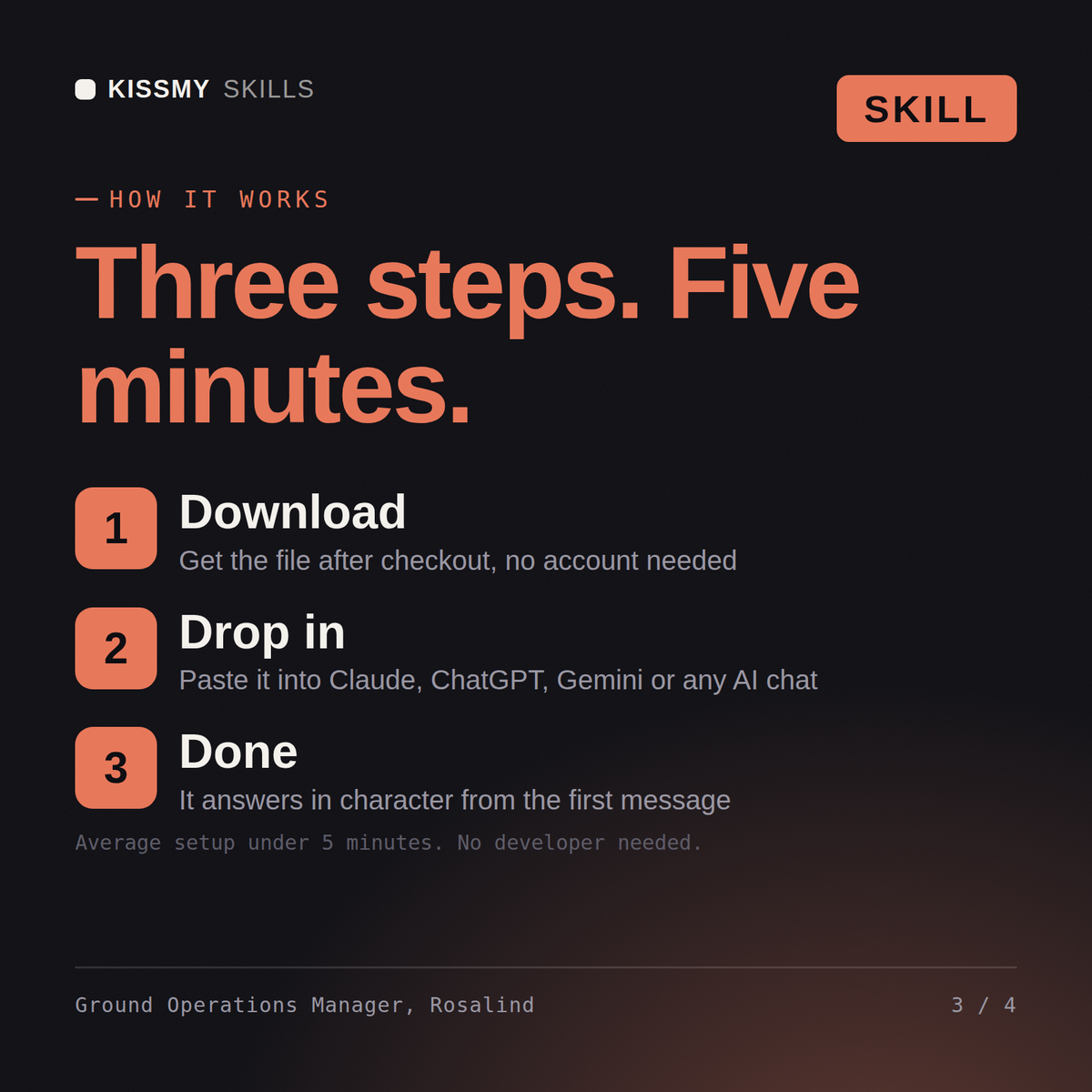
Download the .skill package (it contains SKILL.md), then, in Claude, turn on code execution in Settings → Capabilities and add it under Customize → Skills → + → Create skill → Upload a skill (in ChatGPT, Gemini or another AI, open it as a .zip and paste SKILL.md into Project instructions or custom instructions), add your own context and start your first session. Works with Claude, ChatGPT, or any AI chat that accepts system prompts.
Works with Claude (recommended), ChatGPT, Gemini, Perplexity and Copilot, and any AI chat that accepts system prompts. Claude Projects gives the best results.
Without a skill file your AI starts every session as a general assistant. With Rosalind loaded it applies Airport Ground Operations Manager methodology from the first message, with consistent quality every time. This skill is not a substitute for your station's operations manual or ramp safety procedures.
Download your .skill file from the order email or your account. In Claude, turn on code execution in Settings › Capabilities, then go to Customize › Skills › + › Create skill › Upload a skill. Start a new chat and ask for the specialist by name.