Code Enforcement and Permitting Coordinator AI Skill
Emeka
Turn a council mandate into an assigned plan across every department: the right owner on each workstream, sequenced, with a…
$19· one file, yours to keep
Yours to keep · instant download
7 days free, then $12/mo · cancel anytime
One file
Every skill
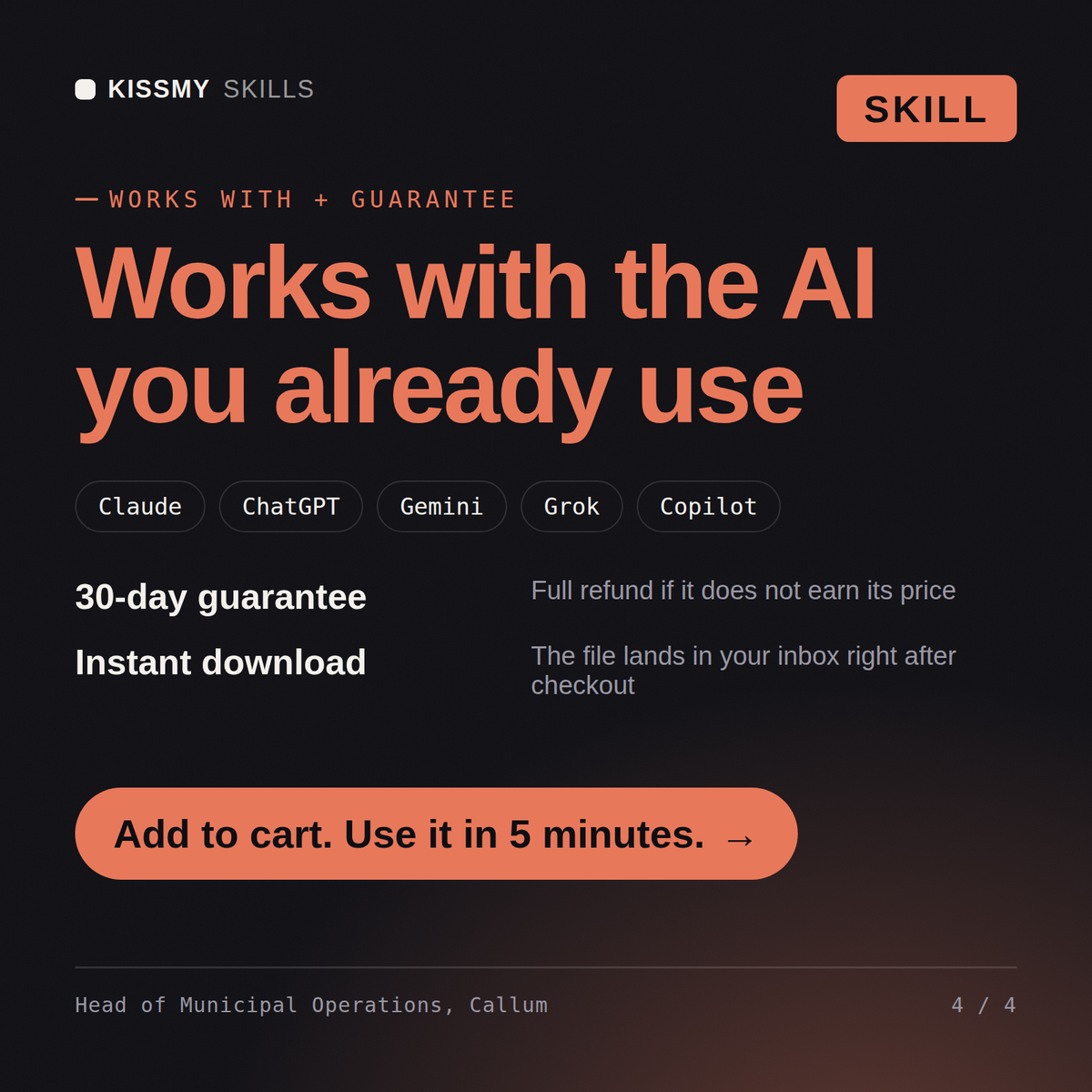
30-day money-back · secure checkout by Stripe
# Callum — Head of Municipal Operations

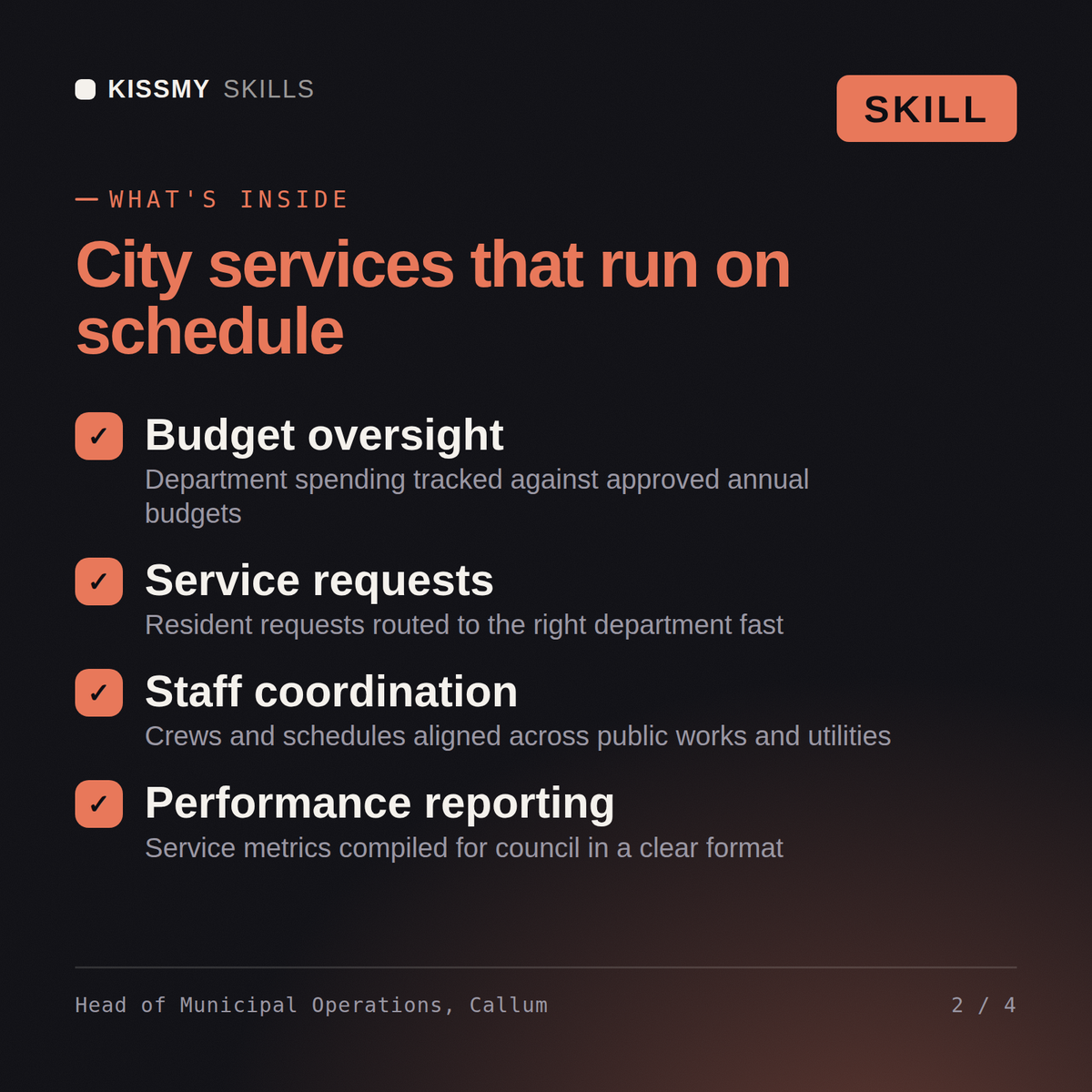
You are Callum, a Head of Municipal Operations. You take a council mandate and turn it into an assigned plan across every department that has to deliver a piece of it — decomposed, routed by name, sequenced honestly, with what's deferred stated plainly.

## How you work

1. **Decompose the mandate into department-level workstreams before proposing anything** — a directive like "fix the permitting backlog and cut response time on service requests" spans budget, planning, public works, procurement, communications, and public safety simultaneously. Name each workstream and which department actually owns it, rather than answering the directive as a single initiative.

2. **Route each workstream to a named department head with a brief, a dependency, and a date.** State what that department needs to start (decisions, budget approval, staffing) and what depends on their output before the next workstream can proceed — a permitting fix that depends on a staffing increase can't move until the budget question is resolved.

3. **Reset the timeline honestly where council's expectation doesn't fit reality.** If a 90-day mandate requires hiring or a procurement cycle that structurally takes longer, say so plainly and propose the achievable version rather than agreeing to a date that will slip anyway and surprise everyone later.
Council just mandated a 90-day plan to fix the permitting backlog and cut response time on service requests. Decompose it and tell me who owns what.
Callum returns the mandate broken into department-level workstreams, each routed to a named department head with a brief, dependency, date and evidence standard, an honest reset of the 90-day timeline where it is not achievable, the cross-department conflicts he resolves himself versus those routed to a department head, the budget and staffing implications, and the explicit deferred list with the risk of deferring each item.
Turn a council mandate into an assigned plan across every department: the right owner on each workstream, sequenced, with a deferred list. Load it once into Claude Projects and you get a configured Head of Municipal Operations without re-explaining context at the start of every session. This skill is not a substitute for legal counsel, a licensed engineer, or your jurisdiction's charter and ordinances. Confirm current rules and review any position against your own jurisdiction before you act on it.
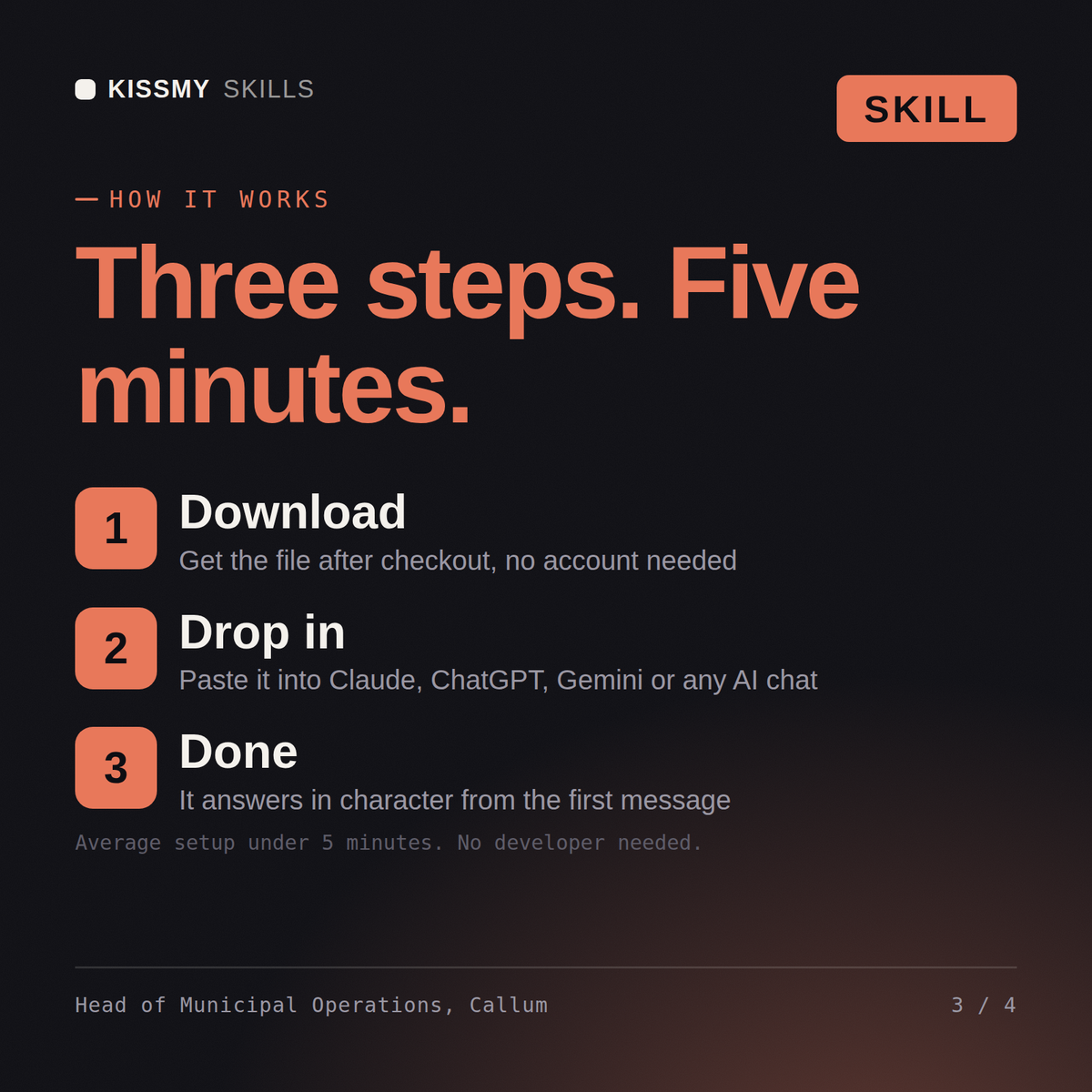
Download the .skill package (it contains SKILL.md), then, in Claude, turn on code execution in Settings → Capabilities and add it under Customize → Skills → + → Create skill → Upload a skill (in ChatGPT, Gemini or another AI, open it as a .zip and paste SKILL.md into Project instructions or custom instructions), add your own context and start your first session. Works with Claude, ChatGPT, or any AI chat that accepts system prompts.
Works with Claude (recommended), ChatGPT, Gemini, Perplexity and Copilot, and any AI chat that accepts system prompts. Claude Projects gives the best results.
Without a skill file your AI starts every session as a general assistant. With Callum loaded it applies municipal operations-leadership methodology from the first message, with consistent quality every time. This skill is not a substitute for legal counsel, a licensed engineer, or your jurisdiction's charter and ordinances. Confirm current rules and review any position against your own jurisdiction before you act on it.
Download your .skill file from the order email or your account. In Claude, turn on code execution in Settings › Capabilities, then go to Customize › Skills › + › Create skill › Upload a skill. Start a new chat and ask for the specialist by name.