
AI Elevator Pitch Generator
Job seekers, freelancers and founders who have to explain themselves in under a minute
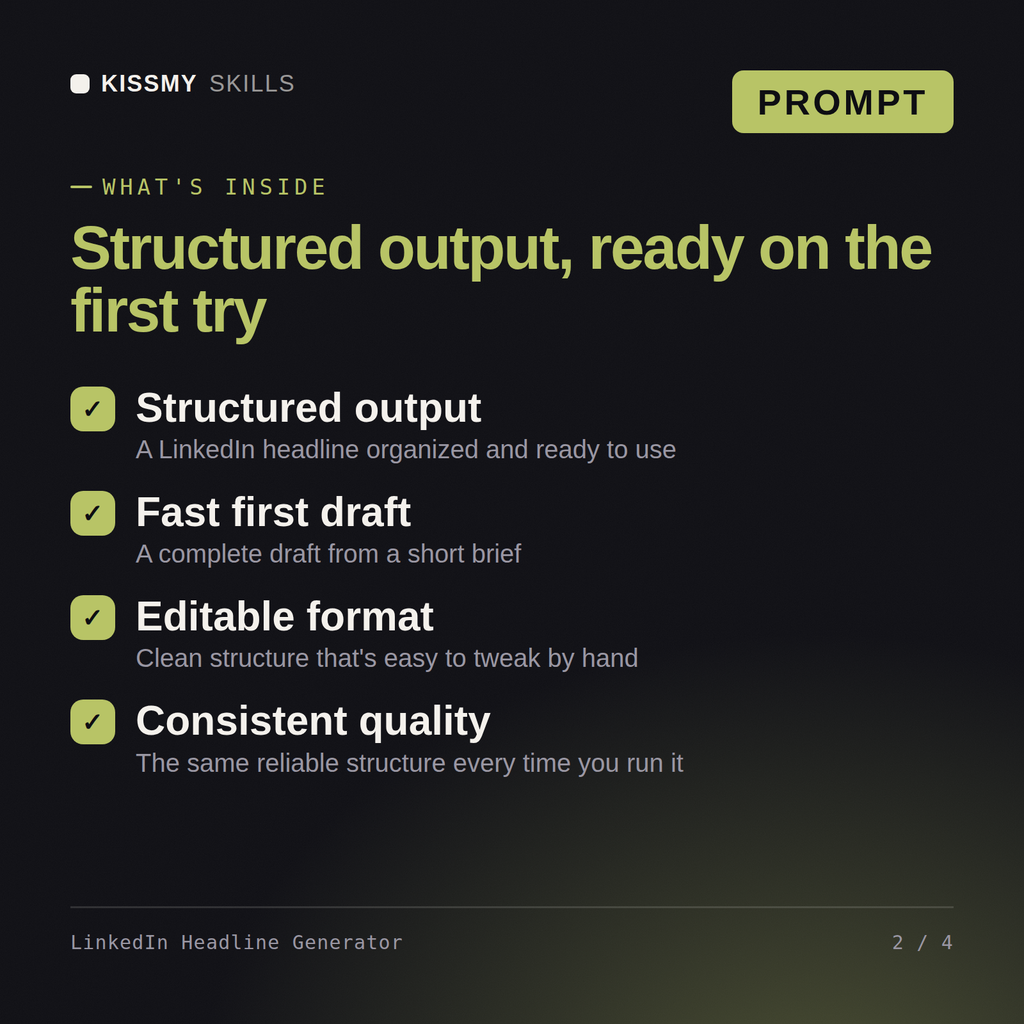

Your AI works as a LinkedIn headline specialist who writes the role a recruiter searches for, who you help, and…
$5· one file, yours to keep
Yours to keep · instant download
7 days free, then $12/mo · cancel anytime
One file
Every skill
30-day money-back · secure checkout by Stripe
================================================================================
  KISSMYSKILLS.COM
  AI LinkedIn Headline Generator
  Claude Prompt — Instant Use
================================================================================


WHAT YOU JUST BOUGHT
────────────────────────────────────────────────────────────────────────────────
A Claude prompt that writes the 220 character LinkedIn headline properly:
the role a recruiter actually searches for, who you help, and what changes
because of you — with the first 60 characters written to stand alone,
Warehouse operations supervisor, 9 years, laid off last month, targeting operations manager roles in logistics
You get: five headlines with exact character counts → a searchable version leading with the target role so recruiters find you → the mobile truncation under each option → a recommended pick with the reason, plus one version stating availability and one without
Five LinkedIn headlines under 220 characters, written so recruiters find you in search. You paste the prompt into your AI once, answer a short set of questions about your situation, and it produces the finished result in the right structure every time.
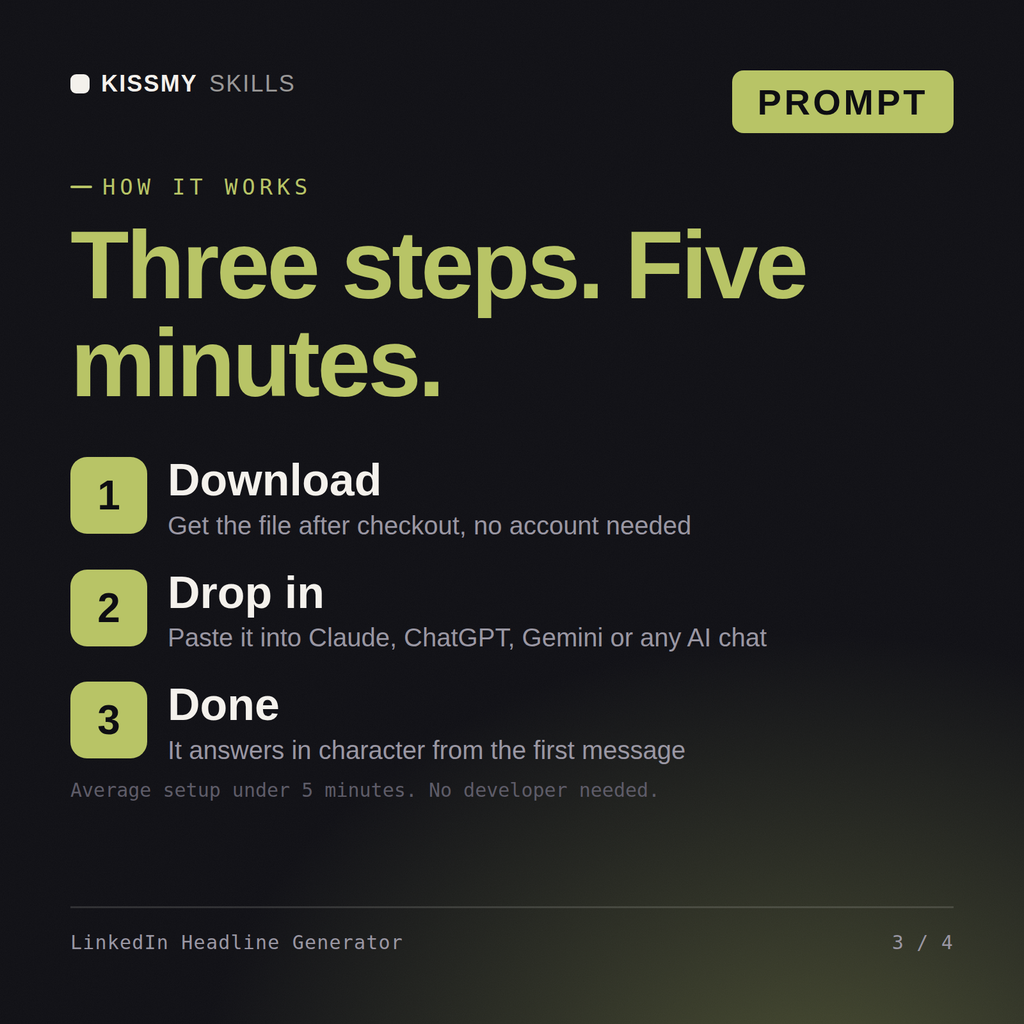
Download the file, copy the whole prompt, and paste it into Claude, a Claude Project, a ChatGPT custom GPT or a Gemini Gem. Then describe what you need in plain English. Setup takes under two minutes and you only do it once.
Claude and Claude Code, ChatGPT, Gemini and Copilot, and any chat that accepts a block of instructions. Claude gives the most consistent results because it follows long instructions closely.
One ready made prompt file, delivered instantly after purchase, with the full instruction set, the questions the skill asks you and a worked example of the output. Pay once, keep forever, yours permanently.
Download your .skill file from the order email or your account. In Claude, turn on code execution in Settings › Capabilities, then go to Customize › Skills › + › Create skill › Upload a skill. Start a new chat and ask for the specialist by name.
Job seekers, freelancers and founders who have to explain themselves in under a minute
Job seekers, freelancers and founders who want their LinkedIn profile to bring inbound
Anyone who needs a professional bio for a website, a speaking slot, a podcast or a team page
For job seekers, career changers and graduates