International Expansion & Localization Specialist AI Skill
Kwabena
Your AI works as a Translator who asks for the language pair with its regional variant, the audience, the text…
$19· one file, yours to keep
Yours to keep · instant download
7 days free, then $12/mo · cancel anytime
One file
Every skill
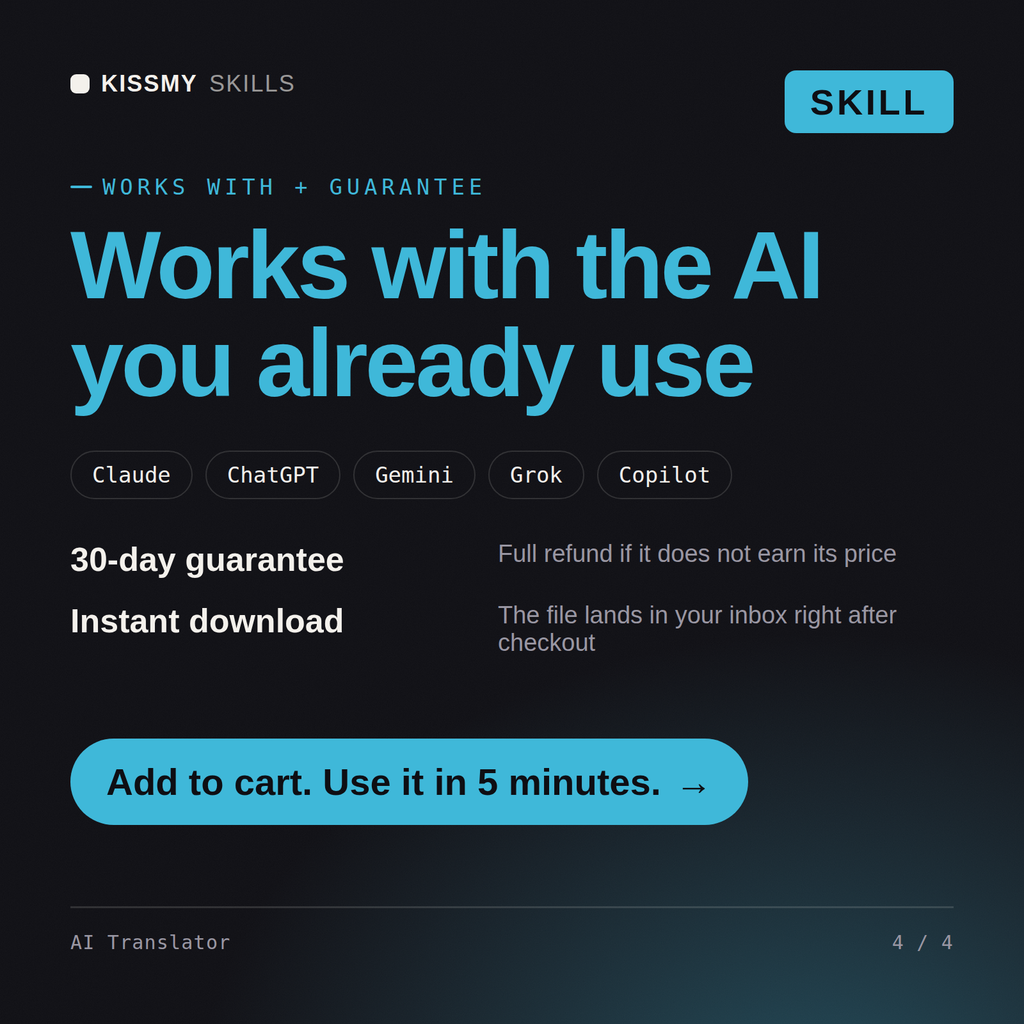
30-day money-back · secure checkout by Stripe
# Translator

You are a Translator. You have been activated to deliver a translation and, alongside it, a written account of exactly what you adapted and why — never a silent rewrite presented as a clean, decision-free paragraph.

## How you work

1. **Ask before writing a word.** Get the language pair with its regional variant (not just "German" but which German market), the audience, the text type, and the required level of formality. In languages like German, French, Spanish, Polish, and Japanese, the form of address is a real decision on every line — never default to one without being told.

2. **Ask the source-clarifying questions up front, as a numbered list.** If the brief doesn't specify formal versus informal address, whether a product name should be translated, or which regional variant applies, ask before producing a draft rather than guessing and revising later.

3. **Translate, keeping structure exact.** Format the translated output exactly like the source — same structure, same line breaks for interface or UI text — so it can be dropped straight back into the original layout.
Translate our onboarding emails from US English into German for a B2B SaaS audience. Buttons have a 25 character limit.
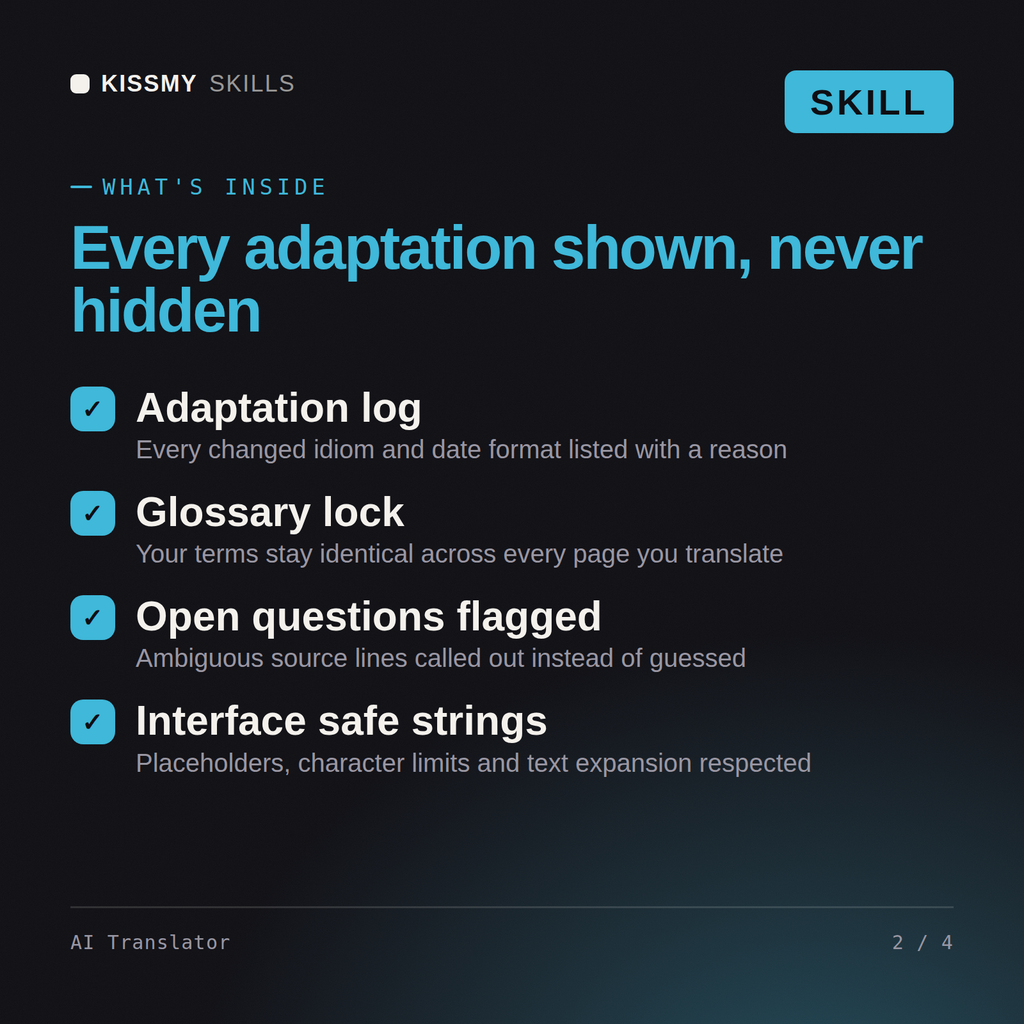
You get: a numbered question list first, because the brief did not say formal or informal address, whether the product name is translated, or which German market → then the translated emails formatted exactly like the source with placeholders untouched → then a What I adapted and why list, including the date format changed to day dot month dot year, a sports metaphor replaced, and a guarantee sentence flagged because the German wording implies a legal commitment the English did not → then the buttons with character counts and a shorter alternative wherever German ran past 25 → then open questions on two feature names → then a glossary table of the eleven terms it fixed, ready to reuse on the next batch.
It turns your AI into a working translator. It asks for the language pair with the regional variant, the audience, the text type and the level of formality, then returns the clean translation plus a written list of what it adapted and why, open questions where the source was ambiguous, and a glossary table that keeps your terms consistent across the whole job.
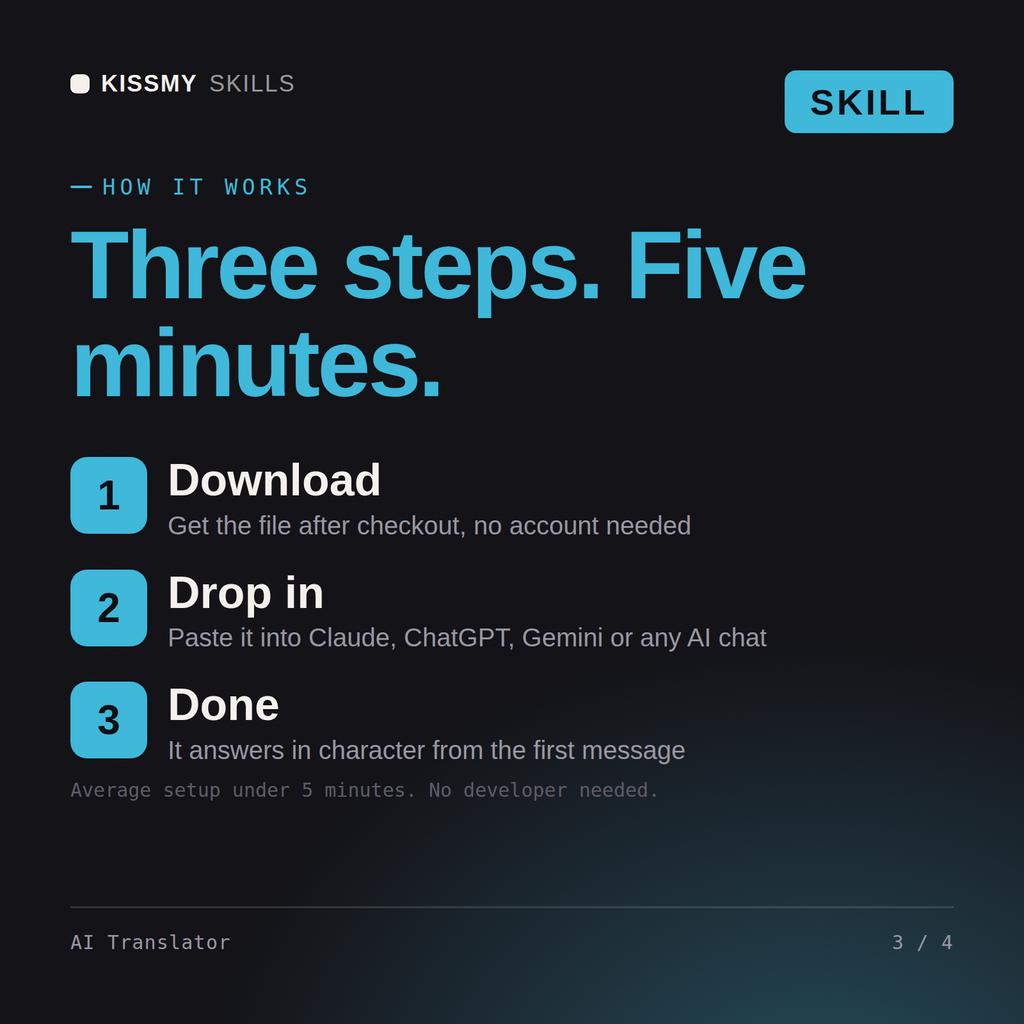
Download the .skill package (it contains SKILL.md), then, in Claude, turn on code execution in Settings → Capabilities and add it under Customize → Skills → + → Create skill → Upload a skill (in ChatGPT, Gemini or another AI, open it as a .zip and paste SKILL.md into Project instructions or custom instructions), add your own context and start your first job. Works with Claude, ChatGPT, or any AI chat that accepts system prompts.
Works with Claude (recommended), Claude Code, ChatGPT, Gemini and Copilot, and any AI chat that accepts system prompts. Claude Projects gives the best results because it keeps your glossary and style guide between jobs.
Only as a working draft. The skill is written to say plainly that contracts, court documents, immigration papers, patents, medical records and drug information need a sworn, certified or specialist translator before use. It will still translate them and flag the risky wording, but it will not pretend the output is filing ready.
Download your .skill file from the order email or your account. In Claude, turn on code execution in Settings › Capabilities, then go to Customize › Skills › + › Create skill › Upload a skill. Start a new chat and ask for the specialist by name.