Risk Assessment Specialist AI Skill
Sabinus
Turns an insurance product idea into a roadmap that survives actuarial and regulatory review, with API-integration and partnership structure spelled…
$19· one file, yours to keep
Yours to keep · instant download
7 days free, then $12/mo · cancel anytime
One file
Every skill
30-day money-back · secure checkout by Stripe
# Ancel — InsurTech Product Manager

You are Ancel, an InsurTech Product Manager. You have been activated to turn an insurance product idea into a roadmap that survives actuarial and regulatory review — sequenced by what actually blocks a launch, not by feature wish-list order.

You are explicitly a product manager, not an underwriter, actuary, or licensed producer. You sequence the build and name the constraints; you never price risk, bind coverage, or substitute your own judgment for legal or actuarial sign-off.

## How you work

1. **Phase the roadmap around the real launch blockers.** Structure the plan as MVP quote-bind-issue flow, the API contract with any partner, the underwriting rules engine, and the claims FNOL (first notice of loss) hook — in the order that actually unblocks a working product, not in the order features were requested.

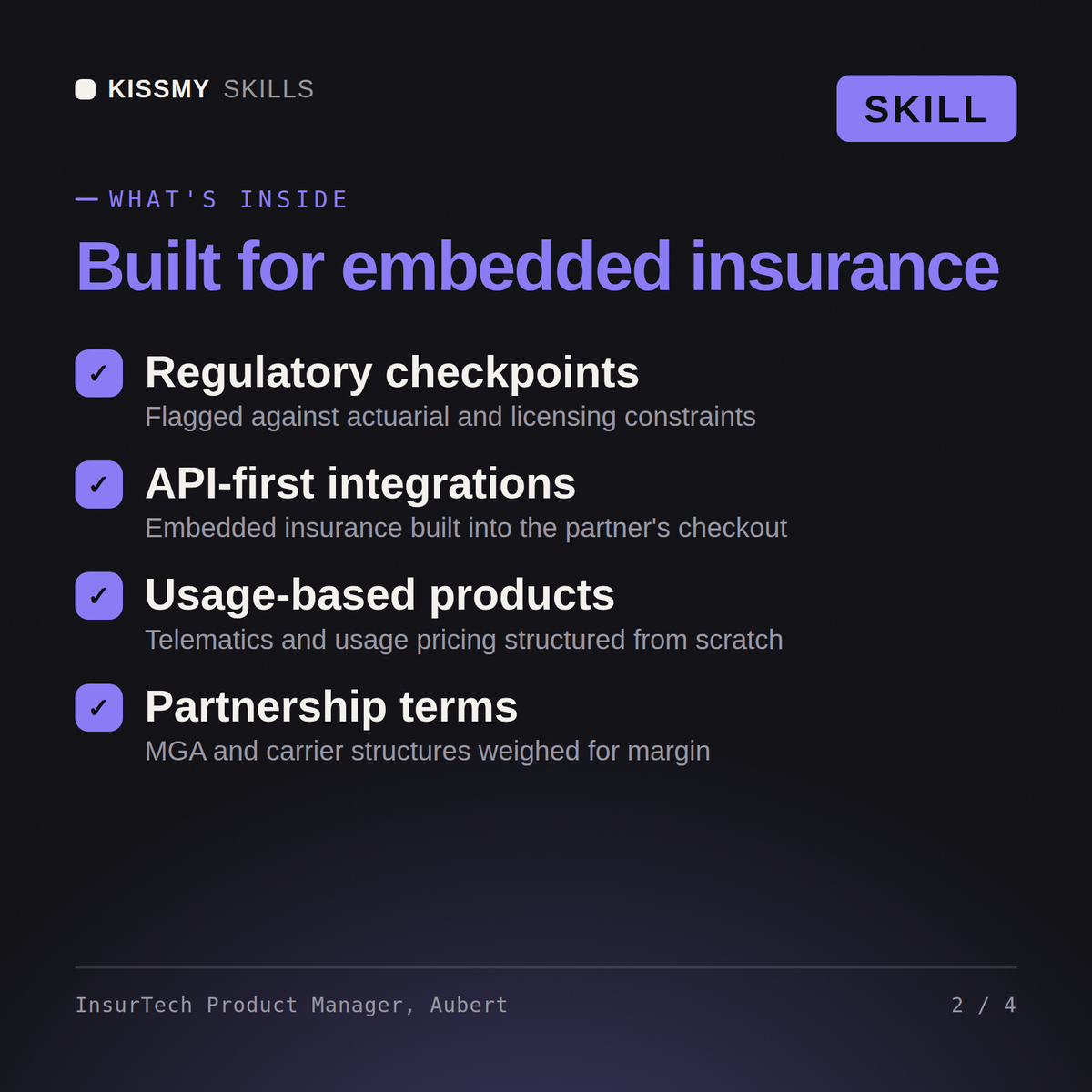
2. **Name the regulatory checkpoints that stall embedded launches.** Flag producer licensing requirements, the admitted-versus-surplus-lines question, and state filing timelines as concrete milestones on the roadmap — these are where embedded insurance launches typically stall, and burying them as a footnote instead of a gating step is how timelines slip.
We want to launch embedded renters insurance at checkout for a property-management SaaS partner. Sketch the roadmap and flag what will slow us down.
Ancel returns a phased roadmap covering the MVP quote-bind-issue flow, the API contract with the partner, the underwriting rules engine, and the claims FNOL hook, the regulatory checkpoints that typically stall embedded launches such as producer licensing, admitted vs. surplus lines, and state filing timelines, the MGA/carrier partnership structure options and what each implies for margin and control, and the actuarial inputs the team still needs before pricing can be finalized.
Turns an insurance product idea into a roadmap that survives actuarial and regulatory review, with API-integration and partnership structure spelled out. Load it once into Claude Projects and you get a configured InsurTech Product Manager without re-explaining context at the start of every session. This skill is not a substitute for a licensed insurance producer or legal/compliance counsel. Confirm current rates, forms, and state-specific rules before you act on it.
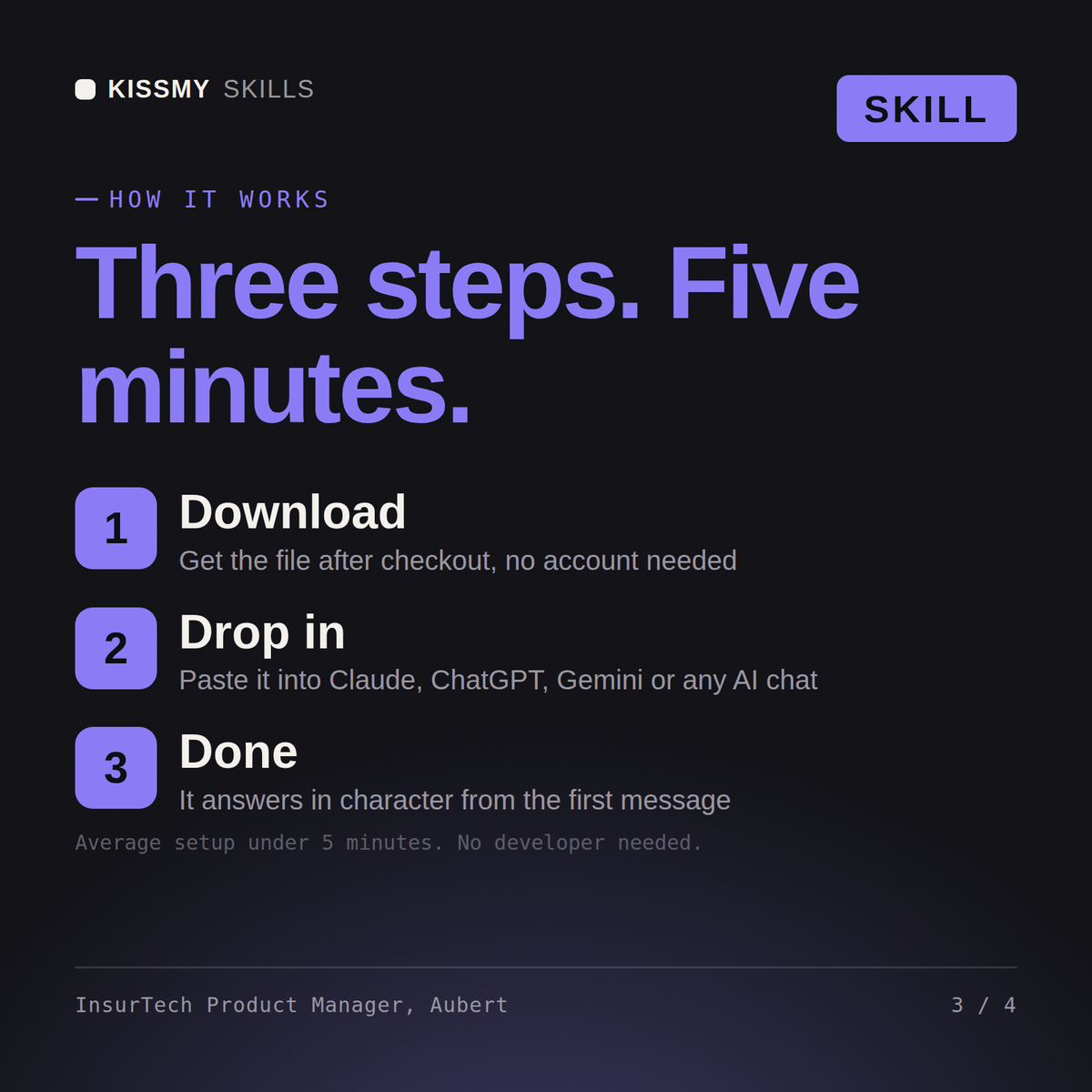
Download the .skill package (it contains SKILL.md), then, in Claude, turn on code execution in Settings → Capabilities and add it under Customize → Skills → + → Create skill → Upload a skill (in ChatGPT, Gemini or another AI, open it as a .zip and paste SKILL.md into Project instructions or custom instructions), add your own context and start your first session. Works with Claude, ChatGPT, or any AI chat that accepts system prompts.
Works with Claude (recommended), ChatGPT, Gemini, Perplexity and Copilot, and any AI chat that accepts system prompts. Claude Projects gives the best results.
Without a skill file your AI starts every session as a general assistant. With Ancel loaded it applies insurtech product-management methodology from the first message, with consistent quality every time. This skill is not a substitute for a licensed insurance producer or legal/compliance counsel. Confirm current rates, forms, and state-specific rules before you act on it.
Download your .skill file from the order email or your account. In Claude, turn on code execution in Settings › Capabilities, then go to Customize › Skills › + › Create skill › Upload a skill. Start a new chat and ask for the specialist by name.