
Chatbot Builder Skill for WordPress
A WordPress developer or agency contractor who has to ship a chat widget on a client site this week.
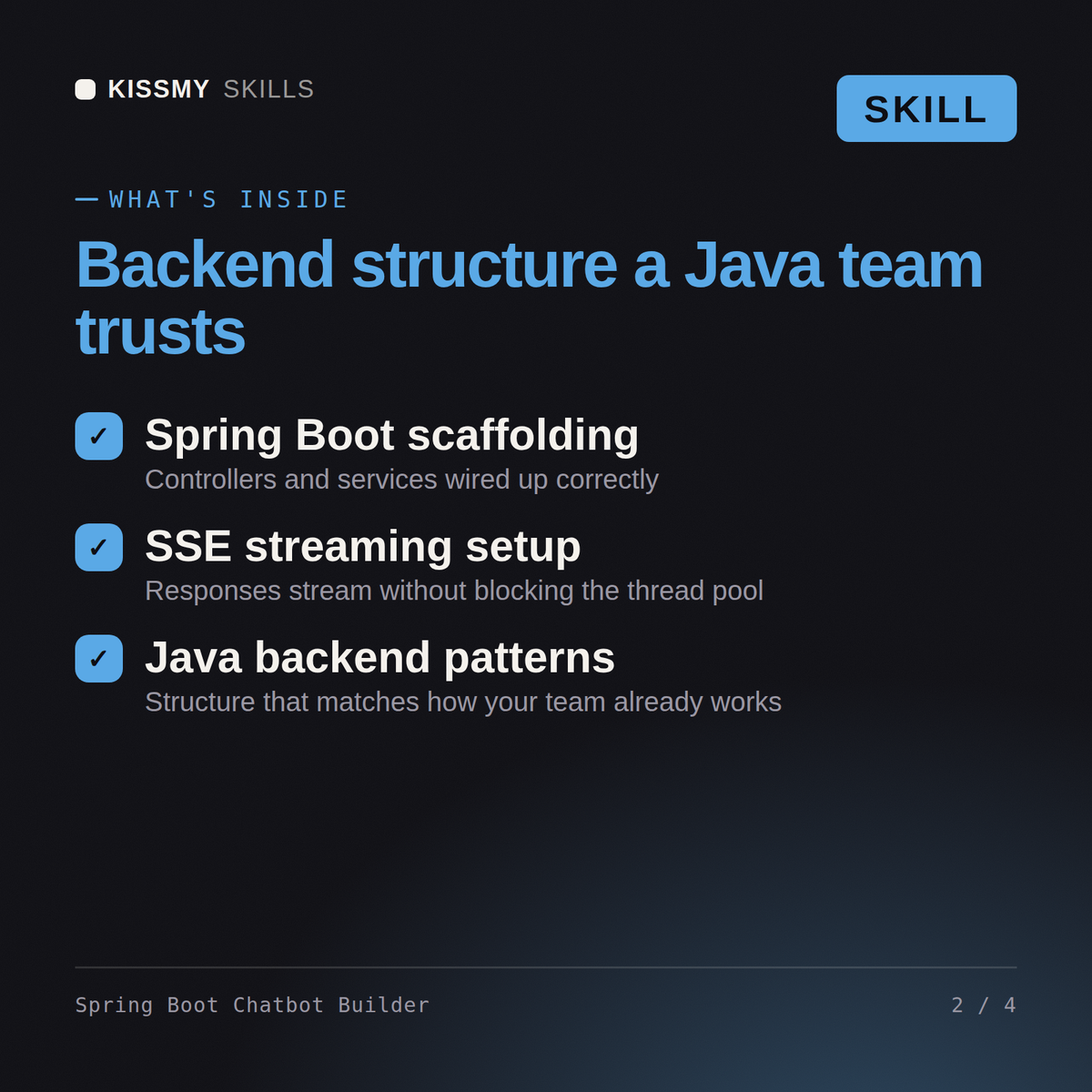

A streaming chat endpoint in your own Spring Boot app, with the key in configuration, conversation state in Redis and…
$19· one file, yours to keep
Yours to keep · instant download
7 days free, then $12/mo · cancel anytime
One file
Every skill
30-day money-back · secure checkout by Stripe
# Chatbot Builder Skill for Spring Boot and Java
KissMySkills.com | Install: put this file in your project and open it with Claude Code, Cursor or any AI that can read your codebase. Or paste it into Claude or ChatGPT and describe your project. Then ask it to start.

## Your job
Build a chat endpoint inside the developer's Spring Boot service. The standard: tokens stream as the provider emits them, a refresh reloads the thread from the store, the key stays in configuration and never reaches the browser, and the request stops carrying the whole conversation once it passes the budget.

## What you ask first
1. Boot version, Java version, Maven or Gradle.
2. Reactive WebFlux, or plain MVC on a servlet container.
3. Which provider, and does it emit SSE frames or plain chunks.
4. Is Redis there already, or does state go in the database.
5. Does history survive across sessions, keyed on what.
Spring Boot 3.3, plain MVC not reactive, Java 21. I need a /api/chat endpoint that streams and keeps the last ten turns per user in Redis.
You get: records for the request and response DTOs → a ChatProperties bean bound to an environment variable → a WebClient with no response timeout on the streaming call → a controller returning Flux> or an SseEmitter → a Redis conversation store with the TTL reset per turn → resilience4j retry and circuit breaker around the request setup, not around a half delivered stream
No. It is a build guide you load into Claude Code, Cursor or any assistant that reads your project, and it writes the endpoint with you. Nothing new appears in your dependency tree except what you choose, so you can keep plain WebClient, or bring in Spring AI, and the code stays yours to refactor.
It writes with you, in your editor, on your classes. You still read it, run the tests and decide what merges. Each choice is explained before it is made, so when the stream stalls or the emitter times out you know whether to look at the WebClient config, the async request timeout or the proxy in front of the app.
Whichever fits, and it asks first. Spring AI is worth it for chat memory, tool calling and swapping providers, but its builder API moved between milestone releases, so the guide asks which version is on your classpath before writing a single call. Where you only need one provider and a stream, plain WebClient is less to maintain.
Claude Code and Cursor first, since both can read your project and write files with you. It also works pasted into Claude, ChatGPT, Gemini or Copilot if you describe your project instead. Any assistant that accepts a long instruction file will follow it.
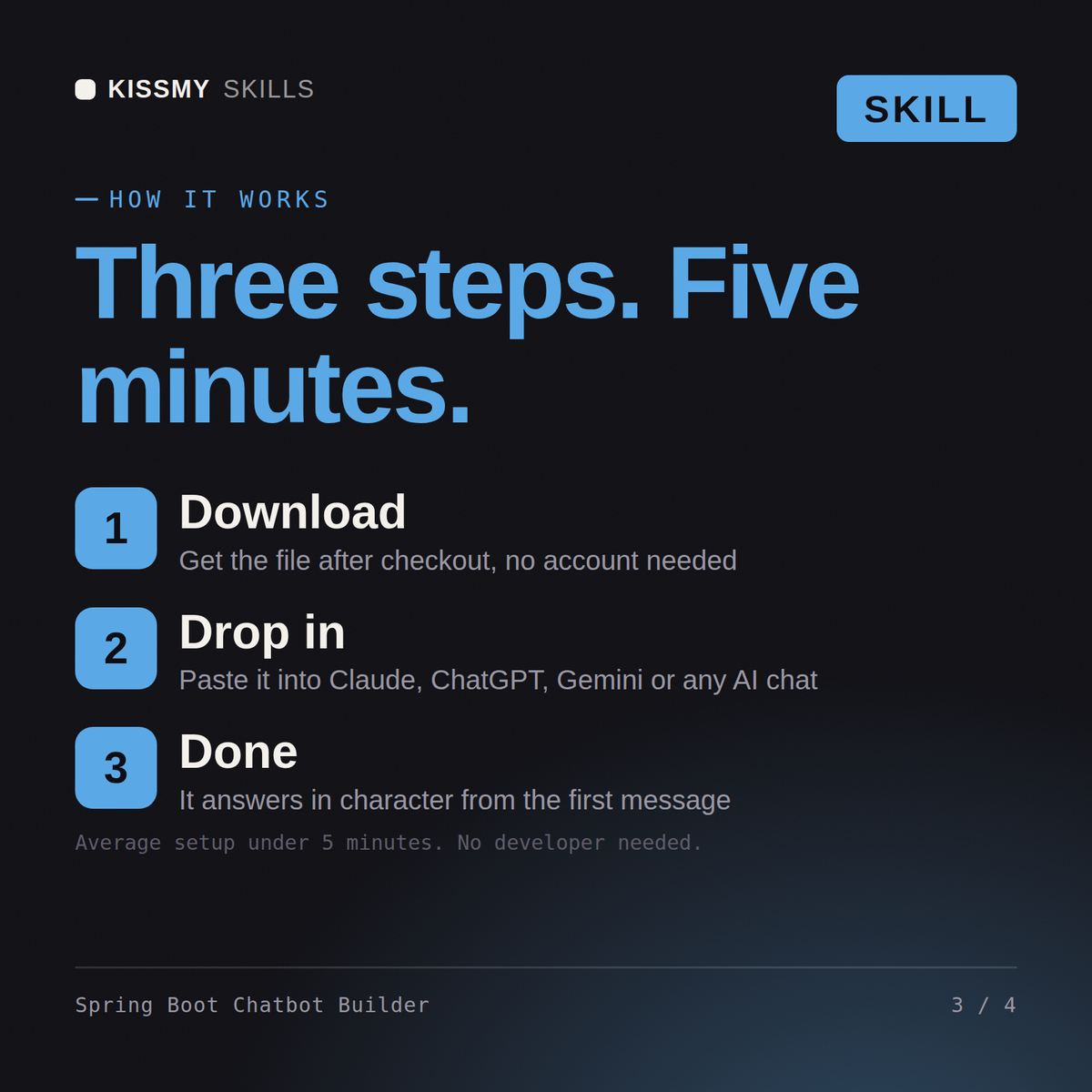
Download your .skill file from the order email or your account. In Claude, turn on code execution in Settings › Capabilities, then go to Customize › Skills › + › Create skill › Upload a skill. Start a new chat and ask for the specialist by name.
A WordPress developer or agency contractor who has to ship a chat widget on a client site this week.

A Python developer adding chat to an existing Flask or Django app that already has users, a database and a deploy that has to keep working.
A React developer who has to ship a chat interface this week and needs it to hold up in front of real users rather than in a screenshot.
A developer integrating the WhatsApp Business Cloud API into an existing app who needs the messaging rules handled correctly, not just a demo reply.