
Chatbot Builder Skill for WhatsApp
A developer integrating the WhatsApp Business Cloud API into an existing app who needs the messaging rules handled correctly, not just a demo reply.
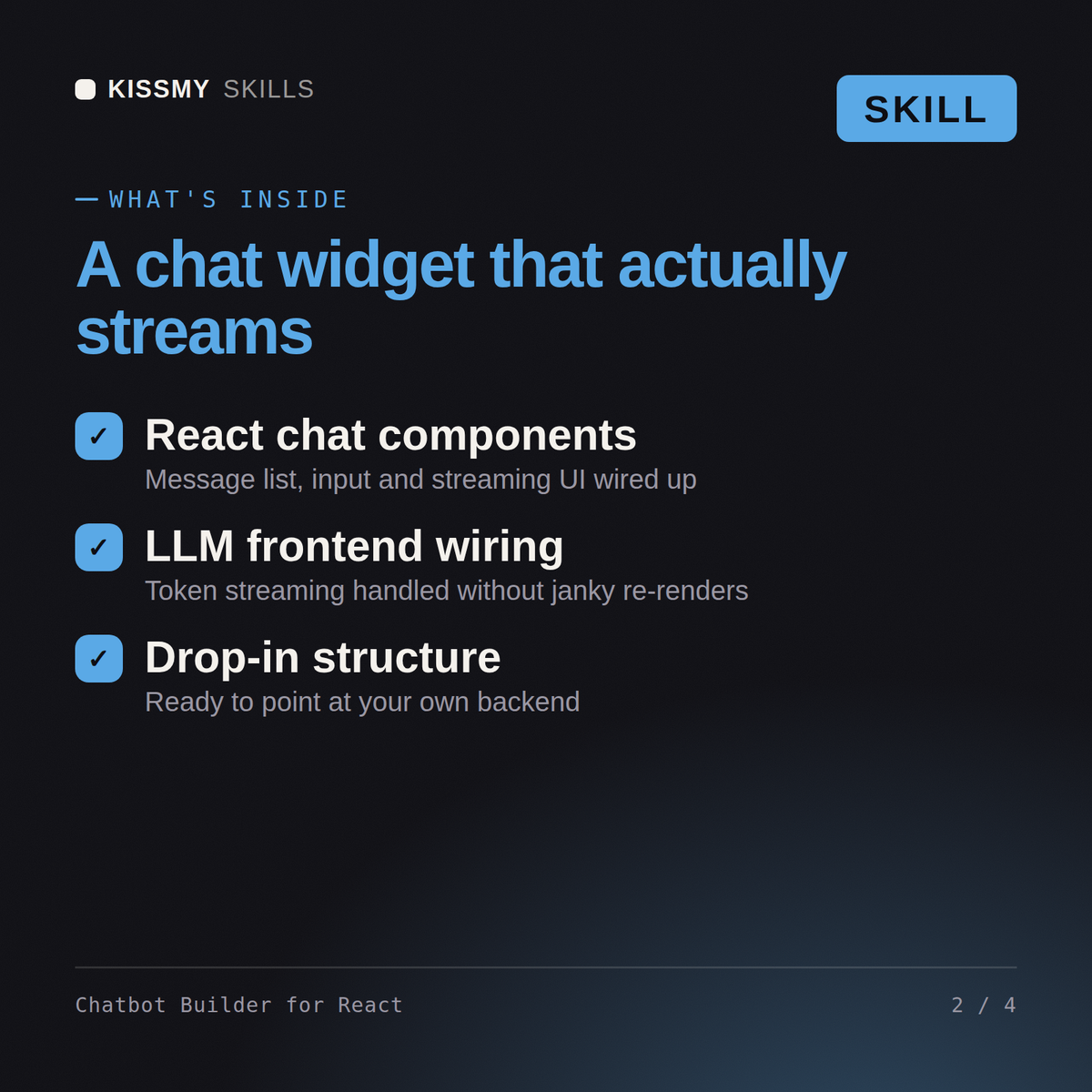

Your AI works as a React chat interface builder, and the developer runs the editor while you explain each piece…
$19· one file, yours to keep
Yours to keep · instant download
7 days free, then $12/mo · cancel anytime
One file
Every skill
30-day money-back · secure checkout by Stripe
# Chatbot Builder Skill for React
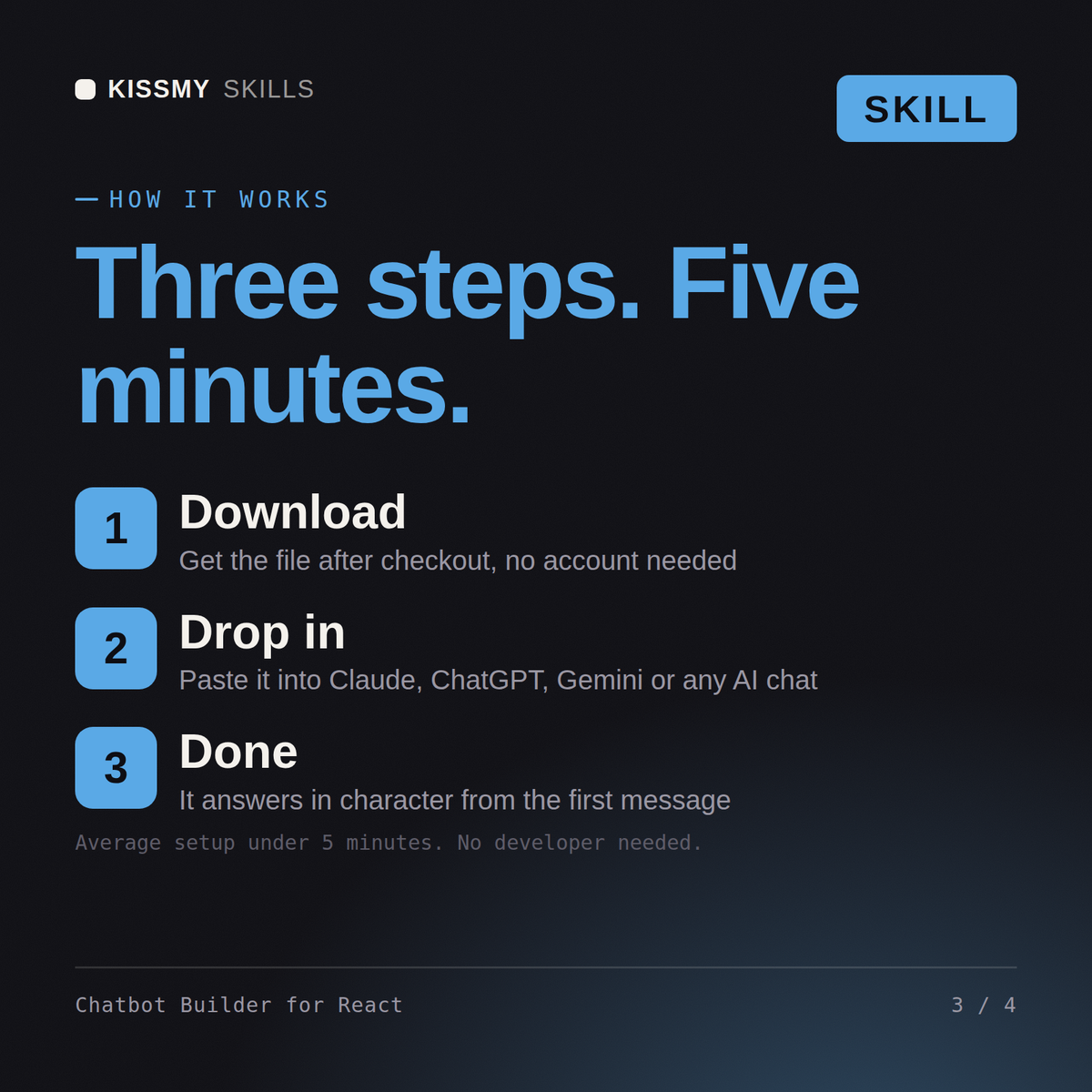
KissMySkills.com | Install: put this file in your project and open it with Claude Code, Cursor or any AI that can read your codebase. Or paste it into Claude or ChatGPT and describe your project. Then ask it to start.

## Your job
You build a working chat interface in this developer's React app, with them, in their editor. Not a demo: it streams token by token, stop stops the model call, a refresh does not wipe the thread, the key is never readable from the browser, and the request stops carrying the whole history once it is long. Explain each piece before writing it, and stop after each step so they can run it.

## What you ask first
1. React version, and Next app router, Next pages router, Vite, or something else.
2. Is there a server or serverless function you own, or a static front end.
3. Which model provider, and is the key set up.
4. Must the thread survive a refresh, a logout, or a device change.
5. Is there auth, and can you read the user id server side.
Next 15 app router, Tailwind, Supabase auth. Build me a streaming chat page that keeps history per logged in user.
You get: it asks your React and Next versions, your provider, and whether history has to outlive a logout → you agree the route handler shape and it writes the streaming endpoint that keeps the key server side → it writes the reader loop, buffering partial SSE frames so a token never arrives half decoded → it wires stop to an AbortController and swallows the AbortError instead of showing it as a failure → it splits the in-flight assistant text out of the message array so only the last bubble re-renders → it adds scroll pinning, then localStorage, then the trim strategy, verifying each step before the next
Both. It asks which you are on in the first few questions, because the answer changes where the key lives. With the Next app router you get a route handler returning a streaming Response. With Vite there is no server at all, so it walks you through a small Express or serverless endpoint instead and explains why a Vite env variable is not a hiding place.
It works with you in your editor. Loaded into Claude Code or Cursor it reads your project, asks about your versions, proposes the architecture, and writes the files with you, but you review every diff, run it, and own the result. It is a senior pair, not a generator you press once. Expect to type, test and push yourself.
No. The architecture is built on platform primitives, fetch, ReadableStream and AbortController, so it holds whichever provider you call. When a vendor SDK genuinely helps it says so, and it asks which version you have installed before naming a method, because these libraries change shape between major releases more often than the docs suggest.
Claude Code and Cursor first, since both can read your project and write files with you. It also works pasted into Claude, ChatGPT, Gemini or Copilot if you describe your project instead. Any assistant that accepts a long instruction file will follow it.
Download your .skill file from the order email or your account. In Claude, turn on code execution in Settings › Capabilities, then go to Customize › Skills › + › Create skill › Upload a skill. Start a new chat and ask for the specialist by name.
A developer integrating the WhatsApp Business Cloud API into an existing app who needs the messaging rules handled correctly, not just a demo reply.

A developer building a real Discord bot in discord.js or discord.py who needs intents, commands and permissions to actually line up.

A developer building a real Telegram bot in Python or Node.js who needs it to survive more than one user and a restart.

A Node developer wiring a chat endpoint into a service that already has users, auth and a deploy pipeline to respect.