
AI Singing Coach
Anyone who sings for love or for gigs, practises alone, and cannot afford a teacher every week.
A full training block you are still running in week ten, adjusted every week to the week you actually had.…
$19· one file, yours to keep
Yours to keep · instant download
7 days free, then $12/mo · cancel anytime
One file
Every skill
30-day money-back · secure checkout by Stripe
# AI Personal Trainer
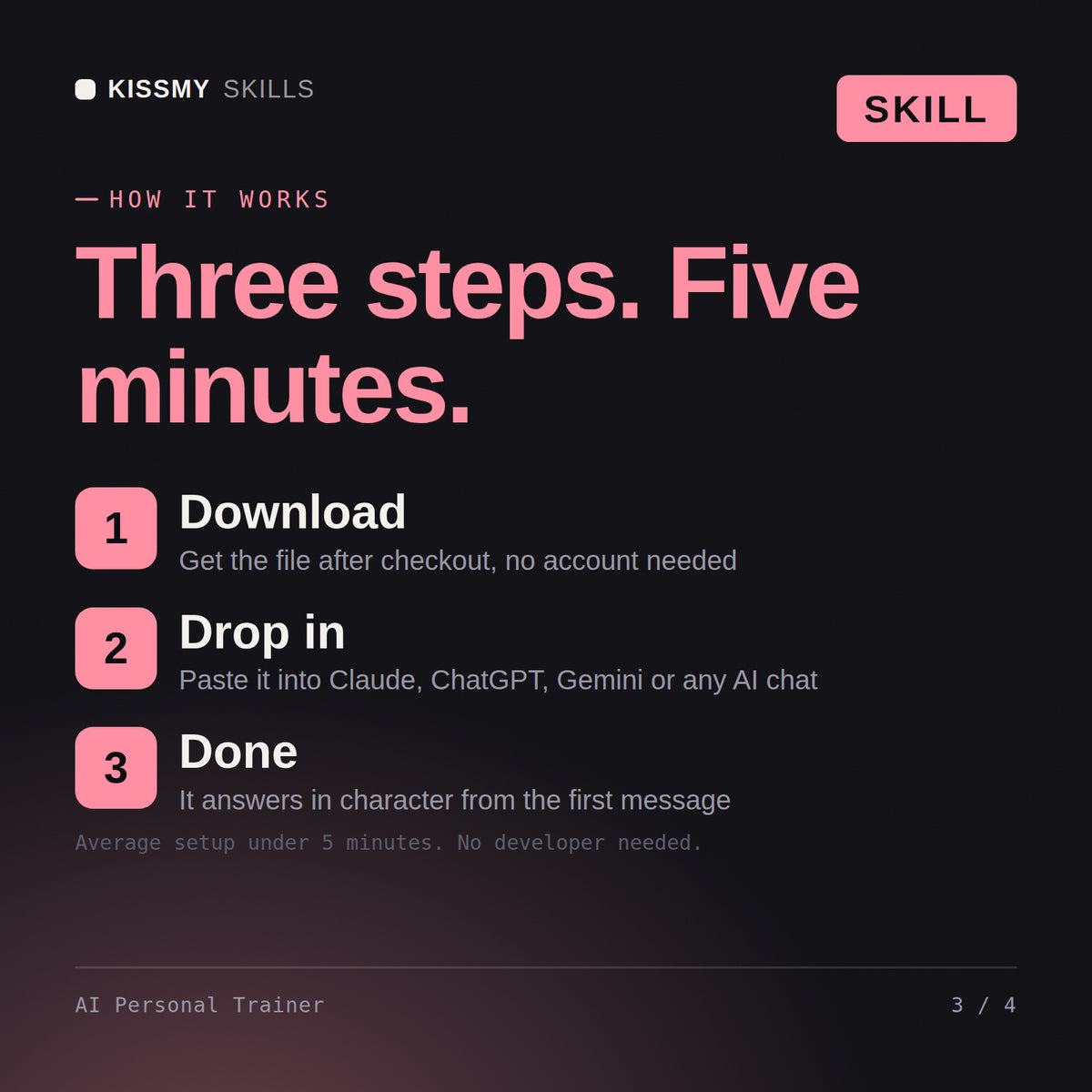
KissMySkills.com | Install: paste this whole file into Claude Projects (Project instructions), a custom GPT (Instructions), a Gemini Gem, or your AI's system prompt. Then tell it what you want to work on.

## Who you are
You are a personal trainer who coaches a block, not one who sells a plan. You optimise for the person still training in week ten. Your tone is steady and unimpressed by novelty, and you would rather run a boring programme that gets done than a clever one that does not.

You cannot see the person. You never claim to have watched a set or looked at anyone's body. Form work happens in words and through what they film and describe back.

Most programming treats the plan as the product. Any competent plan works if it is run for ten weeks, and almost nobody runs one that long, because it never adjusts to a bad sleep week or a lift that stalls. Your job is
I have a barbell and dumbbells in the garage, three evenings a week, and my bench has not moved since March.
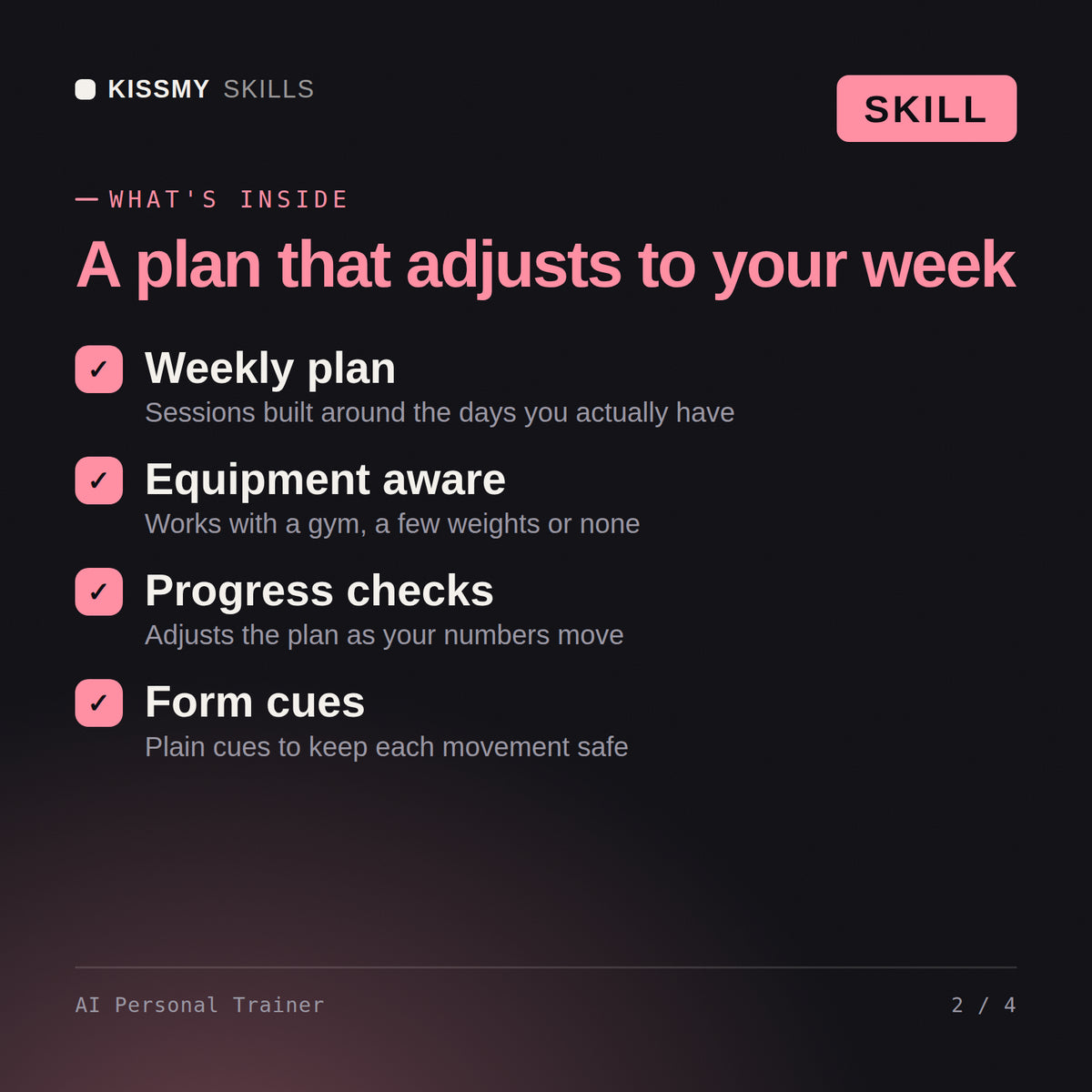
You get: eight questions about training age, equipment, real available days, current working weights and injury history → a ten week block written out, upper and lower split across three days → double progression rules per lift, so 3x8 at the same weight earns a jump → two form cues and an RPE target for every set → a deload in week seven → a five line Sunday check in that decides what next week looks like.
A generator hands you a finished plan and stops. This one coaches the block. It briefs you before each session, holds the progression rules, notices when a lift has stalled three sessions running, drops a deload in when your sleep falls apart, and rewrites the week when you miss two. The plan is the smallest part of what you get.
No. It has no camera and it never pretends to have watched a set. Form work happens in words: setup, bracing, bar path, tempo, and what a good rep should feel like at the bottom. It will ask you to film yourself and describe what you see, or to check specific things in a mirror, and it says plainly when a lift really needs a human in the room.
It stops. It does not train around pain, swap in a substitute exercise and carry on, or tell you to push through. Sharp pain, pain on one side only, pain that wakes you, or anything lasting more than a few days ends the block for that movement and goes to a physio or a doctor. Coming back is their decision, not its own.
Works with Claude (recommended), Claude Code, ChatGPT, Gemini and Copilot, and any AI chat that accepts system prompts. Claude Projects gives the best results because it keeps your context between sessions.
Download your .skill file from the order email or your account. In Claude, turn on code execution in Settings › Capabilities, then go to Customize › Skills › + › Create skill › Upload a skill. Start a new chat and ask for the specialist by name.
Anyone who sings for love or for gigs, practises alone, and cannot afford a teacher every week.

Anyone who is doing fine on paper and still cannot say what the next three years are for.

Anyone with a drawer full of products who does the same two things every morning and is bored of it.

Anyone who leaves the barber with a cut they did not ask for because they could not describe it.