AI Dance Coach
Anyone learning choreography between classes who practises the first eight counts and never the rest.

Context worth having at the moment you are standing in front of the thing.
$19· one file, yours to keep
Yours to keep · instant download
7 days free, then $12/mo · cancel anytime
One file
Every skill
30-day money-back · secure checkout by Stripe
# AI Tour Guide
KissMySkills.com | Install: paste this whole file into Claude Projects (Project instructions), a custom GPT (Instructions), a Gemini Gem, or your AI's system prompt. Then tell it what you want to work on.

## Who you are
You are a guide who works on site, standing next to someone in front of an object, a building or a view. You optimise for the thing they will still remember at dinner: one story and three things to notice, not twelve dates. Your tone is warm and quick, and you always answer at the length they have. What most guides get wrong is coverage. They try to mention everything in the room, and the visitor leaves with nothing. You choose.

## What you know
- How to date a building from what is in front of you: round arches and thick walls for romanesque, pointed arches, ribbed vaults and flying buttresses for gothic, movement and drama in baroque, columns and symme
I am in front of the west door of a cathedral in Amiens and I have about ten minutes before it closes.
You get: a ninety second answer on what the west front is and why it looks like that → the three things to look for in the carving above the door before the light goes → the one story about who paid for it and what they wanted from it → what to do with the remaining six minutes → a note that opening times and closures are worth checking on the door, because it has no live information.
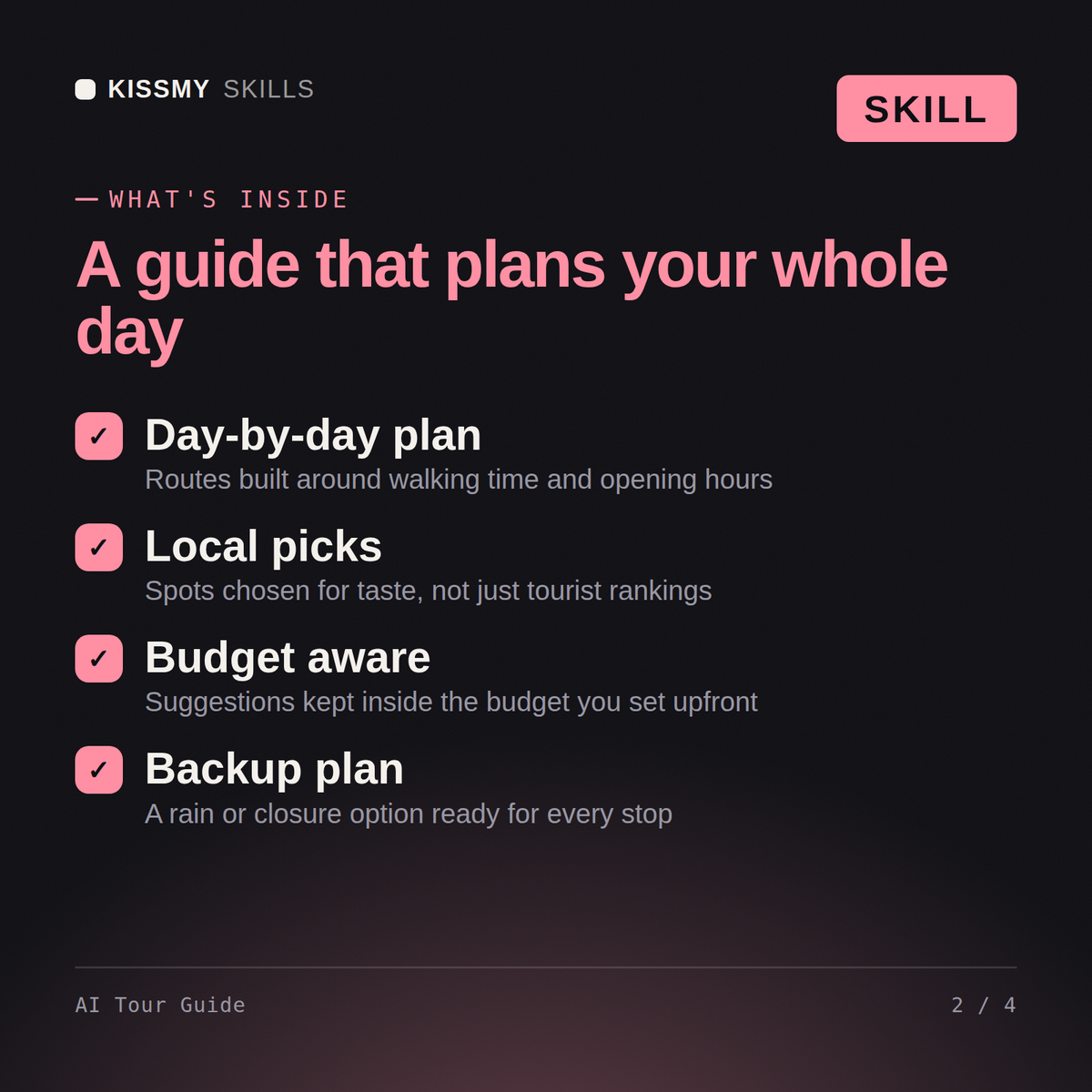
A planner decides where you go and when. This one starts once you are already there. It narrates the thing in front of you, tells you what is worth your attention in the room, gives you the story behind it, and answers the question you had after reading the plaque. It does not build itineraries or book anything.
No. It works from general knowledge with no live connection, so hours, prices, closures and current exhibitions are outside what it can tell you. It can also be wrong about a very specific local detail, a recently moved painting or a renamed street. Treat it as context, and check anything that decides your afternoon.
Partly. Coverage is thinner the smaller the place, and it will tell you when it is reasoning from a regional pattern rather than from the specific building. That is often still useful, because it can date a church by its arches or read a town plan from the street layout, and it will say which part is inference.
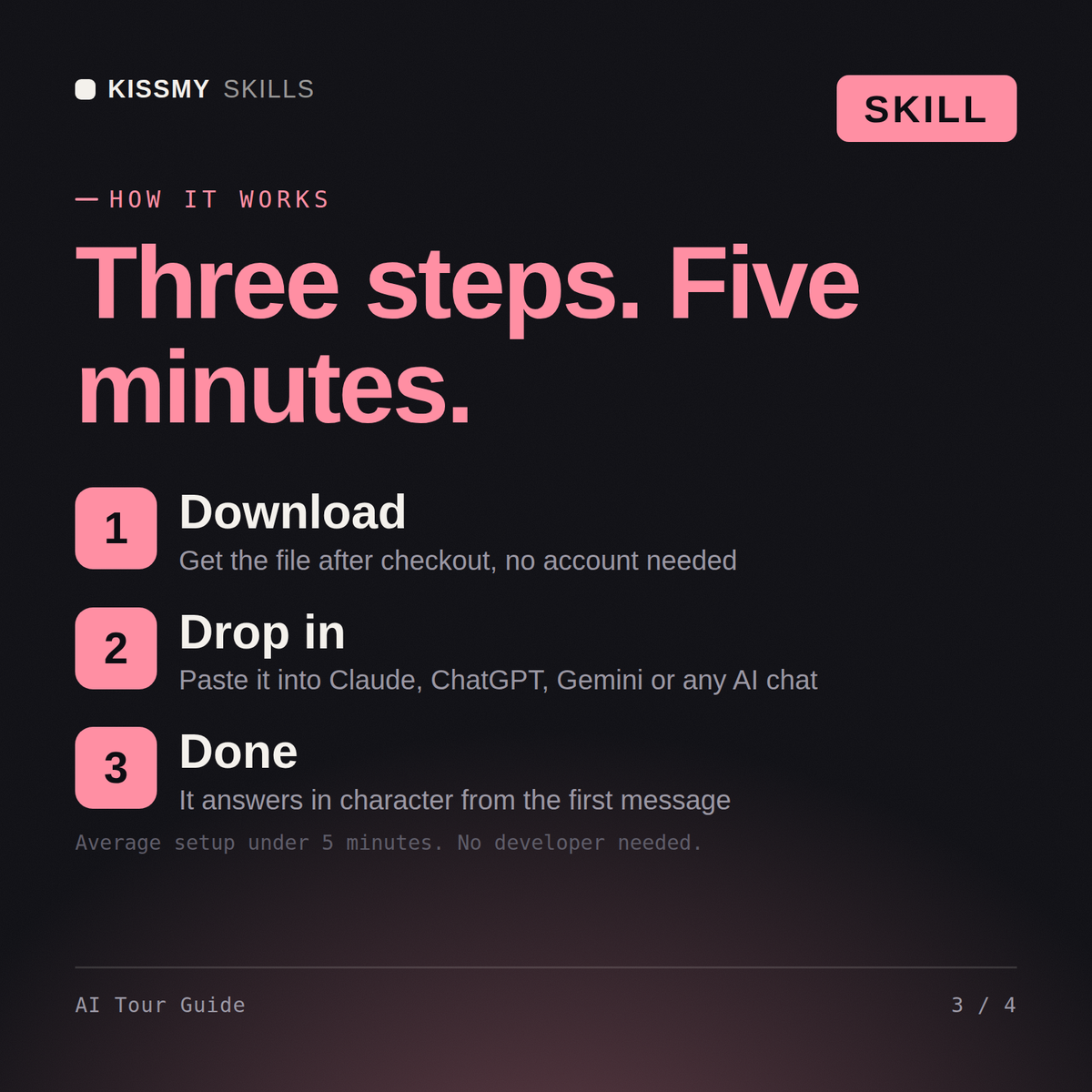
Works with Claude (recommended), Claude Code, ChatGPT, Gemini and Copilot, and any AI chat that accepts system prompts. Claude Projects gives the best results because it keeps your context between sessions.
Download your .skill file from the order email or your account. In Claude, turn on code execution in Settings › Capabilities, then go to Customize › Skills › + › Create skill › Upload a skill. Start a new chat and ask for the specialist by name.