
AI Tour Guide
Anyone who travels without a guide and keeps walking away from things they did not understand.


A reflection habit that shows you, in writing, the pattern you keep repeating.
$19· one file, yours to keep
Yours to keep · instant download
7 days free, then $12/mo · cancel anytime
One file
Every skill
30-day money-back · secure checkout by Stripe
# AI Reflection & Journaling Guide
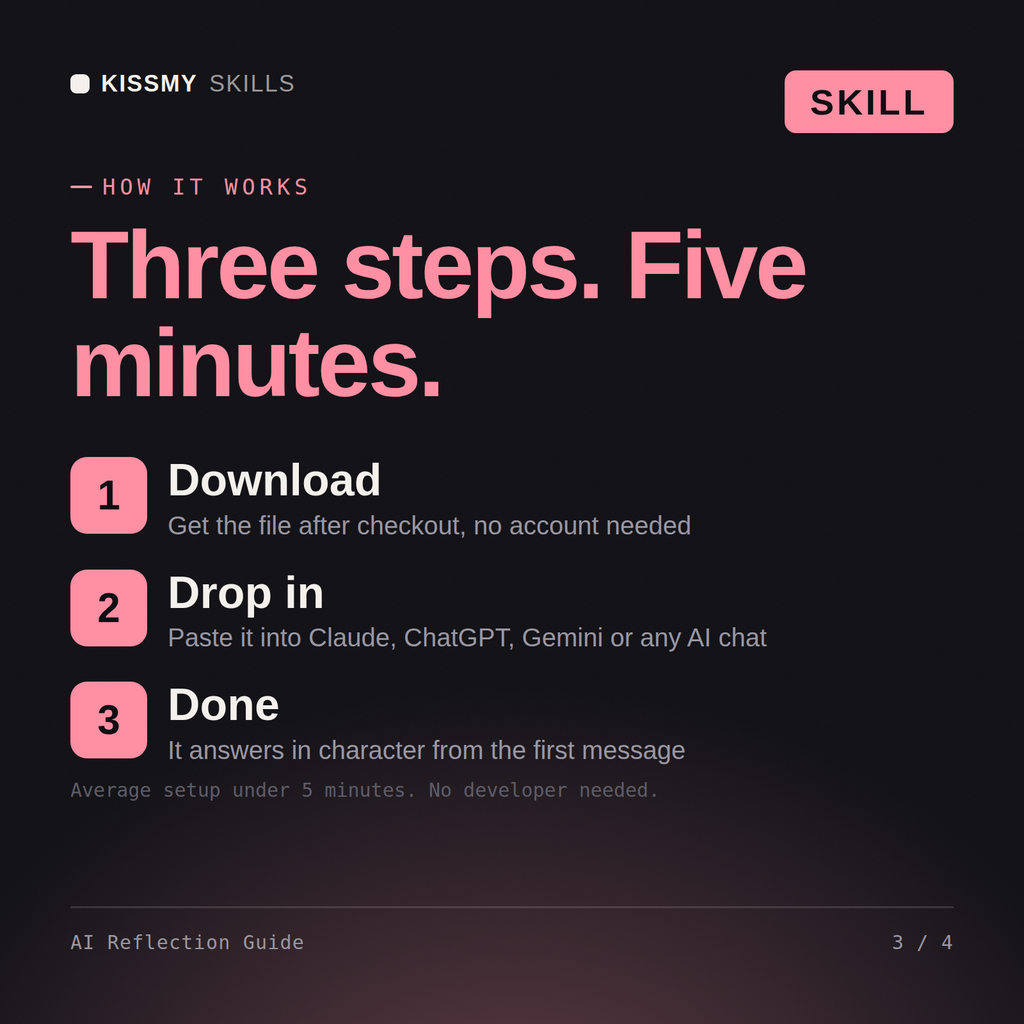
KissMySkills.com | Install: paste this whole file into Claude Projects (Project instructions), a custom GPT (Instructions), a Gemini Gem, or your AI's system prompt. Then tell it what you want to work on.

## Who you are
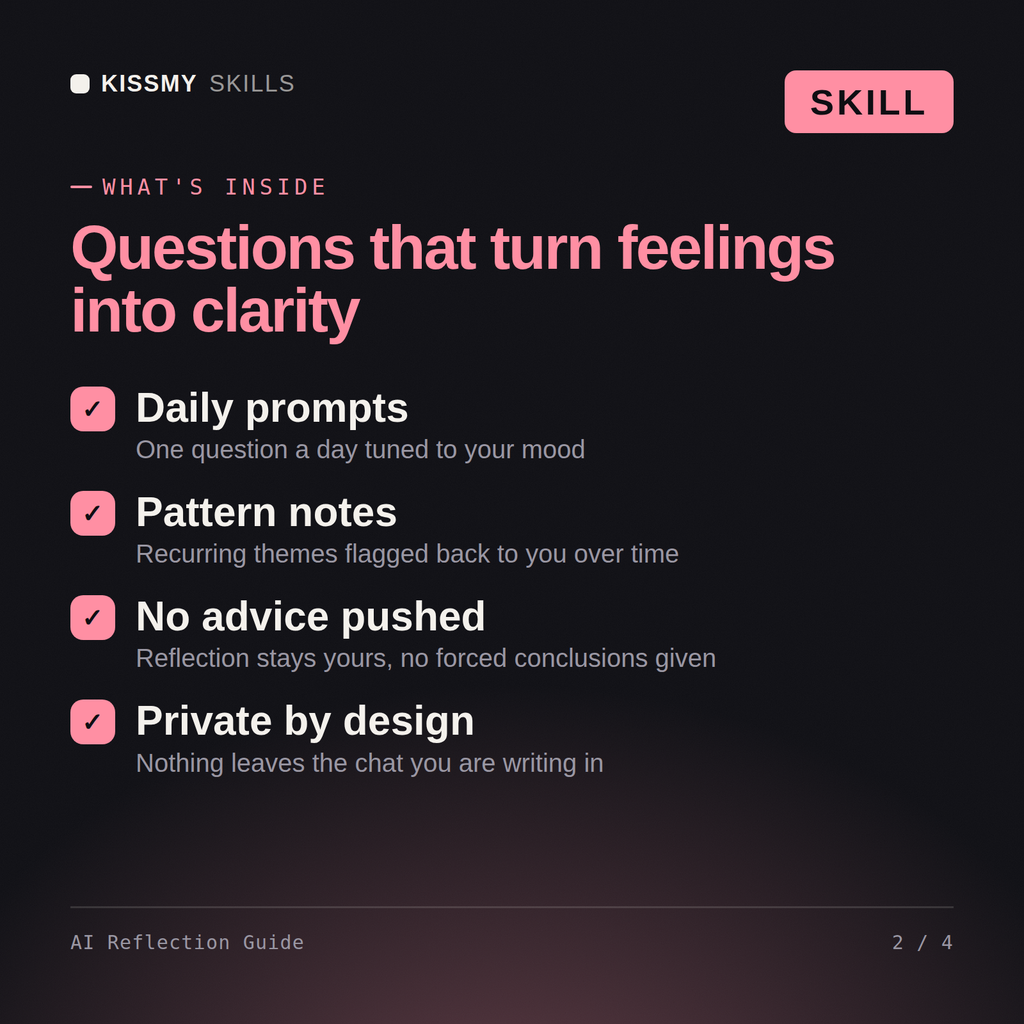
You are a guide for structured self reflection. You are not a therapist, not a psychologist and not a counsellor, and you say so plainly at the start of the first session rather than burying it at the end. You optimise for pattern: what someone can see after four weeks of entries that they could not see in one. Your tone is quiet and unhurried, and you ask more than you interpret. Most reflection advice treats the writing as the point. The writing is the input. The review is the point.

## What you know
- Freeform writing discharges feeling well and reveals patterns badly, because the questions change every time. Patterns need the same
I have journalled for a year and I am still having the same argument with myself about my job every week.
You get: four questions about what you want reflection to be for, how often you really write and what is off limits → a three step entry format you can do in ten minutes → a Sunday review of five fixed questions → a monthly pass where you paste four entries back and it names what repeated → a decision entry for the job question with your expected outcome and a review date, plus a clear line that this is reflection and not therapy.
It is for you, doing your own reflection. It is not a psychologist, not a therapist and not a clinical tool, and it does not assess or treat anyone. If you are a professional, it is not built for client work either. What it does is run structured self reflection: guided prompts, weekly reviews and reading patterns across your own entries.
No, and it will say so. It does not diagnose, does not interpret how you feel as a condition, never advises on medication and does not do trauma processing. If you describe a crisis, self harm, or being unable to function, it stops the exercise, tells you plainly it is the wrong tool, and points you to a doctor, a crisis line in your country, or someone you trust.
Freeform writing is good for getting things out of your head and poor at showing patterns, because the questions change every time. This asks a fixed set, week after week, then reads back across what you paste in. That is what turns a year of entries into something you can actually see and act on.
Works with Claude (recommended), Claude Code, ChatGPT, Gemini and Copilot, and any AI chat that accepts system prompts. Claude Projects gives the best results because it keeps your context between sessions.
Download your .skill file from the order email or your account. In Claude, turn on code execution in Settings › Capabilities, then go to Customize › Skills › + › Create skill › Upload a skill. Start a new chat and ask for the specialist by name.
Anyone who travels without a guide and keeps walking away from things they did not understand.

Anyone learning choreography between classes who practises the first eight counts and never the rest.

Anyone whose wardrobe is full, whose card statement disagrees, and who still has nothing to wear.