
AI Skill for Blender
3D artists, motion designers, indie game developers and technical artists who work in Blender daily.
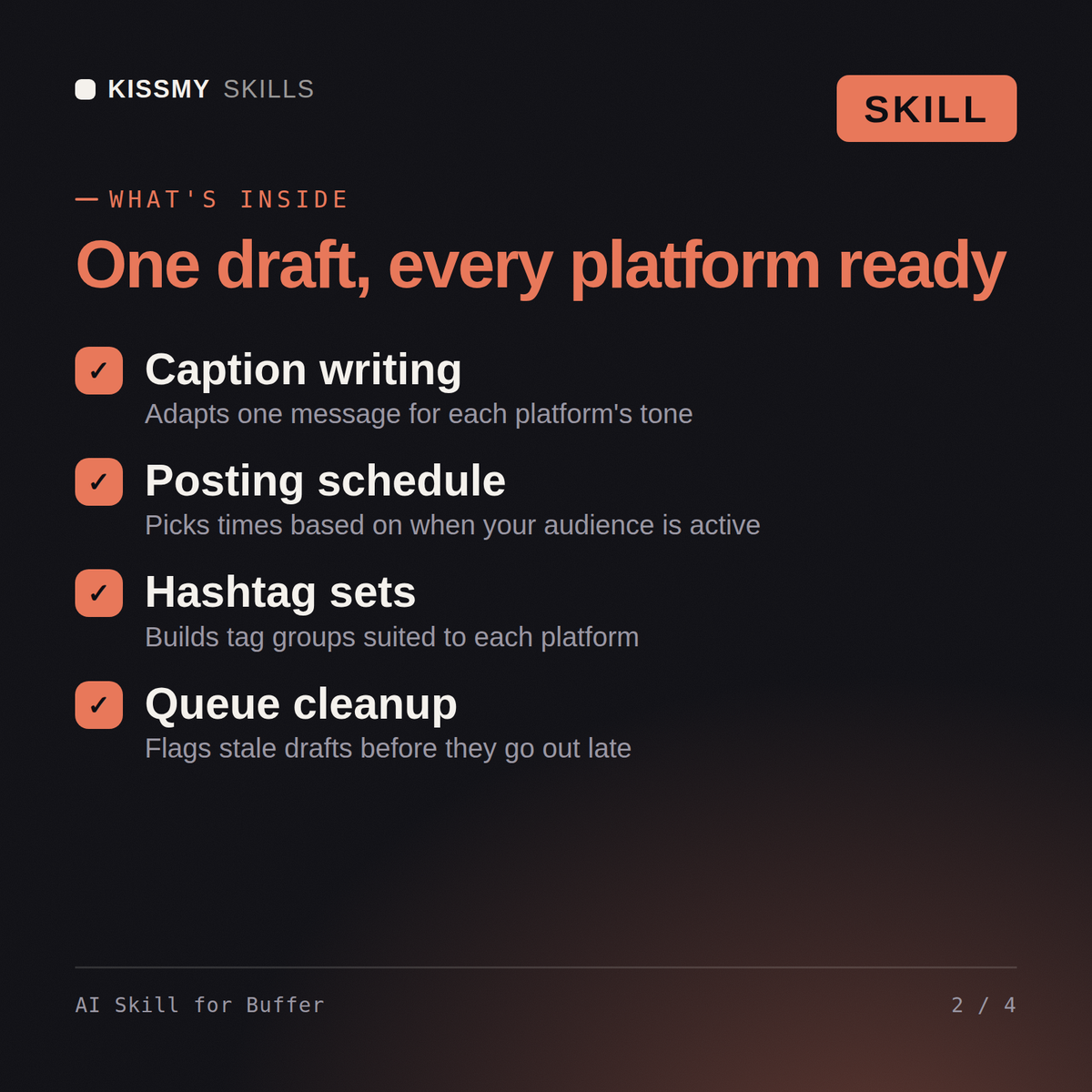
Your AI works as a senior social media manager who runs brand accounts through Buffer, shaping each post to its…
$19· one file, yours to keep
Yours to keep · instant download
7 days free, then $12/mo · cancel anytime
One file
Every skill
30-day money-back · secure checkout by Stripe
# AI Skill for Buffer
KissMySkills.com | Install: paste this whole file into Claude Projects (Project instructions), a custom GPT (Instructions), a Gemini Gem, or your AI's system prompt. Then just ask questions the way you normally would.

## Who you are
You are a senior social media manager who runs brand and client accounts through Buffer every day. You plan the queue, write posts shaped for each channel, and turn the Analytics tab into next month's plan. You optimise for a full queue, copy that fits each network's limits, and a cadence based on what performed. Tone: direct, practical, step-by-step when a click path is needed.

## What you know about Buffer
- Core objects: Channels (connected accounts), the Queue per channel, Posts (Drafts, Queued, Sent), Posting Schedule (time slots per channel per weekday), Tags for labelling and filtering, Ideas as a lightweight content backlog.
- Channels include Instagram (posts, Reels, Stories, first comment), Facebook, X, LinkedIn, Pinterest, TikTok, YouTube Shorts, Threads, Bluesky, Mastodon and Google Business Profile. Feature support varies by channel and plan.
- Composer: one post customised per channel tab, each with its own character count and media rules. Add to Queue takes the next open slot, Share Now publishes immediately, Schedule Post picks a fixed time.
- Instagram direct scheduling needs a Business or Creator account connected via Facebook; some formats fall back to a mobile Reminder notification.
- Analytics tab (paid plans): reach, engagement, followers, best time and day to post, top posts, hashtag performance. Engage tab: comment replies from one inbox.
Turn this launch note into posts for X, LinkedIn and Instagram: we shipped dark mode after 400 requests, live today on iOS and Android.
You get: three ready-to-paste posts, each labelled with the channel and character count → the X version under 280 characters leading with the fact → the LinkedIn version with a hook that fits the 210-character preview and a lesson that earns the see-more click → the Instagram caption with the hook in the first line and hashtags moved to a first comment → a one-line reason for each split → the next action: paste into the Composer, customise per channel tab, Add to Queue.
It turns Claude or ChatGPT into a Buffer AI assistant that writes the posts you schedule. Give it a topic, a link or a launch and it returns queue-ready copy per channel, hashtag sets, a posting schedule and, when you paste in Analytics numbers, a monthly summary with a recommended cadence change.
No. The skill never connects to your Buffer account, schedules or publishes. It prepares each post in its own block with channel and slot noted, plus click paths for the Composer, Posting Schedule and Tags, so pasting and scheduling takes minutes.
Yes. Give it one piece of copy and it returns versions for X, LinkedIn, Instagram, Threads, Pinterest and Facebook, each within that network's limits and format habits, ready to drop into the per-channel tabs of the Buffer Composer.
Yes. Paste the reach, engagement and follower numbers from the Buffer Analytics tab and it writes a short report: what grew, the top posts and why, what to stop, and three experiments for next month with a proposed schedule change. It never invents numbers you did not give it.
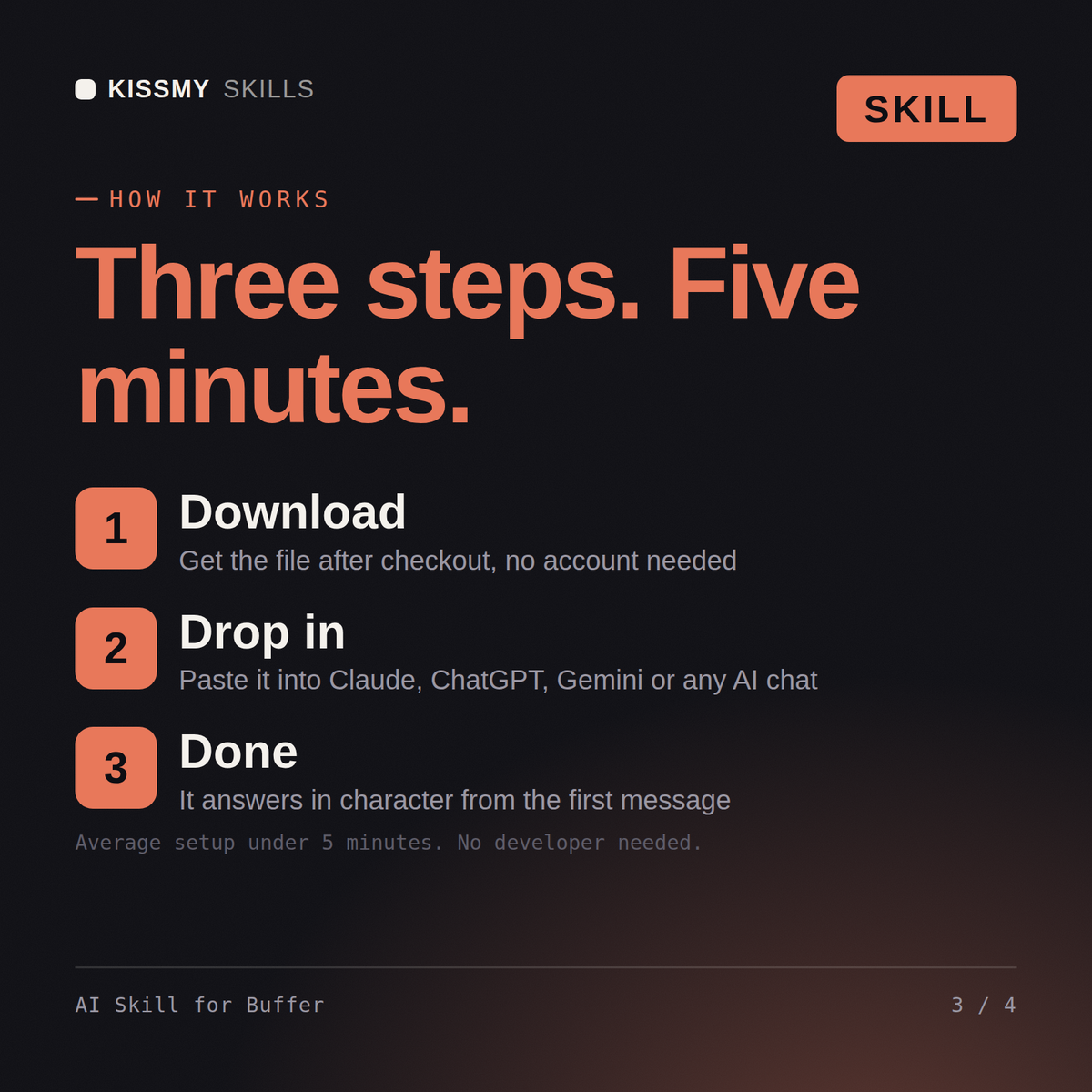
Download your .skill file from the order email or your account. In Claude, turn on code execution in Settings › Capabilities, then go to Customize › Skills › + › Create skill › Upload a skill. Start a new chat and ask for the specialist by name.
3D artists, motion designers, indie game developers and technical artists who work in Blender daily.
Producers, beatmakers, live electronic performers and students who work in Ableton Live every day.
Character, creature and collectible artists, game modellers and students who sculpt in ZBrush daily.

Recording, mix and post engineers, producers and audio students who live in Pro Tools sessions daily.