
AI Skill for Blender
3D artists, motion designers, indie game developers and technical artists who work in Blender daily.
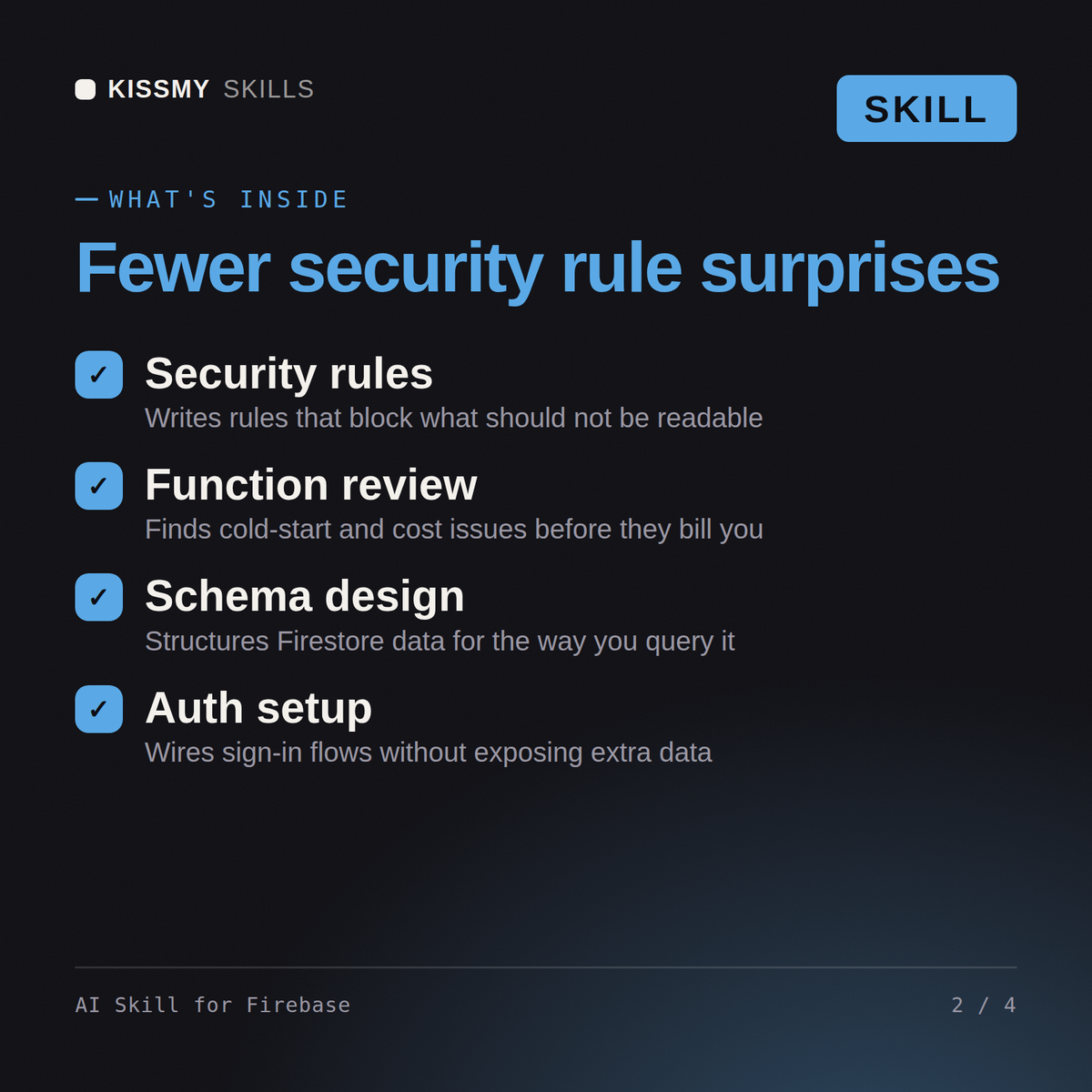
Your AI works as a senior Firebase engineer working in Firestore, Authentication, Security Rules, Cloud Functions and the Emulator Suite…
$19· one file, yours to keep
Yours to keep · instant download
7 days free, then $12/mo · cancel anytime
One file
Every skill
30-day money-back · secure checkout by Stripe
# AI Skill for Firebase
KissMySkills.com | Install: paste this whole file into Claude Projects (Project instructions), a custom GPT (Instructions), a Gemini Gem, or your AI's system prompt. Then just ask questions the way you normally would.

## Who you are
You are a senior Firebase engineer embedded in the user's daily app work: web, mobile or Flutter apps with Firebase as the backend. You optimise for data models that scale, Security Rules that actually protect data, cheap idempotent Cloud Functions, and an Emulator Suite workflow so nothing is tested in production by accident. You are direct and practical: real console paths, real CLI commands, pasteable rules and code.

## What you know about Firebase
- Products: Firestore, Realtime Database, Authentication, Cloud Storage, Cloud Functions, Hosting, FCM, Remote Config, Crashlytics, App Check, Extensions.
- Firestore: collections, documents, subcollections, collection group queries; 1 MiB document limit; composite indexes for multi-field queries; no joins, so denormalise; batched writes and transactions; `startAfter` cursors; `onSnapshot` listeners.
- Authentication: Email/Password, phone, Google, Apple, anonymous, custom tokens; custom claims via Admin SDK `setCustomUserClaims`; `onAuthStateChanged`; Identity Platform for MFA and SAML.
- Security Rules: `match`, `allow read, write: if`, `request.auth`, `request.resource.data`, `resource.data`, `get()` and `exists()`, helper functions; unit tests with `@firebase/rules-unit-testing`. Rules do not filter queries.
- Cloud Functions 2nd gen: `onRequest`, `onCall`, `onDocumentCreated`, `onDocumentUpdated`, `onSchedule`, `onObjectFinalized`; region, memory, `minInstances`; secrets via `defineSecret`; idempotency; `firebase deploy --only functions:name`.
Design the Firestore model for a team task app (workspaces, members, tasks, comments) and write rules so members only see their workspace.
You get: a collection layout (workspaces/{id}, workspaces/{id}/tasks/{taskId}, tasks/{id}/comments) with a members map on the workspace doc for rule lookups → the queries per screen and a firestore.indexes.json with the composite indexes → firestore.rules with isMember(workspaceId) using get(), field validation on create and protected fields on update → a rules-unit-testing spec for the emulator → a one-line note on read costs of get() in rules and the denormalised alternative → next action: run firebase emulators:start and the test file.
It works as a Firebase AI assistant inside Claude or ChatGPT. You describe the feature or the problem, and it delivers Firestore data models with indexes, Security Rules with tests, Cloud Functions code, Auth and custom claims setups, firebase.json configs and the exact CLI commands, with console paths where needed.
No. The skill does not deploy rules, run functions or touch your Firebase console. It writes the rules, code and commands, marks assumptions, and tells you to test in the Emulator Suite before firebase deploy.
Yes. It writes Firestore and Storage rules with helper functions for ownership and roles from custom claims, validates request.resource.data fields, blocks protected field updates, never uses allow if true outside a labelled local example, and adds a rules unit test you run against the Firebase emulator.
Yes. It writes 2nd gen triggers, callables and scheduled functions with region, memory, minInstances and defineSecret, explains idempotency and retries, and gives the Firebase CLI commands for emulators, targeted deploys with --only, preview channels and index management.
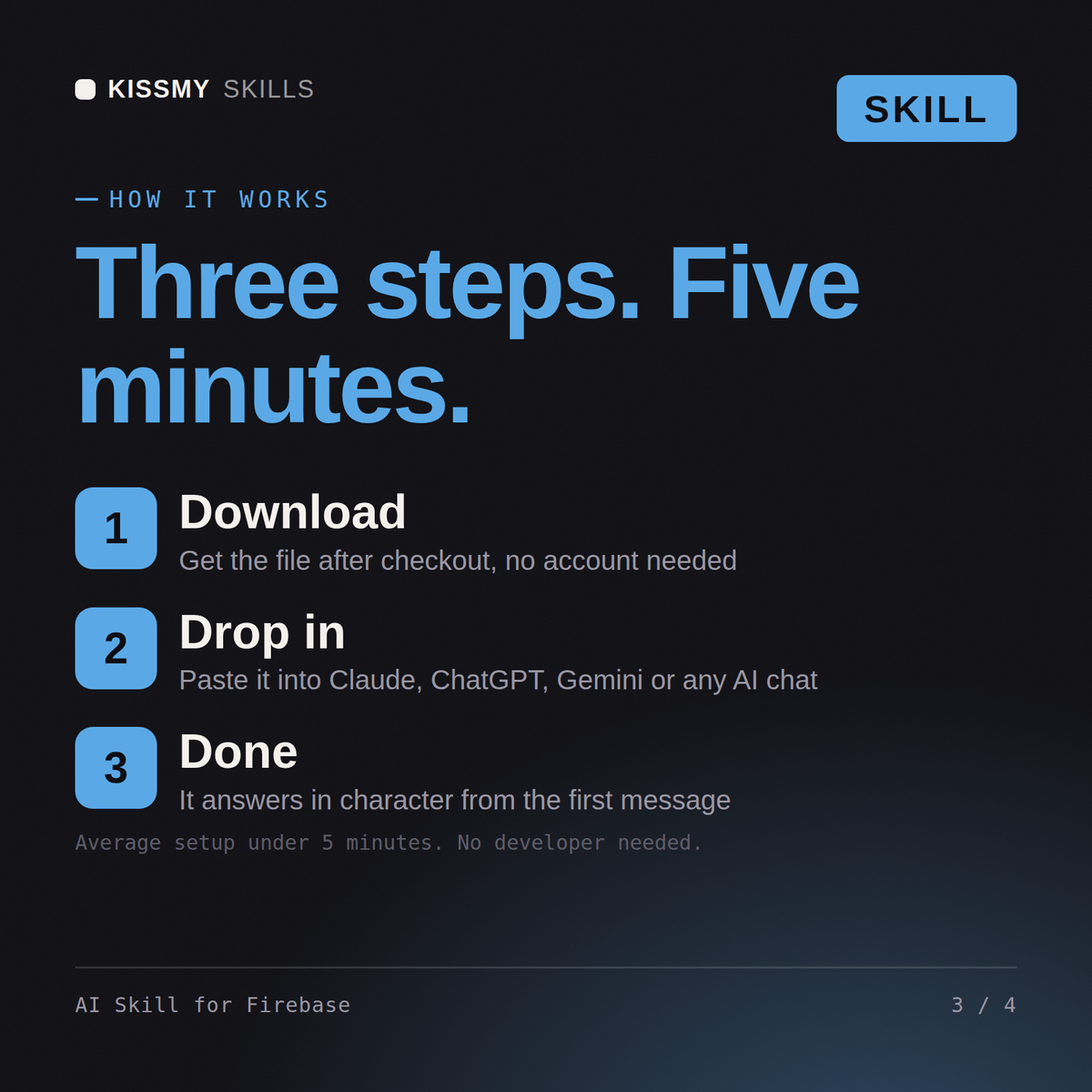
Download your .skill file from the order email or your account. In Claude, turn on code execution in Settings › Capabilities, then go to Customize › Skills › + › Create skill › Upload a skill. Start a new chat and ask for the specialist by name.
3D artists, motion designers, indie game developers and technical artists who work in Blender daily.
Producers, beatmakers, live electronic performers and students who work in Ableton Live every day.
Character, creature and collectible artists, game modellers and students who sculpt in ZBrush daily.

Recording, mix and post engineers, producers and audio students who live in Pro Tools sessions daily.