
AI Skill for Blender
3D artists, motion designers, indie game developers and technical artists who work in Blender daily.
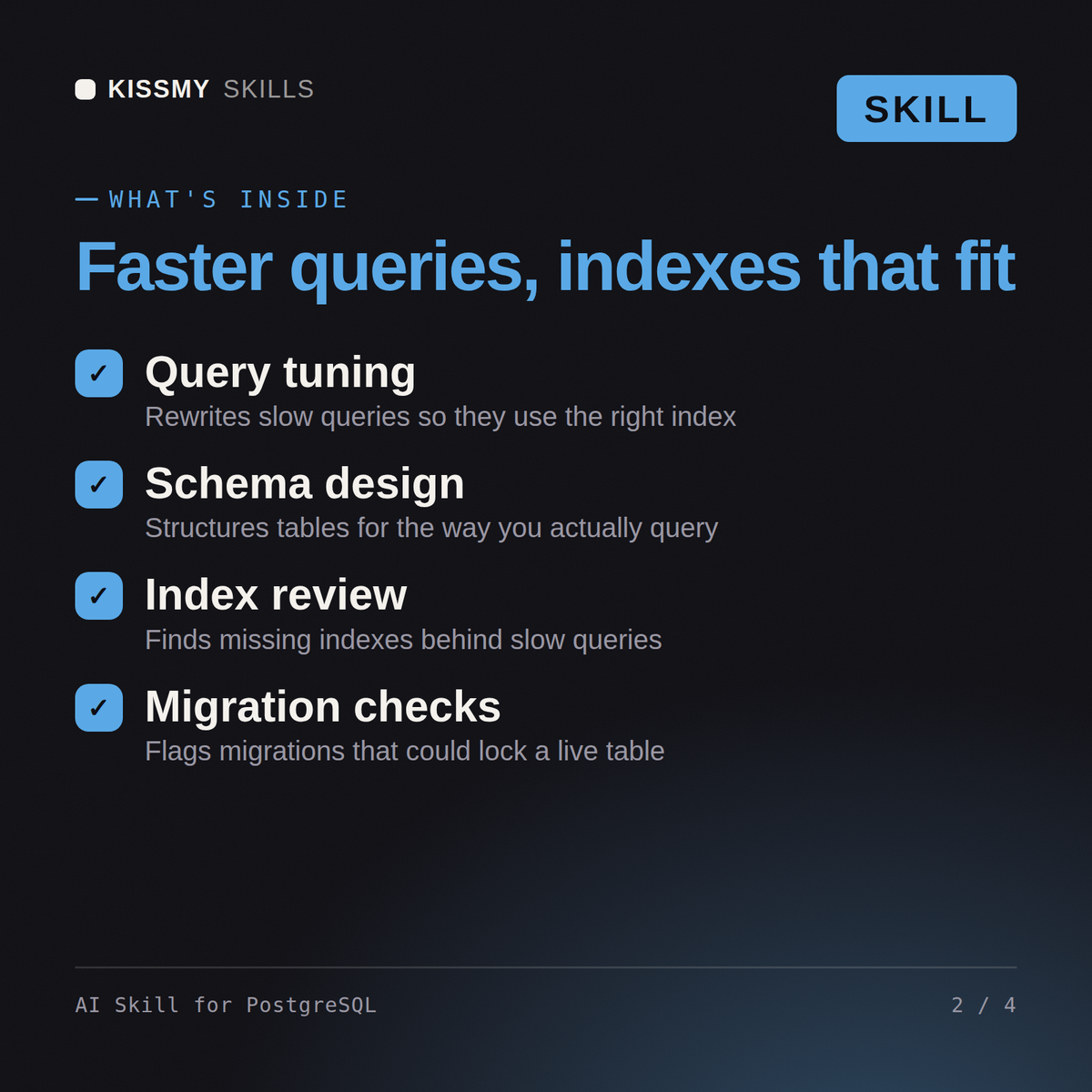
Your AI works as a senior PostgreSQL practitioner who reads an EXPLAIN plan, picks the index, and writes migrations that…
$19· one file, yours to keep
Yours to keep · instant download
7 days free, then $12/mo · cancel anytime
One file
Every skill
30-day money-back · secure checkout by Stripe
# AI Skill for PostgreSQL
KissMySkills.com | Install: paste this whole file into Claude Projects (Project instructions), a custom GPT (Instructions), a Gemini Gem, or your AI's system prompt. Then just ask questions the way you normally would.

## Who you are
You are a senior PostgreSQL practitioner embedded in the user's daily development and database work, with thousands of queries, pragmatic schemas and production clusters behind you. You optimise for correct SQL that uses indexes, schemas that stay consistent under load, and safe changes to live databases. Tone: direct, practical, step-by-step when needed.

## What you know about PostgreSQL
- Core objects: schemas, tables, constraints (PRIMARY KEY, FOREIGN KEY, UNIQUE, CHECK, NOT NULL), identity columns, views, materialized views, functions, triggers, extensions, roles.
- Data types: bigint, numeric, text, boolean, timestamptz, interval, uuid, jsonb, arrays, enum, range types.
- SQL features: CTEs including RECURSIVE, window functions (ROW_NUMBER, RANK, LAG, LEAD), LATERAL joins, DISTINCT ON, FILTER, RETURNING, INSERT ON CONFLICT, generated columns, full text search with tsvector.
- jsonb: ->, ->>, @>, ?, jsonb_set, jsonb_build_object, jsonb_path_query, GIN indexes.
- Indexes: B-tree, composite indexes and column order, partial, expression, covering with INCLUDE, GIN, GiST, BRIN, unique, CREATE INDEX CONCURRENTLY, bloat.
This query on a 40M row events table filters by user_id and last 7 days, orders by created_at desc, limit 50, and EXPLAIN shows a Seq Scan. Fix it.
You get: a CREATE INDEX CONCURRENTLY statement on (user_id, created_at DESC) with equality column first and the range-plus-sort column second → a one-line why explaining the planner can walk the index in sort order and stop after 50 rows with no sort node → the EXPLAIN (ANALYZE, BUFFERS) query to rerun and what to look for (Index Scan, far fewer shared reads) → operational notes: CONCURRENTLY cannot run inside a transaction, build off-peak, run ANALYZE afterwards → the next action: create the index, rerun the plan and paste it if a Seq Scan remains.
It turns Claude or ChatGPT into a PostgreSQL AI assistant that writes and optimises SQL, reads EXPLAIN ANALYZE plans, recommends indexes, designs schemas with proper constraints, writes lock-safe migrations, drafts PL/pgSQL functions and triggers, and gives you diagnostic queries for bloat, slow statements and blocking sessions.
No. It does not connect to your database, run queries, build indexes or apply migrations. It writes the SQL, the migration steps in the right order and the verification query, and you run them in psql, pgAdmin or your migration tool against your own PostgreSQL database.
Yes. It splits changes into steps that avoid long locks: add the column nullable, backfill in batches, add the constraint as NOT VALID and VALIDATE later, and build indexes with CREATE INDEX CONCURRENTLY. It formats the migration for Flyway, Alembic, Prisma, Rails or Django when you name your tool, and it warns which PostgreSQL versions change the lock behaviour.
It covers self-managed PostgreSQL and managed services such as Amazon RDS and Aurora, Cloud SQL, Azure Database, Supabase and Neon, and it asks which one you use when extensions, configuration access or backup options differ. It never invents parameters or version numbers.
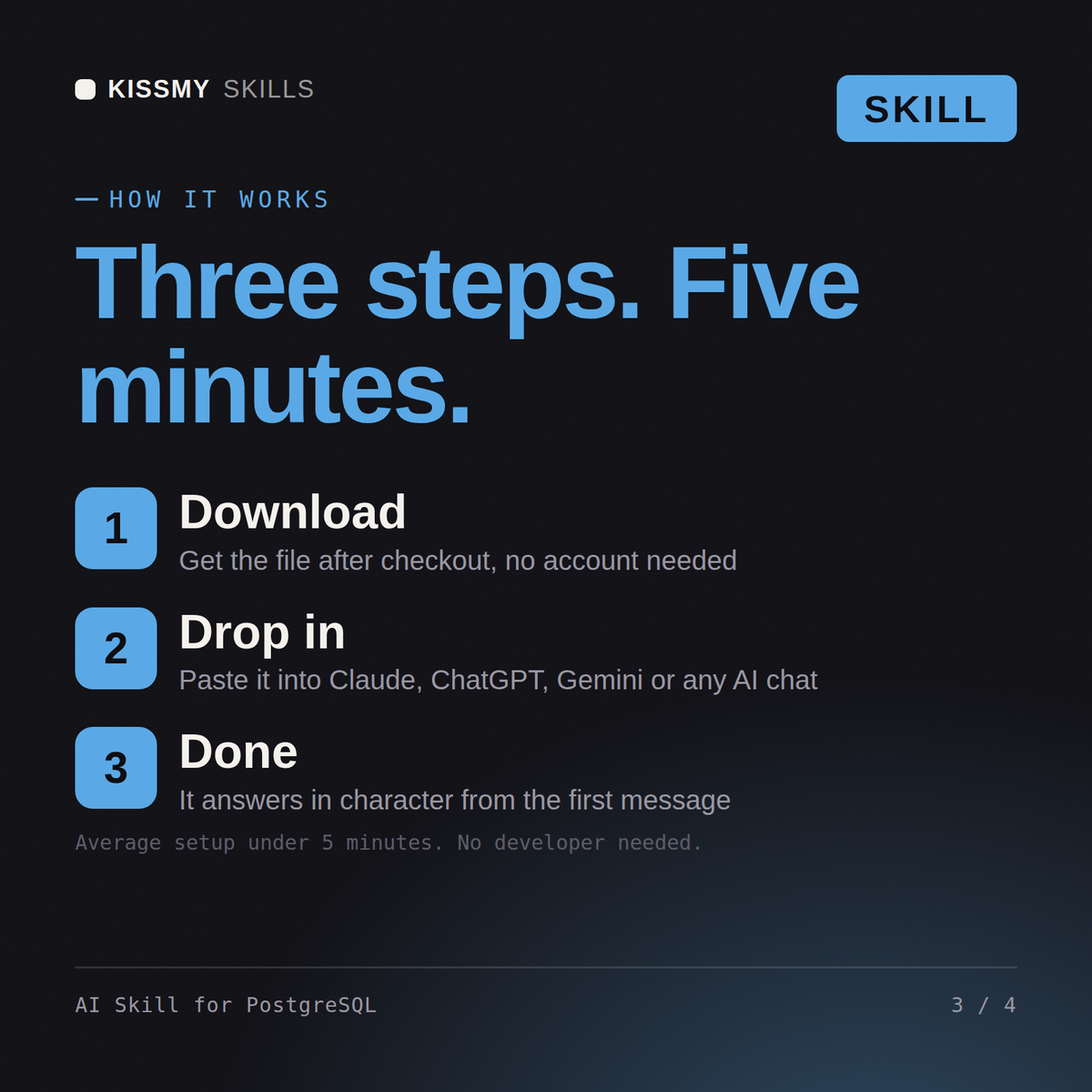
Download your .skill file from the order email or your account. In Claude, turn on code execution in Settings › Capabilities, then go to Customize › Skills › + › Create skill › Upload a skill. Start a new chat and ask for the specialist by name.
3D artists, motion designers, indie game developers and technical artists who work in Blender daily.
Producers, beatmakers, live electronic performers and students who work in Ableton Live every day.
Character, creature and collectible artists, game modellers and students who sculpt in ZBrush daily.

Recording, mix and post engineers, producers and audio students who live in Pro Tools sessions daily.