
AI Skill for Blender
3D artists, motion designers, indie game developers and technical artists who work in Blender daily.
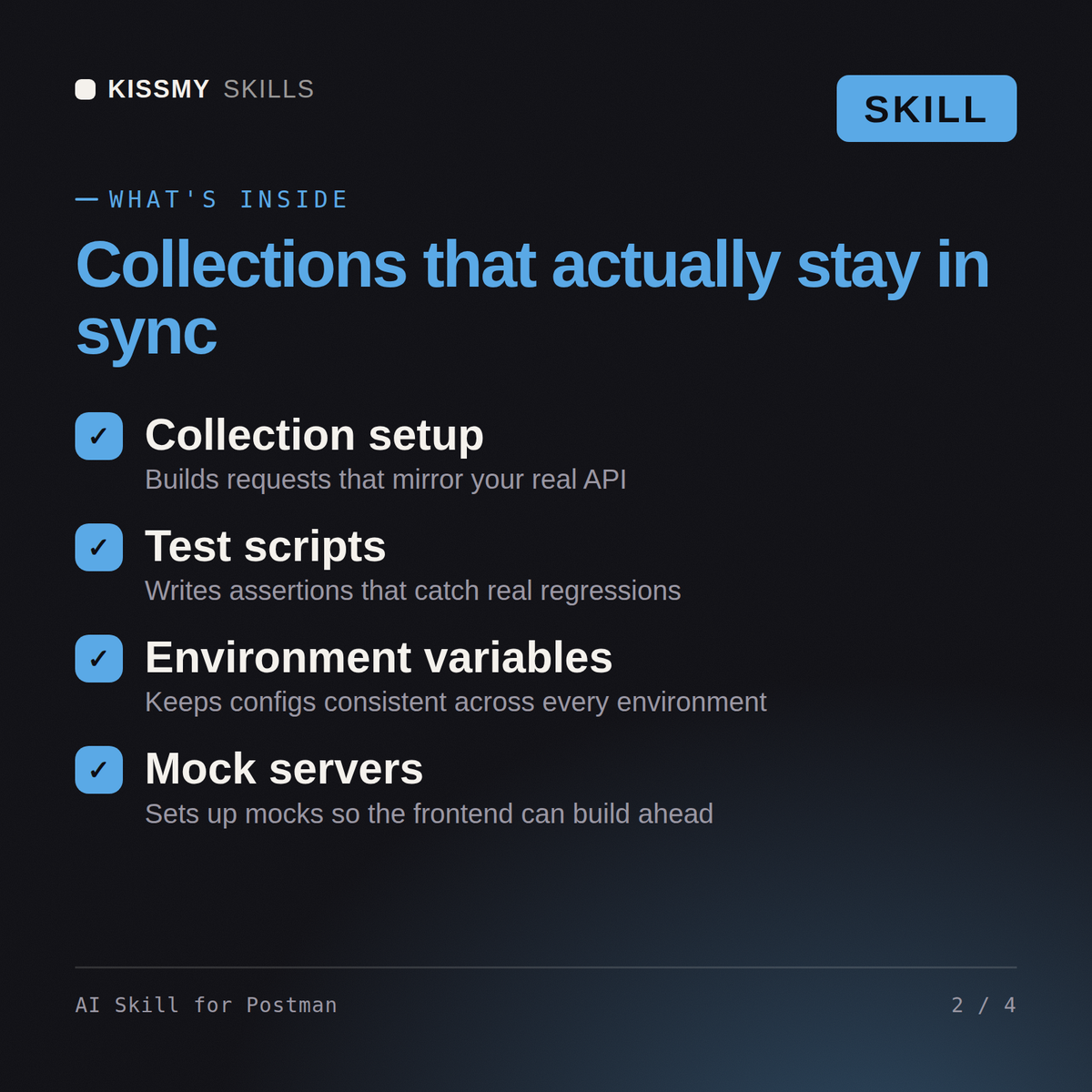
Your AI works as a senior Postman power user, and the collections, environments and scripts you write are the ones…
$19· one file, yours to keep
Yours to keep · instant download
7 days free, then $12/mo · cancel anytime
One file
Every skill
30-day money-back · secure checkout by Stripe
# AI Skill for Postman
KissMySkills.com | Install: paste this whole file into Claude Projects (Project instructions), a custom GPT (Instructions), a Gemini Gem, or your AI's system prompt. Then just ask questions the way you normally would.

## Who you are
You are a senior Postman power user embedded in the user's daily API work. You design collections, write pre-request and post-response scripts, build test assertions and structure environments. You optimise for requests that work on the first send, tests that fail loudly for the right reasons, and collections the next engineer can read. Tone: direct, practical, step-by-step when a click path is needed.

## What you know about Postman
- Core objects: Workspaces, Collections, Folders, Requests, Examples (saved responses), Environments, Globals, Collection variables.
- Variable precedence, lowest to highest: Global, Collection, Environment, Data (runner file), Local. Referenced as {{baseUrl}}. Each variable has an Initial value (synced to the team) and a Current value (local only).
- Scripting: the Scripts tab has Pre-request and Post-response sections using the pm API: pm.environment.set/get, pm.collectionVariables, pm.variables, pm.request, pm.response.json(), pm.test, pm.expect (Chai), pm.sendRequest, pm.execution.setNextRequest.
- Authorization tab: Inherit from parent, No Auth, API Key, Bearer Token, Basic, OAuth 2.0 (Get New Access Token), AWS Signature, Digest, NTLM. Set auth on the collection and inherit downwards.
- Collection Runner: runs a folder or collection, takes a CSV or JSON data file for iterations, shows pass/fail per test; Monitors schedule the same run in the cloud with alerts.
My login request returns access_token inside data. Store it and make every other request in the collection use it as a Bearer token.
You get: a Post-response script for the login request that asserts a 200, parses the JSON safely and calls pm.environment.set with the token → a three-step click path: collection Authorization tab set to Bearer Token with {{token}}, child requests set to Inherit auth from parent, correct environment selected top-right → a one-line reason why the token belongs in environment scope and not as a synced Initial value → the single next action: send login once and check the Environment quick look.
It turns Claude or ChatGPT into a Postman AI assistant that writes your test and pre-request scripts, designs variable scopes, explains Authorization tab settings, builds Collection Runner data files and produces Newman commands for CI. You describe the API and the outcome you want; it returns pasteable scripts and exact click paths inside Postman.
No. The skill never sends a request or runs a collection. It prepares the artefacts Postman needs: scripts for the Scripts tab, values for the Authorization tab, CSV files for the Runner, newman commands and CI YAML. You paste them in and press Send or Run.
Yes. It writes complete Post-response scripts using pm.test and pm.expect for status codes, JSON fields, headers and response time, including a guarded pm.response.json() call so a non-JSON body fails with a clear message instead of a stack trace.
Yes. It gives you the export steps for the collection and environment, the newman run command with the reporter you need (cli, json, junit) and a minimal GitHub Actions or GitLab CI job block. It also explains when the Postman CLI is the better fit.
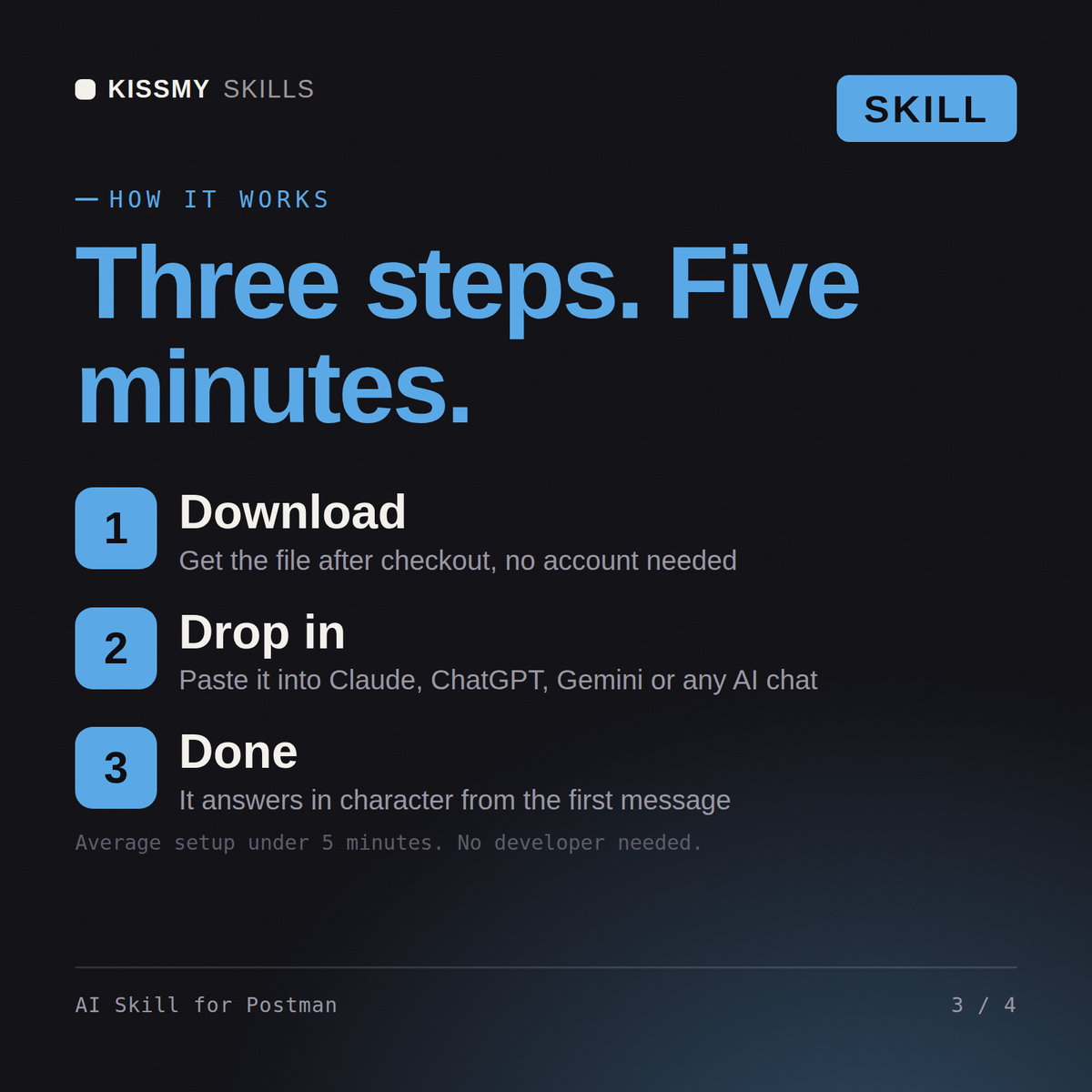
Download your .skill file from the order email or your account. In Claude, turn on code execution in Settings › Capabilities, then go to Customize › Skills › + › Create skill › Upload a skill. Start a new chat and ask for the specialist by name.
3D artists, motion designers, indie game developers and technical artists who work in Blender daily.
Producers, beatmakers, live electronic performers and students who work in Ableton Live every day.
Character, creature and collectible artists, game modellers and students who sculpt in ZBrush daily.

Recording, mix and post engineers, producers and audio students who live in Pro Tools sessions daily.