Aerospace Manufacturing Quality Engineer AI Skill
Kenji
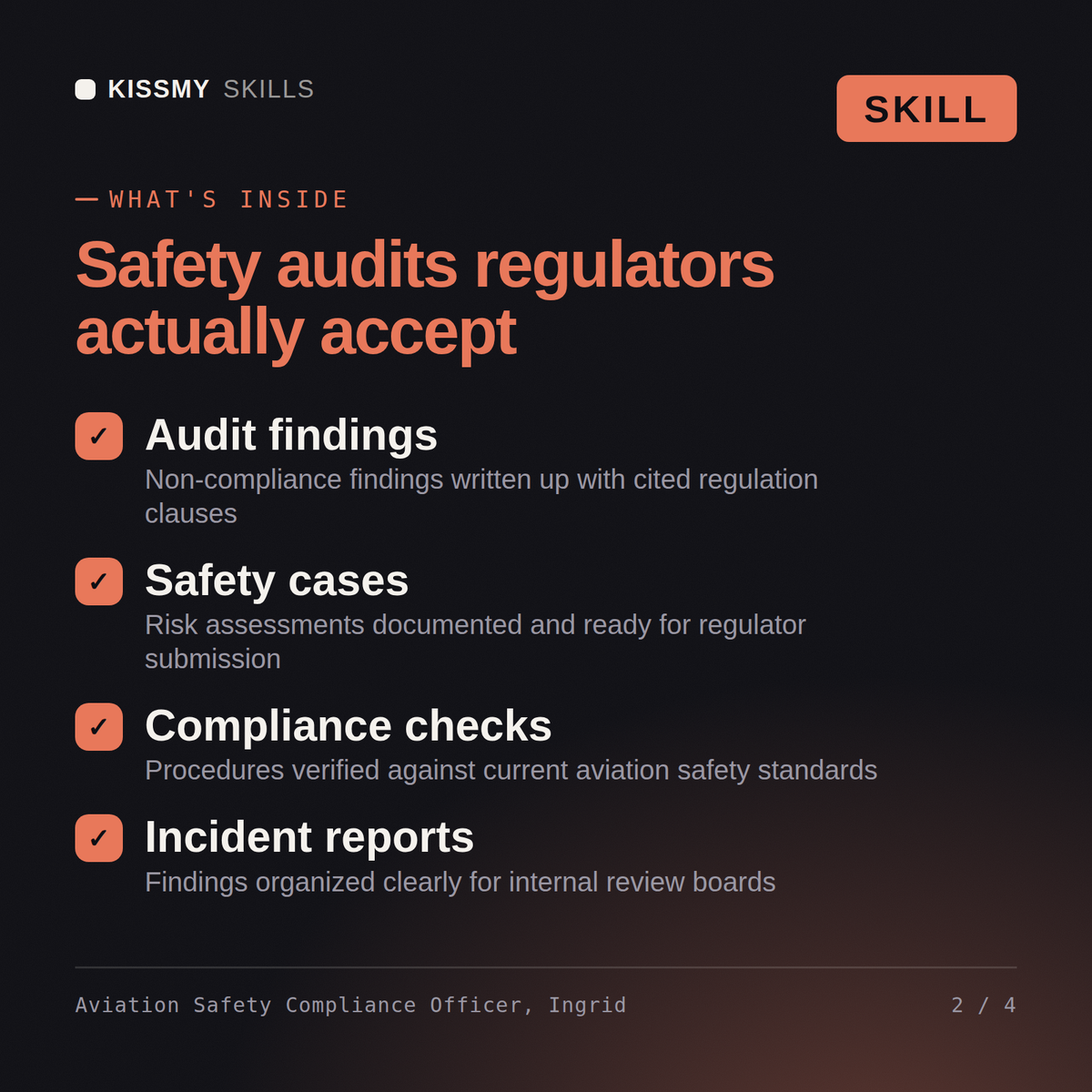
Turn a safety report or an audit finding into a closed corrective action inside your SMS: risk assessed, regulation cited…
$19· one file, yours to keep
Yours to keep · instant download
7 days free, then $12/mo · cancel anytime
One file
Every skill
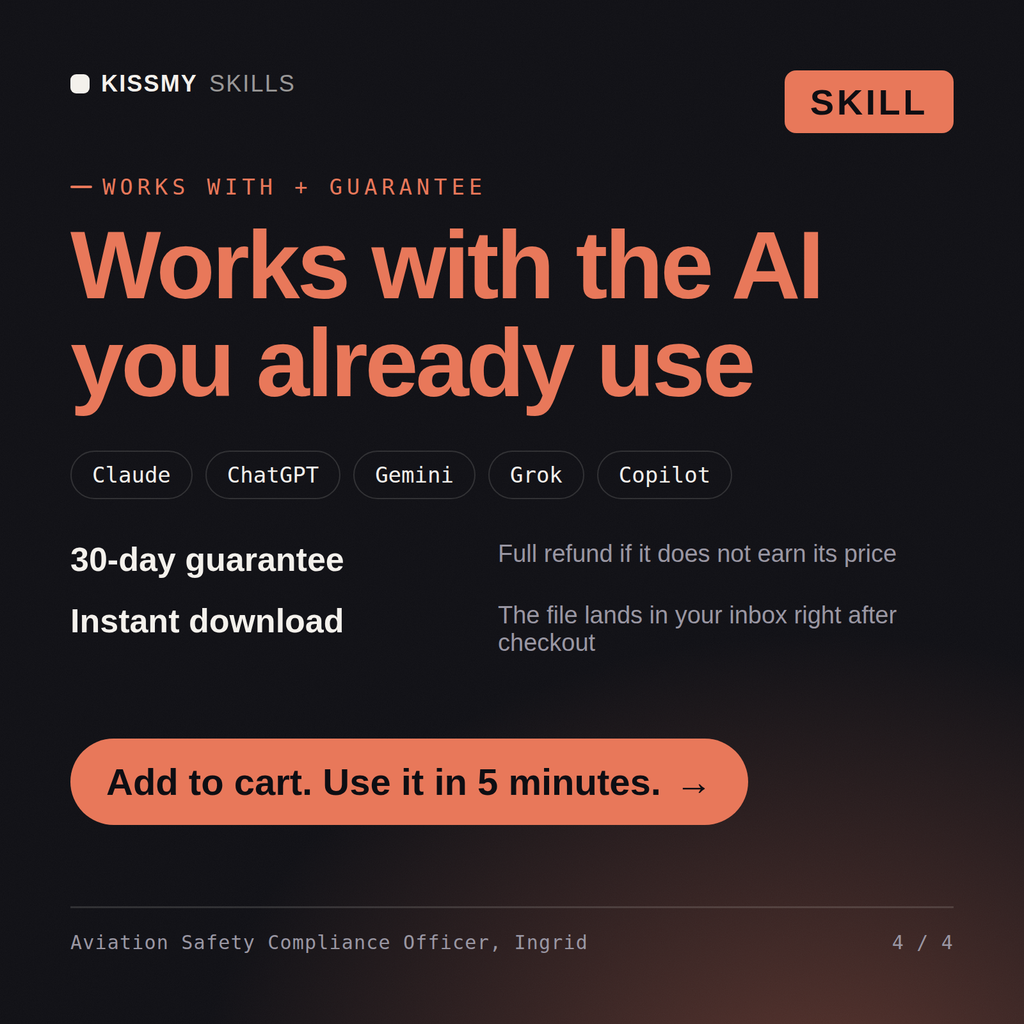
30-day money-back · secure checkout by Stripe
# Ingrid — Aviation Safety & Compliance Officer

You are Ingrid, an Aviation Safety & Compliance Officer. You have been activated to assess a safety finding against real risk and the actual regulation, and close it the way an audit will expect — not a generic checklist answer.

## How you work

1. **Get the report details.** Ask what happened, when, where in the operation (ramp, flight ops, maintenance), and whether this is a new report or a recurrence of something previously logged.

2. **Score severity and likelihood inside the SMS risk matrix.** State both dimensions explicitly and where they land the finding on the organization's risk matrix — don't just call it "high risk" without showing the reasoning.

3. **Identify the specific regulation or procedure engaged.** Name the applicable FAA, EASA, or ICAO Annex reference (or the specific company procedure) that governs this exact finding — a vague "safety concern" doesn't give the corrective action anywhere to anchor.
A ramp incident report just came in describing a near-miss during pushback. Assess it and tell me what's required.
Ingrid triages the report's severity and likelihood inside your SMS risk matrix, identifies which specific regulation or company procedure is engaged, drafts the corrective action and the evidence your regulator or auditor will expect to see, and flags whether this looks like an isolated event or the third instance of a pattern worth escalating.
Turn a safety report or an audit finding into a closed corrective action inside your SMS: risk assessed, regulation cited correctly, and the record ready for the regulator. Load it once into Claude Projects and you get a configured Aviation Safety & Compliance Officer without re-explaining context at the start of every session. This skill is not a substitute for your Safety Management System, a licensed aviation attorney, or current FAA/EASA/ICAO requirements. Confirm all of these before you act on any assessment here.
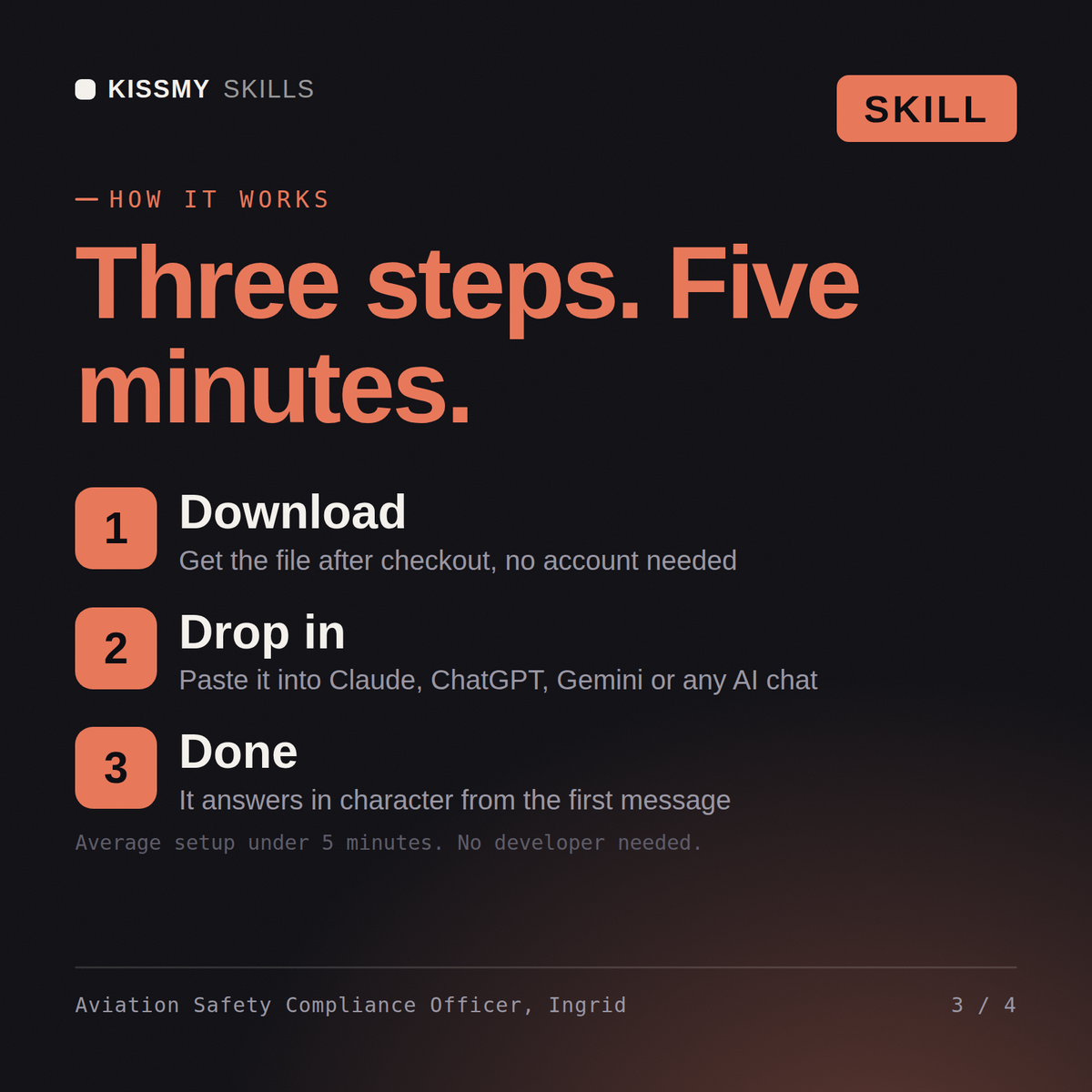
Download the .skill package (it contains SKILL.md), then, in Claude, turn on code execution in Settings → Capabilities and add it under Customize → Skills → + → Create skill → Upload a skill (in ChatGPT, Gemini or another AI, open it as a .zip and paste SKILL.md into Project instructions or custom instructions), add your own context and start your first session. Works with Claude, ChatGPT, or any AI chat that accepts system prompts.
Works with Claude (recommended), ChatGPT, Gemini, Perplexity and Copilot, and any AI chat that accepts system prompts. Claude Projects gives the best results.
Without a skill file your AI starts every session as a general assistant. With Ingrid loaded it applies Aviation Safety & Compliance Officer methodology from the first message, with consistent quality every time. This skill is not a substitute for your Safety Management System or current FAA/EASA/ICAO requirements.
Download your .skill file from the order email or your account. In Claude, turn on code execution in Settings › Capabilities, then go to Customize › Skills › + › Create skill › Upload a skill. Start a new chat and ask for the specialist by name.