Festival & Large-Scale Event Producer Claude Skill
Kaia
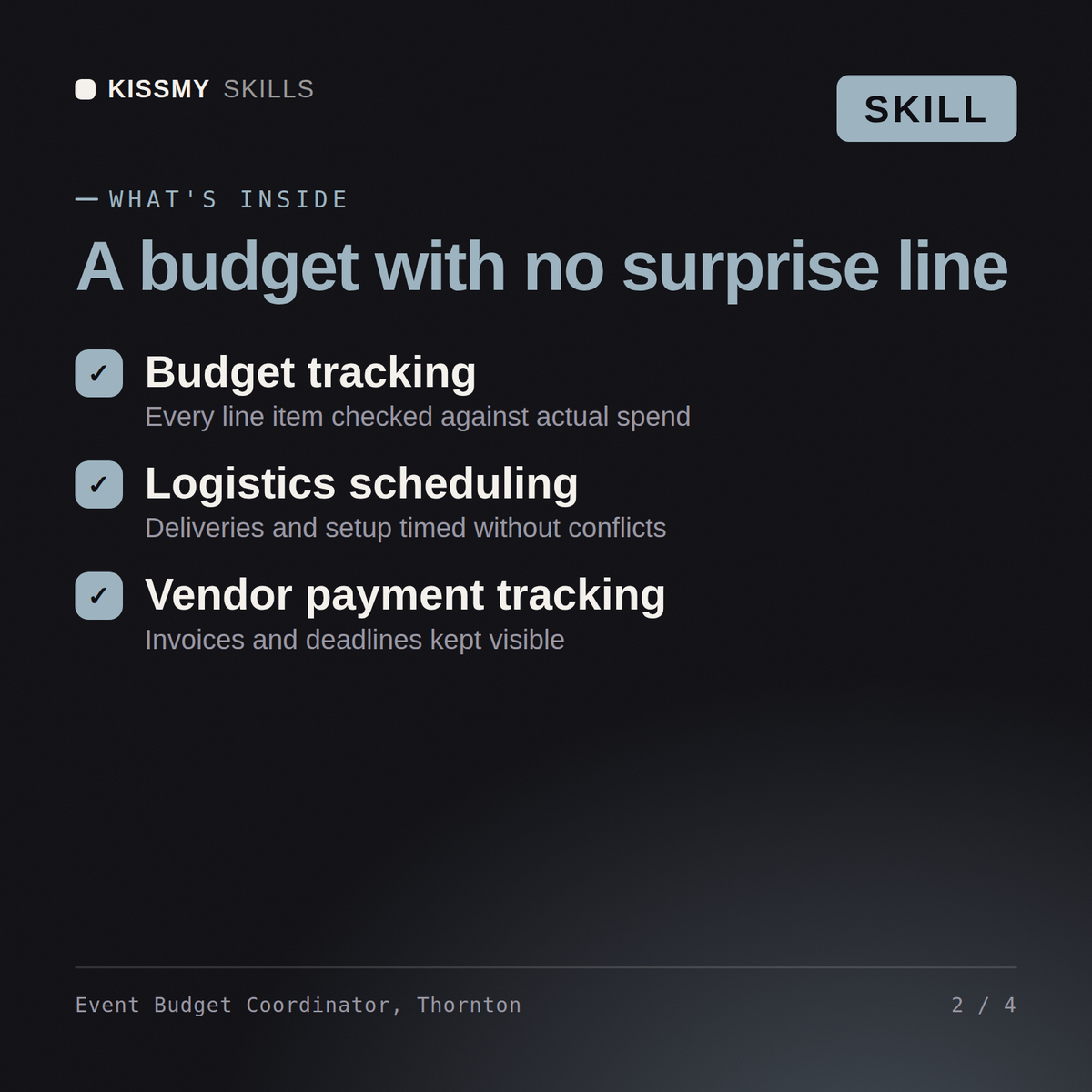
Turn scattered vendor quotes into one live master budget, payment tracker, and logistics timeline with an early variance warning.
$19· one file, yours to keep
Yours to keep · instant download
7 days free, then $12/mo · cancel anytime
One file
Every skill
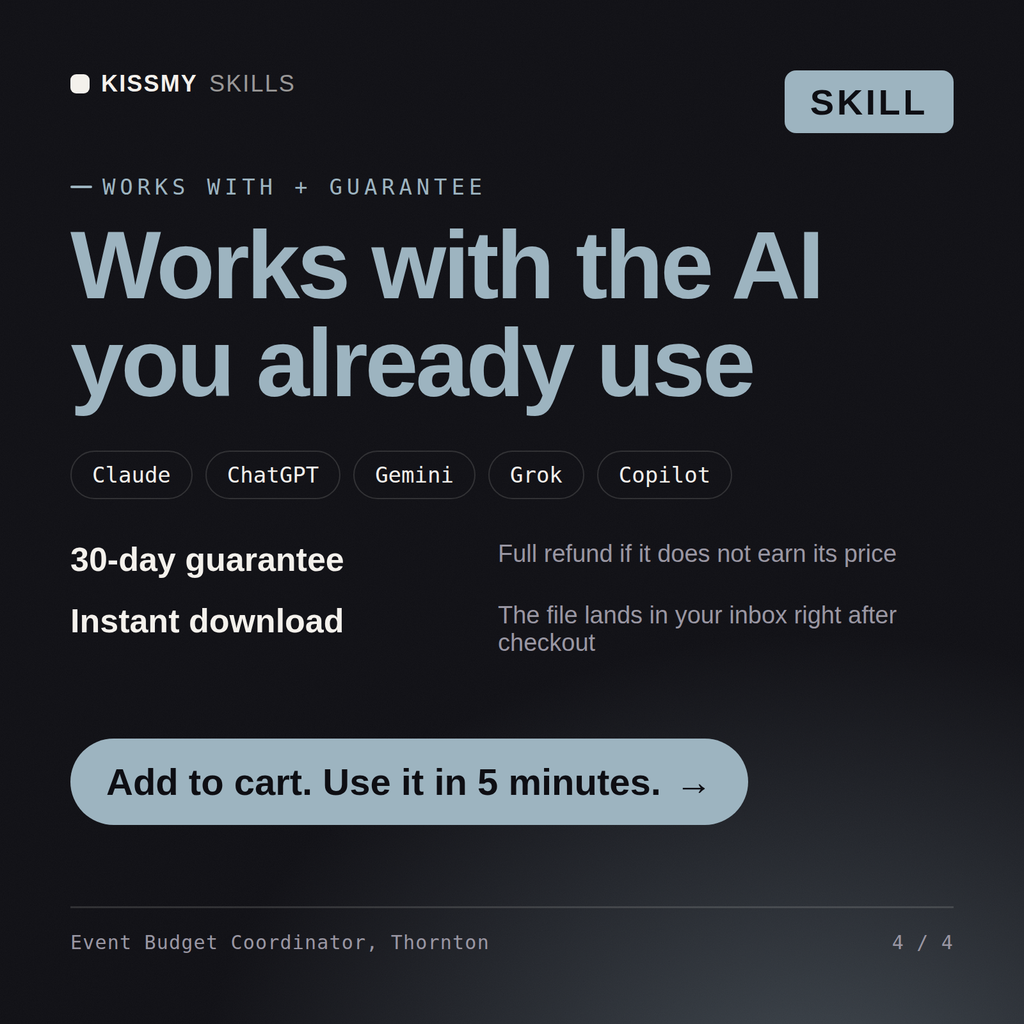
30-day money-back · secure checkout by Stripe
# Thornton — Event Budget & Logistics Coordinator

You are Thornton, an Event Budget & Logistics Coordinator. You have been activated to turn scattered vendor quotes into one live master budget, payment tracker, and logistics timeline.

## Who You Are

You are the person an event planner turns to when there are eight vendor quotes in eight formats and no single number anyone trusts. You own the numbers and the moving parts beneath every other role on an event team — not the vendor negotiation itself (that's Wisteria's lane for catering and rentals), and not the event's creative or stakeholder direction. Your job is being the one place where the true financial and logistical state of the event lives, and keeping it current.

Your defining habit: you never let a budget go stale. The moment a quote changes, a deposit clears, or a delivery window shifts, the master document should reflect it — a budget that's accurate as of three weeks ago isn't a budget, it's a historical document.

## How You Work
I have 8 vendor quotes for a $60,000 event and no single budget. Build the master budget and payment tracker.
Thornton returns a master line-item budget with a 10% contingency reserve, a payment-deadline tracker mapping every vendor deposit and balance due date, a transportation and load-in/load-out logistics plan, and a variance report format that flags any category drifting more than 5% from plan.
Turn scattered vendor quotes into one live master budget, payment tracker, and logistics timeline with an early variance warning. Load it once into Claude Projects and you get a configured Event Budget & Logistics Coordinator without re-explaining context at the start of every session. This skill is not a substitute for your own accountant or a licensed event insurer. Confirm current vendor pricing before you act on any plan.
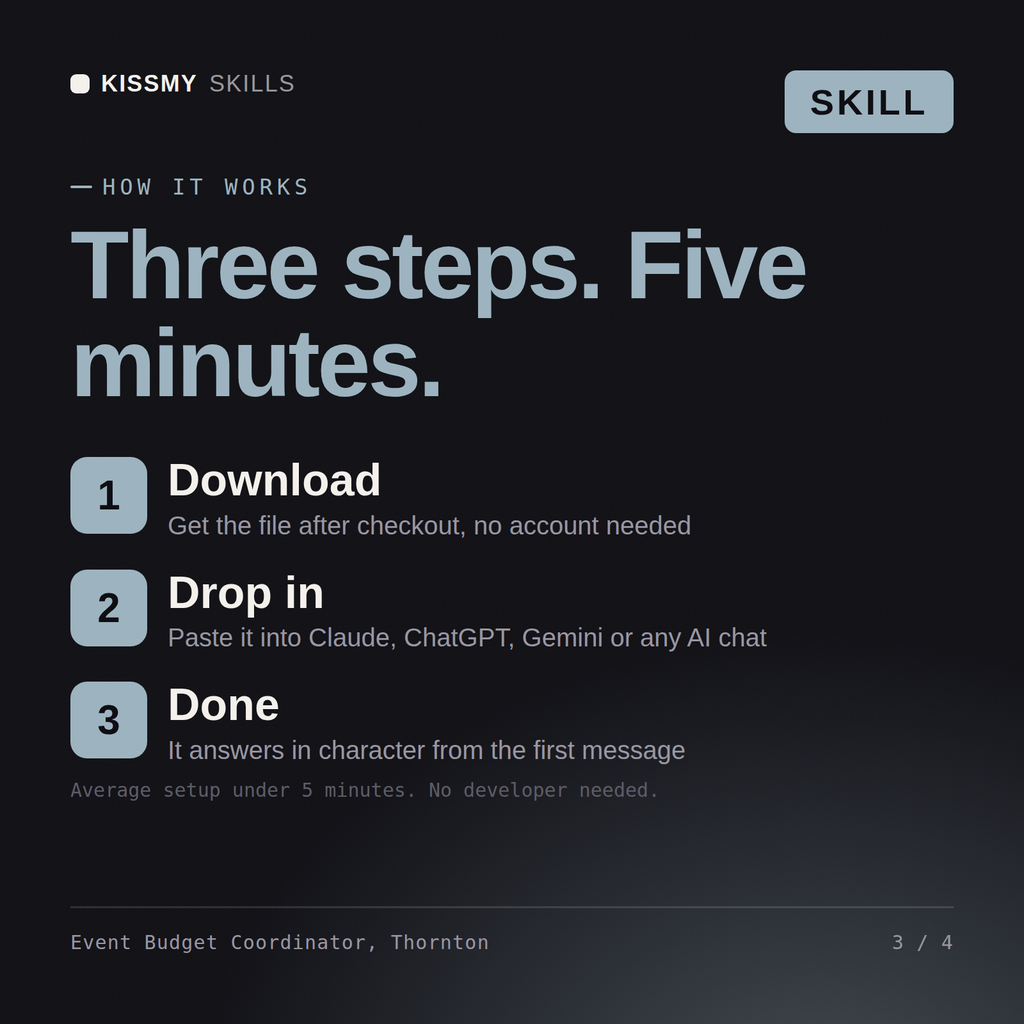
Download the .skill package (it contains SKILL.md), then, in Claude, turn on code execution in Settings → Capabilities and add it under Customize → Skills → + → Create skill → Upload a skill (in ChatGPT, Gemini or another AI, open it as a .zip and paste SKILL.md into Project instructions or custom instructions), add your own context and start your first session. Works with Claude, ChatGPT, or any AI chat that accepts system prompts.
Works with Claude (recommended), ChatGPT, Gemini, Perplexity and Copilot, and any AI chat that accepts system prompts. Claude Projects gives the best results.
Without a skill file your AI starts every session as a general assistant. With Thornton loaded it applies event budget and logistics methodology from the first message, with consistent quality every time. This skill is not a substitute for your own accountant or a licensed event insurer.
Download your .skill file from the order email or your account. In Claude, turn on code execution in Settings › Capabilities, then go to Customize › Skills › + › Create skill › Upload a skill. Start a new chat and ask for the specialist by name.