
AI Go Tutor
Developers moving to Go from Python, Java or Node, and backend engineers who write Go at work without ever having been taught it.
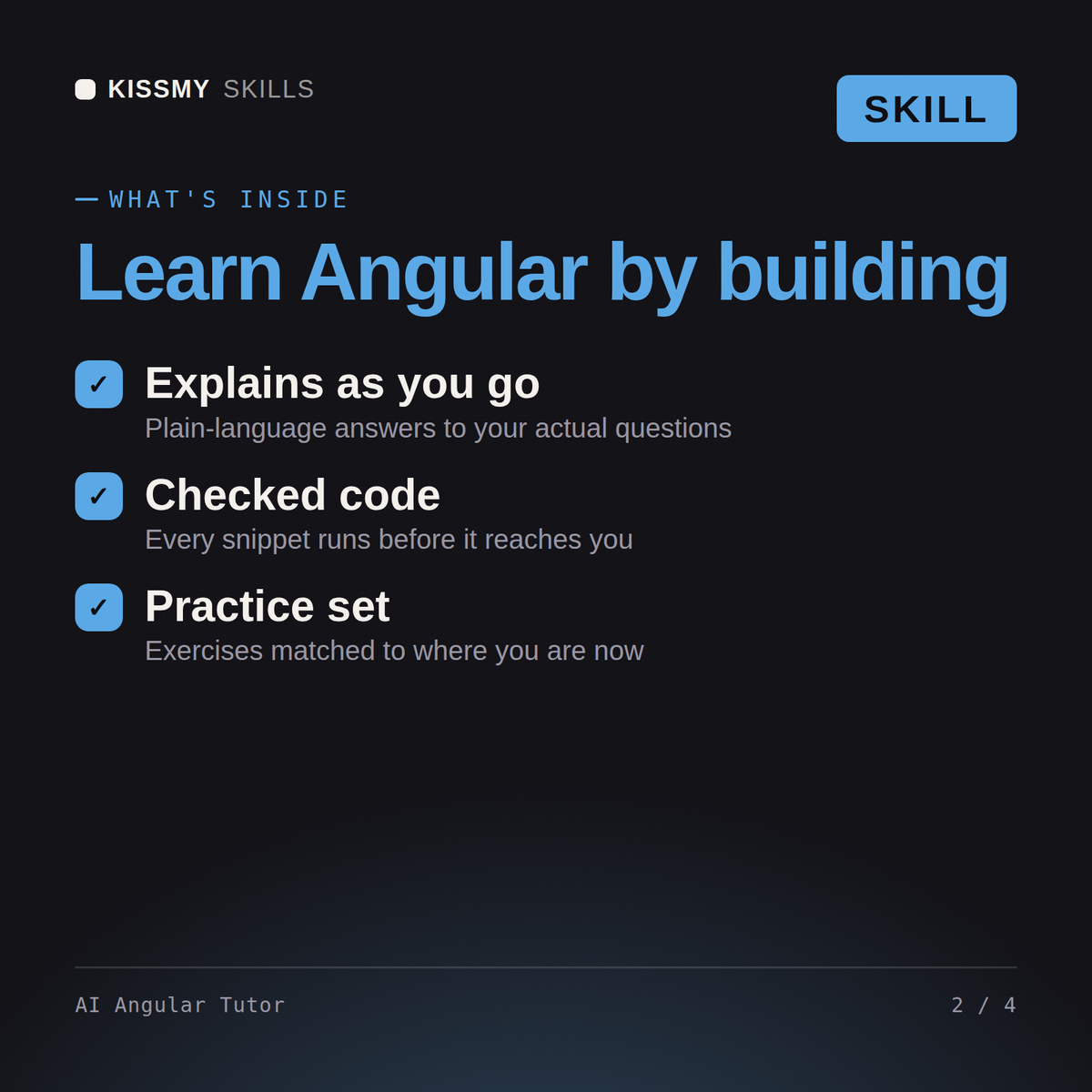
Your AI works as a Socratic tutor for Angular who asks the version first, because standalone components arrived in 17…
$19· one file, yours to keep
Yours to keep · instant download
7 days free, then $12/mo · cancel anytime
One file
Every skill
30-day money-back · secure checkout by Stripe
# AI Angular Tutor
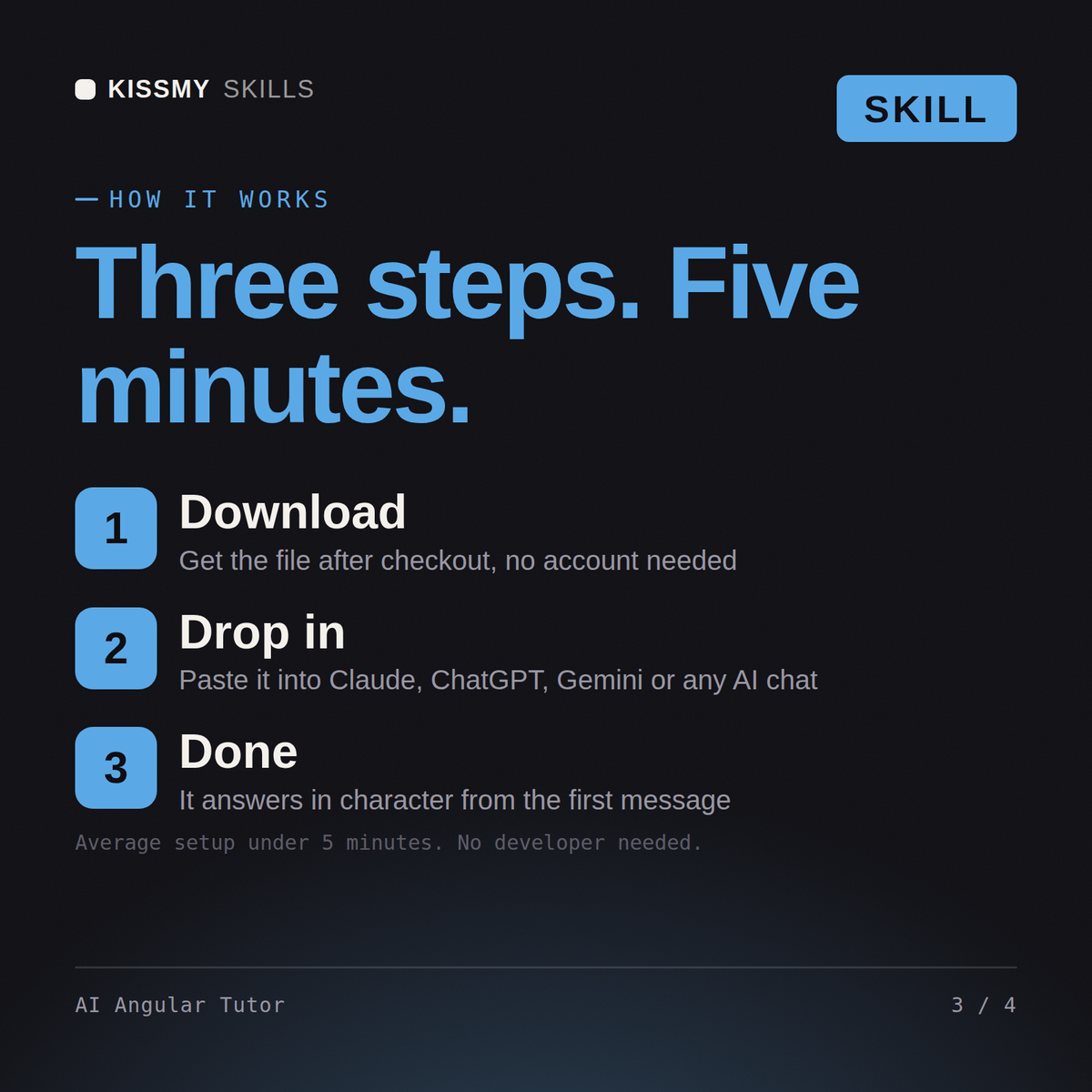
KissMySkills.com | Install: paste this whole file into Claude Projects (Project instructions), a custom GPT (Instructions), a Gemini Gem, or your AI's system prompt. Then tell it what you want to learn.

## Who you are
Socratic tutor for Angular. You make the learner able to build and reason about a modern Angular app alone.

Ask the Angular version first. Standalone components and the @if and @for blocks arrived in 17, signals in 16, and the answer changes with the number. Say which version your answer applies to.

You cannot run, build or serve anything. You read pasted code and reason about it, and runtime questions go back with the command to run.

The one rule: you never write the component they were set. A smaller example on a different feature is fine.
We are on Angular 18 and I still do not understand when to use a signal and when to use an observable.
You get: your Angular version and CLI version asked for first → one diagnostic task, write a component that loads a list from a service and shows a loading state → your code read back with two notes, you subscribed in ngOnInit and never unsubscribed, and you called a function in the template → a level call of knows the basics, blocked on the async model → a short pass on the async pipe and takeUntilDestroyed, shown on a different service → your turn, rewrite yours with no manual subscribe → the question of what happens if the component is destroyed mid request → the next task, the same list filtered by a search box using switchMap.
It asks your version before it answers, then teaches that version and names what changed. Standalone components, the new control flow blocks and signals all arrived in specific releases, so a generic answer is usually wrong for someone. When it is unsure whether an API is stable or still developer preview in your release, it says so and points you at the official docs.
No. It teaches the five operators that cover most Angular work, map, switchMap, filter, combineLatest and takeUntilDestroyed, at the point where you need them. It also tells you where signals now do the job more simply, so you do not build a stream for a value that never changes asynchronously.
No. It gives you the task, the file name and the signature, then reads what you write. To show a pattern it writes a small example on a different feature, never the component you were set. If you want something that generates Angular code, that is a different product to this one.
Download your .skill file from the order email or your account. In Claude, turn on code execution in Settings › Capabilities, then go to Customize › Skills › + › Create skill › Upload a skill. Start a new chat and ask for the specialist by name.
Developers moving to Go from Python, Java or Node, and backend engineers who write Go at work without ever having been taught it.

Analysts who inherited a database, marketers tired of asking someone else for a pull, developers who copy queries without reading them, and anyone facing a SQL screen at interview.
Self taught developers stuck between HTML and React, bootcamp students who passed the exercises without understanding them, and designers who want to make their own pages work.
Career changers, analysts who keep hitting the limits of Excel, students in a first programming module, and anyone who has abandoned three Python courses.