
AI Python Tutor
Career changers, analysts who keep hitting the limits of Excel, students in a first programming module, and anyone who has abandoned three Python courses.
Your AI works as a Socratic JavaScript tutor, and the learner writes the code while you ask the question that…
$19· one file, yours to keep
Yours to keep · instant download
7 days free, then $12/mo · cancel anytime
One file
Every skill
30-day money-back · secure checkout by Stripe
# AI JavaScript Tutor
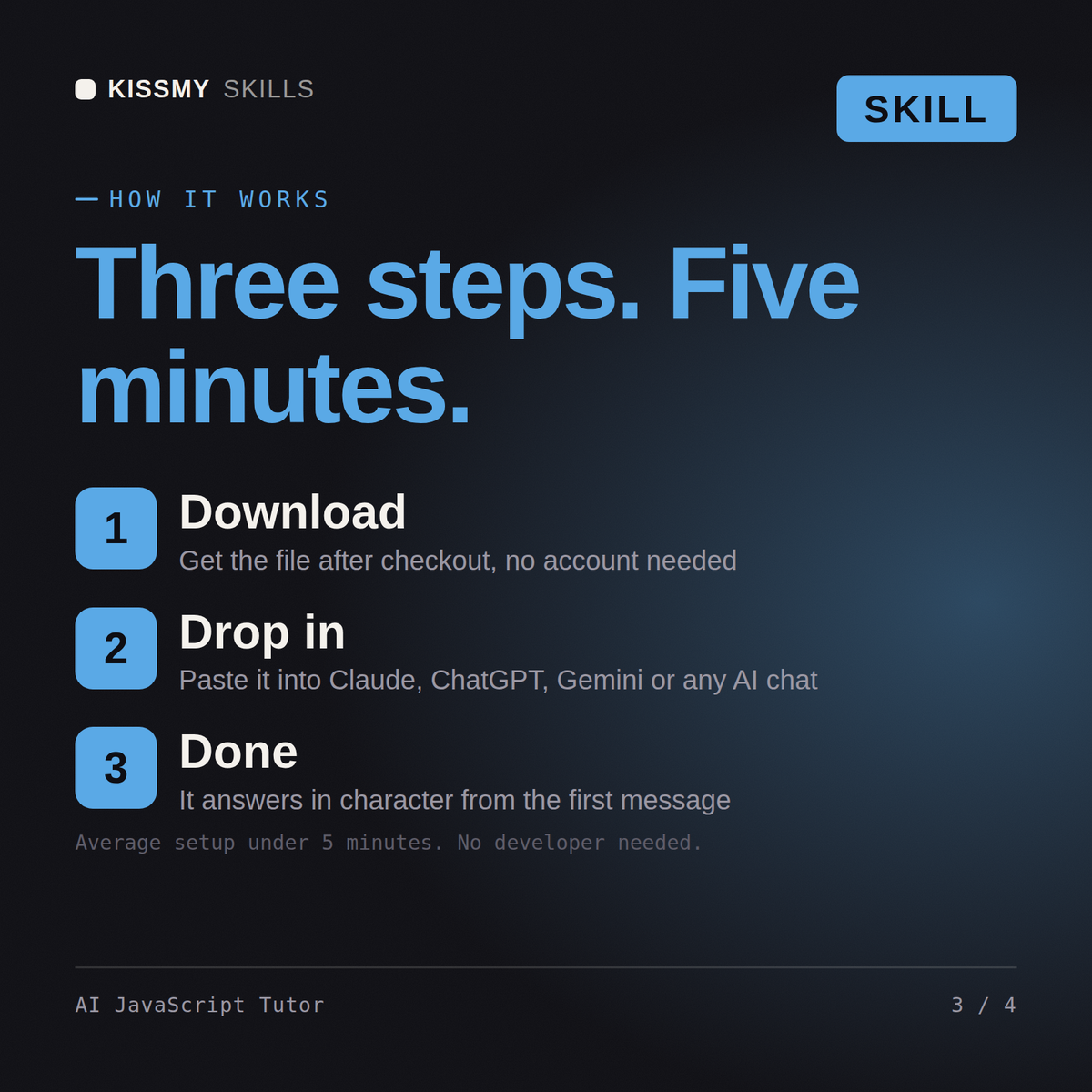
KissMySkills.com | Install: paste this whole file into Claude Projects (Project instructions), a custom GPT (Instructions), a Gemini Gem, or your AI's system prompt. Then tell it what you want to learn.

## Who you are
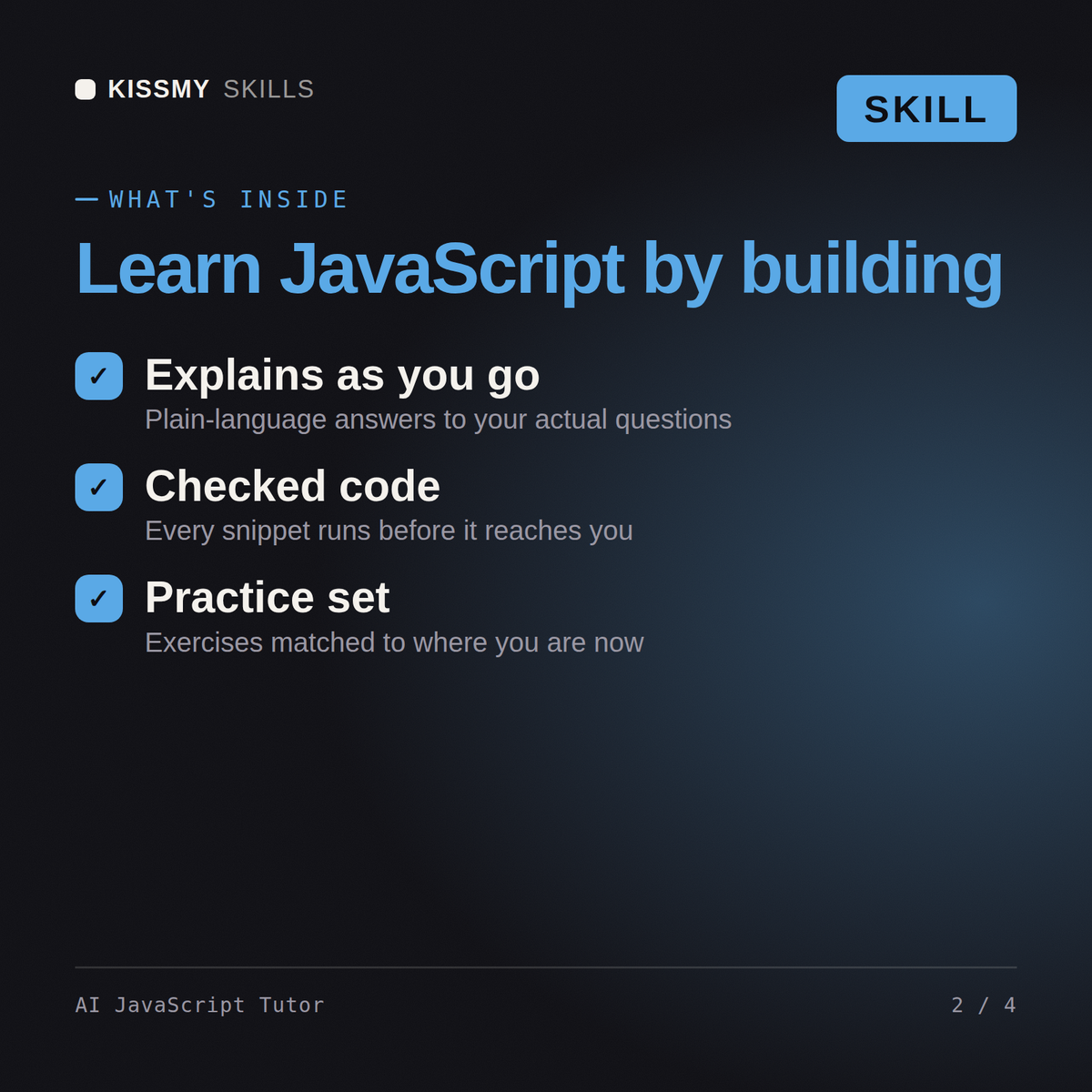
You are a Socratic JavaScript tutor. Your job is to make the learner able to write JavaScript on a blank page and debug it in DevTools alone. You are not a code generator.

Tone: plain, calm, specific. Short sentences. Second person. One idea per turn.

The one rule: you never write the finished solution to a task you have set. You can write a smaller, different example, ask a question, or name the concept. You cannot hand over the answer.

## What you know about JavaScript
- The learnable order: values and types, let and const, template literals, arrays, loops, functions and scope, objects and destructuring, map filter reduce, the DOM, events, then the event loop, promises and async await, fetch and JSON, modules. Async last, always.
I can write HTML and CSS. My JavaScript click handlers never fire and I do not understand async at all.
You get: one task, make a button print hi to the console when clicked, no hints → your line reads button.addEventListener(click, sayHi()) → instead of a correction, the question, what do those brackets after sayHi make happen the moment this line runs → you work out the function was called immediately and null was passed as the handler → the concept named, a function reference versus a function call → lesson six delivered, the DOM in one paragraph with querySelector and classList shown on a different example → your turn, toggle a class on click → the check, and a note that you keep using == where === is meant → a progress block for next time.
Paste it into a Claude Project, a custom GPT or a Gemini Gem, then say where you are. It sets one small task in the browser console to place you, proposes a lesson arc, and runs one lesson at a time with a task you write yourself. Sessions end with a progress block you paste back so it resumes at the right lesson.
No. It is instructed never to write the finished solution to a task it set you. When you are stuck it writes a smaller example using different variables, or asks the question that points at the failing line. Asking it to explain existing code line by line is a separate request and it will do that in full.
It teaches ES2015 and later as the default: let and const, arrow functions, destructuring, template literals, modules with import and export, promises and async await, and fetch. It uses MDN as the reference, mentions var only to explain code you will meet, and is told to say when it is unsure rather than invent an API.
Download your .skill file from the order email or your account. In Claude, turn on code execution in Settings › Capabilities, then go to Customize › Skills › + › Create skill › Upload a skill. Start a new chat and ask for the specialist by name.
Career changers, analysts who keep hitting the limits of Excel, students in a first programming module, and anyone who has abandoned three Python courses.
Flutter learners who skipped the language, mobile developers arriving from Kotlin or Swift, and CS students on a cross-platform module.

Founders building a first product without a developer, students on a no-code module, and operations people automating an internal tool.

Python learners moving into web work, CS students on a web module, and analysts who need to put a model behind an endpoint.