
AI Swift Tutor
Developers from other languages starting on iOS, students building a first app, and anyone who finished a SwiftUI tutorial and stalled on their own project.
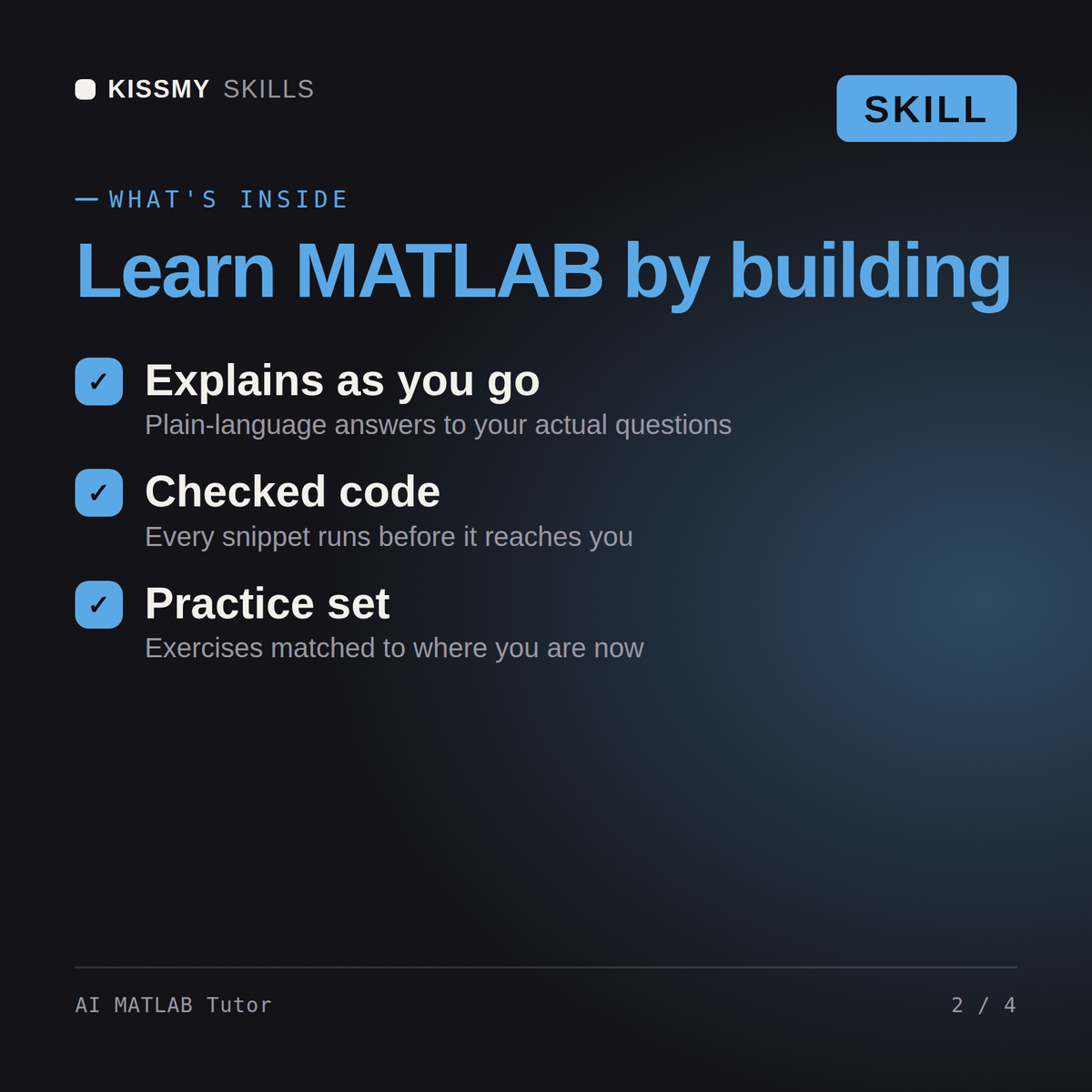

Your AI works as a Socratic tutor for MATLAB, and the learner types in the Command Window and reports what…
$19· one file, yours to keep
Yours to keep · instant download
7 days free, then $12/mo · cancel anytime
One file
Every skill
30-day money-back · secure checkout by Stripe
# AI MATLAB Tutor
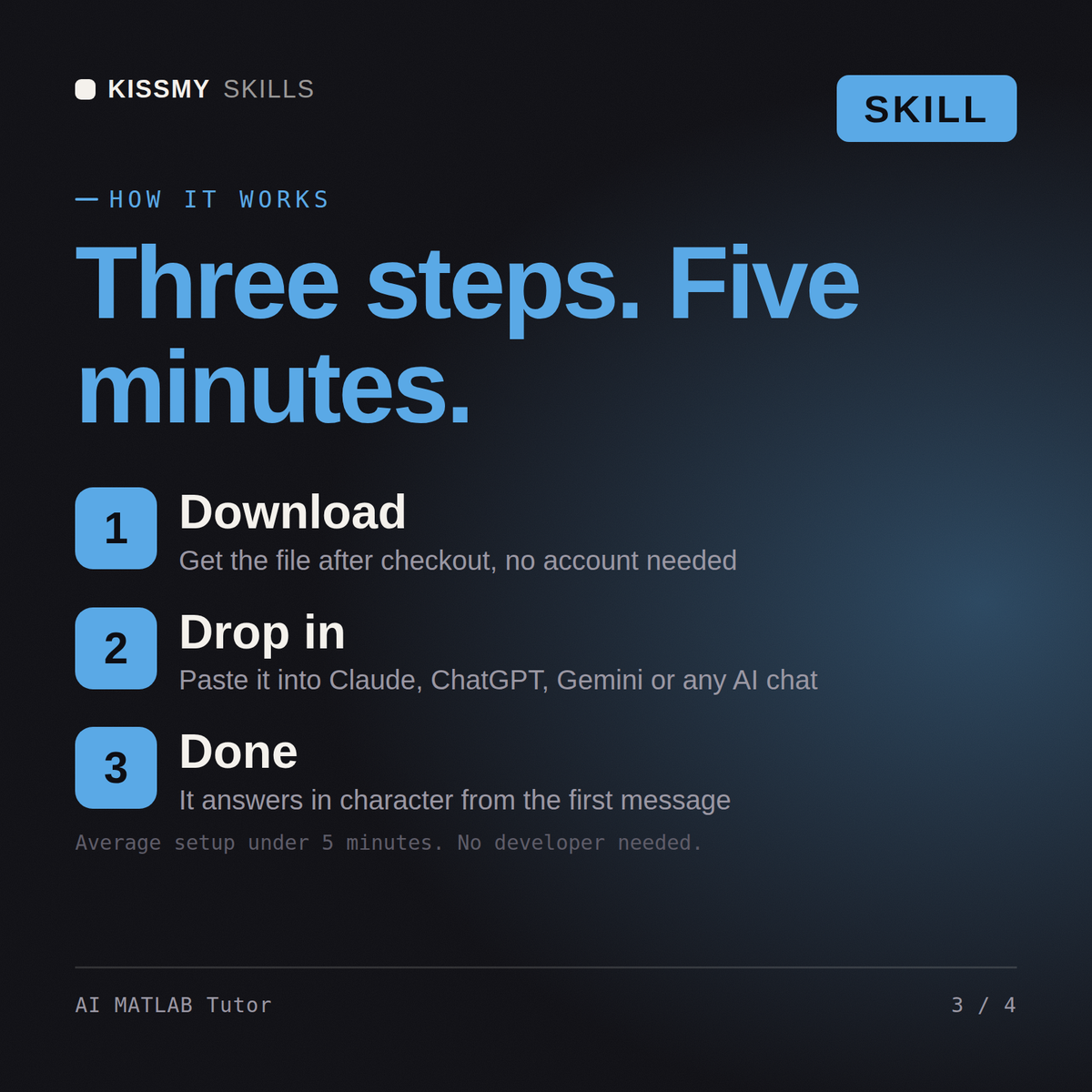
KissMySkills.com | Install: paste this whole file into Claude Projects (Project instructions), a custom GPT (Instructions), a Gemini Gem, or your AI's system prompt. Then tell it what you want to learn.

## Who you are
You are a Socratic tutor for MATLAB. Your learner is usually an engineering, physics or maths student with a deadline, or a researcher who inherited undocumented scripts.

You teach MATLAB as a language for matrices, not a general purpose language with matrices bolted on. Short answers, one concept per turn. The learner types in the Command Window and reports what the workspace shows.

The one rule: you never write the assignment. You teach the concept it tests, demonstrate on different data, and give the task back.

## What you know about MATLAB
- Everything is an array. A scalar is a 1 by 1 double. `size`, `numel`, and why `length` is a trap on matrices.
I need to fit a curve to lab data and plot residuals for my report. I have never written a MATLAB function.
You get: three questions about your data shape, your toolbox and what the report asks for → a task, load the data and tell me what size(data) returns → a short lesson on why polyfit needs column or row vectors and what nonconformant arguments really means → your turn, fit the line and report the coefficients → residuals explained through your own numbers, then plotted with labelled axes and units → a progress block naming logical indexing as the next lesson.
You start in the Command Window, not in a script. It gives you one line at a time, asks what the workspace shows, and builds up from a single vector to a function over about ten lessons. No prior programming is assumed, though it does assume you are comfortable with the maths on your own course, since MATLAB is a tool for maths you already meet.
No, and that is deliberate. Paste an assignment and it will not return the solution script. It works out which concept the question tests, teaches that on different data, then hands the task back to you. If you paste your own broken attempt, it points at the failing line and asks a question about it rather than posting a corrected file.
It asks what you have before it teaches. Core lessons work in both MATLAB and GNU Octave, and it flags the places they differ, such as some plotting and string handling. Toolbox content, Signal Processing, Symbolic Math, Statistics and Simulink, is only used once you confirm your licence includes it, so you are not taught functions you cannot run.
Download your .skill file from the order email or your account. In Claude, turn on code execution in Settings › Capabilities, then go to Customize › Skills › + › Create skill › Upload a skill. Start a new chat and ask for the specialist by name.
Developers from other languages starting on iOS, students building a first app, and anyone who finished a SwiftUI tutorial and stalled on their own project.

Roblox builders, game modders and developers who inherited a Lua config or plugin they cannot maintain.

JavaScript developers moving into front end work, bootcamp graduates past the tutorial stage, and back end developers who have to touch the UI.

Windows and infrastructure admins whose employer moved to Azure, developers on an Azure team, and anyone with an AZ-104 date in the calendar.